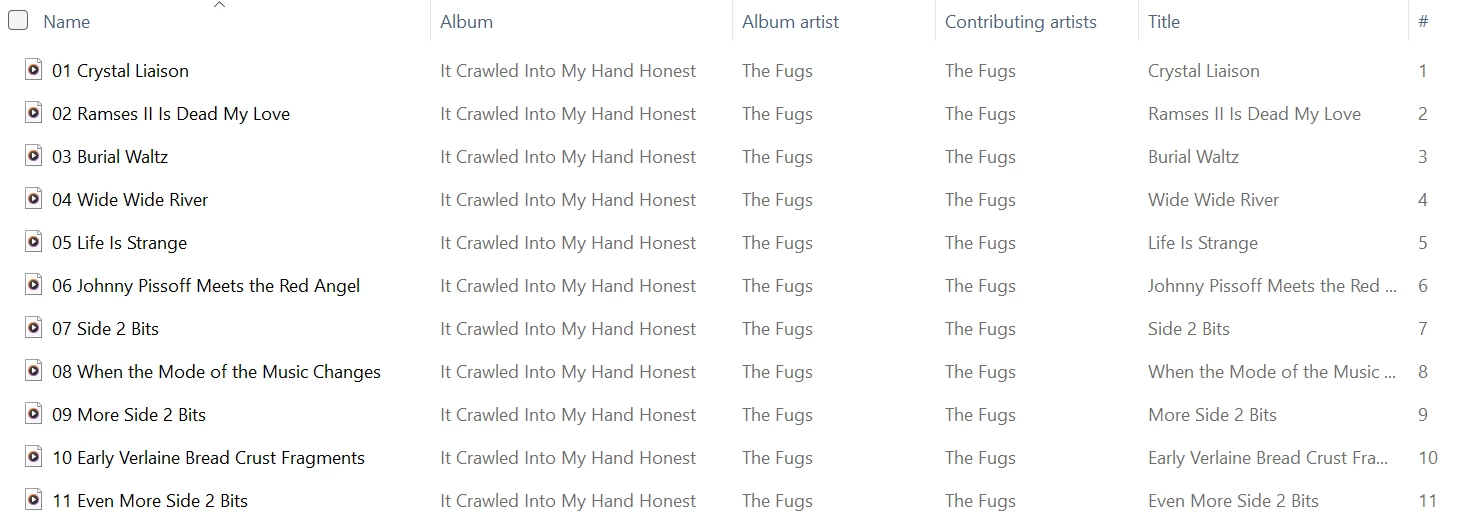
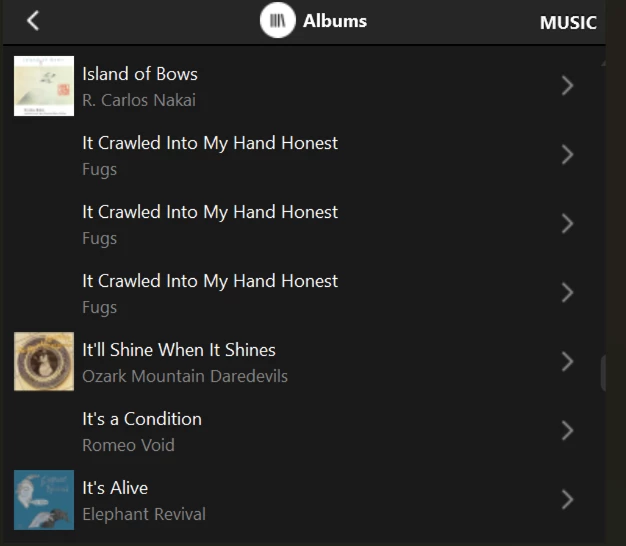
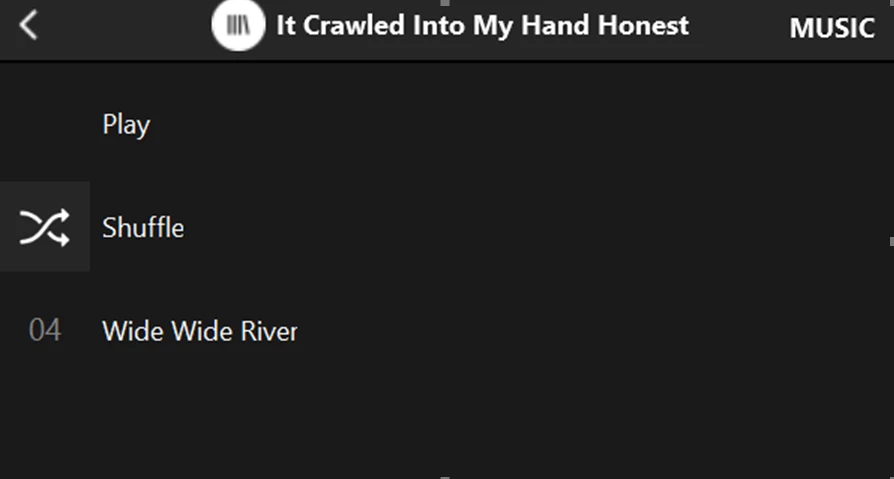
Sonos Controller - Duplicate Album Titles

  • October 20, 2025
  • 215 replies
  • 2000 views

Show first post

215 replies

Forum|alt.badge.img+4
  • Collaborator II
  • March 25, 2026

Just pursuing a line of thought so can I just ask... Are people seeing this issue consistently on the desktop as well as the phone apps?

Mac or PC but specifically PC... 🤔

I’m seeing this on Android (Google Pixel 7), PC (Win11) & Ios (Ipad 2025).


Forum|alt.badge.img+10
  • Enthusiast II
  • March 25, 2026

Just to be clear, my issue (and there are no doubt others) is not with tag lengths at all, it’s with filename lengths themselves.


Forum|alt.badge.img+10
  • Enthusiast II
  • March 25, 2026

oh, actually, I said it was track length, not tag length. But I guess the track name tag follows the file name?


  • March 25, 2026

The first album in my library that displays multiple times and the longest path/filename in that album:

“Allman Brothers Band, The/A Decade Of Hits 1969-1979/14 - In Memory Of Elizabeth Reed.flac”

which is no where near the limit mentioned. 

I doubt I have any path names over 170 characters, but I guess it’s possible. How would one go about finding out if any of the over 50,000 songs in my library have a path name over 170/180 characters?


Forum|alt.badge.img+10
  • Enthusiast II
  • March 25, 2026

funny, I had a different allman brothers with a full path that was too long!

I have a huge library also. I had about 50 songs that were too long - I hand edited them.

I have my own software that looks at all the music, so it was easy for me to add something that would spit out all the stuff that’s too long. Commercially, I don’t know. I think Bliss will do it (which I own anyway to find missing artwork).

btw, your full path is most likely something like mine:  “music/Allman Brothers/Allman Brothers Band, The/A Decade Of Hits 1969-1979/14 - In Memory Of Elizabeth Reed.flac”. Unless I am misunderstanding.


  • March 25, 2026

Well, the share is “//nas1/Music”, so I’m not sure if “Music” would be considered part of the path name. But that doesn’t really change the fact that it’s no where near the limit you mentioned.

The path / file name is just like I posted it.


Forum|alt.badge.img+6
  • Prodigy I
  • March 25, 2026

Well, the share is “//nas1/Music”, so I’m not sure if “Music” would be considered part of the path name. But that doesn’t really change the fact that it’s no where near the limit you mentioned.

The path / file name is just like I posted it.

Yes //nas1/Music/ would be part of the path name so:

//nas1/Music/Allman Brothers Band, The/A Decade Of Hits 1969-1979/14 - In Memory Of Elizabeth Reed.flac

is the full path…

Also, if you are on Windows there are some answers here:

https://stackoverflow.com/questions/64768880/windows-file-pathtoolongexception-batch-file-to-identify-filepaths-longer-than

regarding path length investigation...


  • March 25, 2026

Thanks for that. I’m on linux:

find . -regextype posix-extended -regex '.{180,}'

does the trick. I have 8 files in the library with path/filenames exceeding 180 characters. (out of 50,502). 

Edit to add: None of those files are in albums listed multiple times. So I’m not sure what to think.


  • March 25, 2026

I also checked and Sonos plays all 8 of the files and the albums they are in just fine.


Stanley_4
  • Grand Maestro
  • March 25, 2026

I’m seeing a few:

stan@hp-800:~/Desktop-Folders/data/Server All/copies/music/Current> find . -regextype posix-extended -regex '.{180,}'


./I/Idil Biret/Rachmaninoff - Idil Biret - Preludes Op. 23 - Cinq morceaux de fantaisie, Op.3/02 - Rachmaninoff - Idil Biret - Preludes Op. 23 - No. 2 in B flat major Ma
estoso.flac

six more snipped


None of them are a duplicate problem.


CronoCX
Forum|alt.badge.img+4
  • Enthusiast II
  • March 26, 2026

I found a (well known) fix for this. I very tediously shortened all file names so that total path < 170 and file name < 90. This fixed it for me. 

One album that I’m having this issue with now is only 70 characters, with spaces, and with the IP Address before the file name.

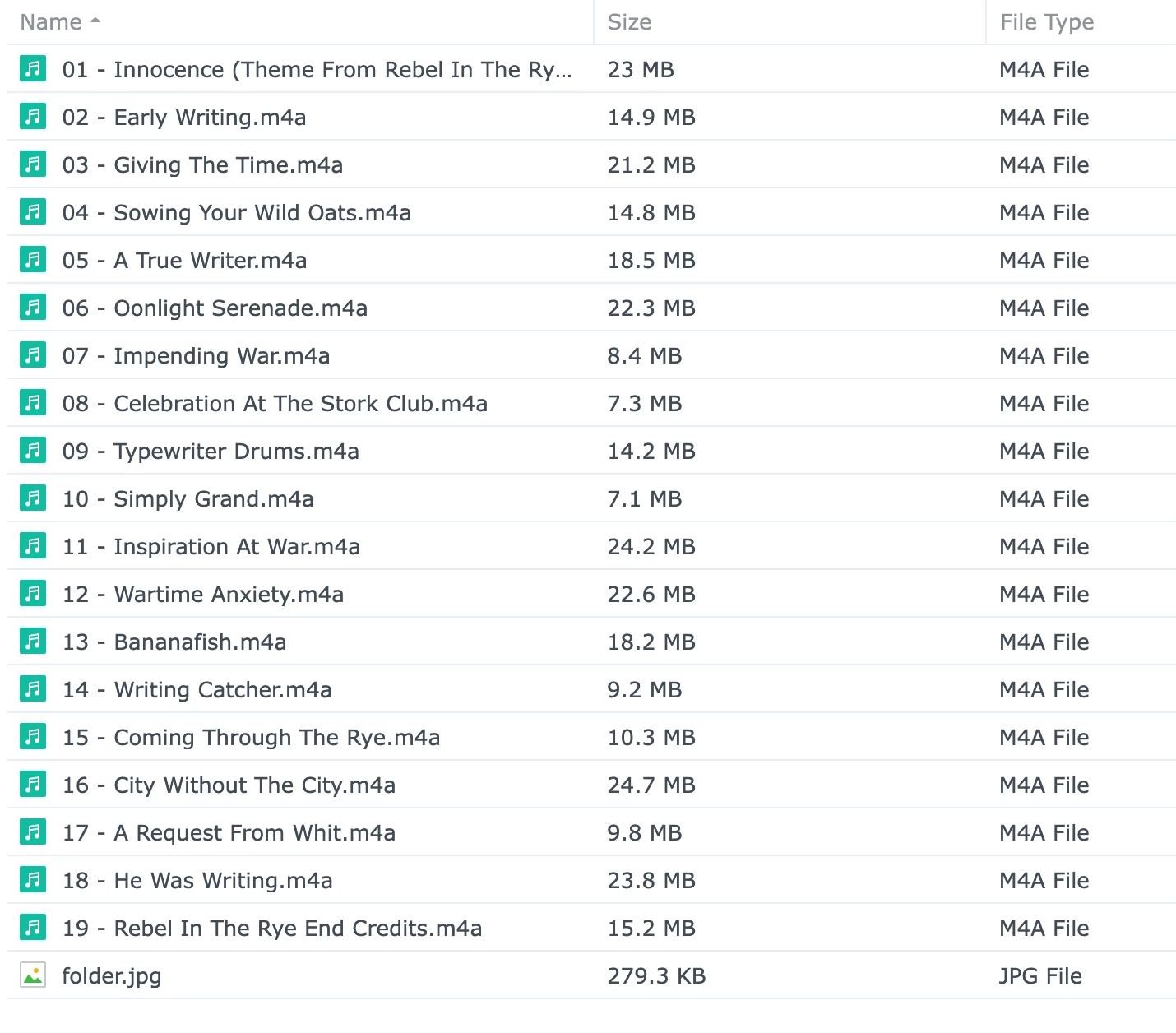
//**.*.***.***/C*****/M****/M****/B****/Bear McCreary/Rebel In The Rye

---Brian

Plus ‘.mp3’or something?  But the point is still valid.

Yep!


CronoCX
Forum|alt.badge.img+4
  • Enthusiast II
  • March 26, 2026

Consider the possibility that the “new improved” indexer will not tolerate quite as many characters in the tags and some of your formerly close to the limit tags are now over the limit.

Well, isn't it up to Sonos to make that clear. They should then give instructions on what the requirements are. All I'm seeing when I search the web is a lot of conflicting information with no backing from Sonos.

This.

--Brian


Forum|alt.badge.img+10
  • Enthusiast II
  • March 26, 2026

note that the “long something issue” has been reported to affect other albums / songs (other than the one that shows up wrong). Without knowing something real (from Sonos, say), it’s very difficult to qualify this issue. I convinced there is some issue around long names, since I was able to fix my issues by shortening some. But it’s easy to believe there are other things going on, and/or that this bug manifests itself in strange ways.


Stanley_4
  • Grand Maestro
  • March 26, 2026

It wouldn't surprise me to hear there is an issue with the indexing but since that is internal to the speakers, not the app, I would be surprised if the fix was announced in any detail.

With no user access to the logs and error messages there is nothing we can do to fix things. Maybe work around them, which is why the shortening was worth looking at, but we are waiting on Sonos for the cure.


Forum|alt.badge.img+10
  • Enthusiast II
  • March 26, 2026

gonna be a long wait!