Sonos Controller - Duplicate Album Titles

  • October 20, 2025
  • 31 replies
  • 368 views

Show first post

31 replies

Forum|alt.badge.img+1
  • Author
  • Enthusiast I
  • December 12, 2025

Does your tag editor have a mass/multiple update tags option?

Hi Stanley,

I am no expert with this utility, as I did a good bit of putzing around, trial and error stuff, untiI I finally got to this point. So I may be wrong, but it seems that it will work on all files (i.e. tracks) within the 'active' directory.

So in theory, I guess you could put many tracks (or subdirectories, maybe?) in a single folder, open it with the utility, and do one mass update.

I did ask Sonos 'what would be the harm in just turning on the compilation flag in *all* tracks?' Then it would be very easy to do a mass update without copying or moving things around (assuming it will operate on subfolders within the 'active' folder, of course).

But, bottom line? We customers should not have to do crap like that to cover for the shortcomings in their software.

The utility is mp3tag. Feel free to take a look.

Roger France


Forum|alt.badge.img+1
  • Author
  • Enthusiast I
  • January 22, 2026

Time for an update.


I received this email on 1/9/26 from Sonos support:

“The solution is to use software to convert these 11 albums into files that have consistent metadata or to use the id3 tag software to bulk edit the compilation tag.  For more info see https://support.sonos.com/en-us/article/local-music-library-grouping-and-sorting

Aye-aye-aye. They have looked at my system and know that the tracks on these albums have ‘consistent metadata’.


I replied on 1/12 saying that I didn’t think it should be up to me to turn on a misleading ‘compilation’ tag to cover up for their software deficiencies. Especially when, if I did that for these 11 albums, the problem would probably just move to other albums next time I made a change to my library and re-indexed.


I then received this reply that same day from a different person in Sonos support:

“Let me kindly explain that the cause of the problem is that random files downloaded from some magazine had inconsistent metadata. Sonos sorts files based on metadata. The metadata needs to be consistent if albums are to be expected to show up correctly.”


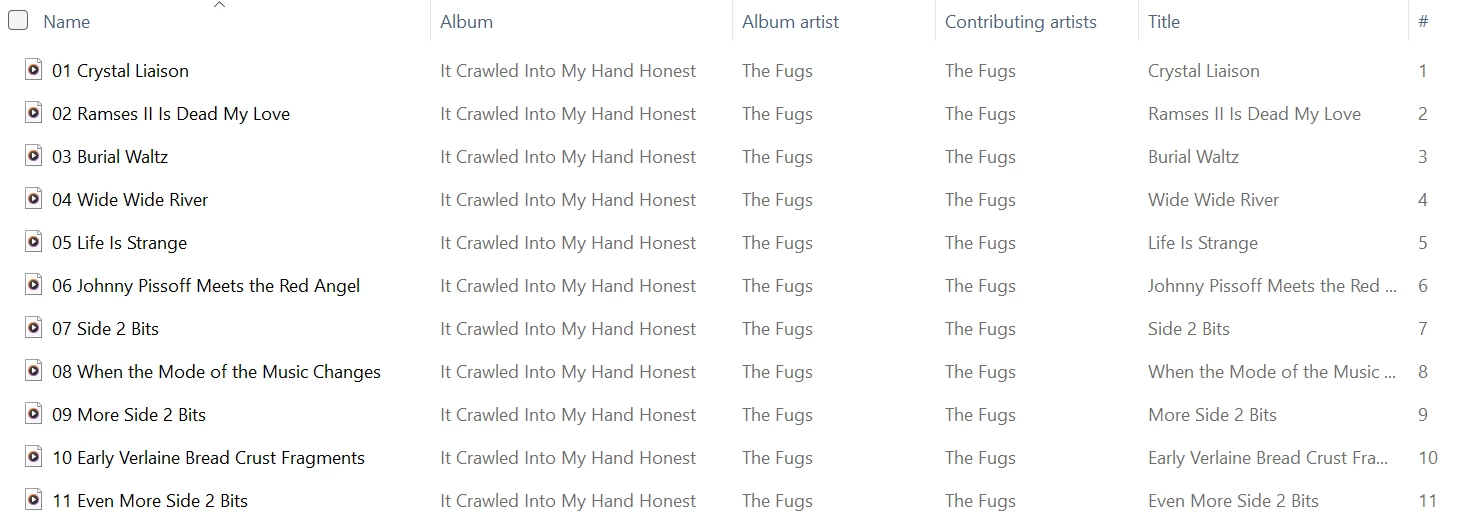
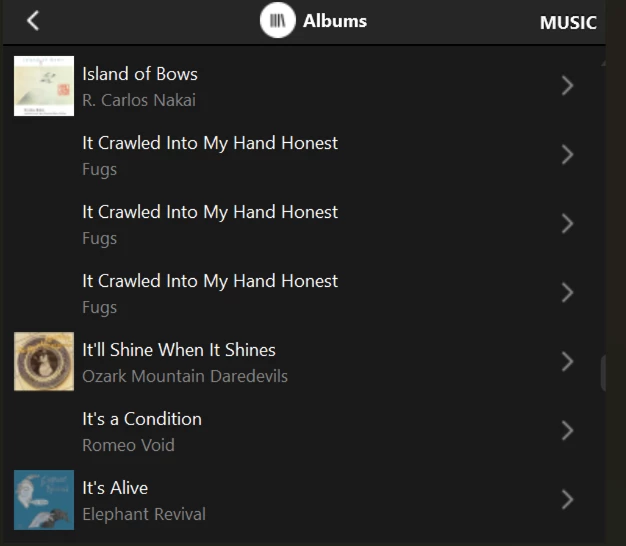
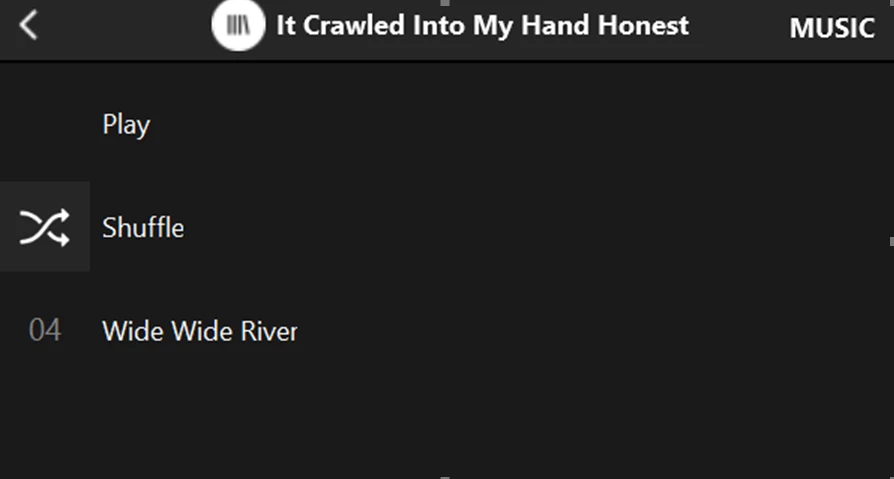
Aye-aye-aye-aye-aye-aye-aye! :) I replied, again that same day, saying that the problem existed on albums that didn’t come from ‘some magazine’ (they know that I have a number of CD’s from Paste magazine, a few of which were among the ‘duplicates’). I included multiple screen shots detailing the problem with one ‘non-magazine’ CD.


No response, until 1/18, when I received this apparently automated email from Sonos support:

“We haven't heard from you in a while. We wanted to follow up and ensure that you received the help you needed. If you still need help, reply to this email within 24 hours and our team will continue assisting you.”


WTF? So I replied that same day, again explaining the problem, and saying that it was still an open issue.

No reply. So, the next day I followed up again, simply forwarding the email I had send the day before. Still crickets.


And that’s Sonos ‘support’.


Forum|alt.badge.img+13
  • Prodigy III
  • January 23, 2026

Hi - 

I’ve been having some ‘fun’ since getting an Era 300… I had disabled the automatic re-indexing a long time ago after the mess the compilation ‘bug’ made of it. The Era not being able to cope with a name instead of IP address in the file path forced me to re-index. I don’t just have duplicate album names but also lots of missing tracks. On one album I have two entries, but both with only one out of 10 songs in it… the rest just missing. Not a compilation, nothing special, no multi-disc.. 

Another fine mess, now where did I put that copy of the Cuckoo? 


Forum|alt.badge.img+4
  • Collaborator II
  • January 23, 2026

None of us should feel fearful of having to run an index on our music library. After all you have to if you’ve added a new album or made a change. The other day I added a new album and afterwards I found no albums showing duplication, great! Then I added another album & I now have 5 albums showing as duplicates with one track in each! I know I can still play them by using the folder option, but should I have to do that?


Forum|alt.badge.img+13
  • Prodigy III
  • January 23, 2026

Just been looking through the album list on the Mac controller, trust it slightly more than the iOS app, and I have a mix of issues. Some duplicate albums where they have the same single track, others where the album title is the same and you get a series of duplicates, some with all tracks duplicated and others where even though the indexing is set to group by album artist, and it’s consistent on all tracks, it’s split by artist… no consistency and no obvious connection in things like special characters in titles, well, not that I can see anyway. 


Forum|alt.badge.img+4
  • Collaborator II
  • January 23, 2026

I think this is the fundamental problem. It’s very inconsistent in what happens, therefore it makes it very hard to track down what the issue really is. If it was always the same album that was duplicated then at least you’d know the fault was with something in that album. Sadly this is not the case. I think it’s an issue with the way the album information is read in the process of scanning the library. I do remember that in the old S2 (pre Spence) scanning a library took far longer than it does in the new S2 (post Spence). I presume new coding may have made it faster but maybe less reliable. Just my thoughts.