Trending Lyricist I
March 2, 2024
Answered

Line-In Not Registering With Connect

  • March 2, 2024
  • 21 replies
  • 1624 views

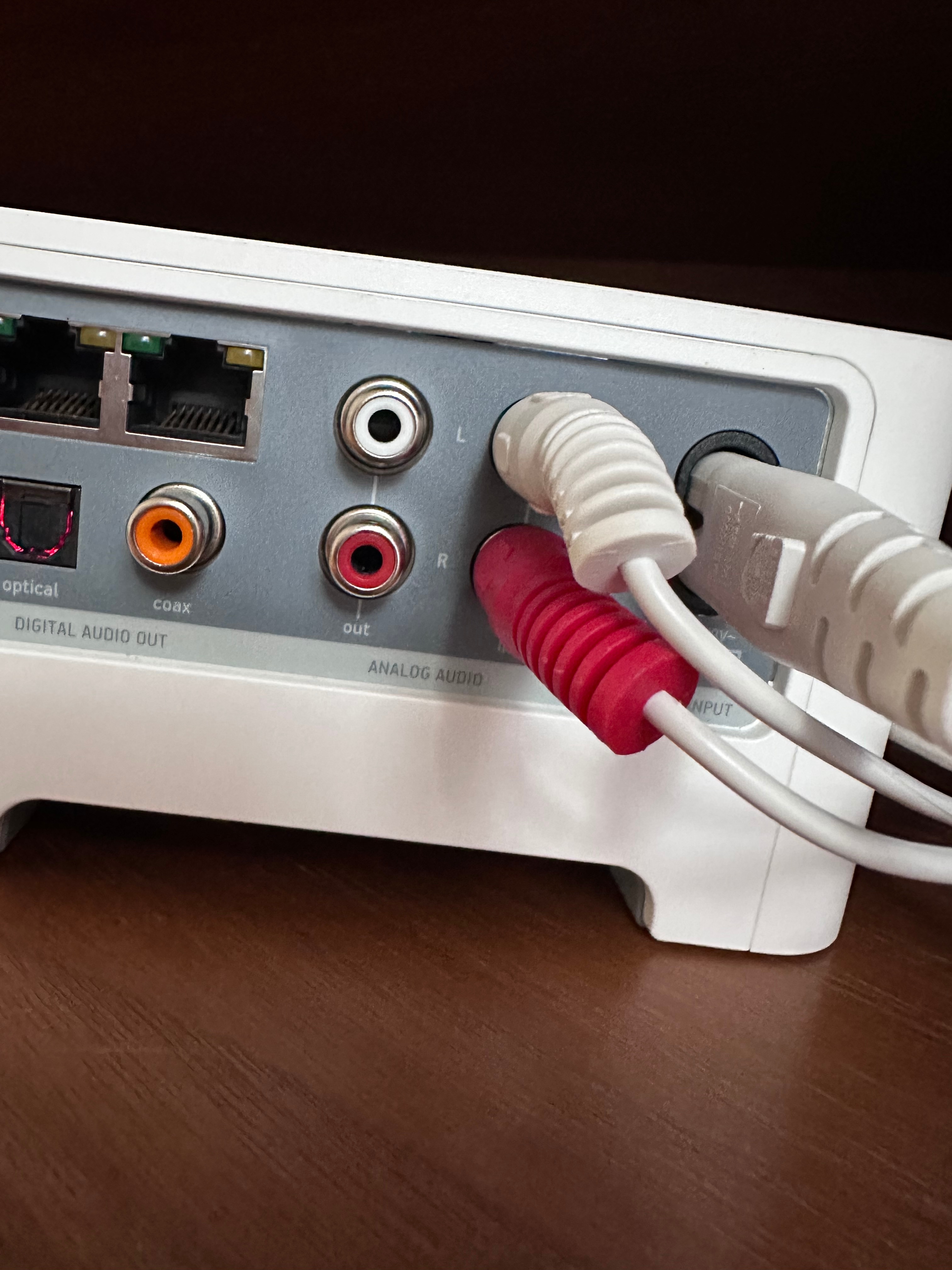
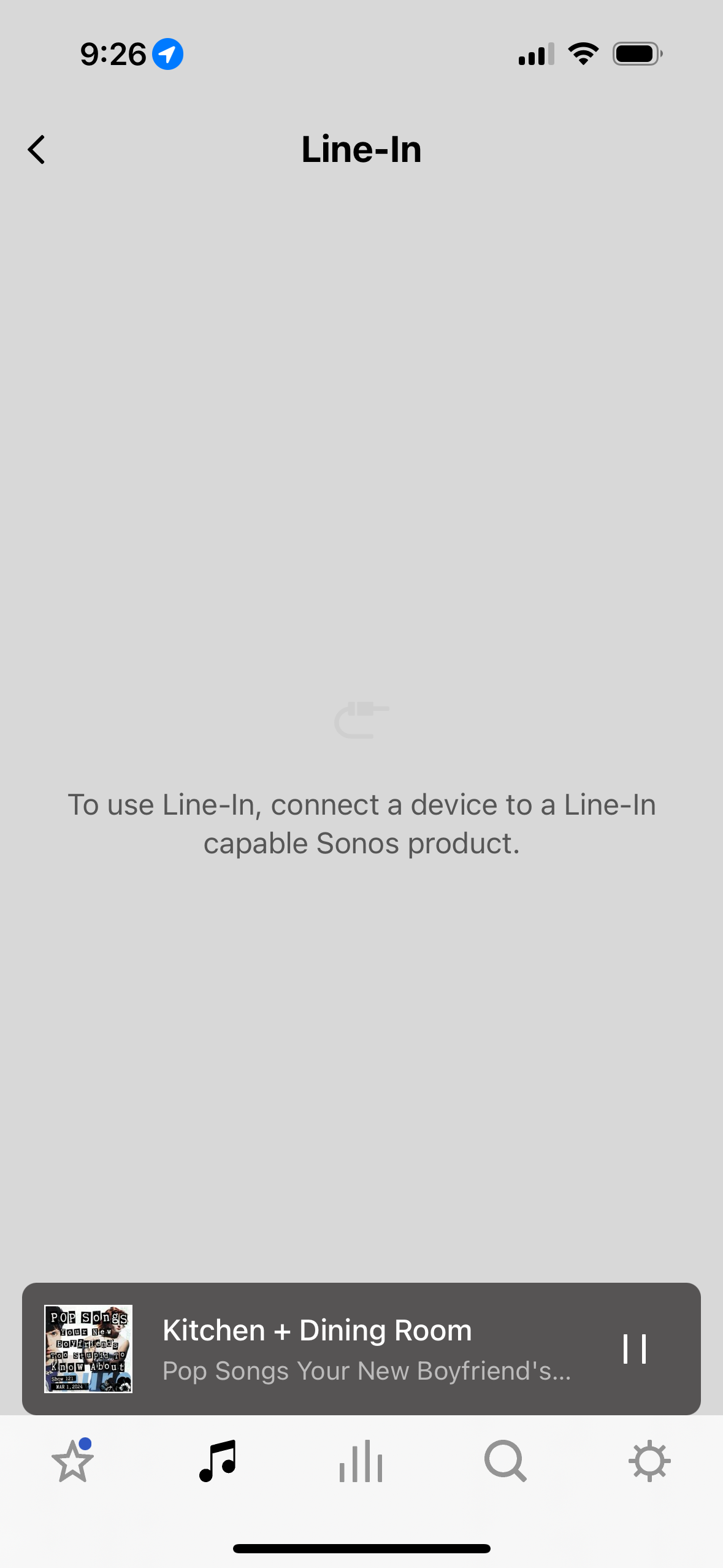
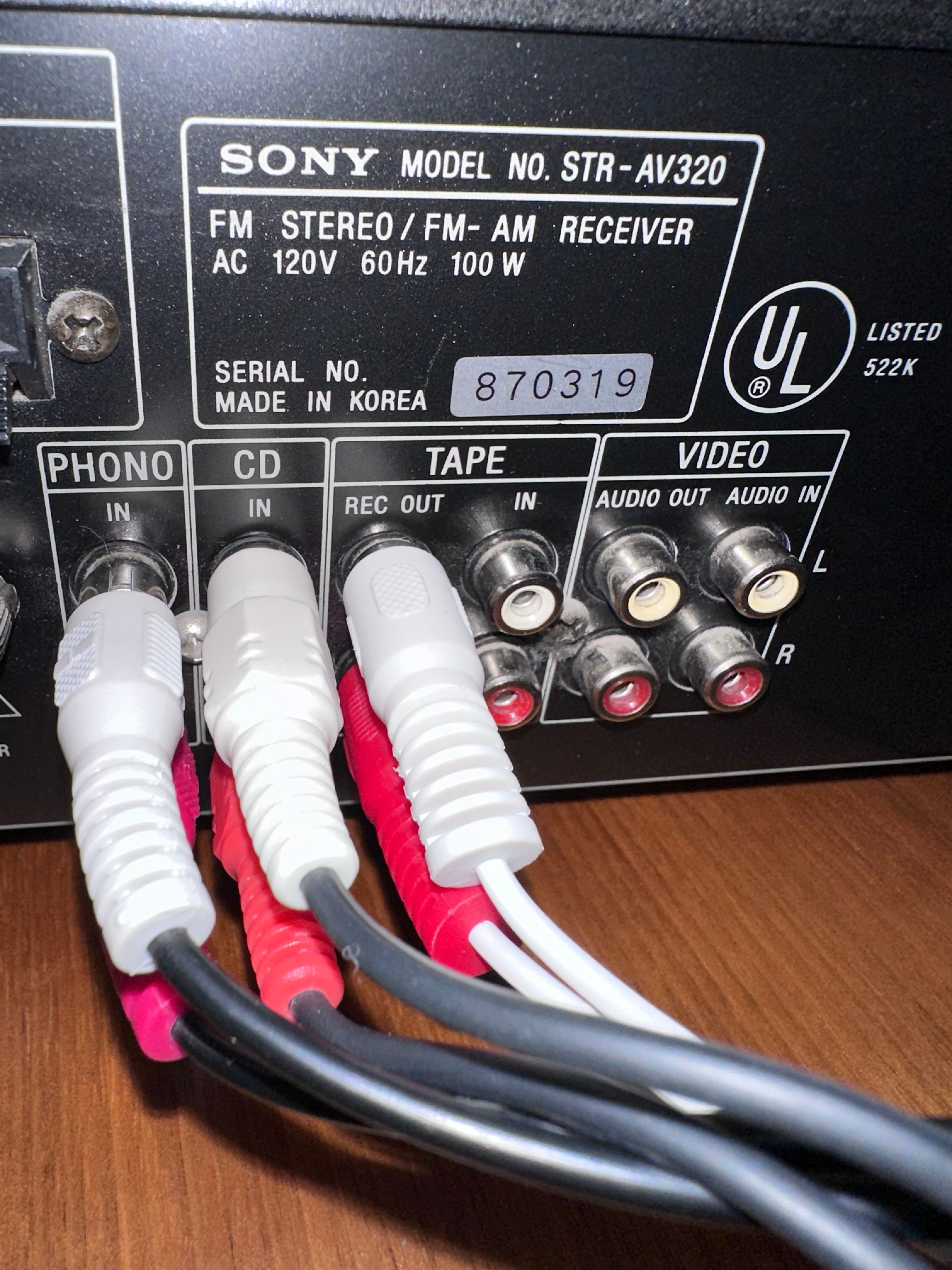
Hello! I just moved and got a new router. In the process of getting everything hooked up I’m having a line-in problem. My system is Sonos One, Play:3, and Connect - which I have hooked up to my receiver. I have my Connect hooked up exactly the same as it was before but my line in is no longer working. Everything but the connect is working. I get the message in the attached photo when I try to use my line-in. I was on the phone with Sonos for almost an hour last night and couldn’t get the issue solved. All hookups have been checked and double checked for a firm connection so that’s not the issue.   Hoping the community can help! You’ve saved me so many other times! 
 

This topic has been closed for further comments. You can use the search bar to find a similar topic, or create a new one by clicking Create Topic at the top of the page.
Best answer by Schlumpf

@dawnhorrell 

Ok, I understand… you just use it as a line in. So I think you will have to wait what Sonos support can see in the diag. 
If the problem can’t be fixed and the Connect is broken, you can use any other Sonos device that supports line in option. 
That could be a Sonos Five or one of the Sonos Era models (100 or 300). A Sonos Port (replaced the Connect) imho would be an overkill just to be used as a line in) and for a Sonos Amp as you said is no need on your side at all. 
An Era100 with the Sonos USB C - line in adapter would be the cheapest alternative and bring another speaker to your system. 
But first let’s cross fingers that your Connect can be fixed. 

21 replies

Trending Lyricist I
March 2, 2024

I have no idea how I would test other sources. But willing to try if you can guide me  


Are you able to get streaming sources to your amp via digital connection via optical or coax?

Schlumpf
Virtuoso
March 2, 2024

@dawnhorrell 

Ok, I took a look at your Sony tech specs and sadly it doesn’t support digital inputs. 
So you can’t test that…
But as already said, if not just the line in isn‘t working anymore and there‘s also nothing comming in to the Sony from Connects line out, imho it’s a hardware issue. 

Ralf
Schlumpf
Virtuoso
March 2, 2024

@dawnhorrell

How did you test the analogue line out of the Connect? RCA from Connect to any RCA input of the Sony and playing some Sonos content like Radio?

Ralf
Trending Lyricist I
March 2, 2024

@Schlumpf sorry. I’m lost again. I haven’t tested the Connect “out” analog ports. It’s my understanding (and my past hookup) that my RCA cables should be connected to Connect through the line In connections. Wouldn’t I still need to be able to connect to “line-in” with the below mentioned suggestion?  Sorry. I’m not super tech savvy. I miss my analog speakers. Haha
 

RCA from Connect to any RCA input of the Sony and playing some Sonos content like Radio?

Schlumpf
Virtuoso
March 2, 2024

@dawnhorrell

The Connects main feature / function is to make other non Sonos speakers (active ones or passive speakers connected to an amp like your Sony) become a part / room of the Sonos system as any other Sonos speaker can be. 
For that you stream content from a music service like Sonos Radio to Connects room. Via connects analogue line out (or digital out) the audio signal can get to an input of an amp like your Sony. 
That’s what I suggested to try… just to see if your Connect works at all. If it does, you can concentrate on troubleshooting of its line in function, but otherwise imo the Connect could have a general, bigger hardware issue. 
But hopefully Sonos support can see in the diagnostic data what’s wrong. 

Ralf
Trending Lyricist I
March 3, 2024

@Schlumpf i got the connect so that I could get rid of my analog speakers and use Sonos speakers to listen to my CD player and Turntable. I replaced all of my analog speakers with Sonos. It’s never been a problem until now. However because I no longer have analog speakers I can’t try this functionality. Am I using the connect incorrectly? Is there another product that would allow me to play my analog devices through my Sonos speakers? 
 

thanks! 

Schlumpf
SchlumpfAnswer
Virtuoso
March 3, 2024

@dawnhorrell 

Ok, I understand… you just use it as a line in. So I think you will have to wait what Sonos support can see in the diag. 
If the problem can’t be fixed and the Connect is broken, you can use any other Sonos device that supports line in option. 
That could be a Sonos Five or one of the Sonos Era models (100 or 300). A Sonos Port (replaced the Connect) imho would be an overkill just to be used as a line in) and for a Sonos Amp as you said is no need on your side at all. 
An Era100 with the Sonos USB C - line in adapter would be the cheapest alternative and bring another speaker to your system. 
But first let’s cross fingers that your Connect can be fixed. 

Ralf
Trending Lyricist I
March 3, 2024

@Schlumpf I really appreciate your help!!

buzz
Grand Maestro
March 3, 2024

Make sure that the RCA plugs are fully seated in the Jack. Also, there is a mechanical switch that detects when a plug is inserted. I don’t know why you would suddenly have an issue with this, but the center pin on some RCA plugs is too short.

Stanley_4
Grand Maestro
March 3, 2024

You can test the Line-Out of a device using a set of headphones. It sounds bad and the volume is very low but it works.

Plug your RCA cables into the Line-Out you want to test.

Touch the base of one RCA cable to the stem (closest to the plug) of the headphone cable.

Touch the tip of the other RCA plug to the tip of the headphone cable.

You can change the RCA cable’s locations to test both channels.