Answered

AMP GEN3 won't reset

  • December 17, 2024
  • 8 replies
  • 121 views

Hi, 

I have a Sonos AMP gen 3, but it does not reset to factory settings, only the white light flashes, I followed and applied all the instructions but I did not get any results

Best answer by Ozgur

Yes, I finally contacted Sonos support, but they couldn't do anything, they decided that the device was faulty (I expected them to say something different), and we couldn't get any results because it was outside the warranty period.

You or anyone else looking here should be informed, if you encounter such a problem, do not bother and throw the device in the trash.

This topic has been closed for further comments. You can use the search bar to find a similar topic, or create a new one by clicking Create Topic at the top of the page.

8 replies

Stanley_4
  • Lead Maestro
  • December 17, 2024

When you connected it to Ethernet and your main router did the LED act any differently?


Airgetlam
  • December 17, 2024

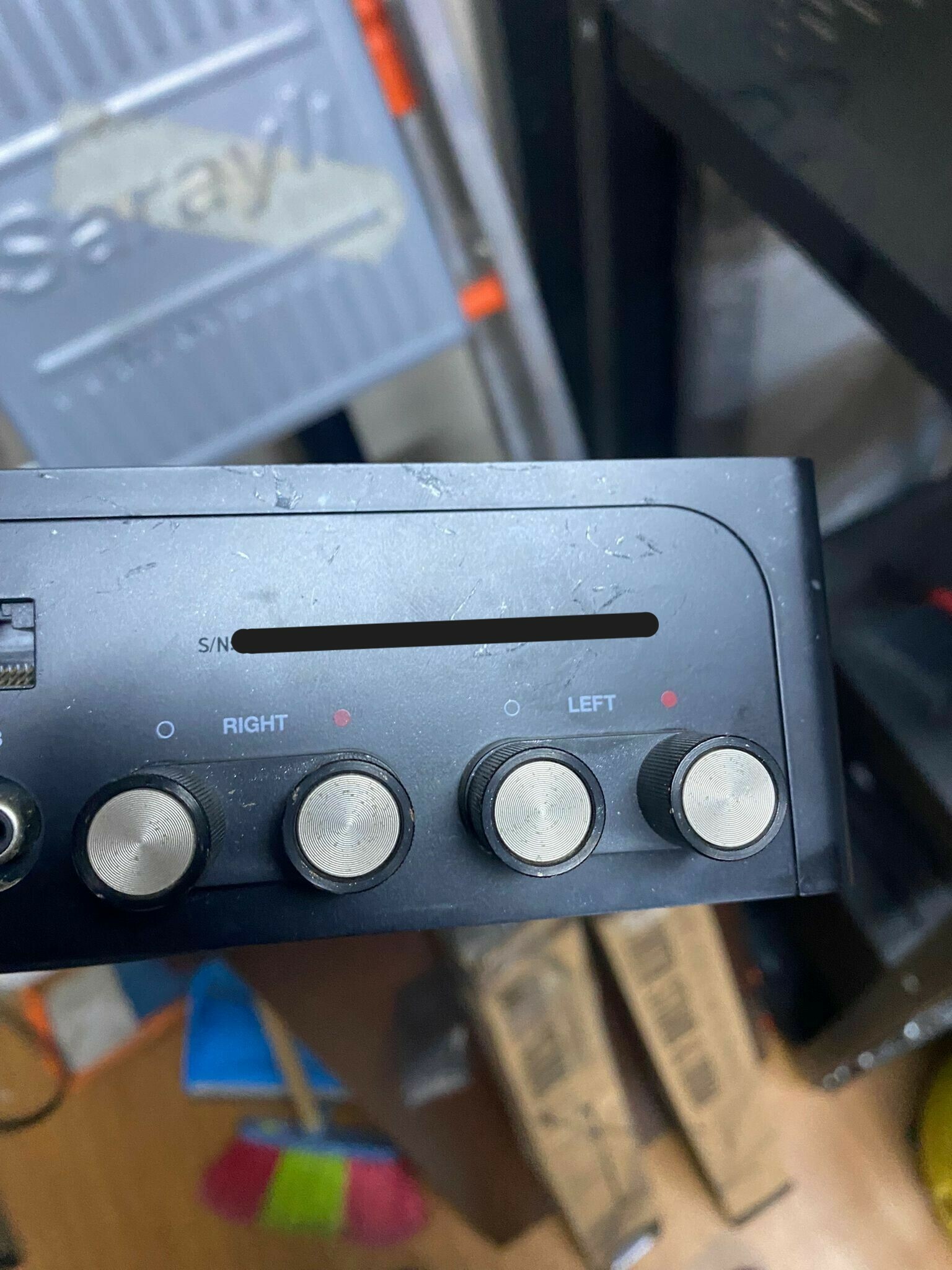
What is a Sonos AMP gen 3? Can you post a picture of the label of this device, obscuring any PID?


  • Author
  • Contributor I
  • December 18, 2024

No, the LED did not change when I connected it via ethernet.


Stanley_4
  • Lead Maestro
  • December 18, 2024

Time to call Sonos Support.


  • Author
  • Contributor I
  • December 20, 2024


Hava Getlam ürün bu AMP GEN3


Mod edit: Removed serial number and pin


  • Author
  • Contributor I
  • December 20, 2024

ethernet kablo ile bağlantılı video da çektim fakat yükleyemedim  


106rallye
Forum|alt.badge.img+18
  • December 20, 2024

@Ozgur That’s a Sonos Amp (that is only made in one version so no generation is mentioned). The predecessor to the Amp was the Connect Amp, that was made in two generations.

I (Google-) translated your last post:

ethernet kablo ile bağlantılı video da çektim fakat yükleyemedim 

I also shot a video with an Ethernet cable, but I couldn't upload it.

You could upload it to YouTube and share the link here.


  • Author
  • Contributor I
  • Answer
  • December 21, 2024

Yes, I finally contacted Sonos support, but they couldn't do anything, they decided that the device was faulty (I expected them to say something different), and we couldn't get any results because it was outside the warranty period.

You or anyone else looking here should be informed, if you encounter such a problem, do not bother and throw the device in the trash.