Answered

Sonos Beam (Gen 2) disconnects from WiFi after 1–3 days

  • April 11, 2026
  • 6 replies
  • 19 views

Hi everyone,

I’m having an issue with my Sonos Beam (Gen 2) randomly disconnecting from WiFi, and I can’t figure out why.

Here’s what’s happening:
- After rebooting, it connects to WiFi normally
- But after about 1–3 days, it loses the connection
- When that happens, it completely disappears from both AirPlay and the Sonos app

On my router:
- It still shows up in the DHCP client list (so it had an IP assigned)
- But it does NOT appear in the active client list anymore

Things I’ve already tried:
- Set a DHCP reservation (static IP)
- Separated 2.4GHz / 5GHz SSIDs (Beam is on 2.4GHz)
- Disabled Smart Connect
- Restarted both router and Beam multiple times
- Factory reset the Beam and set it up again

Some extra context:
- It always works fine right after a reboot, so initial connection seems fine
- The problem is that it can’t maintain the connection over time
- I’d prefer to keep using WiFi (wired connection isn’t an option in my setup)

Has anyone seen something like this before or knows what might be causing it?

Any help would be really appreciated!

Best answer by Airgetlam

Odd. 

What isn’t clear from your post is whether or not during your reboots if the Beam was unplugged while you rebooted the router. Although assigning it a reserved IP address, that shouldn’t be an issue, but I am wondering.

Don’t factory reset the Beam unless instructed to by Sonos. Essentially, it likely won’t fix anything, and erases any error logs there might be to help Sonos help you.

The other thing I’m wondering about is the possibility of wifi interference . Possibly from inside your network, but given the length of time between the events, I’m considering the possibility of something outside. Like a neighbor using the same channel, or some other electronic (or even non-electronic, radio affects are odd). The fact is, while I was in Texas, I had a new neighbor that ended up using the same ‘channel’ as I was, and periodically stomped all over my system. Took several days to figure that out. 

I would recommend that you submit a system diagnostic within 10 minutes of experiencing this problem, and call Sonos Support to discuss it. Don’t post the resulting diagnostic number here.

There may be information included in the diagnostic that will help Sonos pinpoint the issue and help you find a solution.

When you speak directly to the Support staff, they have tools at their disposal that will allow them to give you advice specific to your network and Sonos system.

6 replies

Airgetlam
  • Answer
  • April 11, 2026

Odd. 

What isn’t clear from your post is whether or not during your reboots if the Beam was unplugged while you rebooted the router. Although assigning it a reserved IP address, that shouldn’t be an issue, but I am wondering.

Don’t factory reset the Beam unless instructed to by Sonos. Essentially, it likely won’t fix anything, and erases any error logs there might be to help Sonos help you.

The other thing I’m wondering about is the possibility of wifi interference . Possibly from inside your network, but given the length of time between the events, I’m considering the possibility of something outside. Like a neighbor using the same channel, or some other electronic (or even non-electronic, radio affects are odd). The fact is, while I was in Texas, I had a new neighbor that ended up using the same ‘channel’ as I was, and periodically stomped all over my system. Took several days to figure that out. 

I would recommend that you submit a system diagnostic within 10 minutes of experiencing this problem, and call Sonos Support to discuss it. Don’t post the resulting diagnostic number here.

There may be information included in the diagnostic that will help Sonos pinpoint the issue and help you find a solution.

When you speak directly to the Support staff, they have tools at their disposal that will allow them to give you advice specific to your network and Sonos system.


Airgetlam
  • April 11, 2026

Oh, it might be helpful to know what router you’re using, as well. 


  • Author
  • Contributor I
  • April 11, 2026

Oh, it might be helpful to know what router you’re using, as well. 

TP-Link Archer AXE5400


Airgetlam
  • April 11, 2026

Thanks. It’s good to know that it isn’t a multi-point device, or that it appears on this list

I’d certainly be interested in what Sonos Support says, since they have access to data that neither of us can see. 


MoPac
Forum|alt.badge.img+19
  • Headliner III
  • April 11, 2026

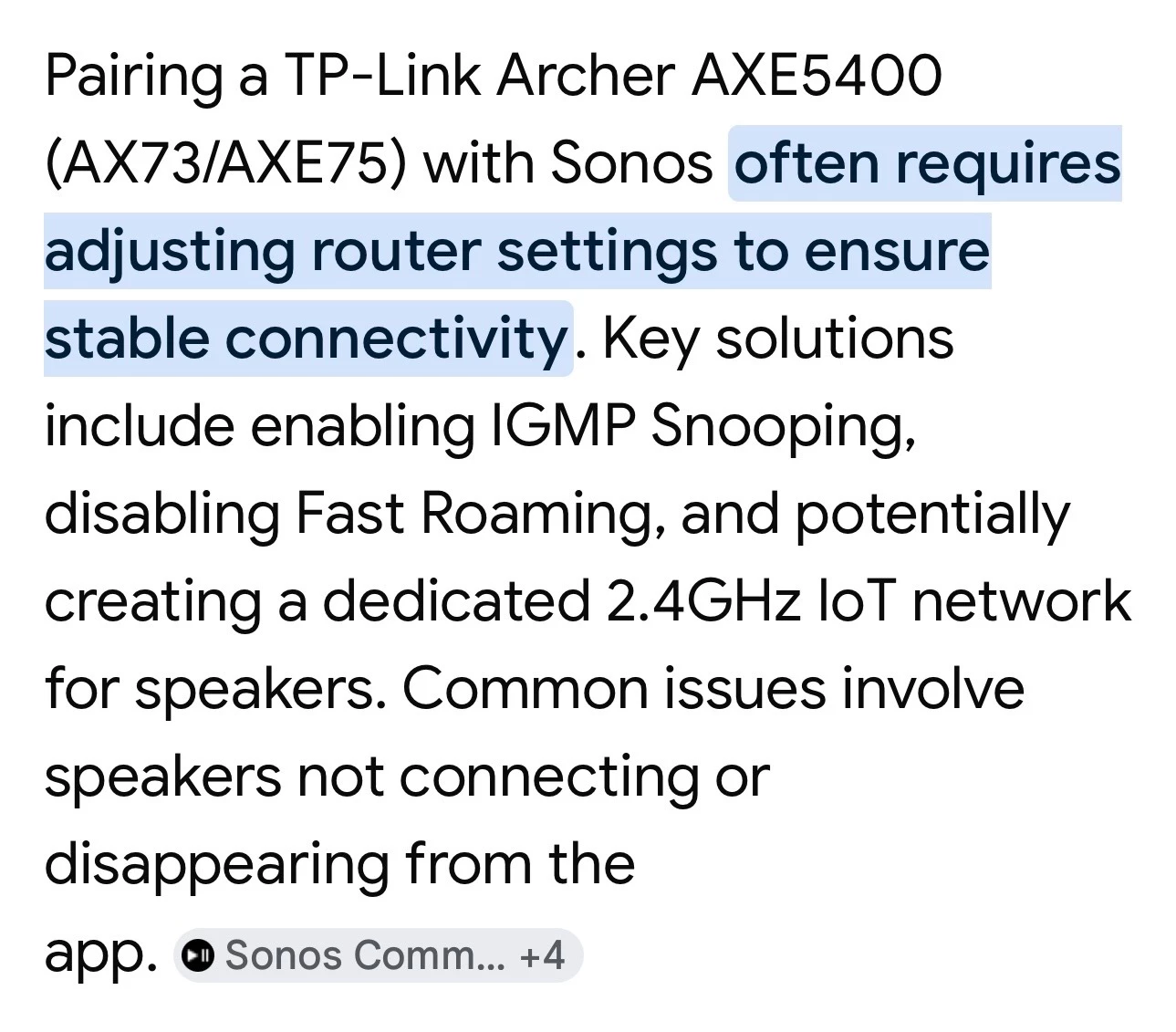
Try these:


  • Author
  • Contributor I
  • April 11, 2026

Try these:


ok