Question

album artwork showing up intermittently

  • February 21, 2026
  • 24 replies
  • 36 views

Forum|alt.badge.img+10

Anyone have problems like this recently? I had to re-copy and re-index everything recently. Now some albums don’t have artwork. The artwork shows up on my computer in Apple Music, shows up in finder on my SMB server, but does not show up in Sonos controller on iOS or on MacOS.

 

24 replies

buzz
  • February 21, 2026

Here are some artwork details.


MoPac
Forum|alt.badge.img+19
  • Headliner III
  • February 21, 2026

 Do you have tagging software like MP3 Tag?  Tagging software will show you if the music file has an album cover as part of the metadata.  Some systems look for a jpg/png album cover file in the album folder containing the music track files.  Some systems look for the album cover in the tag metadata.


Forum|alt.badge.img+10
  • Author
  • Enthusiast II
  • February 21, 2026

I use Bliss - it might tell me. I’m pretty sure the albums in question are tagged internally, which I think is what Sonos actually uses. The stuff shows up fine in finder, apple music, etc…


MoPac
Forum|alt.badge.img+19
  • Headliner III
  • February 22, 2026

 Does an album in Sonos with missing album art show the album art in Bliss?  In my library I have a jpg/png album cover file in all my albums.  Also all albums are tagged with the album art as part of the metadata.  The only pain-in-the-butt system is Bryston who uses MPD requiring me to name all the jpg/png files with the same name.  In the MPD settings I set the name to “cover.jpg”.


Forum|alt.badge.img+10
  • Author
  • Enthusiast II
  • February 22, 2026

Yes, everything looks great in Bliss. and (due to mistakes) I had bliss generate cover.jpg/png and folder.jpg/png


Airgetlam
  • February 22, 2026

I could, at least potentially, see a wifi interference issue, for the moment the controller is requesting the album art…but I’d think it would be random, not easily repeatable. Nor do I have any knowledge about sequences in data requests through the Sonos controller. But I’d definitely expect it to be random. 
 

I do think the controller doesn’t ask for the art directly, I expect the Sonos devices to request it, and ‘publish’ it to the controller, as they do with everything else they process. It would be odd for a controller to be responsible for such a minor thing, when the Sonos device itself is responsible for everything else. 


Forum|alt.badge.img+10
  • Author
  • Enthusiast II
  • February 22, 2026

Bliss has pretty decent tag editing, but which tag has art in it?


Forum|alt.badge.img+10
  • Author
  • Enthusiast II
  • February 22, 2026

I could, at least potentially, see a wifi interference issue, for the moment the controller is requesting the album art…but I’d think it would be random, not easily repeatable. Nor do I have any knowledge about sequences in data requests through the Sonos controller. But I’d definitely expect it to be random. 
 

I do think the controller doesn’t ask for the art directly, I expect the Sonos devices to request it, and ‘publish’ it to the controller, as they do with everything else they process. It would be odd for a controller to be responsible for such a minor thing, when the Sonos device itself is responsible for everything else. 

I kind out doubt that it’s interference. for affected albums I can never, ever get the art. And I do have some wired devices. Also. for a long time I had no issues - now all of a sudden (with a lot of new equipment) I have this problem.


Forum|alt.badge.img+10
  • Author
  • Enthusiast II
  • February 22, 2026

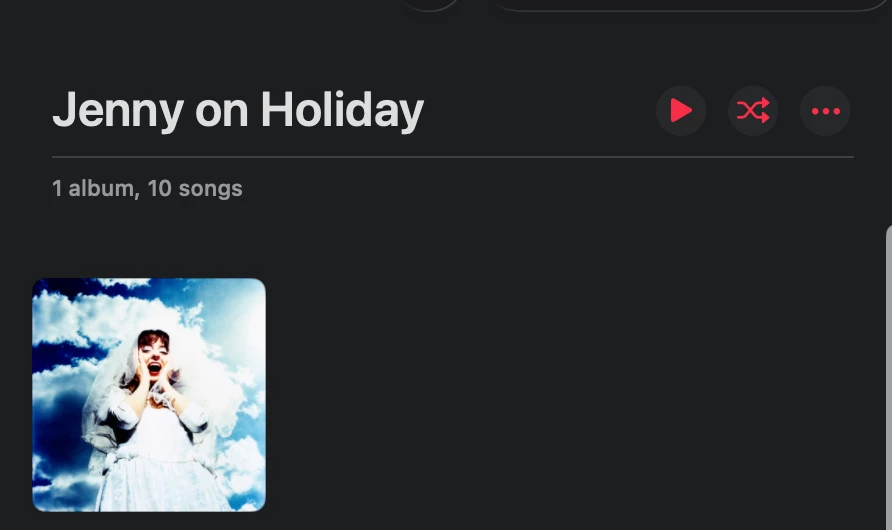
Here is what it looks like in apple music (presumably using embedded art?):
 

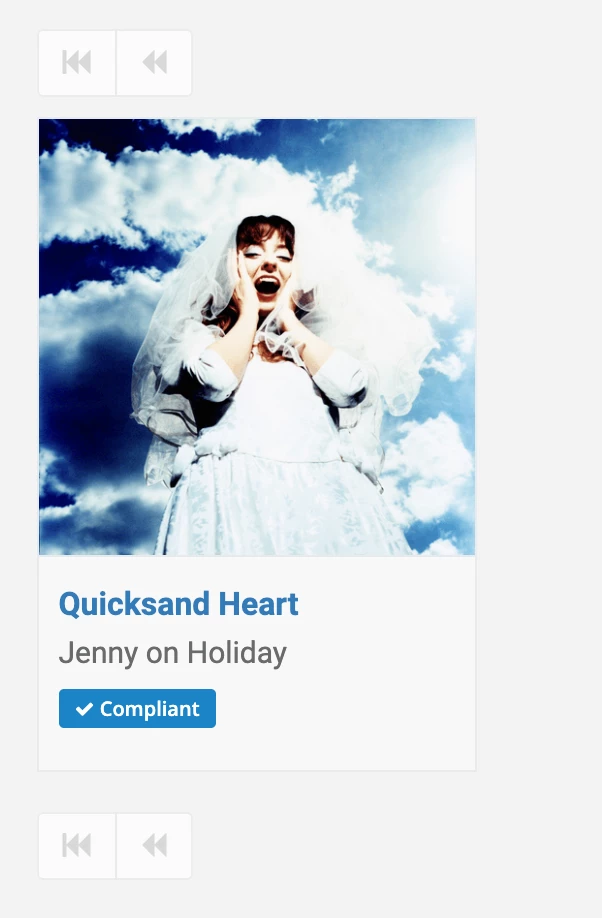
Here is what it looks like in Bliss, on my Mac:


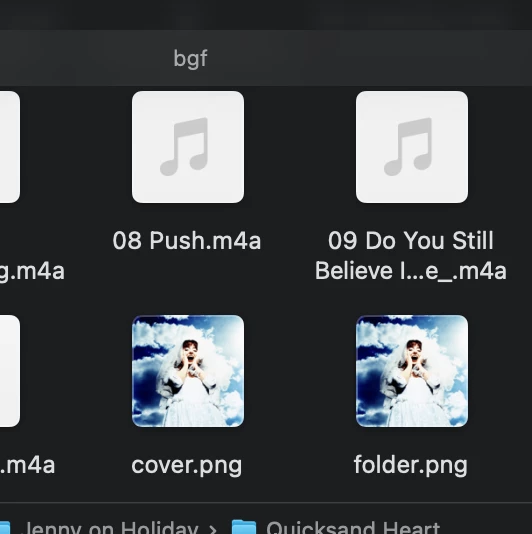
And after everything copied to NAS, finder at least shows the folder and cover png:


Forum|alt.badge.img+10
  • Author
  • Enthusiast II
  • February 22, 2026

 Do you have tagging software like MP3 Tag?  Tagging software will show you if the music file has an album cover as part of the metadata.  Some systems look for a jpg/png album cover file in the album folder containing the music track files.  Some systems look for the album cover in the tag metadata.

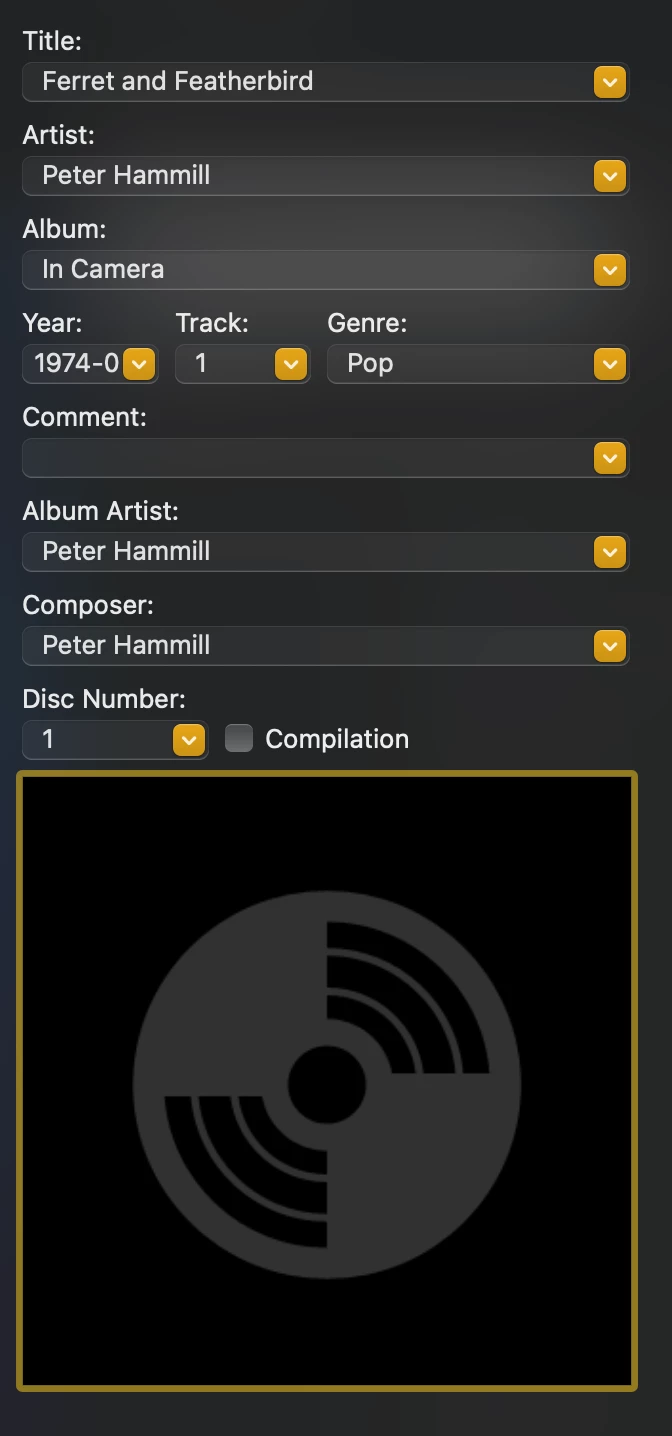
I just downloaded mp3 tag, but how do I use it to see embedded art? Here’s a file that shows correctly, but I don’t see where it says anything about art?


Forum|alt.badge.img+10
  • Author
  • Enthusiast II
  • February 22, 2026

Oh, I guess if the artwork was correctly embedded I would see it here at the bottom of this panel?


Forum|alt.badge.img+2
  • Enthusiast II
  • February 22, 2026

perhaps the missing art isn’t compliant with Sonos’ requirements. 
 

https://support.sonos.com/en-ca/article/missing-music-library-album-art-in-the-sonos-app


Copied from the link:
 

Album art requirements:

  • Artwork embedded into the music files must be in one of the following formats: JPG, BMP, GIF or PNG.
  • Maximum resolution for embedded artwork is 1024 x 1024.
  • iOS devices support album artwork up to 320kb in size with no resolution limit.
  • If album artwork is saved in the album folder instead of embedded in the files, it must be in JPG or GIF format and named folder.xxx (e.g., folder.jpg or folder.gif). Each album should be in its own folder and contain a single image file.

Forum|alt.badge.img+10
  • Author
  • Enthusiast II
  • February 22, 2026

perhaps the missing art isn’t compliant with Sonos’ requirements. 
 

https://support.sonos.com/en-ca/article/missing-music-library-album-art-in-the-sonos-app


Copied from the link:
 

Album art requirements:

  • Artwork embedded into the music files must be in one of the following formats: JPG, BMP, GIF or PNG.
  • Maximum resolution for embedded artwork is 1024 x 1024.
  • iOS devices support album artwork up to 320kb in size with no resolution limit.
  • If album artwork is saved in the album folder instead of embedded in the files, it must be in JPG or GIF format and named folder.xxx (e.g., folder.jpg or folder.gif). Each album should be in its own folder and contain a single image file.

It suggests that it will not read a folder.png. But I don’t think that’s true. In any case the art must be embedded or it wouldn’t show in apple music (itunes) in the first place, right? Also, I do have some albums with missing artwork, and they have a valid folder.jpg jpeg image.


MoPac
Forum|alt.badge.img+19
  • Headliner III
  • February 22, 2026

 Where does the last screenshot come from?  I think it’s your NAS, right?  I’ve seen this before in the Sonos app where if the track name includes the track number & has no album art then Sonos is rejecting it for some reason.  Usually when this happens to me the file name includes an illegal character ( usually ann illegal apostrophe ).  I don’t see that in the two track names I see in your screenshot.  Of course I don’t know for sure where that last screenshot is from.

 I’m afraid I don’t have a MAC nor do I use Apple on my Windows computer mostly cause Apple doesn’t like FLAC.  I use JRiver Media Center.


Forum|alt.badge.img+2
  • Enthusiast II
  • February 22, 2026


It suggests that it will not read a folder.png. But I don’t think that’s true. In any case the art must be embedded or it wouldn’t show in apple music (itunes) in the first place, right? Also, I do have some albums with missing artwork, and they have a valid folder.jpg jpeg image.


The art may be embedded (if bliss says it is it is), but does your artwork rule in bliss allow images bigger than 1024x1024 and 320kb? 


Forum|alt.badge.img+10
  • Author
  • Enthusiast II
  • February 22, 2026


It suggests that it will not read a folder.png. But I don’t think that’s true. In any case the art must be embedded or it wouldn’t show in apple music (itunes) in the first place, right? Also, I do have some albums with missing artwork, and they have a valid folder.jpg jpeg image.


The art may be embedded (if bliss says it is it is), but does your artwork rule in bliss allow images bigger than 1024x1024 and 320kb? 

I looked at some of the “bad” images, and they weren’t that big. But I’ll add that rule - I did used to use it.


Forum|alt.badge.img+10
  • Author
  • Enthusiast II
  • February 22, 2026

oh, but I don’t think bliss has a rule for max size. I’ll just look for that.


MoPac
Forum|alt.badge.img+19
  • Headliner III
  • February 22, 2026


It suggests that it will not read a folder.png. But I don’t think that’s true. In any case the art must be embedded or it wouldn’t show in apple music (itunes) in the first place, right? Also, I do have some albums with missing artwork, and they have a valid folder.jpg jpeg image.


The art may be embedded (if bliss says it is it is), but does your artwork rule in bliss allow images bigger than 1024x1024 and 320kb? 

 I have many album art files in the album folders over 1024 x 1024, over 320kb and they all have unique names. They all show in Sonos.  Also several of the album cover files are .png.  Maybe because they are all embedded in the album tags is why they all show in Sonos.  Maybe Sonos looks at the tags first or maybe that’s all they look at.


Stanley_4
  • Grand Maestro
  • February 22, 2026

Maybe the restrictions on allowable names?

Scroll down to the Added section here

https://stan-miller.livejournal.com/357.html


Added October 2023. ----------------------------

Much digging into the Samba configuration details and code versions turns up an issue. The filename ‘illegal’ character mapping needs to be configured differently in later Samba versions because the ‘mangled map’ option there is gone and replaced with the catia vfs options

continues at link


Forum|alt.badge.img+10
  • Author
  • Enthusiast II
  • February 22, 2026

well, I configured bliss to only make folder jpeg, not png. told it to keep art below 900X900. seems to be working better now!


Forum|alt.badge.img+2
  • Enthusiast II
  • February 22, 2026


It suggests that it will not read a folder.png. But I don’t think that’s true. In any case the art must be embedded or it wouldn’t show in apple music (itunes) in the first place, right? Also, I do have some albums with missing artwork, and they have a valid folder.jpg jpeg image.


The art may be embedded (if bliss says it is it is), but does your artwork rule in bliss allow images bigger than 1024x1024 and 320kb? 

 I have many album art files in the album folders over 1024 x 1024, over 320kb and they all have unique names. They all show in Sonos.  Also several of the album cover files are .png.  Maybe because they are all embedded in the album tags is why they all show in Sonos.  Maybe Sonos looks at the tags first or maybe that’s all they look at.

The requirements say PNG files are fine for embedded art work, but not folder.png. If you are on iOS you can have any resolution, but Sonos says no bigger than 320kb. Maybe these requirements are more suggestions than hard and fast rules.
 

Probably to guide owners so the art isn’t so large so as to time out om systems with slow to spin up disks or higher latency networks. I’m just guessing though. 


MoPac
Forum|alt.badge.img+19
  • Headliner III
  • February 22, 2026

 Mine are all under 600kb which is a BlueSound requirement.


Forum|alt.badge.img+7
  • Enthusiast II
  • February 22, 2026

I have a weird issue where album art from my library does not display on the album list page, or the album page, but it does show on the Now Playing page.

I mentioned on here months ago and it's still an issue. I've rebooted everything but to no avail. 


MoPac
Forum|alt.badge.img+19
  • Headliner III
  • February 22, 2026

 Are you up to date on the Sonos app & hardware?  Are you Android or IOS?