
Sonos One doesn't work with Hue?
According to Amazon that's the case.
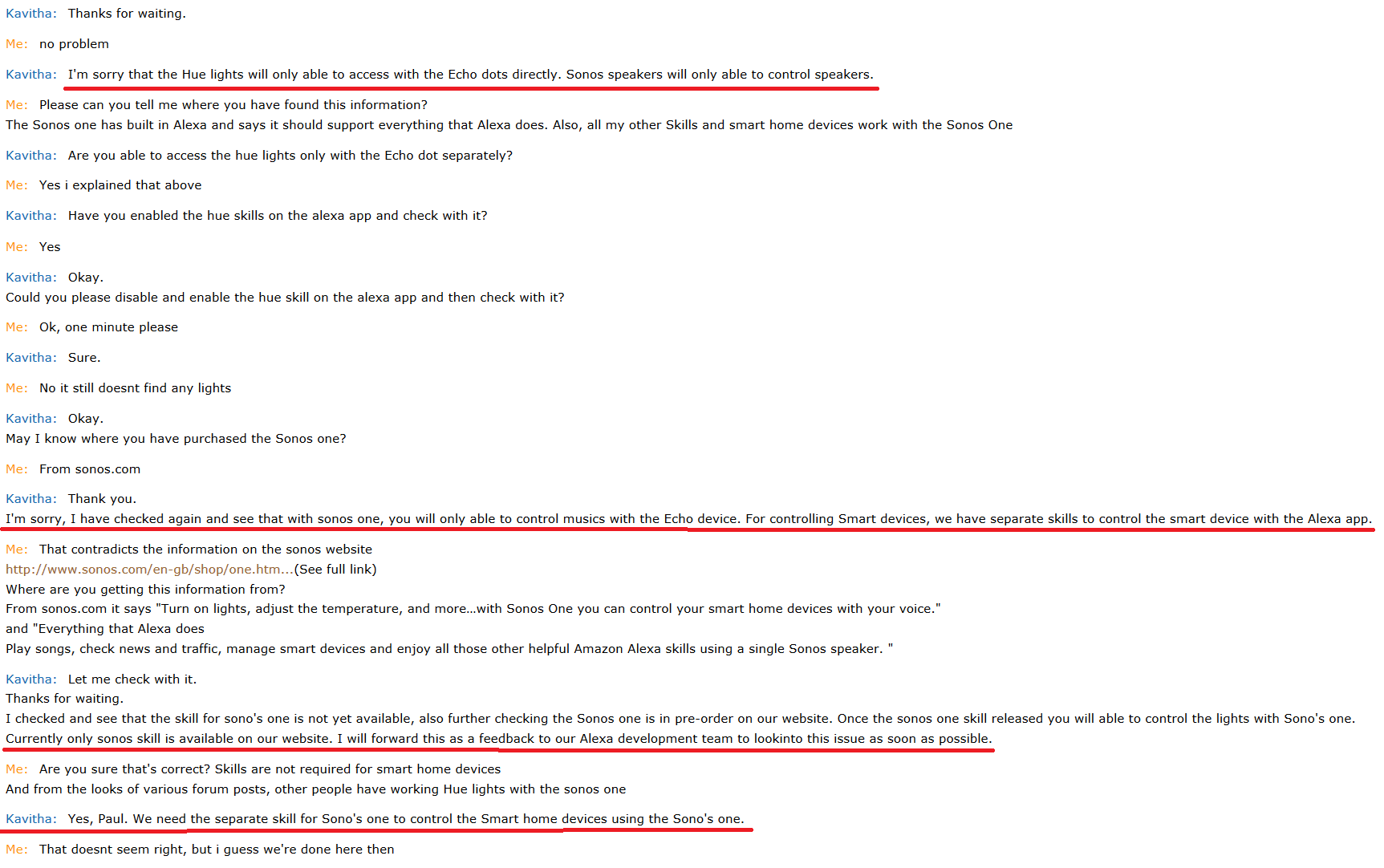
So i did a chat with Amazon support since the Sonos One is not finding my Phillips Hue lights (which work fine with the Dot)...
Can someone from Sonos weigh in on this? If i can't entirely replace my Dot with the Sonos One then it's going to get sent back.
Quite simply my Sonos One doesn't find my hue lights, but if i plug the Dot back in it disovers them fine, and they can be controlled via the One. If i unplug the Dot the lights become unreachable. All other smart home devices are ok.
I don't want to make this post too wordy, but i've done all the troubleshooting i can think of, inculding removing and re-adding voice services which i saw in another post. I have removed the Dot from my Alexa account, leaving just the One, still no joy.
My lights are using the v1 Hue Bridge in case that matters
Thanks
So i did a chat with Amazon support since the Sonos One is not finding my Phillips Hue lights (which work fine with the Dot)...
Can someone from Sonos weigh in on this? If i can't entirely replace my Dot with the Sonos One then it's going to get sent back.
Quite simply my Sonos One doesn't find my hue lights, but if i plug the Dot back in it disovers them fine, and they can be controlled via the One. If i unplug the Dot the lights become unreachable. All other smart home devices are ok.
I don't want to make this post too wordy, but i've done all the troubleshooting i can think of, inculding removing and re-adding voice services which i saw in another post. I have removed the Dot from my Alexa account, leaving just the One, still no joy.
My lights are using the v1 Hue Bridge in case that matters
Thanks