
Question
Alexa App is not shown under the voice services in Sonos App
Hi,
I am trying to setup Alexa voice control but under the "Voice Service" according to the guides I should be able to see "Amazon Alexa App" which then I can add. Same way as I have added e.g. Spotify under Music Services.
I have installed Alexa App as well but unfortunately, I cannot find any Alexa App option. It is always redirecting me to a help page which looks like below.
1)
Then I click on "Learn more" and it redirects me to this page,
2)
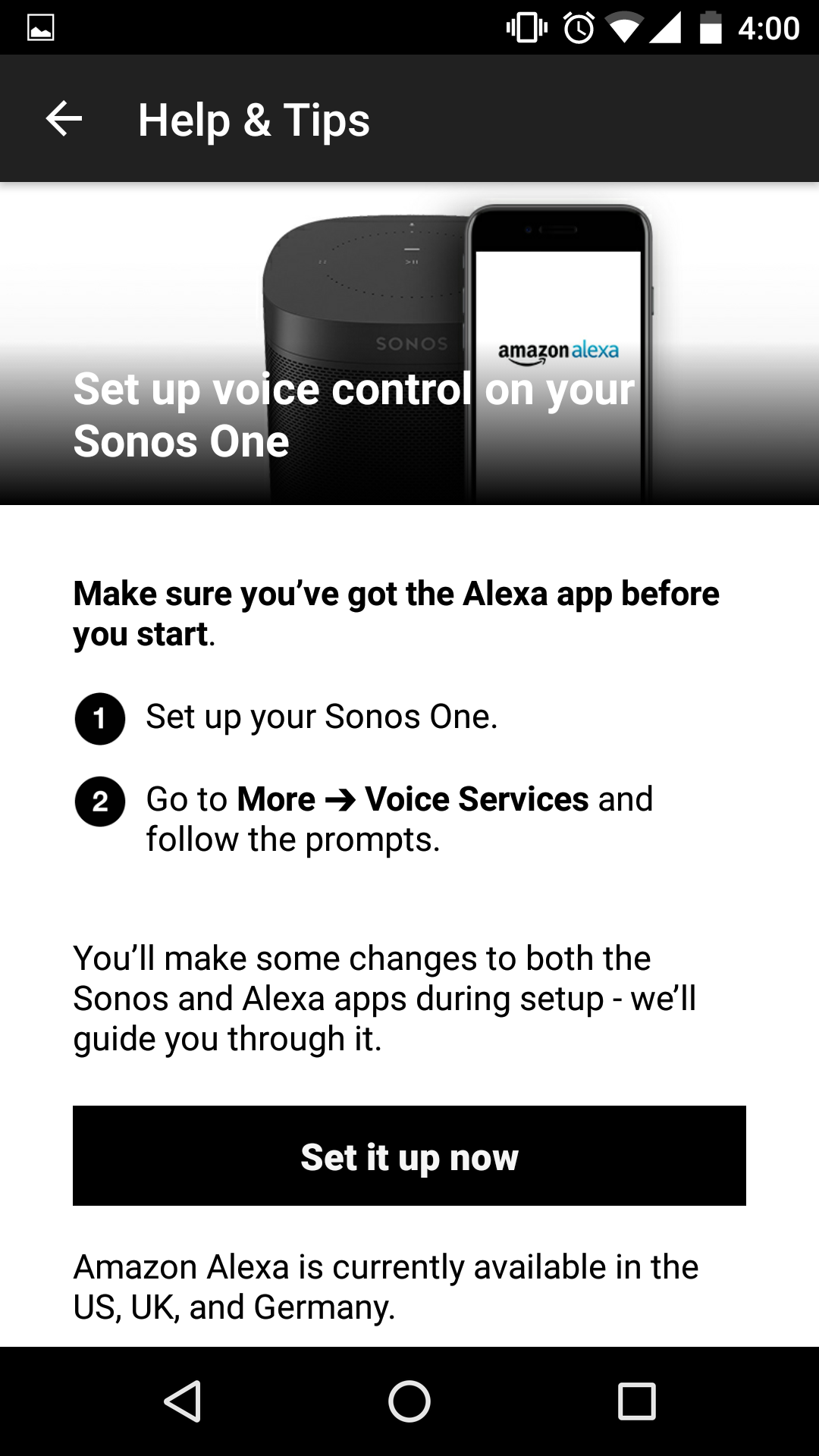
When I click on the second option "Setup voice control on your sonos one" it direct me to the page below.
3) When I click "Set it up now" it redirects me to the same initial page.
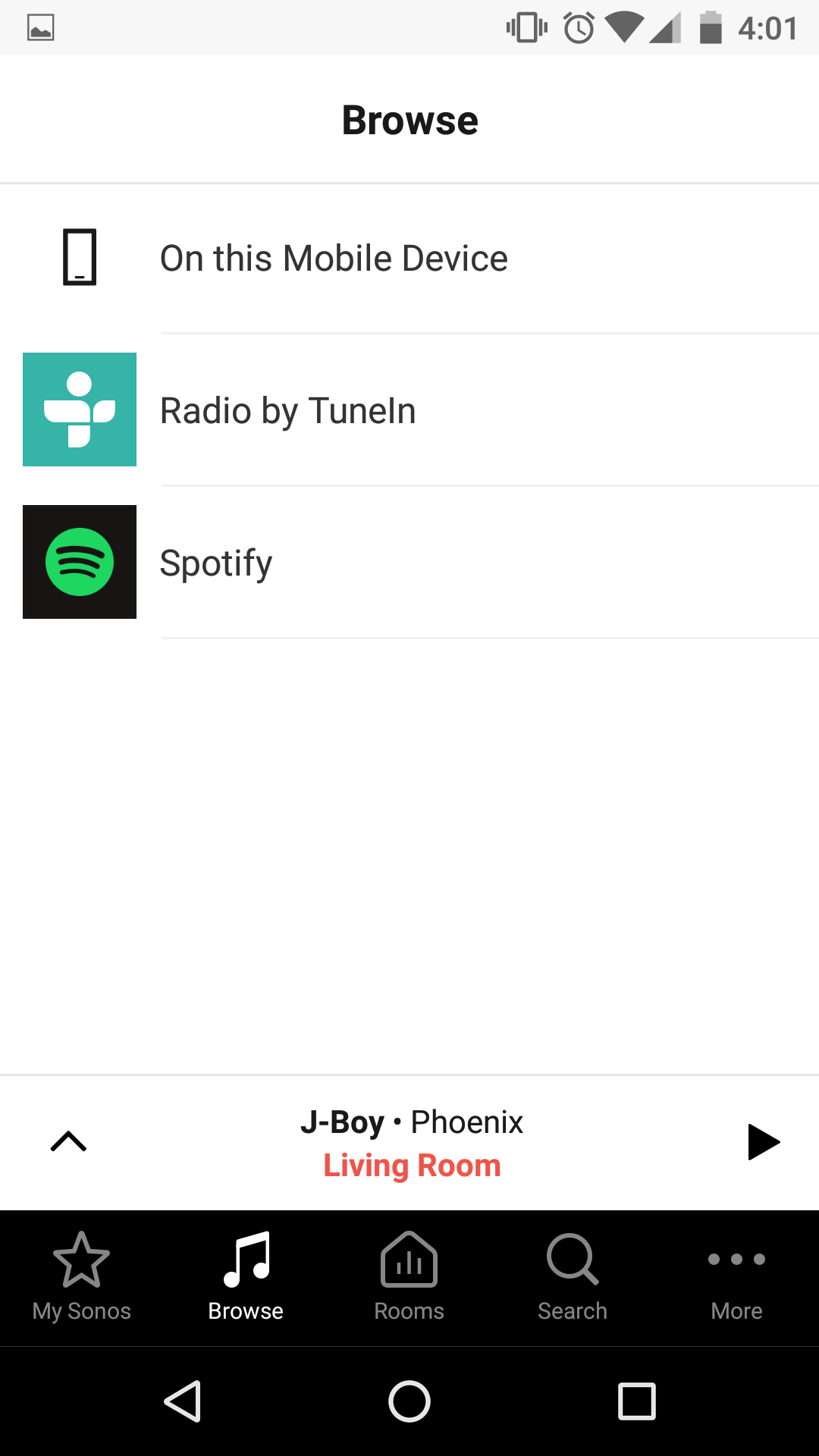
Even in the Browse window it is now showing me any voice control option.
As far as I have understood I do not need any amazon device such as dot, echo etc. to setup the sonos. I have reinstalled the app as well but still it does not show the alexa app.
Any suggestions?
Regards,
Naqqash
I am trying to setup Alexa voice control but under the "Voice Service" according to the guides I should be able to see "Amazon Alexa App" which then I can add. Same way as I have added e.g. Spotify under Music Services.
I have installed Alexa App as well but unfortunately, I cannot find any Alexa App option. It is always redirecting me to a help page which looks like below.
1)
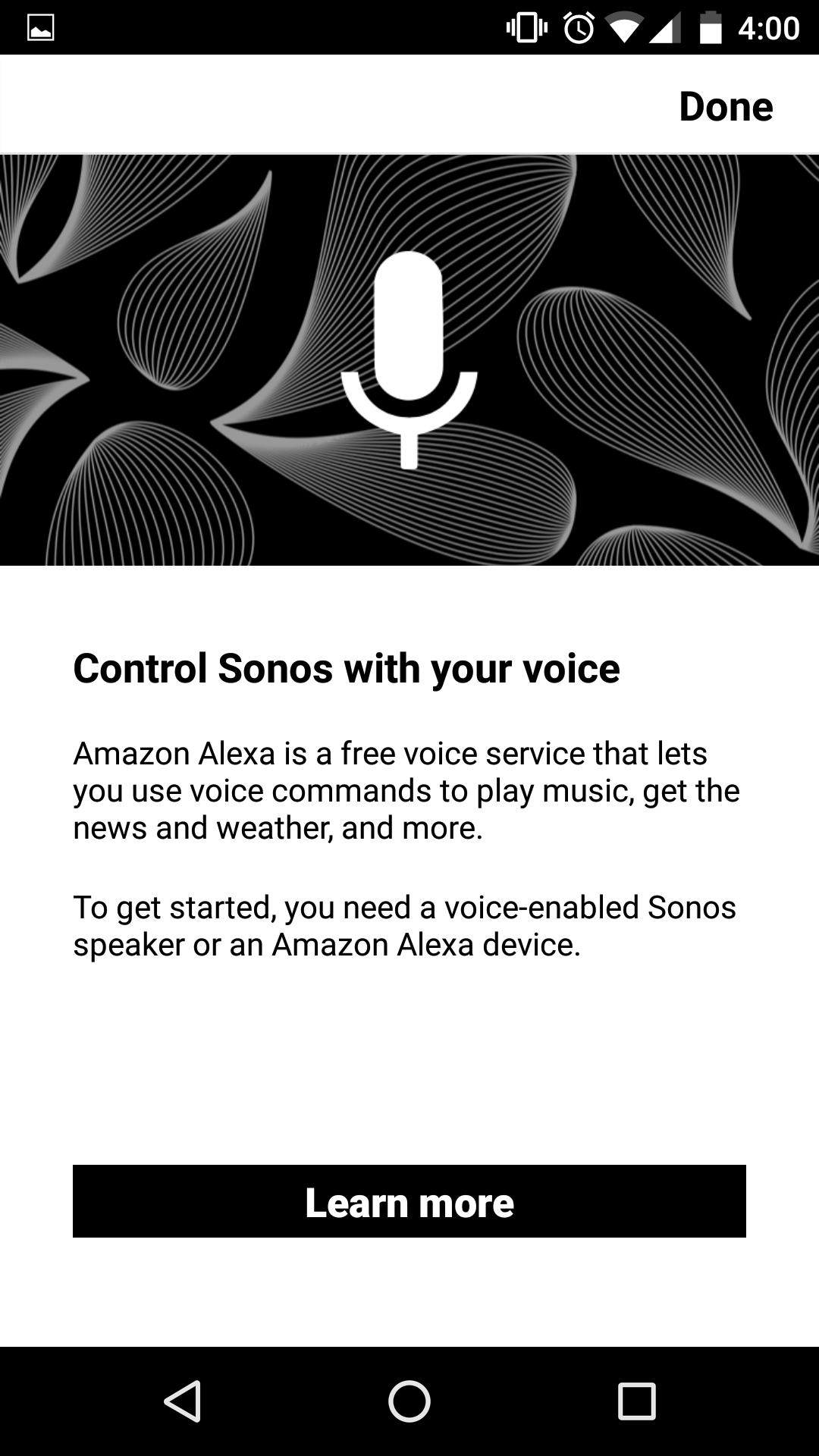
Then I click on "Learn more" and it redirects me to this page,
2)
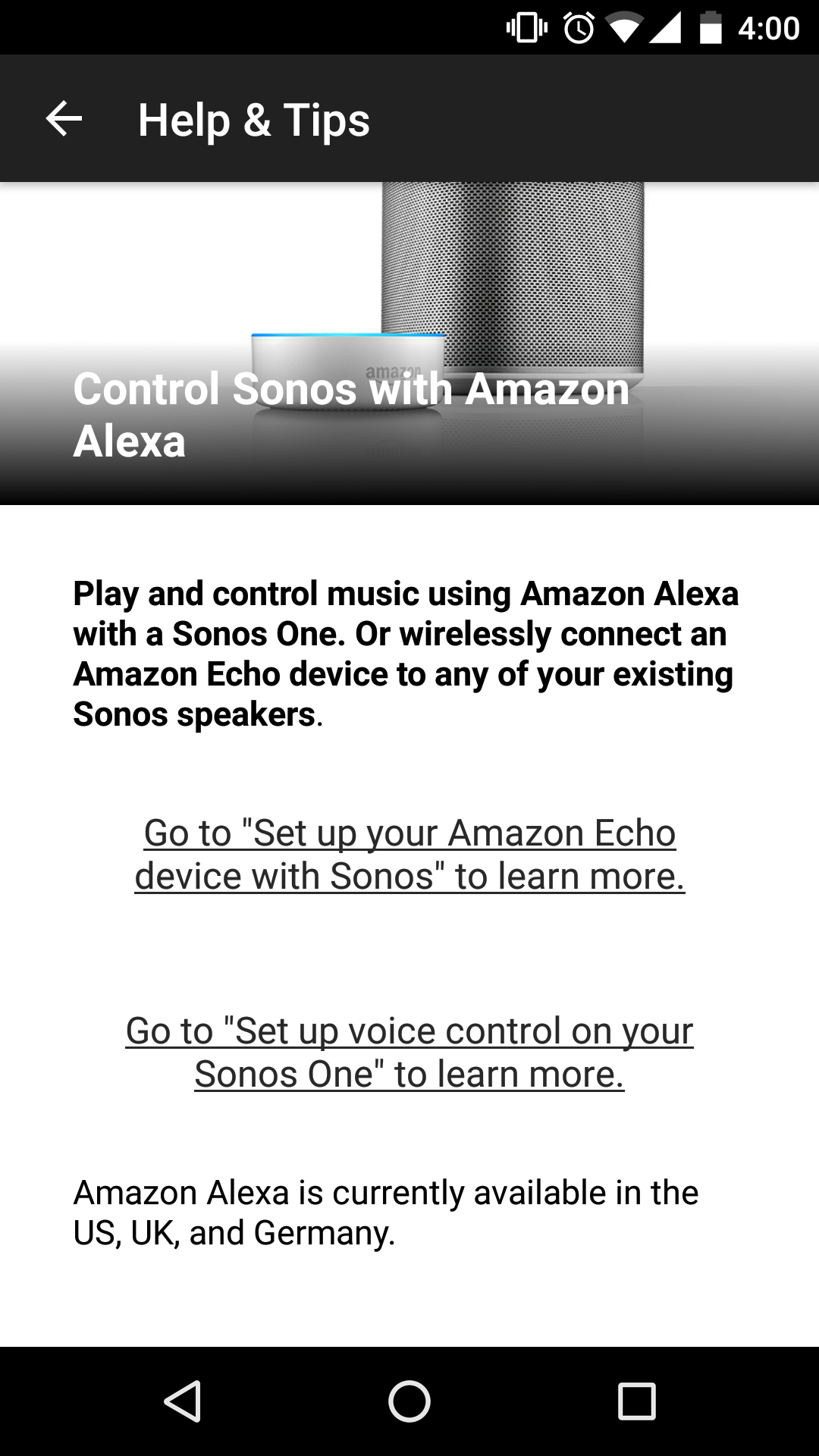
When I click on the second option "Setup voice control on your sonos one" it direct me to the page below.
3) When I click "Set it up now" it redirects me to the same initial page.
Even in the Browse window it is now showing me any voice control option.
As far as I have understood I do not need any amazon device such as dot, echo etc. to setup the sonos. I have reinstalled the app as well but still it does not show the alexa app.
Any suggestions?
Regards,
Naqqash