
Contributor I
December 28, 2017
Question

Alexa App is not shown under the voice services in Sonos App

  • December 28, 2017
  • 14 replies
  • 3348 views
Hi,

I am trying to setup Alexa voice control but under the "Voice Service" according to the guides I should be able to see "Amazon Alexa App" which then I can add. Same way as I have added e.g. Spotify under Music Services.

I have installed Alexa App as well but unfortunately, I cannot find any Alexa App option. It is always redirecting me to a help page which looks like below.

1)
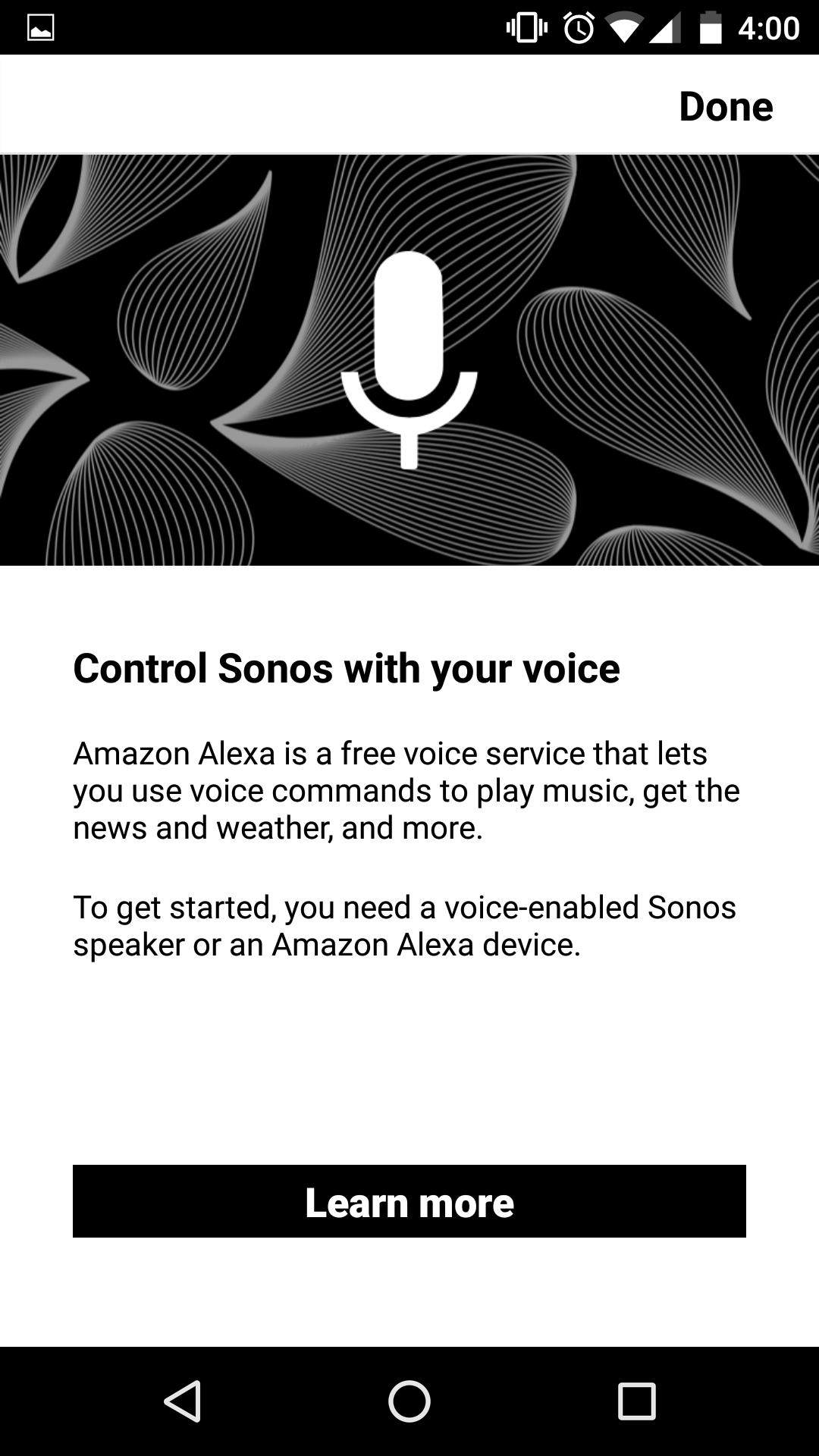


Then I click on "Learn more" and it redirects me to this page,

2)
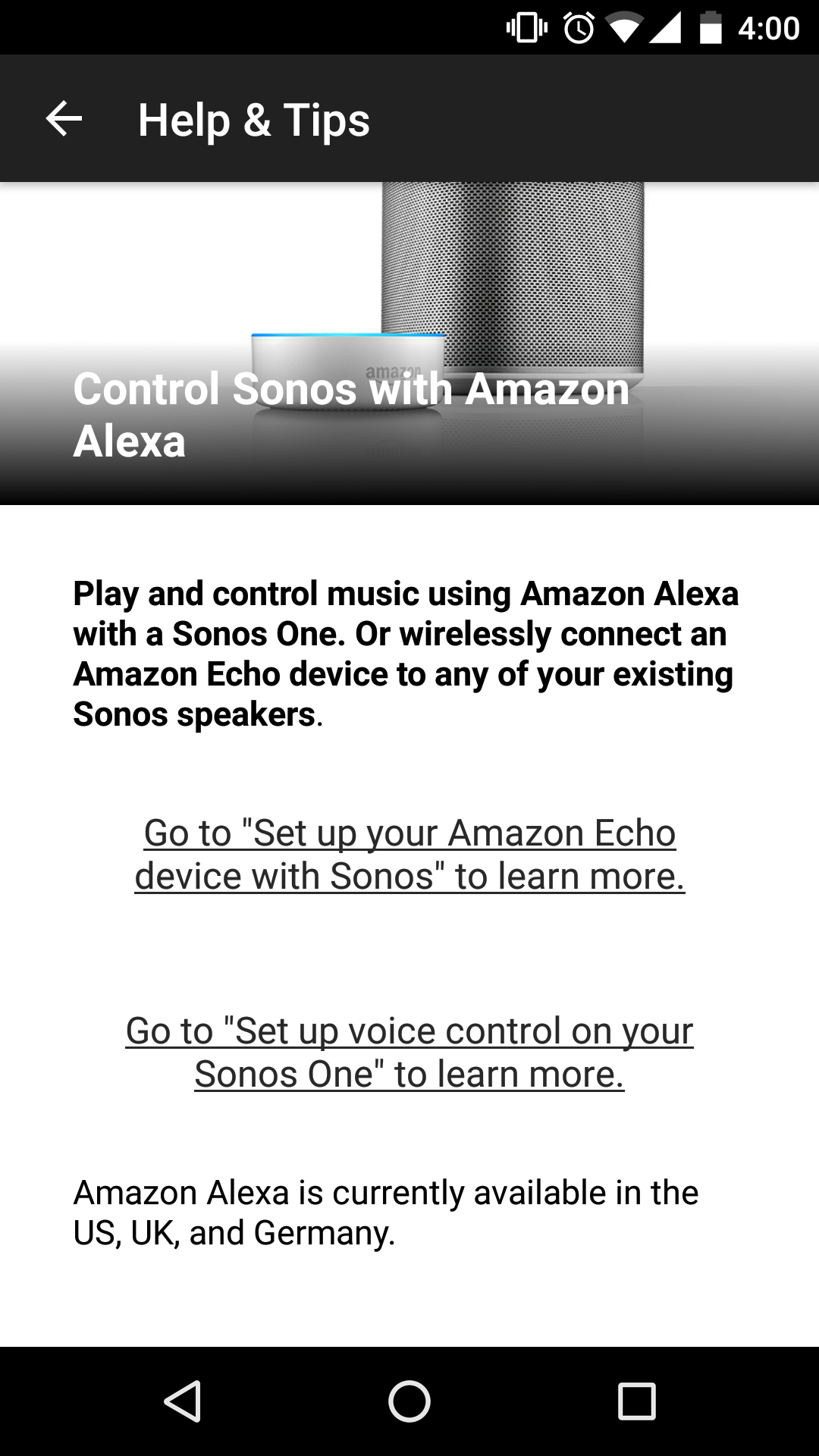


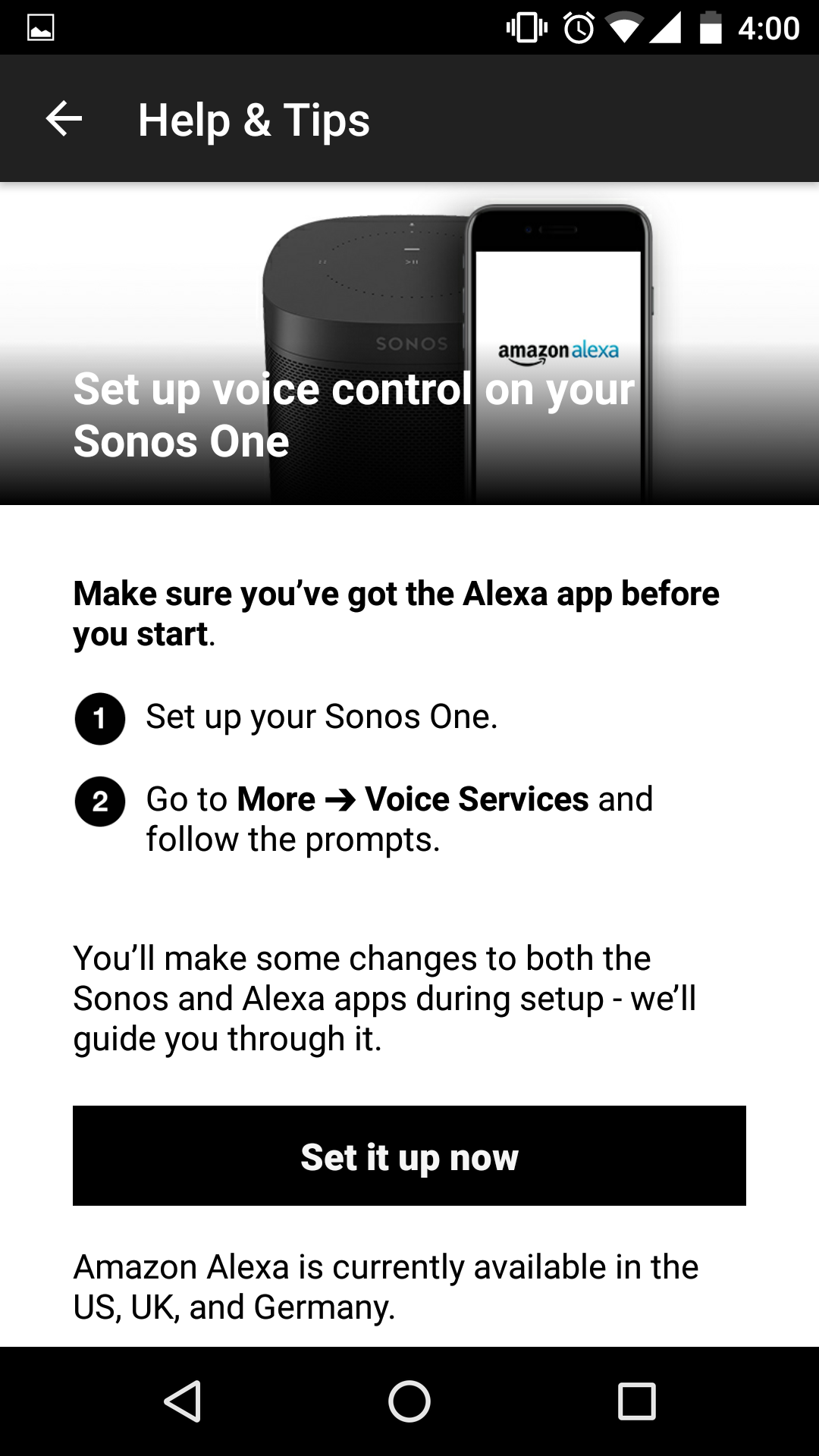
When I click on the second option "Setup voice control on your sonos one" it direct me to the page below.

3) When I click "Set it up now" it redirects me to the same initial page.


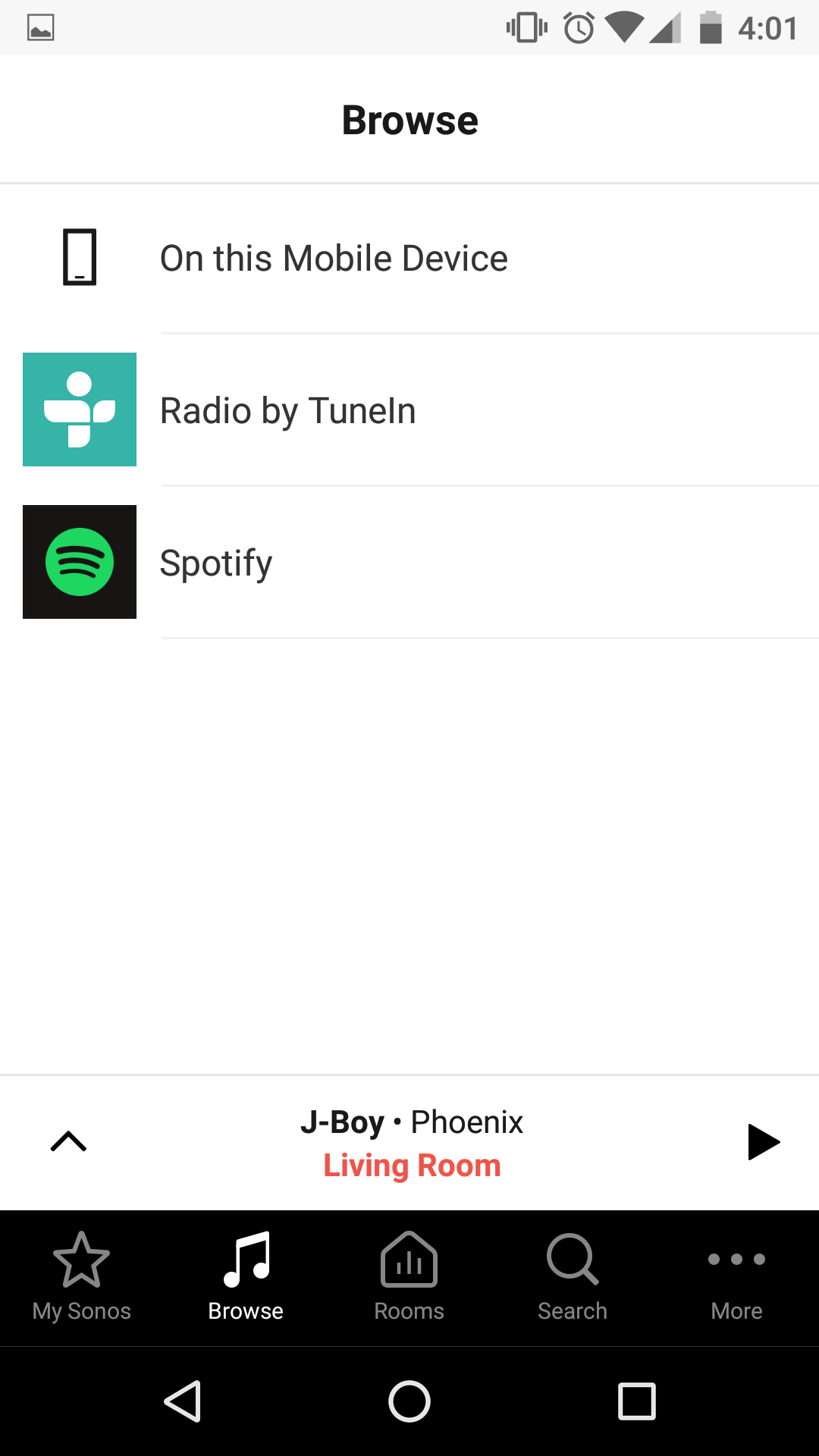
Even in the Browse window it is now showing me any voice control option.


As far as I have understood I do not need any amazon device such as dot, echo etc. to setup the sonos. I have reinstalled the app as well but still it does not show the alexa app.

Any suggestions?

Regards,
Naqqash
    This topic has been closed for further comments. You can use the search bar to find a similar topic, or create a new one by clicking Create Topic at the top of the page.

    14 replies

    Lyricist III
    December 28, 2017
    Received my Sonos and Alexa today and find myself in exactly the same position with no option to add Amazon Alexa app in Voice Control. Very frustrated.
    UKMedia
    December 28, 2017
    Can you confirm what Sonos App you are using? e.g. PC, Android or iOS

    Some people have found that removing the app on iOS and reinstalling it fixes this problem.

    If the problem persists, the steps I've listed in the Answer to this post will reset your Voice Control (Some may not be relevant as you've not set up your device properly - please just ignore those)

    https://en.community.sonos.com/amazon-alexa-and-sonos-229102/sonos-one-not-responding-to-alexa-comands-6793239
    Remember: Sometimes Red Wine helps :)
    Lyricist III
    December 28, 2017
    I'm using IOS and Sonos Play 1 and I can't follow some of the suggested steps. eg I can only delete the Sonos device in Alexa app and I have no voice recognition option in the settings on Sonos - We were never able to add Voice control in the set up process I've tried starting from scatch but still get stuck on the same help screen loop in Voice Control with no Alexa app option. Alexa recognises Sonos but Sonos wont play from Alexa. Works with my iphone. any thoughts?
    Lyricist I
    December 28, 2017
    I am having the exact same issue. It has been very frustrating. I have deleted both the Amazon Alexa & Sonos app on my IOS system & redownloaded to try & solve the issue but it continues to loop me back to the original screen just as you have explained.
    naqqashAuthor
    Contributor I
    December 29, 2017
    Hi I am using it on Android.

    This has been very frustrating for me as well because I can't even try the suggestions from UKMedia because in my voice services there is no options. I have also reinstalled both apps as SydneyJo still no success. Anybody?
    Lyricist III
    December 29, 2017
    I’m now on to the Sonos Tech team. I’ve sent them a link to your post ( as we have same issue) they are investigating so I’ll contact you as and when I get some answers
    Lyricist I
    December 31, 2017
    I’m also having same issue. Alexa app shows connected speakers but won’t play when I ask her... also not showing in voice control
    Lyricist III
    December 31, 2017
    There’s clearly a glitch with the app. I’ve had a reply from the Tech team and they want me to call tomorrow. I think they will remote into my system to see where it’s going wrong. Will post an update after that.
    Lyricist III
    January 3, 2018
    Well all, I seem to have resolved this on my own.
    However, I think something has changed in the Alexa app since I originally try to get Alexa/ Sonos set up.
    Open Alexa app
    Go to Skills
    Add Sonos Skill again and enable
    You will be asked to sign in to your Sonos account
    Window now pops up asking if you want to authorise Alexa to Control your Sonos
    Click Okay.
    Should now work

    This option never appeared when I tried before so good luck all!
    Lyricist I
    January 3, 2018
    Has anyone gotten an update from tech support? I've deleted and re-installed the Sonos and Alexa apps and it still won't recognize Alexa app in the voice settings.