4 x Era + Sub in the same room - Going insane.

  • February 5, 2026
  • 10 replies
  • 95 views

Ok, I might have an unfixable problem leading to throwing everything out the window.

The setup: 4 x Era 300 + 1 Sub Gen. 3 All I want is the possibility to have them all working as 1 system that would show up as 1 system when someone connected to the WiFi wants to play something over the speakers. Why is this not possible? Why can’t the Sub just be added to a zone? I’ve grouped all 4 speakers, but on Android (Spotify) they still show as 4 different speakers and you can’t group them. I my particular scenario, I don’t want people that have to use the system install the Sonos app. I just want a simple working system. Is that really not possible?

The particular space where the speakers are installed is used for different kinds of events where the participants must use the speakers with their phones/laptops/tablets.

10 replies

Stanley_4
  • Grand Maestro
  • February 5, 2026

Can't help you with Spotify 

On the Sonos side you can set the 300s up as singles, four Sonos Rooms, or as two stereo Pair Rooms.

You can Group tne Rooms using the App and save that Grouping so it is easily selected if it is dropped by the system.

The Sub is also very simple, pick a Room either a single or Pair one and add the Sub to it using the app.

Hopefully a Spotify user will have some help there.


106rallye
Forum|alt.badge.img+18
  • February 6, 2026

Maybe this is semantics, but you can set up all devices as one system. You just need to be aware a Sonos system consists of “rooms”. These rooms are set combinations of devices, either one device or a fixed set of stereo or home cinema speakers, for Era 300’s are neither a stereo “rooms” nor a homecinema “room”, so you have to set them up as multiple room (forming one system) - that can be grouped (https://docs.sonos.com/docs/seg-groups). You need the Sonos app to group - I believe (but can’t check at the moment) the Sonos app cannot do this. A Sub can only be in one “room” since it depends on one of the speakers in a room to command it.

You seem to use consumer grade products in a commercial environment, so Sonos may not cater for all your demands - especially the part about a lot of different people commanding the system at different times. Maybe Sonos is not for you?


  • Author
  • Contributor I
  • February 6, 2026

Maybe this is semantics, but you can set up all devices as one system. You just need to be aware a Sonos system consists of “rooms”. These rooms are set combinations of devices, either one device or a fixed set of stereo or home cinema speakers, for Era 300’s are neither a stereo “rooms” nor a homecinema “room”, so you have to set them up as multiple room (forming one system) - that can be grouped (https://docs.sonos.com/docs/seg-groups). You need the Sonos app to group - I believe (but can’t check at the moment) the Sonos app cannot do this. A Sub can only be in one “room” since it depends on one of the speakers in a room to command it.

You seem to use consumer grade products in a commercial environment, so Sonos may not cater for all your demands - especially the part about a lot of different people commanding the system at different times. Maybe Sonos is not for you?

My frustration is that the software is just very poorly designed and very cumbersome. It makes zero sense to loose groups if you loose power, It makes zero sense to not have the ability to add a Sub to a Zone if that is what you want. If I remove the Sub from the system, I can easily achieve my goal, but I can simply not comprehend why Sonos wouldn’t allow a user to set up the system as he desires considering that the functionality is there already - unless this is a proper hardware limitation (which I strongly believe it is not the case). From my understanding the Zones function was implemented exactly to cater to larger venues for easier management (it’s far easier controlling the volume for 1 Zone rather than 10 individual “rooms”). It’s all we’re asking. Let us add a Sub to a Zone. And maybe it’s just me, but using the word “room” for a device is mind blowingly confusing considering that fact that you have to select an actual Room where the “room” is in - or maybe I’m just a complete moron and can’t use the app properly. Right now I have 4 “rooms” in the same “Living Room”. 


buzz
  • February 6, 2026

Maybe a Zone will help.


  • Author
  • Contributor I
  • February 6, 2026

Maybe a Zone will help.

Yes, it would, but that’s not possible if you own a Sub aparently.


Forum|alt.badge.img+19
  • Senior Virtuoso
  • February 6, 2026

@datahoarder, you say “And maybe it’s just me, but using the word “room” for a device is mind blowingly confusing” but that’s wrong  terminology.
 

A “room” is an identifying label for a speaker or a set of speakers - such as a stereo pair or a home theatre soundbar with surrounds and one or two Subs. Sure, in some setups there may only be one device in a room, but that’s not exclusively the case. Typically, the physical space in which a speaker set is placed can be conveniently labelled as “lounge”, “den”, “living room” etc but could equally be called/labelled “Fred”, “Ginger” and “Edward”. 


buzz
  • February 6, 2026

I think that somewhere in the past “Zone” seemed too techy and was replaced by “Room”. I would prefer Zone, but it’s arbitrary. 


buzz
  • February 6, 2026

Maybe a Zone will help.

Yes, it would, but that’s not possible if you own a Sub aparently.

SUB must be “Bonded” to a player and can never be addressed as its own Room or Zone. SUB is controlled along with its Bonded player.


jgatie
  • February 6, 2026

If grouping was made to survive a power outage, it would require a write to internal storage every time a group/ungroup function occurred.  Since grouping is dynamic, it’s possible to have hundreds or even thousands of group/ungroup functions a day in a busy home.  The non-volatile memory (flash memory) used by Sonos has limited write cycles; that is, there is a limited number of writes before the material starts to break down.  Once a sector has deteriorated, it is marked as unusable, causing an ever decreasing storage capacity, and eventually breaking down entirely.  There are typically a couple hundred thousand write/erase cycles until the circuit begins to deteriorate.  For this reason, the writes are kept to a minimum (system settings, service information, new units, etc.).  If the system was writing out to flash memory every time a group/ungroup occurred it would reach the limit of the memory very quickly. 

It is also very slow to write to, which could cause a performance hit.  But this is secondary to the write/erase limit.


AjTrek1
  • February 6, 2026

Not meaning to hi-jack this thread; but here’s a little history about the terms “Zone” vs “Room”. Let the old guy school you 😂

In a time long, long ago before wireless become a thing there were these ancient devices called receivers and amps. They came as separate units and later on as what you know today as AV receivers. Needless to say those devices were analog with wired speakers. In truth they still exist today.

One of the many manufacturers of those devices came up with the idea to have two sets of speakers connected. On the front of the device via a knob the speakers could be selected as “A” or “B”. The “B” speakers were typically located in another section of the same space or in another room with the word “Zone” being the defining term. You can image the mess of wires. As the units became more powerful as many as four (4) zones could be setup. However, typically only two zones could be active at a time.

In those early days there was no electronic means to label anything. One had to make note of which zone applied to a particular room when located outside the immediate space. When digital displays came about and later with small amounts of memory; the user could “laboriously” type in names (typically via a click dial) for the zones such as bedroom etc. Crude…but effective.

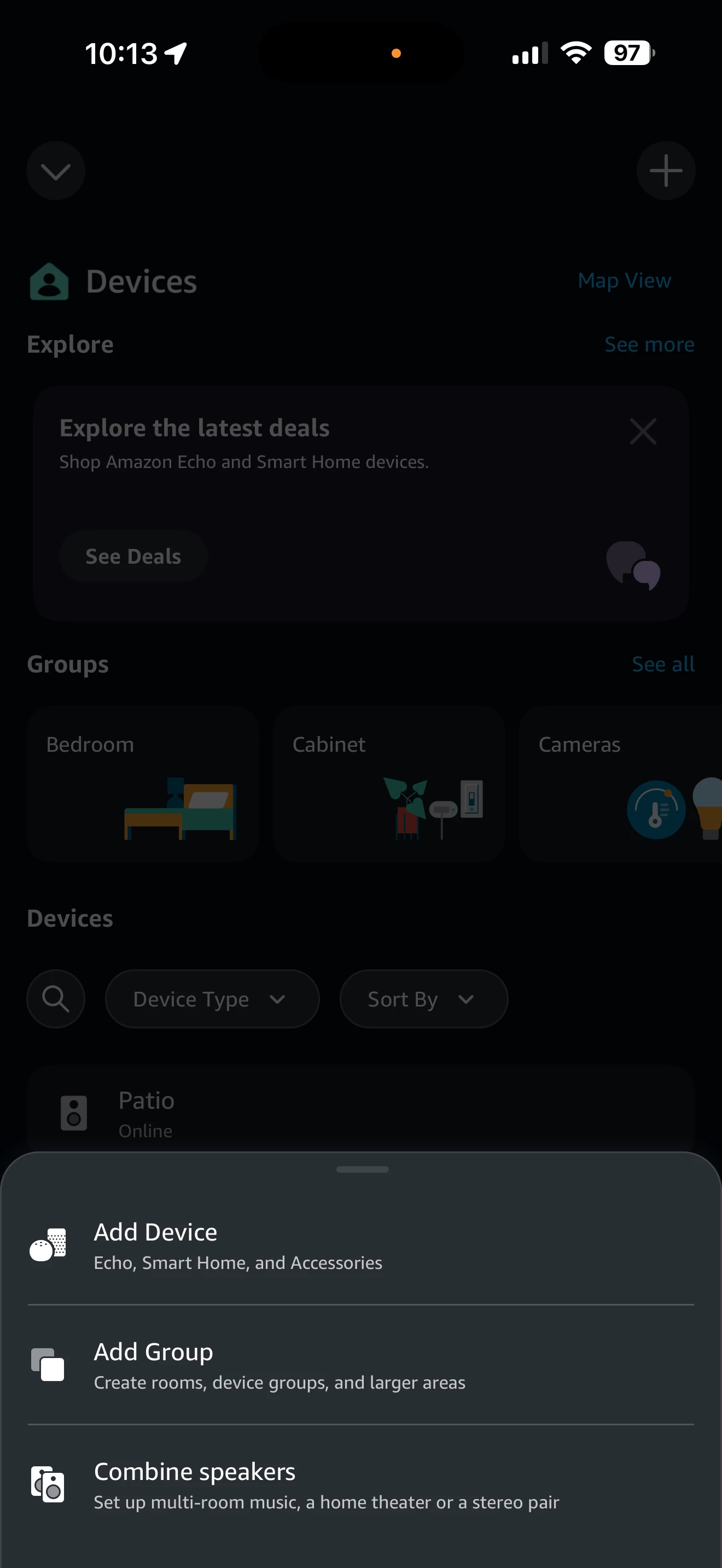
Fast forward to today the term “Zone” has given way to being called a “Room”. IMO the term “Room” as the lead terminology makes sense. Although if you want to call a Room a Zone that’s your prerogative. However, if one looks at the industry…”Room” is the desired first level term. Take a look at the screen shot of Alexa below regarding adding a “Group” and/or “Combine Speakers”.


IMO the change in first level terminology by Sonos from Zone to Room is a logical progression. Also, Sonos has now found that “Zone” is better used to define other aspects of its ecosystem.

So, take what you will from this “novella” or not. 😊 Enjoy your Sonos!