
Question

S1 App Doesn't Recognize Password

  • October 5, 2026
  • 3 replies
  • 21 views

I have an older Sonos system that uses the S1 app but I cannot log into the S1 app despite being able to log into the S2 app (which tells me is incompatible with my system) as well as the sonos website. 

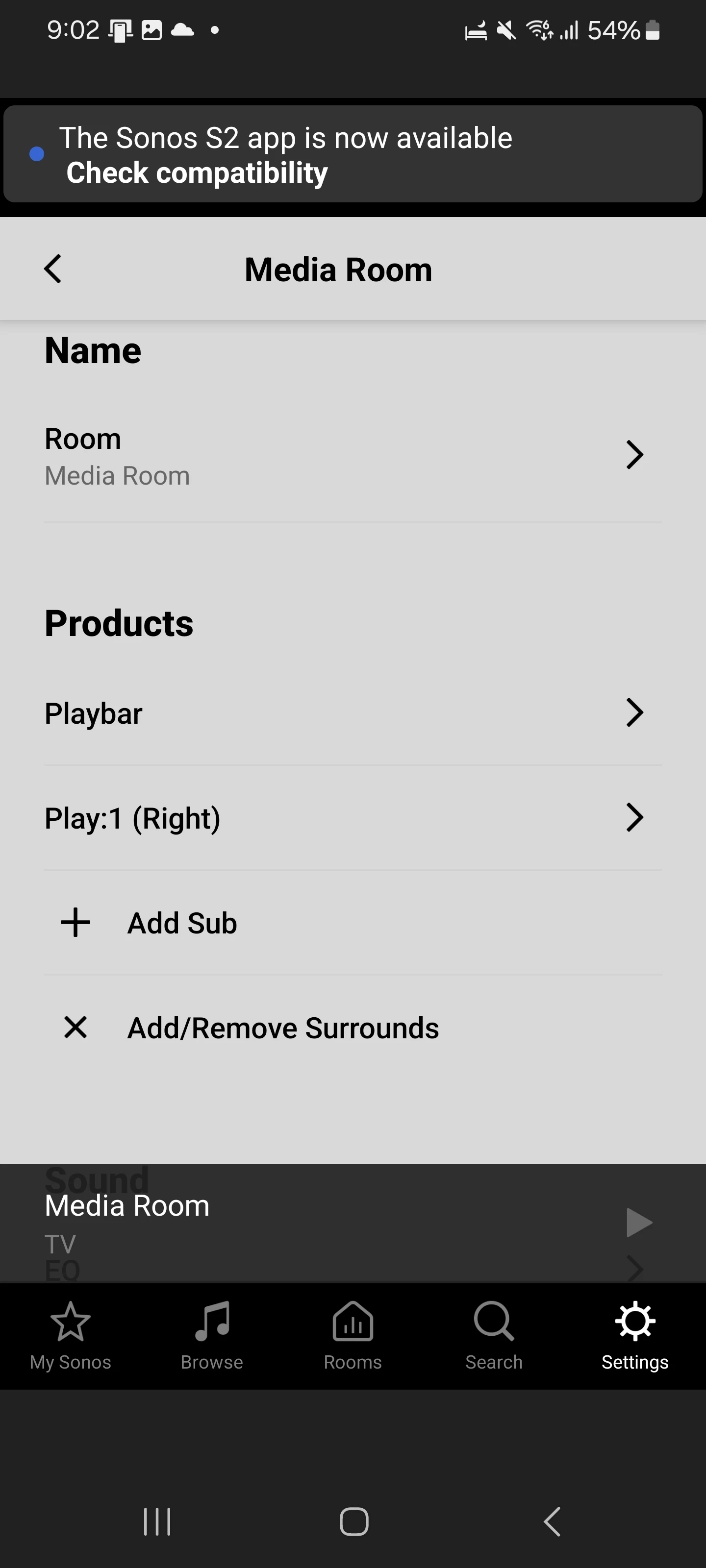
I have my Playbar and one of my Play:1 external speakers both connected from the initial setup when I first got the system but the S1 app does not allow me to log in to “access more features” such as reconnecting my other Play:1 external speaker which has been disconnected for some time now and nothing seems to allow it to reconnect other than the S1 app. 
 

3 replies

Airgetlam
  • October 5, 2026

Interesting. I was going to suggest trying to unplug all your S2 devices, but I suspect that won’t make any difference. I have to wonder if the S1 and S2 apps are using the same account email and/or password. I think I would recommend that you submit a system diagnostic within 10 minutes of reproducing the issue, and call Sonos Support to discuss it. Don’t post the resulting diagnostic number here.

There may be information included in the diagnostic that will help Sonos pinpoint the issue and help you find a solution.

When you speak directly to the Support staff, they have tools at their disposal that will allow them to give you advice specific to your network and Sonos system.


buzz
  • October 5, 2026

Until you work with SONOS Support, don’t Factory Reset anything.


106rallye
Forum|alt.badge.img+18
  • October 5, 2026

You do realise that both Playbar and Play 1 are S2 compatible?


