Contributor I
December 28, 2025
Answered

finish setup
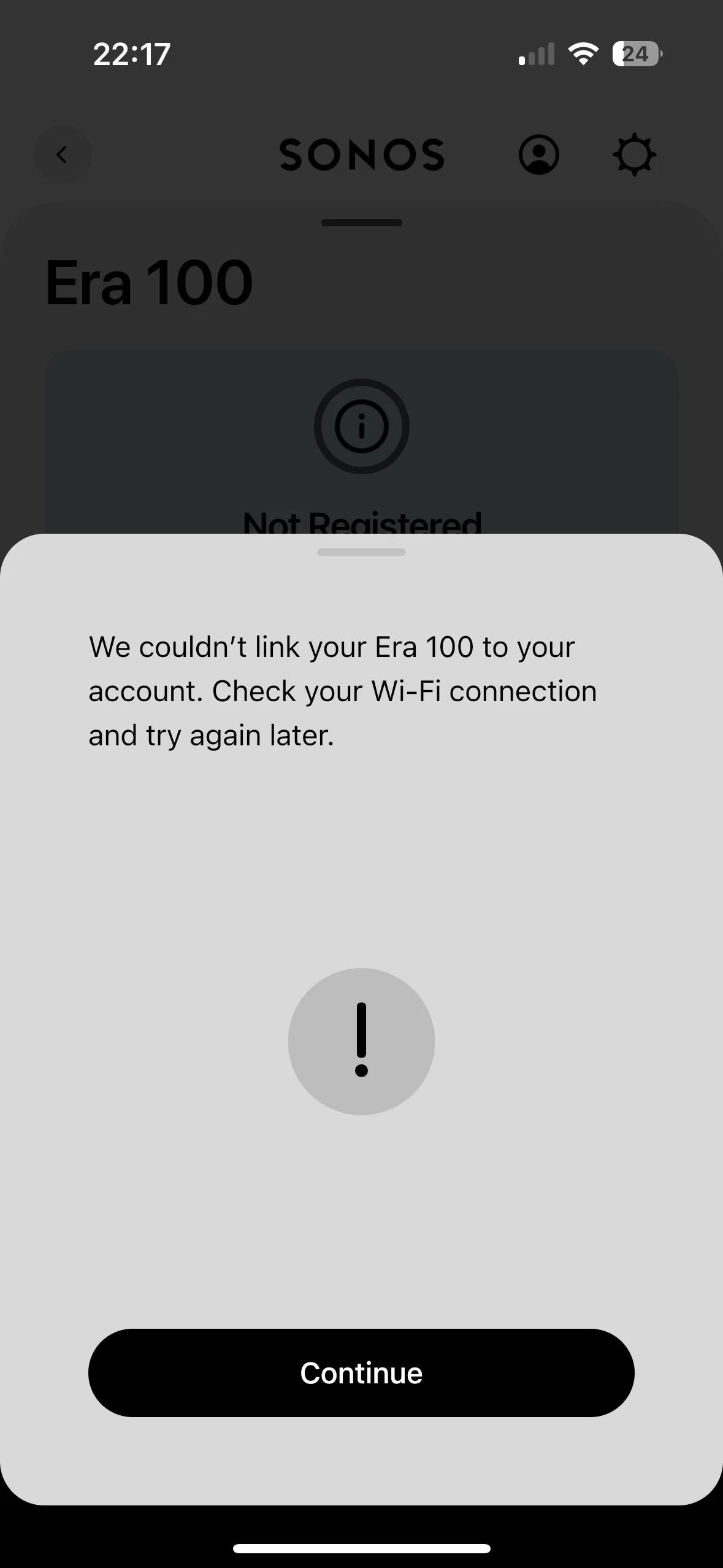
I can’t finish the setup on my new era 100. It seemed to connect to my WiFi ok or it has found it on my WiFi easy enough but this has come up each time I’ve tried 

This topic has been closed for further comments. You can use the search bar to find a similar topic, or create a new one by clicking Create Topic at the top of the page.
Airgetlam
AirgetlamAnswer
December 28, 2025

Interesting. I’d be tempted to check the Sonos Network Requirements FAQ, then reboot both the router and the Sonos by unplugging them for two minutes.

If that fails, I’d call Sonos Support to discuss it.

When you speak directly to the Support staff, they have tools at their disposal that will allow them to give you advice specific to your network and Sonos system.

Bruce

3 replies

Airgetlam
AirgetlamAnswer
December 28, 2025

Interesting. I’d be tempted to check the Sonos Network Requirements FAQ, then reboot both the router and the Sonos by unplugging them for two minutes.

If that fails, I’d call Sonos Support to discuss it.

When you speak directly to the Support staff, they have tools at their disposal that will allow them to give you advice specific to your network and Sonos system.

Bruce
Stanley_4
Grand Maestro
December 28, 2025

Any ad blockers or VPN your network or controller?

Airgetlam
December 28, 2025

Just to add, what may be going on is some sort of inability to reach the Sonos account server to ‘add’ the device to your account. This could be one of many different issues, including port blocking. Which is why that FAQ is so important. Not enough information to be certain, though, which is why that call to Sonos might be helpful. They have access to more hard data, something we don’t. 

Bruce