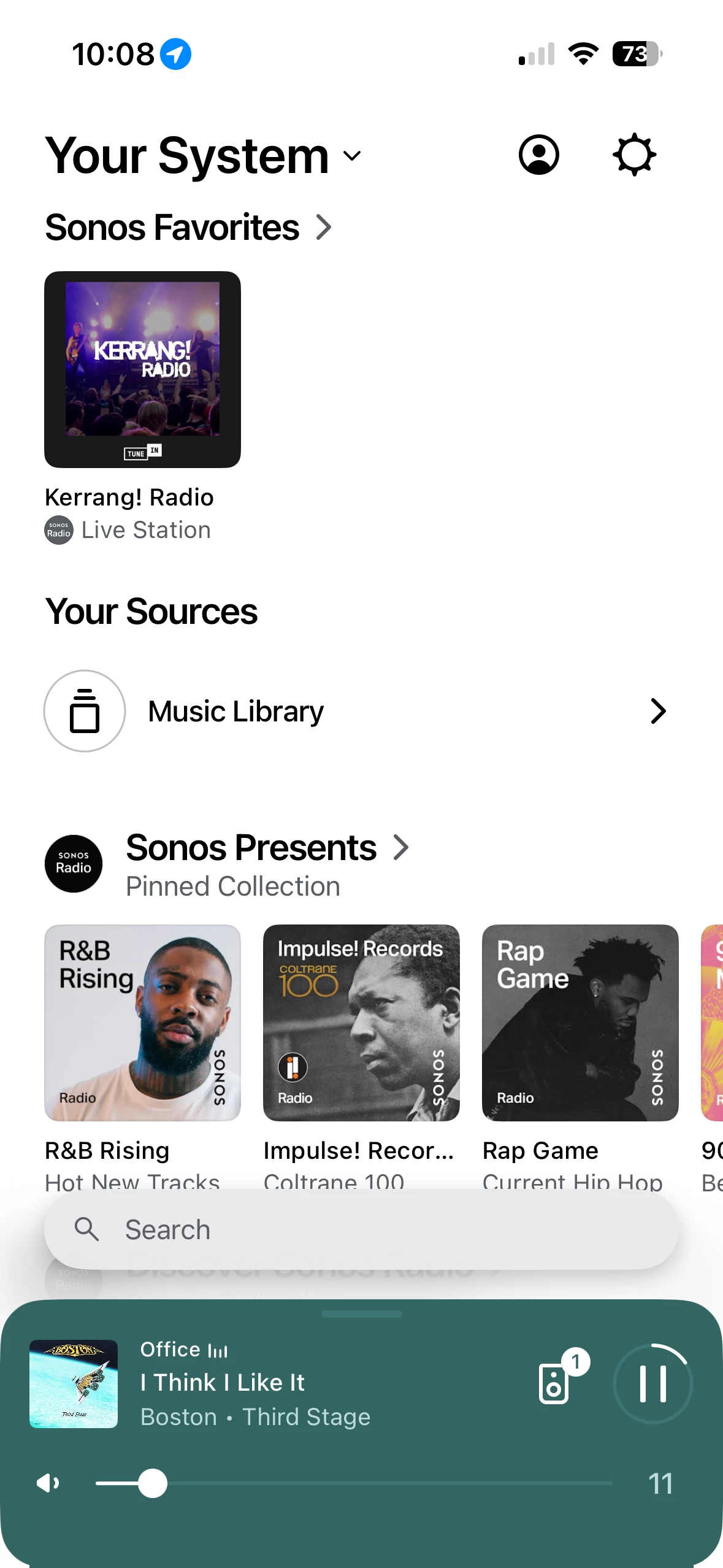
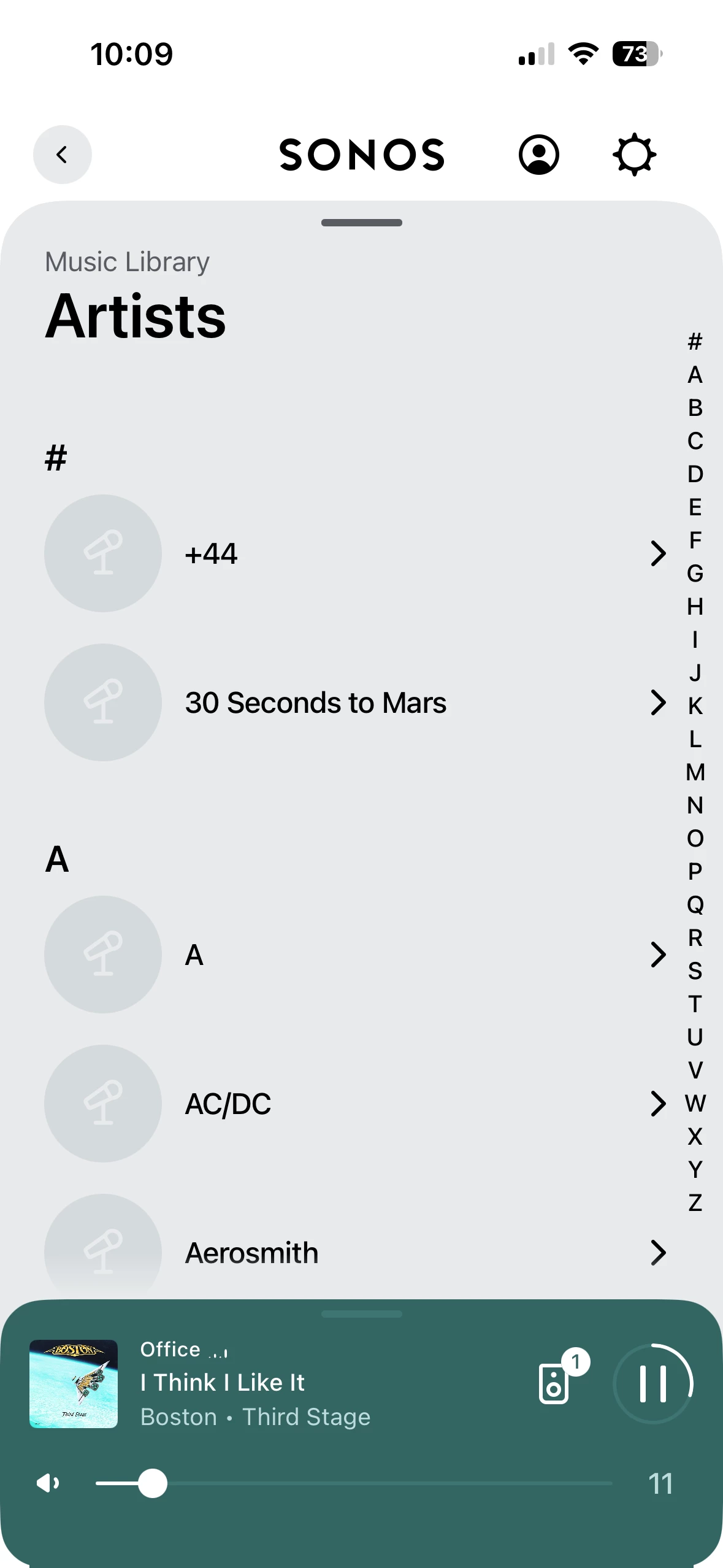
Connecting Your Sonos App To Your Music Library On Your Windows PC
I am not sure where this topic now sits in terms of complaints, but I have now cracked connecting my Music Library to my Sonos app.
1 - Your music library must not be in a sub folder. I save my Library directly to the D drive on my computer
2 - Go to your Music Library and right click so that you can see the properties
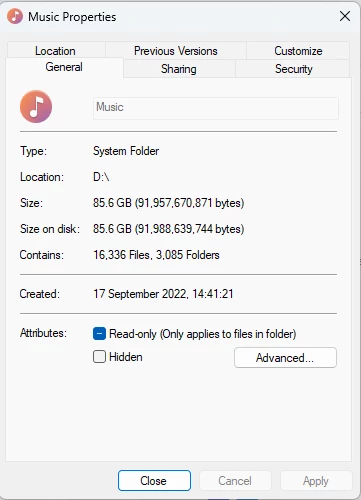
3 - Go to sharing
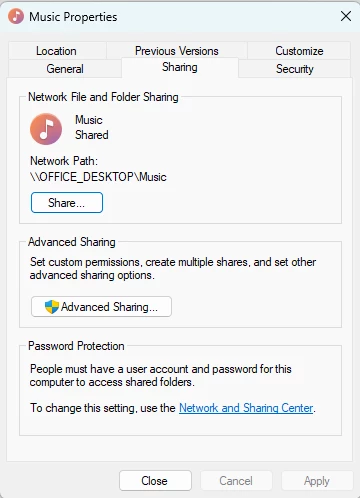
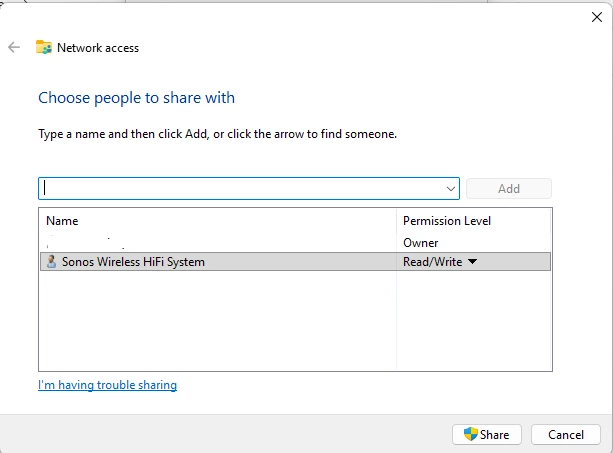
4 - Click on Share and ensure your system in “shared” and must be set to Read/Write - you will get a 913 error otherwise
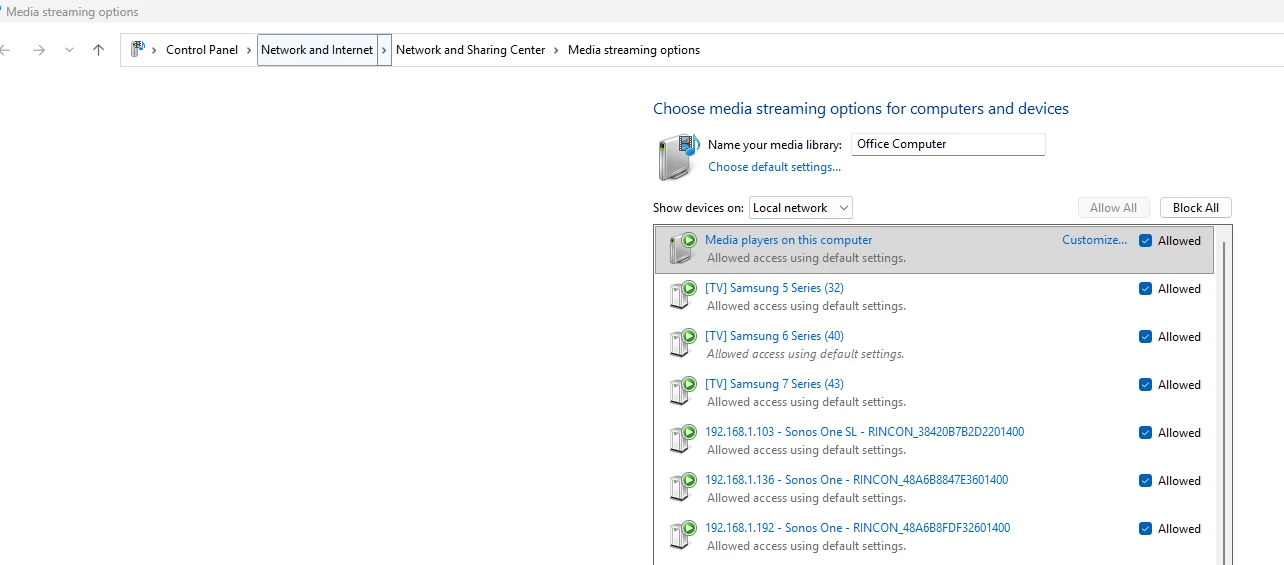
5 - Ensure or system is sharing Media
6 - You should now be able to add your Music Library to your Sonos app
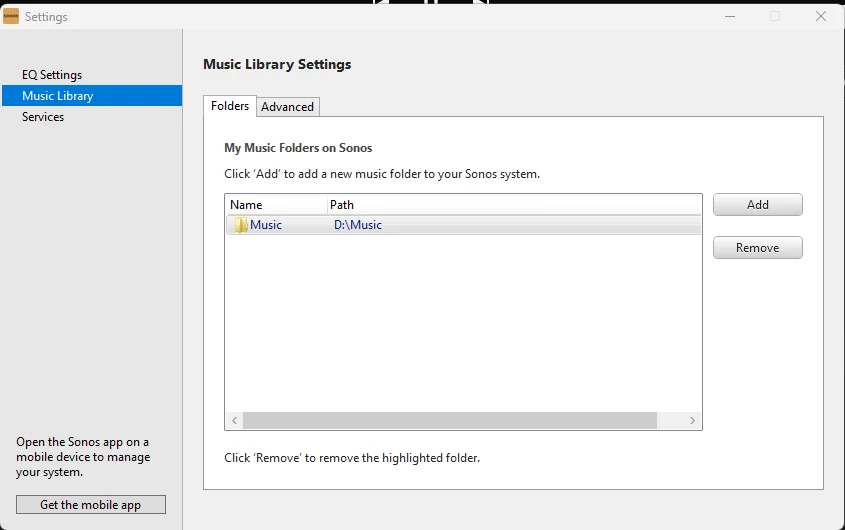
7 - Your Music Library should now be visible on your app