This topic has been closed for further comments. You can use the search bar to find a similar topic, or create a new one by clicking Create Topic at the top of the page.
Airgetlam
AirgetlamAnswer
March 4, 2026

There’s several things to check. First, is the device your controller is on connected to your WiFi (and subnet)? Have you checked that your network that the Sonos is connecting to matches the Sonos Network Requirements FAQ?

Perhaps most importantly, have you called Sonos Support to discuss it?

When you speak directly to the Support staff, they have tools at their disposal that will allow them to give you advice specific to your network and Sonos system.

Bruce

6 replies

Senior Virtuoso
March 4, 2026

Why not? What have you tried? 

Giorgi123Author
Contributor I
March 4, 2026

I tried restarting the speakers and starting it again

Giorgi123Author
Contributor I
March 4, 2026

I don’t have the internet cable to connect 

I'm trying with restarting the speaker with passing two buttons and connecting it again.

Giorgi123Author
Contributor I
March 4, 2026

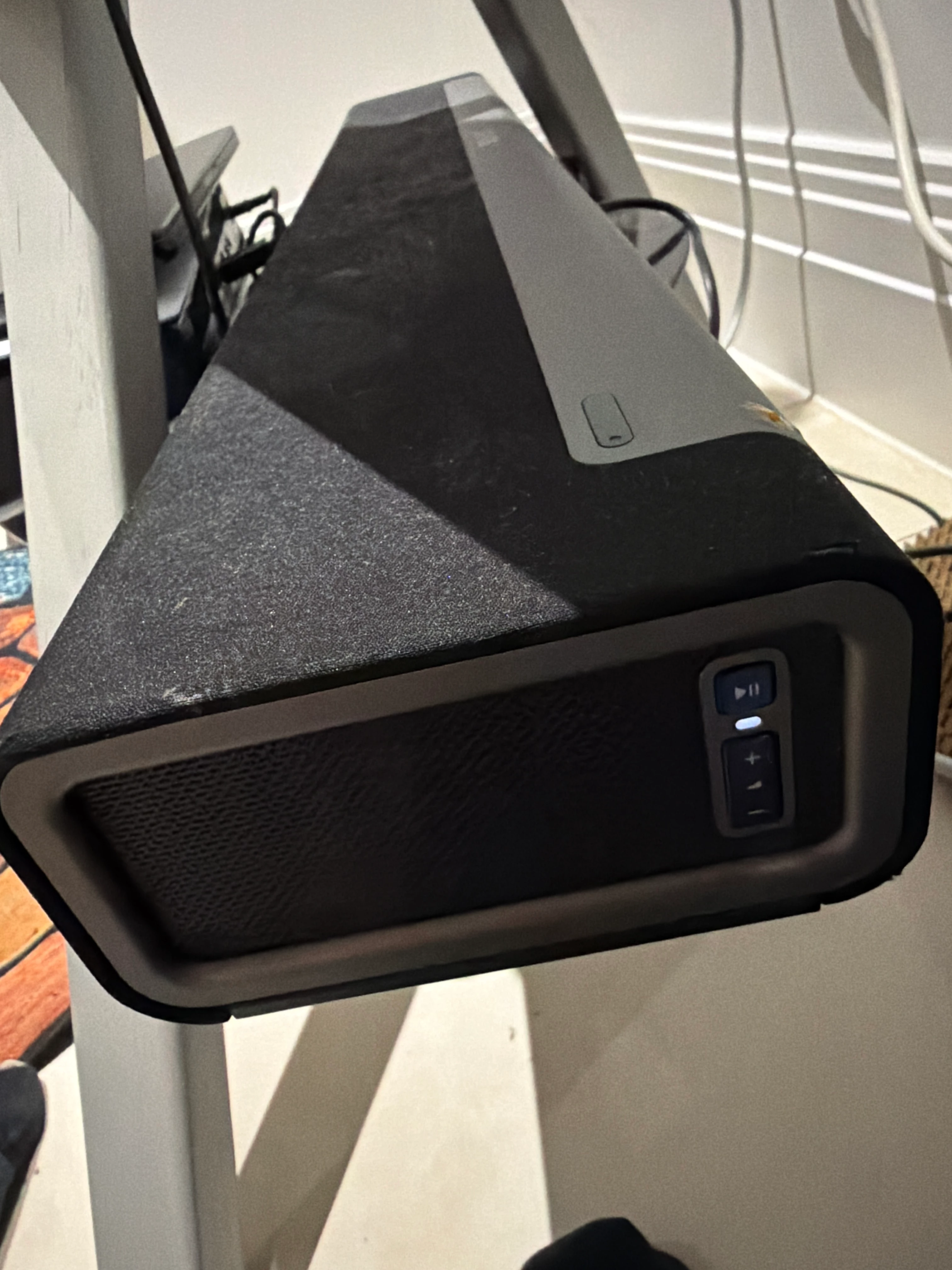
The green button doesn’t turn on 

Airgetlam
AirgetlamAnswer
March 4, 2026

There’s several things to check. First, is the device your controller is on connected to your WiFi (and subnet)? Have you checked that your network that the Sonos is connecting to matches the Sonos Network Requirements FAQ?

Perhaps most importantly, have you called Sonos Support to discuss it?

When you speak directly to the Support staff, they have tools at their disposal that will allow them to give you advice specific to your network and Sonos system.

Bruce
Giorgi123Author
Contributor I
March 4, 2026

It’s fixed now thank you everyone