We have an existing Arc which shows up in the voice assistant for Alexa. I’ve set up two new era 100 sl but they aren’t appearing in the voice assistant in settings. It says that if a product is missing, to add it in Settings But where?
This topic has been closed for further comments. You can use the search bar to find a similar topic, or create a new one by clicking Create Topic at the top of the page.
You have to activate the Sonos Skill in the Alexa app. Then in the Alexa Devices tab touch the + sign and choose Add Device. Scroll to Speaker then scroll to Sonos.
FIRST:
If the Sonos Skill is not activated yet activate it. To find skills in the Alexa app type in or say Skills. On the bottom of the screen that comes up tap Skills. Now scroll all the way to the bottom and tap Your Skills. Stroll to the bottom again and tap DISCOVER MORE SKILLS. Search for Sonos. Everything’s on the bottom. Makes no sense.
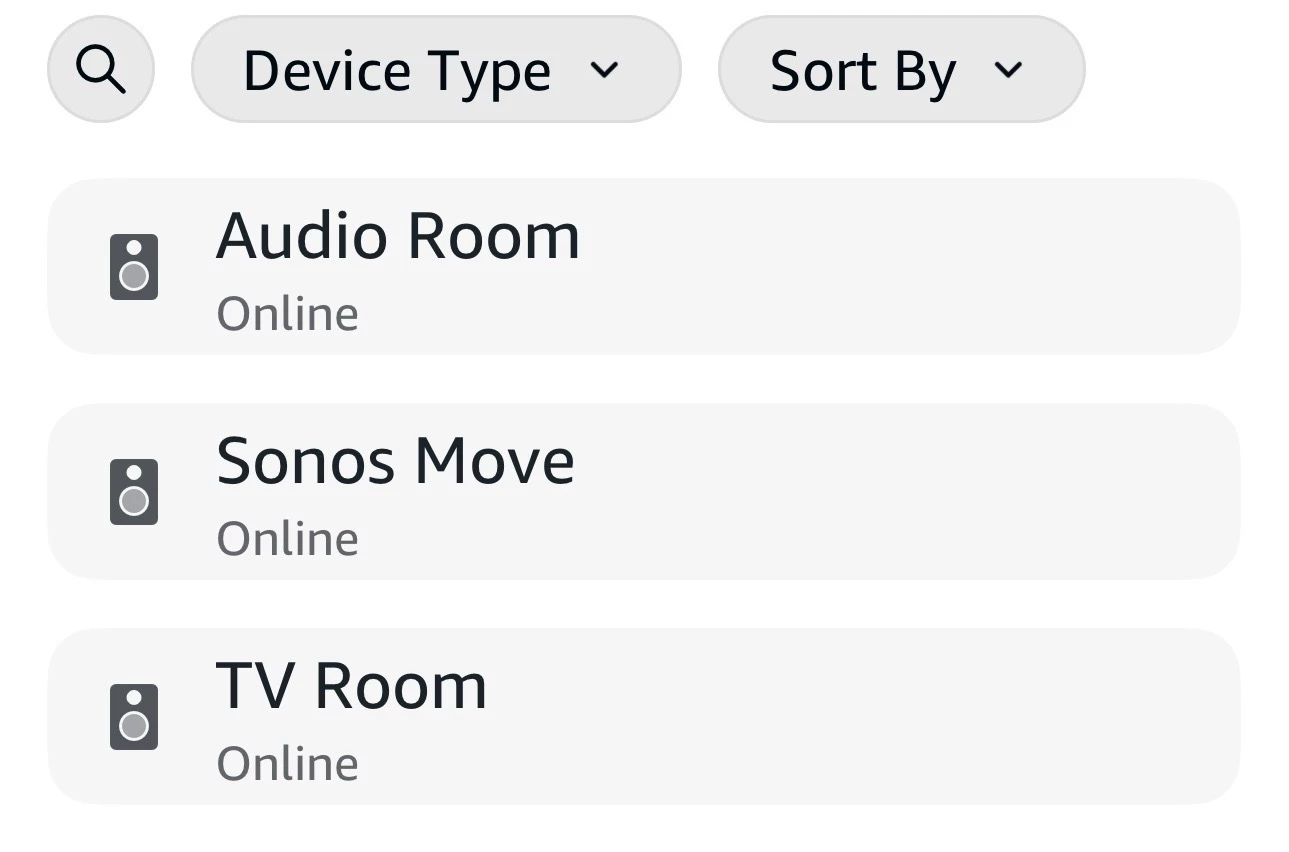
hopefully now when you execute the first paragraph the Alexa app can find the speakers. The icon will look like the screenshot.
Era 100 SL fills any room with rich stereo sound and deep bass your music deserves, without built-in voice control.
Stream from your favorite services, and easily connect the devices you love. The compact design fits beautifully all around your home. Pair with Era 100 for a more detailed and spacious listening experience, or use two as rear speakers in a Sonos home theater system for immersive surround sound.
Era 100SL’s are not capable of adding a voice assistant as they have no microphone to receive commands. Therefore. if you are setting up the Era 100SL’s as separate speakers or a stereo pair but want to have Alexa you’ll have to exchange them for the more expensive Era 100’s.
Just to note, by using the ‘room name’, you can control non-mic Sonos speakers. I’ve often used my Amazon Alexa enabled Dots to control Sonos PLAY:1s, which have no microphone in them. As I recall, I needed to go in to Alexa and add them as speakers or somesuch pre-work. It should be covered in the FAQ on the Sonos website, depending on which voice assistant you use. Note, Google doesn’t allow any other voice assistants to work concurrently, but Alexa and Sonos Voice work simultaneously, based on which wake word you use.
You have to activate the Sonos Skill in the Alexa app. Then in the Alexa Devices tab touch the + sign and choose Add Device. Scroll to Speaker then scroll to Sonos.
FIRST:
If the Sonos Skill is not activated yet activate it. To find skills in the Alexa app type in or say Skills. On the bottom of the screen that comes up tap Skills. Now scroll all the way to the bottom and tap Your Skills. Stroll to the bottom again and tap DISCOVER MORE SKILLS. Search for Sonos. Everything’s on the bottom. Makes no sense.
hopefully now when you execute the first paragraph the Alexa app can find the speakers. The icon will look like the screenshot.