
Contributor I
Jun 20, 2026 9:48 PM UTC
Answered

Can you help me identify an issue with Voice Control and one specific streaming radio station?

I've been chatting and speaking with Sonos technical support for the past four hours and am about to have my issue escalated for the sixth time. The one thing that not one of the technicians has tried is to recreate the issue on their own Sonos speaker.

Voice Control will NOT connect to KUSC - Classical California: The station is in my “Favorites” and the app will connect to it - but Voice Control either fails to respond or connects to a channel named “Blue Mood” - which plays orchestral light jazz with commercials. 

Could someone, please, try to get Sonos to play KUSC using Voice Control and let me know the result? Thanks!

This topic has been closed for further comments. You can use the search bar to find a similar topic, or create a new one by clicking Create Topic at the top of the page.
AjTrek1
AjTrek1Answer
Jun 21, 2026 3:39 AM UTC

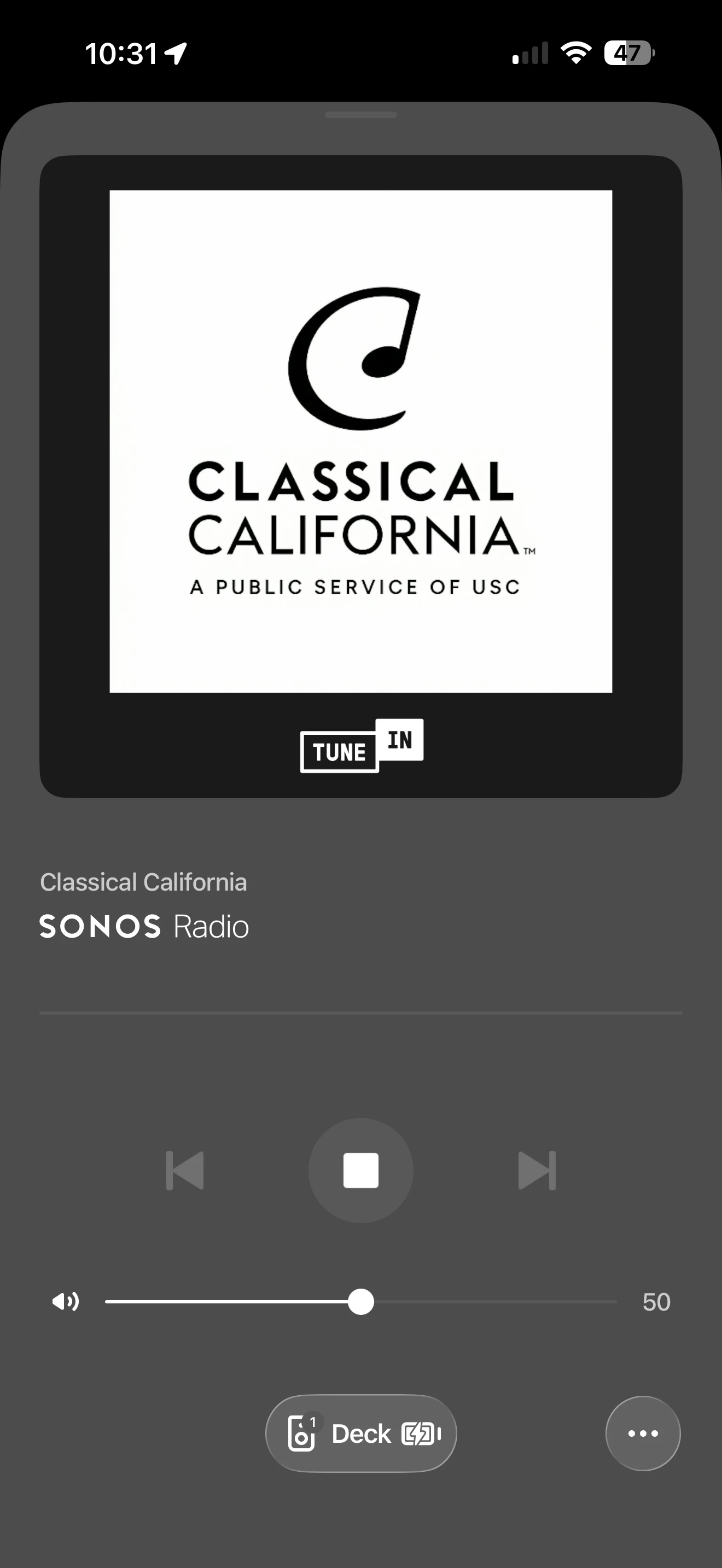
I was able to get the following shown below to play on my stereo pair of Play portables using SVC. I used the command suggested by ​@buzz “Hey Sonos play 91.5 KUSC”. There is about a 3-5 second delay before the music starts.

I had SVC to stop play several times and gave it the command as outlined above. It was executed without issue each time.


Together Everyone Achieves More = T.E.A.M.

7 replies

buzz
Grand Maestro
Jun 20, 2026 10:48 PM UTC

Try “Alexa play KUSC classical California”.

Translate
buzz
Grand Maestro
Jun 20, 2026 11:15 PM UTC

You can also use “Hey Sonos play 91.5 KUSC”.

Translate
kerbeAuthor
Contributor I
Jun 21, 2026 12:03 AM UTC

Thanks, Buzz - but I’m specifically interested in Sonos Voice Control. Also, asking for the frequency does not work, either - I still get the “Blue Mood” response. Trust me - every single techie had me try this!

Translate
MoPac
Headliner III
Jun 21, 2026 1:54 AM UTC

Used TuneIn to access KUSC.  I put it in Favorites.  When I said “Hey Sonos.  Play KUSC” it loaded Classical California but did not begin play.  When I initiated Play the error “Cannot play content.  Try again” popped up.

Translate
kerbeAuthor
Contributor I
Jun 21, 2026 2:29 AM UTC

Thanks, MoPac! When I tried to use TuneIn it told me (while the Tech was listening) that Voice Control could not access TuneIn. When they call me back next week I’ll share your experience with them.

Translate
AjTrek1
AjTrek1Answer
Jun 21, 2026 3:39 AM UTC

I was able to get the following shown below to play on my stereo pair of Play portables using SVC. I used the command suggested by ​@buzz “Hey Sonos play 91.5 KUSC”. There is about a 3-5 second delay before the music starts.

I had SVC to stop play several times and gave it the command as outlined above. It was executed without issue each time.


Translate
Together Everyone Achieves More = T.E.A.M.
kerbeAuthor
Contributor I
Jun 21, 2026 5:33 AM UTC

AjTrek1 - I just tried it again and this time it worked!

Translate