Question

Sonos S1 app connect to Tidal

  • April 7, 2026
  • 5 replies
  • 45 views

Forum|alt.badge.img+4

Hi,

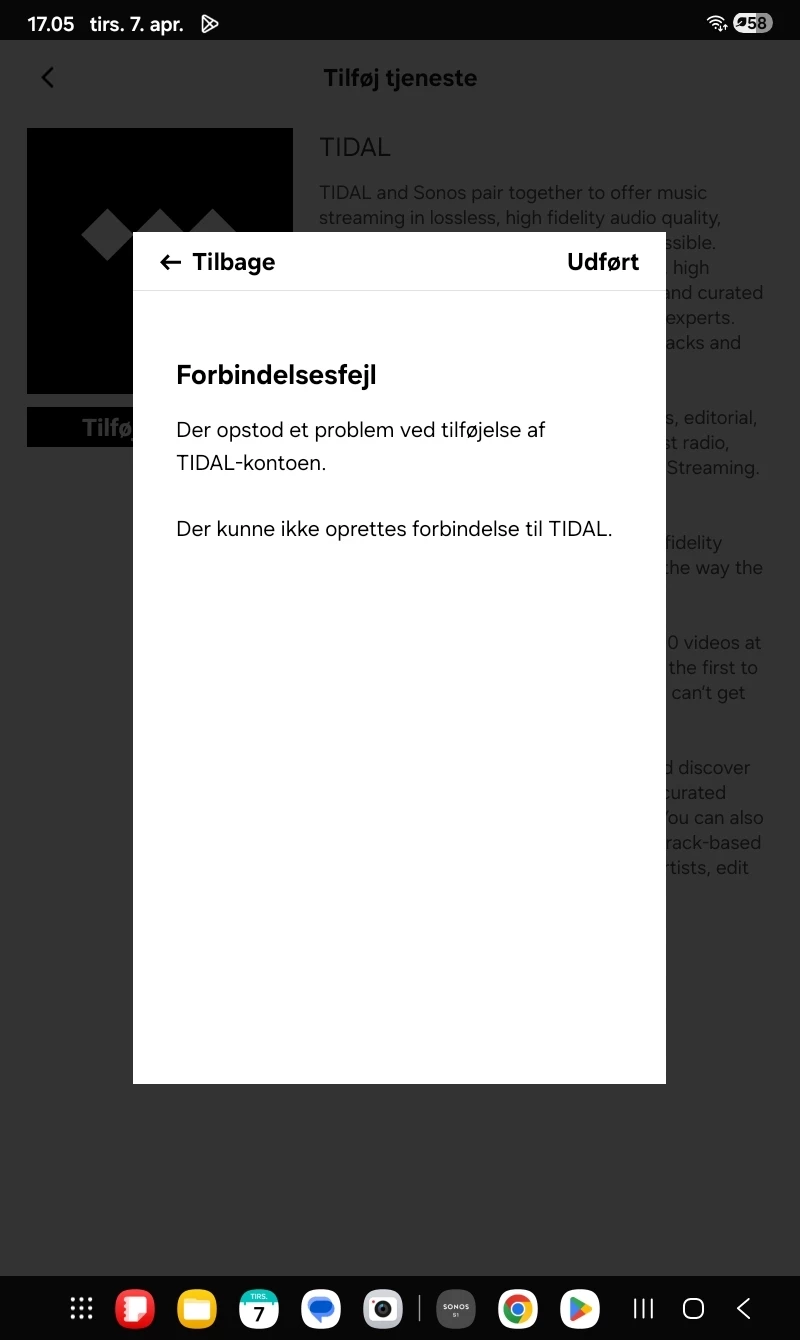
I have re-installed Sonos S1 on my Samsung tablet and now I can't connect to Tidal. See the image below. How do I solve the problem?

I can login to the Tidal app itself.
 

5 replies

AjTrek1
  • April 7, 2026

Delete the Tidal app in the Sonos app and re-add it. Let us know the outcome.


Forum|alt.badge.img+4
  • Author
  • Avid Contributor III
  • April 7, 2026

I have re-installed the Tidal app as well and I have rebooted my tablet. I have powered off my Sonos Connect and powered it on again. I rebooted my router yesterday. Tidal still won't connect. I will try from my Windows 11 later tosay. 

I don't know if I should consider upgrading myvstreaming system.


Airgetlam
  • April 7, 2026

Just as a test, what happens if your Sonos is unplugged while you reboot your router? Wait two minutes after rebooting the router before plugging back in the CONNECT. 

Have you called Sonos Support to discuss it?

When you speak directly to the Support staff, they have tools at their disposal that will allow them to give you advice specific to your network and Sonos system.


Forum|alt.badge.img+4
  • Author
  • Avid Contributor III
  • April 7, 2026

Now I have tried your suggestion and it doed not work with the Sonos S1 app on my Windows 11 PC either.
No, I have not spoken with Sonos support.


Airgetlam
  • April 7, 2026

Interesting. That obliviates my theory, but I suspect speaking with Support will get you back on track.
