

Sonos Listeners Club is now Live!
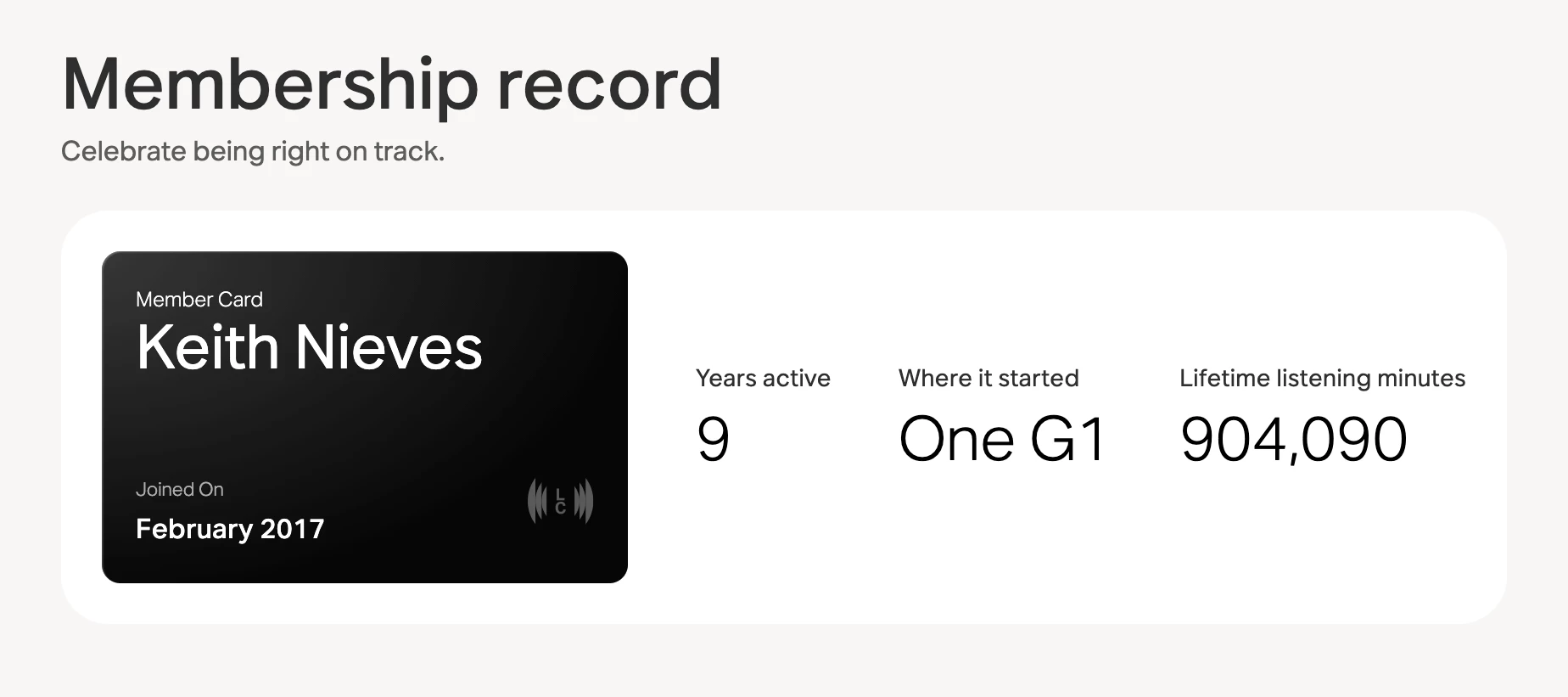
Listeners Club is now live on sonos.com. Every Sonos account is a free membership and you’ll find it under the new Listeners Club tab in My Account. If you don’t have a Sonos account yet, anyone can create one and join.
A quick note on what this is. Some of these benefits are new and others have been around for a while. Listeners Club brings them together in one place for the first time, so if part of it looks familiar, that’s why.
What’s included
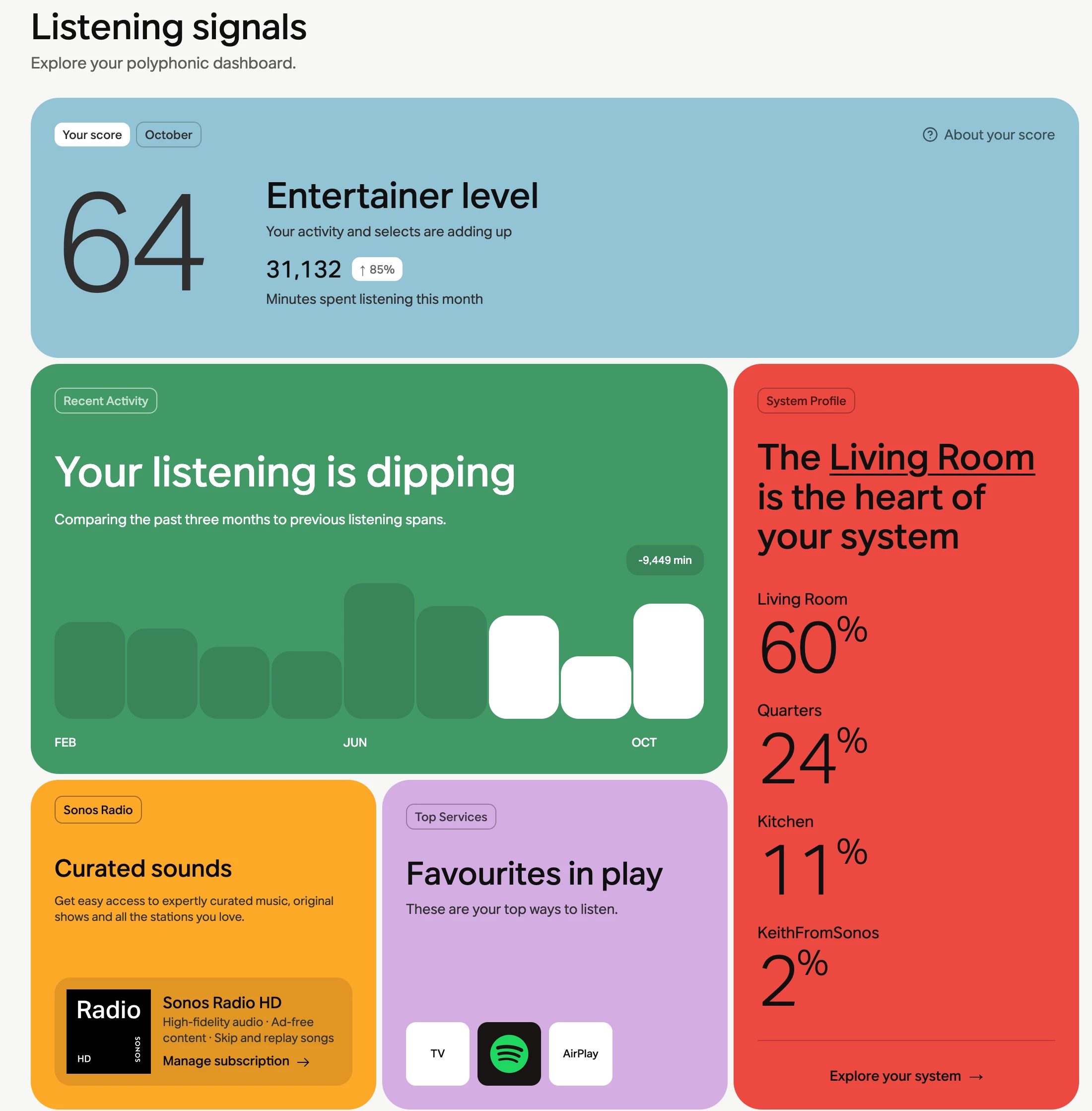
- Listening Signals - a monthly dashboard showing how you use Sonos, from how often you listen to which rooms get the most play, how many products you’ve registered and which app features you use most.
- Exclusive Unlocks - member-only offers and a chance to be among the first to hear what’s happening at Sonos.
- Backstage Access - our new VIP Concierge, the beta program and this refreshed Community.
Here’s what my listening signals section looks like:
Frequently asked questions
What’s actually new?
Listening Signals and VIP Concierge are new. Member-only offers and the beta program were already part of your Sonos account and the Community got its refresh in October. Listeners Club is the first time all of these live in one place.
Where do I find my member perks?
Sign in at sonos.com and select the Listeners Club tab under My Account.
What happened to my upgrade credits?
Activated upgrade credits have moved from the Offers tab to Listeners Club. Nothing else about the Upgrade program has changed.
Do I need to own a Sonos product?
No. Anyone can join, though the membership is designed around owning at least one Sonos device.
Where is the Listeners Club available?
In every country where you can shop directly on sonos.com. VIP Concierge, which connects you with a Sonos expert for shopping and system-planning advice, is currently available in the US, Canada, UK, Ireland, Australia and New Zealand.
How do Listening Signals work?
They give you a monthly snapshot of your Sonos usage: how often you use your products and the app, how many products you’ve registered and which app features you use. This relies on the Additional Usage Data setting in the Sonos app, so you’ll need that turned on to see your Signals. The dashboard refreshes monthly and the first update reflects data through September.
Can I turn Listening Signals off?
Yes. In the Sonos app go to Account > Privacy & Security > Additional Usage Data and switch it off. New Signals will stop being generated and you’ll still have access to everything else in the Listeners Club.
Can other members see my listening data?
No. Your individual listening data is never shared with other members. Sonos may use combined, de-identified data to show how your listening compares with other Sonos customers. You can request deletion of your personal data through your Sonos account, the Sonos app or by emailing privacy@sonos.com. More in the Sonos Privacy Statement.
Can I access Listeners Club in the Sonos app?
Not at this time. Listeners Club lives on sonos.com.
Why don’t I see all of my rooms in the System Profile card?
Listening Signals only reflect rooms you listened in during the month being reported. The System Profile card also shows a maximum of 4 rooms, so if you have more than 4 active rooms only the top 4 appear. If you have multiple products bonded in one room, you’ll see the room name rather than the individual products.
What about headphones?
Listening from Ace and Ace Ultra isn’t currently part of Listening Signals.
Have a look and drop your own Listening Signals in the replies. I’m curious how everyone compares and I’ll be following the thread and passing feedback along to the team.