
Ryan S
Retired Sonos Staff
April 21, 2020

Sonos 11.1 Brings Sonos Radio
Related content:Software
Sonos 11.1 Brings Sonos Radio

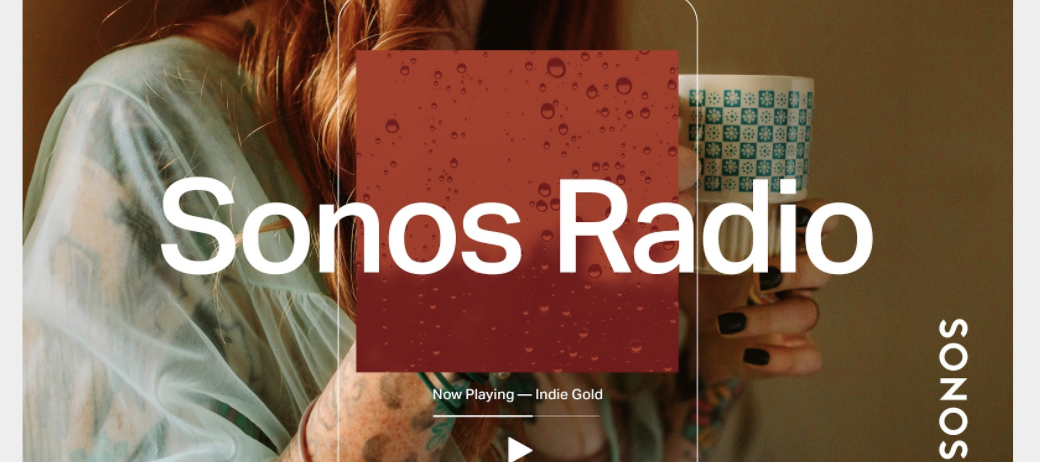
We’re proud to announce the launch of Sonos Radio, the premier radio experience on Sonos.  This is a free, ad-supported streaming radio service available to Sonos customers, offering access to an extensive assortment of music, news, live sports and more. 


Sonos Radio connects you with radio stations from around the world, with over 60,000 broadcast radio stations brought together in an easy to use interface. You can also use Sonos Radio to access radio services from our partners, such as iHeartRadio in North America, with more on the way. 


Sonos Radio features exclusive Sonos Stations, 30 genre-based stations based off of the music our owners listen to most. Get quick access to music with stations designed to complement the things you do at home, like getting ready in the morning, relaxing, working from home, cooking, and more.


Broadcasting from our Sonos Store in New York City, Sonos Sound System is the destination for music discovery and sonic inspiration. You can find Sound System along with our exclusive artist-curated stations under Sonos Presents in the app. 

Learn more here: https://support.sonos.com/s/article/482

    This topic has been closed for further comments. You can use the search bar to find a similar topic, or create a new one by clicking Create Topic at the top of the page.

    181 replies

    Lyricist III
    April 23, 2020

    Exactly:

    Sharing and Disclosure of Aggregate Data

    We share data in aggregate form and/or in a form which does not enable the recipient of such data to identify you, with third parties, for example, for industry analysis.

    You DO ‘share’ OUR data, and I’m sure you don't share it for the good of your health.

    Who gave you this right? It wasn’t a condition of purchase when I gave you thousands of dollars!

    I’ve come a bit late to this discussion, but it seems as if I’m the only one here who has sympathy for your position. I have been annoyed ever since Sonos made losing my privacy a condition of receiving updates - some time after I bought the equipment. I looked at Sonos Radio and immediately decided that I didn’t want it when I saw that it required a change to my data sharing. At least Sonos, to their credit, drew my attention to that fact straight away, allowing me to make an informed choice. However, all those years ago had I had a crystal ball I wouldn’t have bought into the Sonos platform in the first place.

    Not only that, but I haven’t been able to see anything new that Sonos Radio brings to the radio experience that I want. That’s just my situation; I accept that others might have different needs, of course.

    Trending Lyricist I
    April 23, 2020

    Hi

    We control our Sonos using Amazon Alexa but cannot find a way to play Sonos Radio via an Alexa command. Any radio stations on TuneIn work. 

    Is there an Alexa command which will control Sonos Radio? 


    Thanks

    Lyricist I
    April 23, 2020

    Great SONOS RADIO!


    Please don’t stop

    “In the Absence Thereof”


    melvimbe
    April 23, 2020

    Hi

    We control our Sonos using Amazon Alexa but cannot find a way to play Sonos Radio via an Alexa command. Any radio stations on TuneIn work. 

    Is there an Alexa command which will control Sonos Radio? 


    Thanks


    No, there isn’t.  Both Amazon and Google don’t allow you to control streaming sources that you can’t use on their own Echo and Google Home devices.  TuneIn, for example, works because you can play TuneIn on an Echo.


    You can work around this by creating routines in third party applications like IFTTT, Yonomi, Smartthings, etc to play a specific Sonos radio (once added to My Sonos), but that is a bit more complicated.

    Danny
    buzz
    Grand Maestro
    April 23, 2020

    It’s limited functionality, but one can “Stop” and “Continue” Sonos Radio. I’m experimenting with the command set. “Play” seems to work, but “Resume” picked up an Internet Radio station that I had been playing a wile ago. A second try of “Resume” continued Sonos Radio.

    Trending Lyricist I
    April 23, 2020

    Thanks for the responses. 

    Avid Contributor I
    April 23, 2020

    I have tried the Sonos Radio and like it, Im in the NYC area and have my stations listed and playing great, my wife listens to a lot of Gospel music and she is happy with it so Im happy! lol

    el rubio
    April 23, 2020

    Exactly:

    Sharing and Disclosure of Aggregate Data

    We share data in aggregate form and/or in a form which does not enable the recipient of such data to identify you, with third parties, for example, for industry analysis.

    You DO ‘share’ OUR data, and I’m sure you don't share it for the good of your health.

    Who gave you this right? It wasn’t a condition of purchase when I gave you thousands of dollars!

    I’ve come a bit late to this discussion, but it seems as if I’m the only one here who has sympathy for your position. I have been annoyed ever since Sonos made losing my privacy a condition of receiving updates - some time after I bought the equipment. I looked at Sonos Radio and immediately decided that I didn’t want it when I saw that it required a change to my data sharing. At least Sonos, to their credit, drew my attention to that fact straight away, allowing me to make an informed choice. However, all those years ago had I had a crystal ball I wouldn’t have bought into the Sonos platform in the first place.

    Not only that, but I haven’t been able to see anything new that Sonos Radio brings to the radio experience that I want. That’s just my situation; I accept that others might have different needs, of course.


    While I understand your frustration, I am somewhat surprised you pursued to buy products that inherently are designed for Internet-based services. Using streaming services, google and facebook controlled services will jeoperdize your privacy in one way or another. If you want to control your privacy,  buy records in a shop and pay cash.

    salu2.eu
    Renowned Enthusiast I
    April 23, 2020

    A silly question but how do I remove Sonos Radio?  I just did the update to 11.1 and from my understanding it was supposed to be added automatically. 


    I see the icon on the home screen but I don’t see it listed in music services where the help tells you to go if you want to remove it but other than that one icon I also not getting search results for it, etc.


    So I am wondering if it was actually automatically added and more importantly even with the service removed is the app always going to have that icon?  I hope not.

    Trending Lyricist I
    April 23, 2020

    Three questions:

    (1) I’m in the US, why can’t I find the David Byrne station?

    (2) How do I see the liner notes mentioned on this page? https://www.sonos.com/en-us/sonos-radio

    (3) Can’t I skip a track that i hate?  Please let me skip a track sometimes!