Shaun O
Sonos Staff
April 14, 2026
News

๐Ÿ“ฒ New Sonos App & Player Updates Now Available! ๐Ÿ”Š

Related content:SoftwareSonos
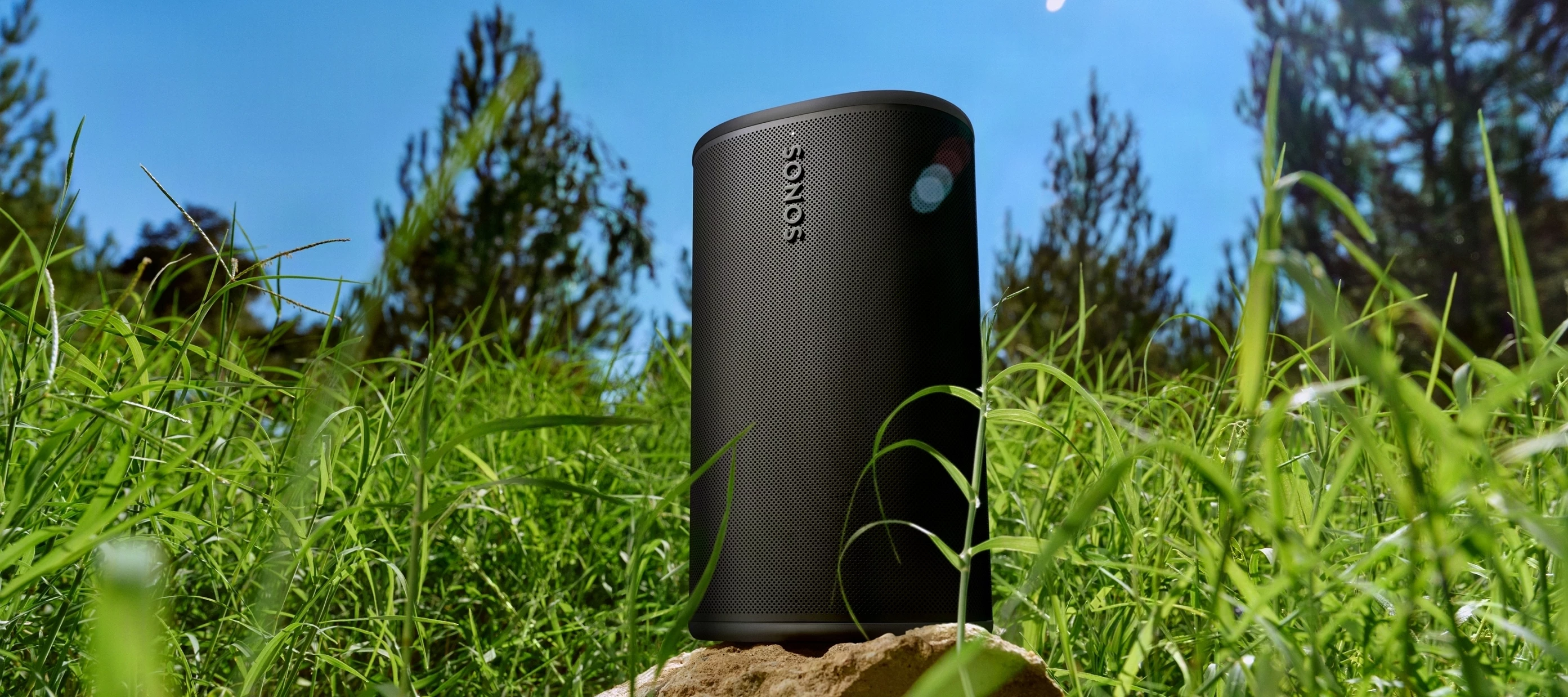
Sonos touches grass

Howdy folks!

This morning, the team is deploying an update to both the Sonos app and player firmware. This release brings some podcast control improvements and a handful of usability improvements.

As a reminder, this will be a phased rollout. You may see the update ready in your app store now, or it may become available to you over the next few days.

ย 

Update Details

App version:

  • iOS - 84.00.34
  • Android - 84.00.32

ย 

Player version:

  • Player: 94.1-76070

App Updates

In addition to the typical bug fixes and performance improvements this update includes:

ย 

  • Added controls to jump ahead and back for long-form audio, starting with Spotify, Pocket Casts, and SiriusXM.
  • Improved visibility and badging for in-app messages.

ย 

  • On Android, quickly access EQ controls for Ace with the new EQ Shortcut. Enable this in App Preferences.
  • Improved visibility and badging for in-app messages on Android.

ย 

  • Starting with version 84, the Sonos app will start requiring a minimum system software version to ensure your system is running at its best.
  • For iOS 17 and iPadOS 17 users: The Sonos app will now operate in an unsupported mode. It will no longer receive updates and will be limited to music playback controls. To access all system configuration options, update to iOS 18 or higher.

ย 

Release Notes & Support

You can find our full archive of release notes for previous updates here:

Questions or feedback? Leave a comment below and let us know! We appreciate your input as we continue to improve the Sonos experience together.

    This topic has been closed for further comments. You can use the search bar to find a similar topic, or create a new one by clicking Create Topic at the top of the page.

    30 replies

    Airgetlam
    April 16, 2026

    It is sitting on a rockโ€ฆ.

    Bruce
    MoPac
    Headliner III
    April 16, 2026

    Amazon Music Unlimited user created playlists still do not fully load into the queue. ย Hope this is on the target list for the next app update.

    How long a list? I don't have any big ones to test but a 200 long listย seems to be loading.

    The limit seems to be 500 tracks. ย Problem is a playlist of 486 tracks only loads 400 tracks when using the Sonos app. ย If I use the third party app SonoPhone all 486 tracks load. ย Then after using SonoPhone to load the 486 track playlist it shows in the Sonos app with all 486 tracks in the queue. ย I should not have to use a third party app to load Amazon Music Unlimited user created playlists.

    MoPac
    Headliner III
    April 16, 2026

    It is sitting on a rockโ€ฆ.

    Rock & Roll!

    Stanley_4
    Grand Maestro
    April 16, 2026

    Amazon Music Unlimited user created playlists still do not fully load into the queue. ย Hope this is on the target list for the next app update.

    How long a list? I don't have any big ones to test but a 200 long listย seems to be loading.

    The limit seems to be 500 tracks. ย Problem is a playlist of 486 tracks only loads 400 tracks when using the Sonos app. ย If I use the third party app SonoPhone all 486 tracks load. ย Then after using SonoPhone to load the 486 track playlist it shows in the Sonos app with all 486 tracks in the queue. ย I should not have to use a third party app to load Amazon Music Unlimited user created playlists.

    That is interesting, sounds like the app isn't passing the Playlist name to the speaker for it to load the tracks, but instead is loadingย the track names from Amazon and passing them to the speaker.

    If it was a speaker firmware issue one would think all the controller apps would perform the same.

    Lyricist II
    April 16, 2026

    Since this version of the app loaded, it has caused catastrophic problems with my system. ย First, the app keeps having โ€œconnection timed outโ€ errors with Apple Music as a source. ย Went in and dropped only to re-add AM to see if this would fix the issue. ย It did not. ย The same is happening with SiriusXM as a source, too.

    Second, my WiFi dependent devices, a Move 2 and stereo pair Era 100 system, sometimeย appear in the app and not. ย Have tried remedying the matter with reboots - router (three times in the past 24 hours), the devices themselves, iPhone, iPad, and the app itself (through the account settings), ย Rebooting provides little remedy.ย  May work with the iPad for a short period of time, but then when trying to skip a track or even change volume, the app states โ€œfeature not available at this time. ย Try again later.โ€ ย Still get the โ€œconnection timed outโ€ messages when using AM and SiriusXM as a source. ย The iPhone version seems to consistently not work with the new app.

    Third, did check the WiFi settings on the iPhone and iPad and noticed that private WiFi address is set to fixed. ย The VPN has been turned off. ย Running iPad/iPhone OS 26.4.1 (which came out at the same time as 84.00.34).

    Need some help. ย First, is it possible to move back to an earlier app version until the bugs are worked out of 84.00.34? ย Second, could there be some conflicts with the iOS update and the new app? ย And/Or third, are there other settings in the iOS that should be considered to get the app to work? ย Again, the consistent message has been โ€œconnection timed out.โ€ ย This update has effectively bricked a big part of my system that is WiFi dependent. ย Not seeing the benefits of this update at this time. ย It has been frustrating.

    Please help. ย Thank you.

    Airgetlam
    April 16, 2026

    Unfortunately, it isn't easy to move backwards. Easier, relatively, if you have an Android device, nearly impossible on an iOS device.ย 

    Itโ€™s not clear, but during your various reboots of things, were the Sonos unplugged while you rebooted the router? Generally, in order to get all effects, I recommend that. Youโ€™ll get some of the benefits if you do them at different times, but in order to get the full effect, the Sonos should all be unplugged when you reboot the router.ย 
    ย 

    Connection timed out is hard to trace, without details that only Sonos employees can see. I would recommend that you submit a system diagnostic within 10 minutes of experiencing this problem, and call Sonos Support to discuss it. Donโ€™t post the resulting diagnostic number here.

    There may be information included in the diagnostic that will help Sonos pinpoint the issue and help you find a solution.

    When you speak directly to the Support staff, they have tools at their disposal that will allow them to give you advice specific to your network and Sonos system.

    Bruce
    Stanley_4
    Grand Maestro
    April 16, 2026

    You say "WiFi dependent devices" does that mean you have some devices wired to Ethernet and are usingย the 2.4 gHz Sonosnet to connect to your other Sonosnet capable speakers?

    Your profile only lists "Era 100,ย Arc Ultra and aย Sub (Gen 4)" your post mentions a Move 2, what Sonos do you have and how is each connected?

    Prominent Collaborator I
    April 16, 2026

    Once again, the sound signature of the Port has changed!

    It had actually reached a really good sound, but now itโ€™s fatiguing to listen to. The vocals are sharp/piercing, and there's a attack bass boost.

    Variable output and loudness on

    106rallye
    April 16, 2026

    Thatโ€™s not in the release notesโ€ฆ..

    User117655
    Prodigy II
    April 16, 2026

    Playing program (rather than station) graphics forย BBC sounds radio seems to be sorted inย this releaseย ๐Ÿ‘