

Sotiris C.
Sonos Staff
October 8, 2025
News

Latest Software Update - Early October '25
Related content:Software

Hello everyone!


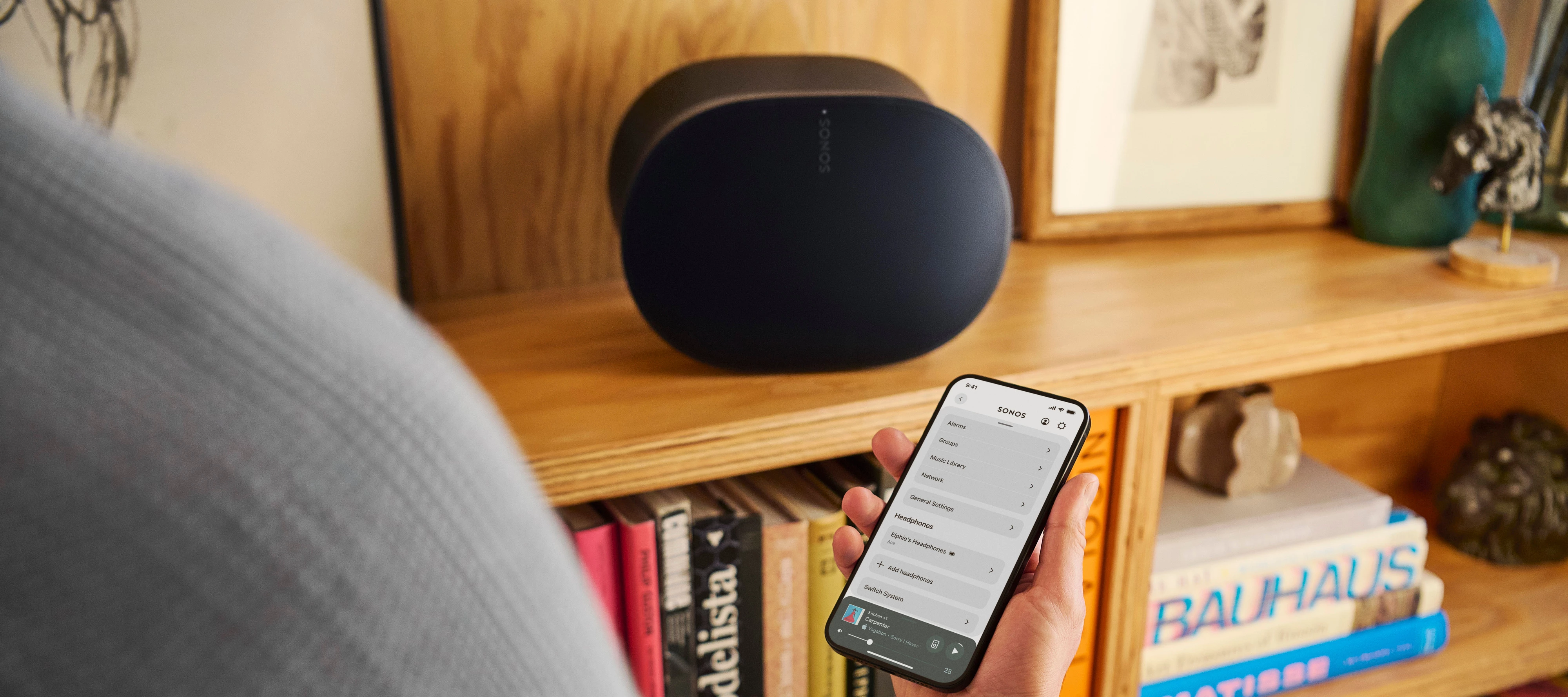
Earlier today we deployed an update on iOS and Android for the Sonos App and also an update to our firmware (Player). Have a quick look at what's changed below. If you are interested to know what has changed over the last few months, check out our App Release Notes here, as well as our System (Player) Release Notes here.


Once again, this will be a Phased Rollout. You might have the update ready and waiting for you within the App store or you will need to be patient until it becomes available to you.


In the App update:


iOS - 80.30.35

Android - 80.30.31


Fast Scroll in Queue for Android

Queue Improvements: You can now jump to the currently playing song in a queue and scroll through long queues faster.

Android 8 & 9 no longer supported

For Android 8 and 9 users: The Sonos app will now operate in an unsupported mode, meaning it will no longer receive updates, and will be limited to music playback controls. To access all system configuration options, update to Android 10 or higher.


Additional changes:

  • Minor UI improvements (Android).
  • Swipe-to-dismiss usability improvements on iOS.
  • Improved performance for playlist editing on iOS.


In the Player update:


New Firmware version - 91.0-70011


Fix for some issues that may result in popping artifacts on Arc Ultra


This update addresses some of the reported popping artifacts on Arc Ultra. Please keep in mind that these sounds can also result from cables or other peripherals/software affecting the signal. If you continue to experience this issue, contact our support team if you haven’t already.


Feel free to share your feedback, it is much appreciated as always!


Sotiris C


👻 = O


This topic has been closed for further comments. You can use the search bar to find a similar topic, or create a new one by clicking Create Topic at the top of the page.

69 replies

Headliner I
October 11, 2025

When every update requires a reboot of every Sonos device, thus causing a request for a new IP address from the network, saying:


A Simple Logic Test

Let’s examine two key moments:

  • Moment A: System worked perfectly before the update
  • Moment B: System failed immediately after the update

No network changes occurred between A and B. 


is 100% false.  There were most certainly some network changes occurring.  Specifically, a new IP address was handed out by a router that may or may not be handing out IP addresses that are currently in use.  Multiply this by the number of Sonos units on your system and you now know why “IT WAS THE %*%$# UPDATE!!!” is a foolish conclusion. 


Actually not 100% false as there is no reason why the Sonos device cannot retain the IP address allocated before the update meaning that there is no reason for a new IP address to be requested.

There is of course always a chance that a change will occur during the update but saying 100% is overstating this. 

jgatie
October 11, 2025

Actually not 100% false as there is no reason why the Sonos device cannot retain the IP address allocated before the update meaning that there is no reason for a new IP address to be requested.

There is of course always a chance that a change will occur during the update but saying 100% is overstating this. 


Name one device that is issued an IP address via DHCP which retains that same address through a reboot.  By the very definition of DHCP (Hint: The ‘D’ stands for “Dynamic”), no device retains an IP indefinitely, and the IP issued is determined by the DHCP device, and not by the device itself.  It is only by reserving IP addresses in the router’s allocation table that a device is issued the same address every time. 

What you speak of is static addressing, which Sonos doesn’t even use, and is the very opposite of DHCP.

AjTrek1
October 11, 2025

​@Hulla 

In the interest of “positive” solidarity I wanted to make sure you and others who may have the same misunderstanding of what this community is about see this….

  • You mentioned that it’s the fault of Sonos that your purchase account does not sync your purchased products with this community. News Flash… that would be improper for any company to expose your purchased products to a general community like this without your permission. I’m sure you’d be outraged if that were the case. What you purchase is your personal business and not that of others; unless you choose to make it public. Some would call that an invasion of privacy or publication of Personal Identifiable Information (PII).
Together Everyone Achieves More = T.E.A.M.
Stanley_4
Grand Maestro
October 11, 2025

I have spent many, many hours with some decent network tools looking for the cause of this issue.

First: The issue happens at two (common, maybe not comprehensive) times. One is a system reboot from a power failure, the second is following a firmware update/reboot, but not a Controller-only update. 

Second: Using a router with very comprehensive DHCP logging and not assigning reserved IP addresses, nothing can be seen in the logs showing assignment issues, none refused, no duplicates. Switching to reserved addresses the logging again shows no issues. I did not use a packet analyzer, it would be nice if someone did, I decided to not subject my Sonos to a large number of power cycles needed for that.

Sadly we are prevented from seeing the internal Sonos logging and can't compare their logs to our router logs.

It is obvious something is going wrong (Sonos acknowledged this, but not that it is their fault) but only for some people.

It is more common to see reports from folks with more Sonos than ones with just a few. I think there have been reports with 3 or 4 Sonos.

Changing routers can make the issue go away, even if it is going from a high end router to a cheap one pulled from the junk box.

The problem isn't consistent, you can have several reboots with no issue and then get hit at the next several. 

The one clear thing that all evidence points to is that the issue is directly related to the system wide reboot.

The reason for the reboot doesn't matter, just that it was done.

Blaming the firmware updates is pretty much impossible as they are always followed by a reboot.


To be clear Sonos needs to fix this, maybe it isn't their fault but a router or other flaw. BUT it is causing Sonos users grief and at a minimum Sonos should find a way to work around any common failure like this.


Stanley_4
Grand Maestro
October 11, 2025

While I was typing a couple things came up.

Some routers were assign dynamic addresses via an algorithm,  based on the client MAC address, results are close to reserved addresses unless another device requests the address prior to the device that would be given it by the algorithm. So far nobody has posted any data on how this impacts the Sonos reboot issue.

DHCP servers can maintain a cache of previously assigned MAC/address pairs and try to reassign them when a client requests a new address. Usually a router reboot clears that cache. Your DHCP logs will confirm the address choice was at the server, not the client. This is for new addresses, not address lease renewal. 

There isn't enough evidence, either way, to tell if the problem occurs at lease renewal time. If it did it would likely only impact the Sonos (and any downstream devices) requesting the renewal. 

Enthusiast II
October 11, 2025

When every update requires a reboot of every Sonos device, thus causing a request for a new IP address from the network, saying:


A Simple Logic Test

Let’s examine two key moments:

  • Moment A: System worked perfectly before the update
  • Moment B: System failed immediately after the update

No network changes occurred between A and B. 


is 100% false.  There were most certainly some network changes occurring.  Specifically, a new IP address was handed out by a router that may or may not be handing out IP addresses that are currently in use.  Multiply this by the number of Sonos units on your system and you now know why “IT WAS THE %*%$# UPDATE!!!” is a foolish conclusion. 


Actually not 100% false as there is no reason why the Sonos device cannot retain the IP address allocated before the update meaning that there is no reason for a new IP address to be requested.

There is of course always a chance that a change will occur during the update but saying 100% is overstating this. 

Yes, that’s correct. In practice, the devices will keep the same IP address unless their DHCP lease expires at the same time as the reboot.
 

buzz
Grand Maestro
October 11, 2025

DHCP “leases” an address for a period of time. When the lease expires the client device returns to the DHCP server to “renew” the address. Depending on the DHCP server the client device may renew to same address or not. At renewal time a client might be powered down or, in the case of a portable, out of the area. Renewing to the same address would reduce many risks associated with a changing address, but how long should the DHCP server track and reserve that device address in case the device might power up or return to the area? There are lots of potential little details that could frustrate a client or two — such as a player or controller’s lease expiring and changing while an update is in progress.

Reserving IP addresses for SONOS and controller devices can prevent this nonsense. Since I have a local music library, I also reserve addresses for the NAS drives.

I suppose the renewal risk could be reduced somewhat if the SONOS update process began with a mass renewal and discovery for its own devices, but this could not guarantee that the controller device would not renew during the process.

Headliner I
October 11, 2025

Actually not 100% false as there is no reason why the Sonos device cannot retain the IP address allocated before the update meaning that there is no reason for a new IP address to be requested.

There is of course always a chance that a change will occur during the update but saying 100% is overstating this. 


Name one device that is issued an IP address via DHCP which retains that same address through a reboot.  By the very definition of DHCP (Hint: The ‘D’ stands for “Dynamic”), no device retains an IP indefinitely, and the IP issued is determined by the DHCP device, and not by the device itself.  It is only by reserving IP addresses in the router’s allocation table that a device is issued the same address every time. 

What you speak of is static addressing, which Sonos doesn’t even use, and is the very opposite of DHCP.

Most devices actually retain addresses because their lease has not expired even if there is a reboot. They can do this because the programmers cache the address and lease expiry information. The primary uses of this are renewing the lease to avoid changing IP address and re-establishing connection after a reboot.

Stanley_4
Grand Maestro
October 11, 2025

I haven't seen client machines doing this, the only cache I have seen, looking at my DHCP logs, is on the server.

Sonos doesn't do any caching that I have been able to detect, it would have to be written to NVRAM, something Sonos tries very hard to avoid due to write limits, particularly on older Sonos where it is a manor issue/failure point.

Headliner I
October 11, 2025

When you display the About My System tab the IP address for each speaker is displayed because the speakers have stored (cached) the information.