

Headphone Linking in Early Access for Ace Ultra
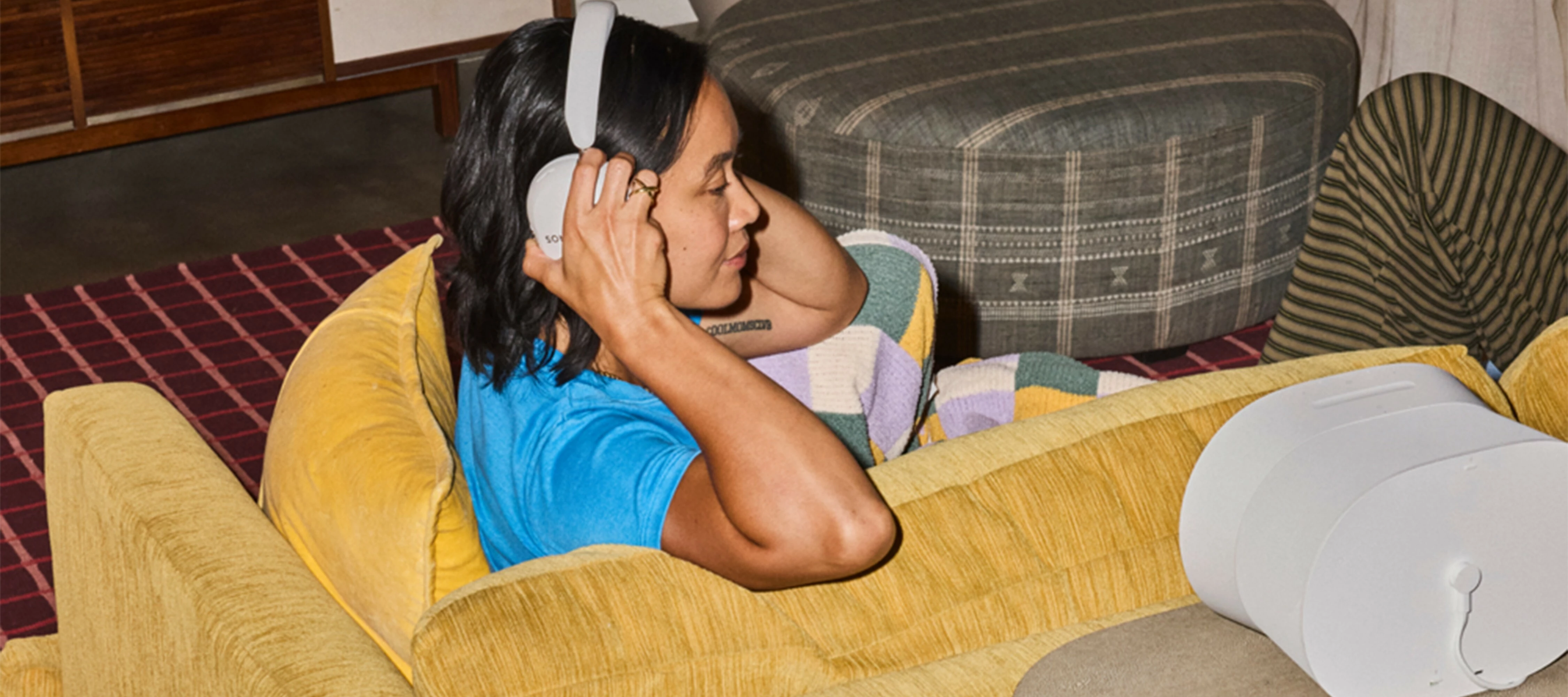
This post is to walk through a super cool new feature coming to Ace Ultra in Early Access when it ships on September 29th: headphone linking.
Headphone linking lets you play Sonos audio on your Ace Ultra: start playback right from the Sonos App, or if something's already playing on a speaker, pull it over to your headphones with a press and hold. No need to find and restart it yourself.
Requirements
- Ace Ultra setup in the Sonos App and connected to an iOS or Android device
- At least one supported product:
- Amp*
- Arc
- Arc SL
- Arc Ultra
- Beam (Gen 1)
- Beam (Gen 2)
- Beam Ultra
- Era 100*
- Era 100 SL*
- Era 100 Pro*
- Era 300*
- Five*
- Play*
- Ray
- Roam
- Roam SL
- Roam 2
- Move
- Move 2*
* Not being used as a rear surround for a home theater setup
Setup
Once you’ve set up your Ace Ultra, go to Settings and select Headphones, tap Link to your System, and follow the prompts. Super simple, and it will also set up TV Audio Swap if a compatible Home Theater product is detected.
Swapping Audio
This is the cool part. In the Sonos App, go to the room playing music and use the output selector to pull audio to your Ace Ultra. Don’t have anything playing on a speaker and just want to play to your headphones? Simple: go to the System tab in the Sonos App, select your Ace Ultra, then find and play content the way you normally do.
You can also perform the swap without opening the Sonos App: once music is playing on one of your Sonos products, simply press and hold the Content Key on the right earcup until you hear the swap tone, then let go, and it will pull the audio from the nearest compatible product onto your Ace Ultra. That same press and hold will also send the audio back to whichever product is closest when you’re ready - and it doesn’t need to be the same product that you pulled the audio from in the first place. Note that you’ll need to be pretty close - within about an arm’s length - to the speaker for it to push the audio back. This was an intentional design to avoid unintentional out-loud playback that might startle someone, wake a napping baby, etc.
Content Options
Headphone linking works with Music Service content that’s initiated in the Sonos App or Sonos Voice Control, line-in, and your local Music Library (and TV Audio Swap adds Home Theater content, too). If you’re playing something to a speaker using Bluetooth, Airplay or a Music Service’s direct control option, you won’t be able to utilize headphone linking to pull the music to Ace Ultra.
Keep in Mind
- The hardware and software required to make this work — what we're calling Headphone Engine 2 — is all new and exclusive to Ace Ultra.
- Headphone linking happens over Wi-Fi, so this won’t work on-the-go, and weak Wi-Fi coverage in parts of your home can interfere with playback.
- Setup uses a BLE connection to the headphones, which only supports one connection. You won’t be able to actively listen on more than one Ace Ultra at a time (though you can link multiple sets of headphones to a system).
- Headphone link sessions use a high-quality compressed stereo audio stream. This means that lossless or Spatial Audio quality is not supported via headphone linking right now.
- Headphone linking will work with content started via Sonos Voice Control, but not via Alexa or Google Assistant.
- Today, MCP cannot see or initiate playback to Ace Ultra.
- Audio plays in one place at a time; linking moves it, it doesn’t duplicate or group it. If you link from a speaker that’s playing in a group, the group will disband and stop playing.
- iOS Live Activity won’t show anything during a link session.
Cameron MacLeod, who leads audio systems for our Wearables/Headphones team, explained the thinking behind some of these tradeoffs:
"This is just the beginning for headphone linking. Our priority for this Early Access release was nailing the fundamentals: clean, reliable, high-quality audio streaming with Ace Ultra as part of the system. We built a dedicated WiFi connection for this exact purpose and put it through extensive listening evaluations to make sure it meets the standard people expect from Sonos. I'm proud of what we've achieved on the sound experience so far, and excited for where we take it next."
My Take
I’m fortunate that my job here means that I get to test out new products and features before they’re broadly available, and headphone swapping with Ace Ultra was no exception. Jen McDevitt, one of the Principal Product Managers behind Ace Ultra, put it very well:
"I think, more than ever, we all live in lively, busy homes, full of other people with other schedules and preferences. Headphone linking lets us all keep the music going without disturbing someone else who maybe needs quiet focus time or just is tired of my favorite jams."
My favorite use-case so far is being able to listen to records on my turntable, which is connected via Line-In on a Five, wirelessly through headphones (that sound really, really good, by the way). I personally really enjoy melancholy (see also: sad) music in the mornings while I drink my coffee and start my day, but I’ve learned that sometimes it bums my wife out. Headphone linking is kinda perfect in that I can drink my coffee and listen to Elliott Smith or Nick Drake while she plays something more upbeat. Once she leaves for work, it’s just a button press-and-hold to push the turntable audio back to the speakers.
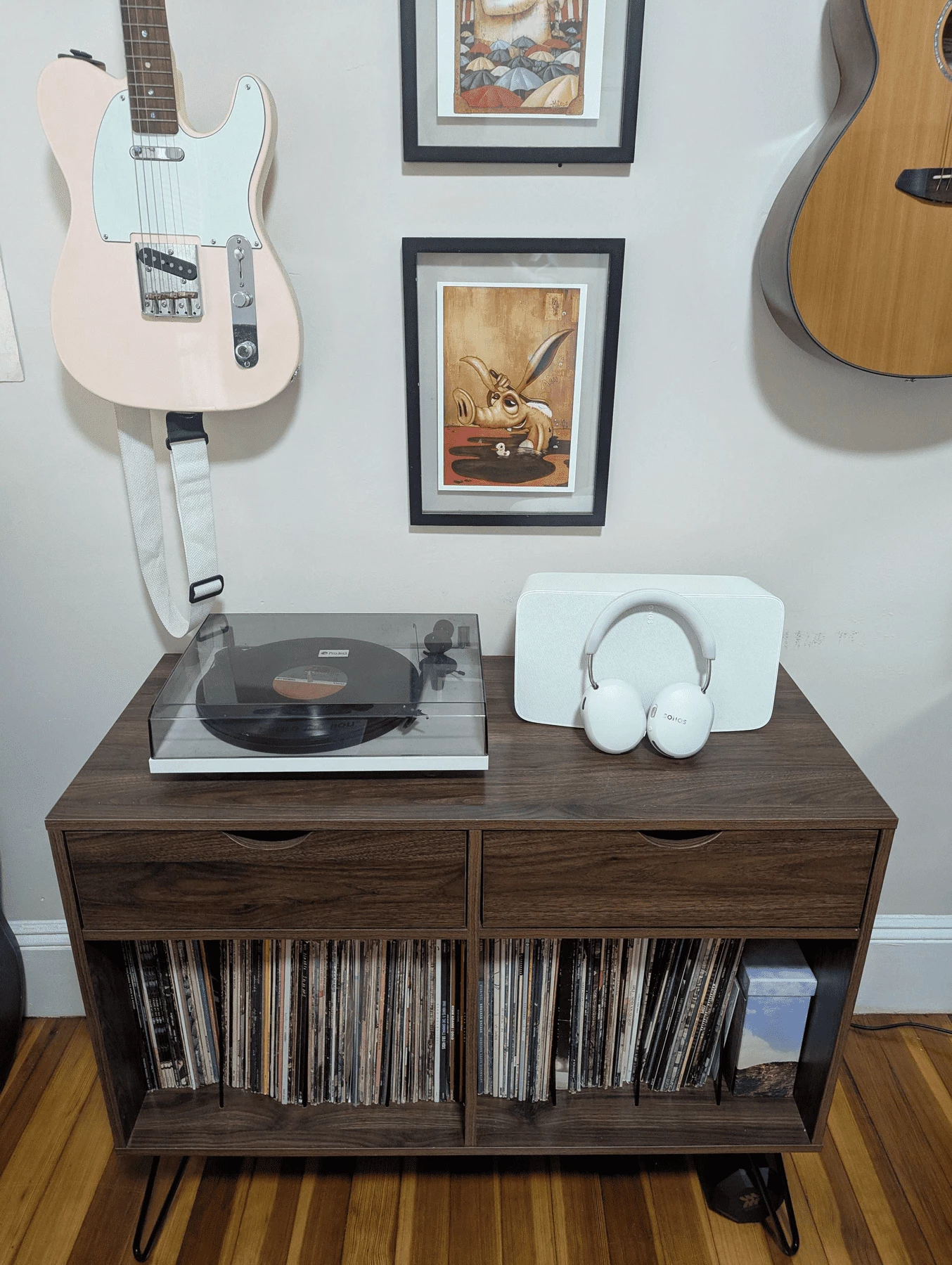
Once you get your hands on Ace Ultra I highly recommend spending some time with this feature. I think that you’ll find it pretty seamless, and it really connects your at-home headphone experience with the rest of your Sonos system in a way that’s quintessentially Sonos.
Remember, this is Early Access. We’re still working to harden the feature, fill gaps in the experience, and ensure that it works the way that it should and that you all want it to. Drop questions and feedback here and I’ll get it back to the team. Happy swapping!