

Question

Alarm on Move 2

  • June 24, 2026
  • 1 reply
  • 33 views

TractorGirl1981
Forum|alt.badge.img

I recently got the Sonos Move 2. I have had an Apple HomePod in the living room for years, which I absolutely love, the big downside of it is it’s not battery powered so can’t really take it around the house or outside so I got the Move 2 as it’s portable. It’s proved invaluable because the radio stations I listened to on my old DAB radios in the kitchen and bathroom now require DAB+ and being able to play these stations through Sonos is a big plus.
 

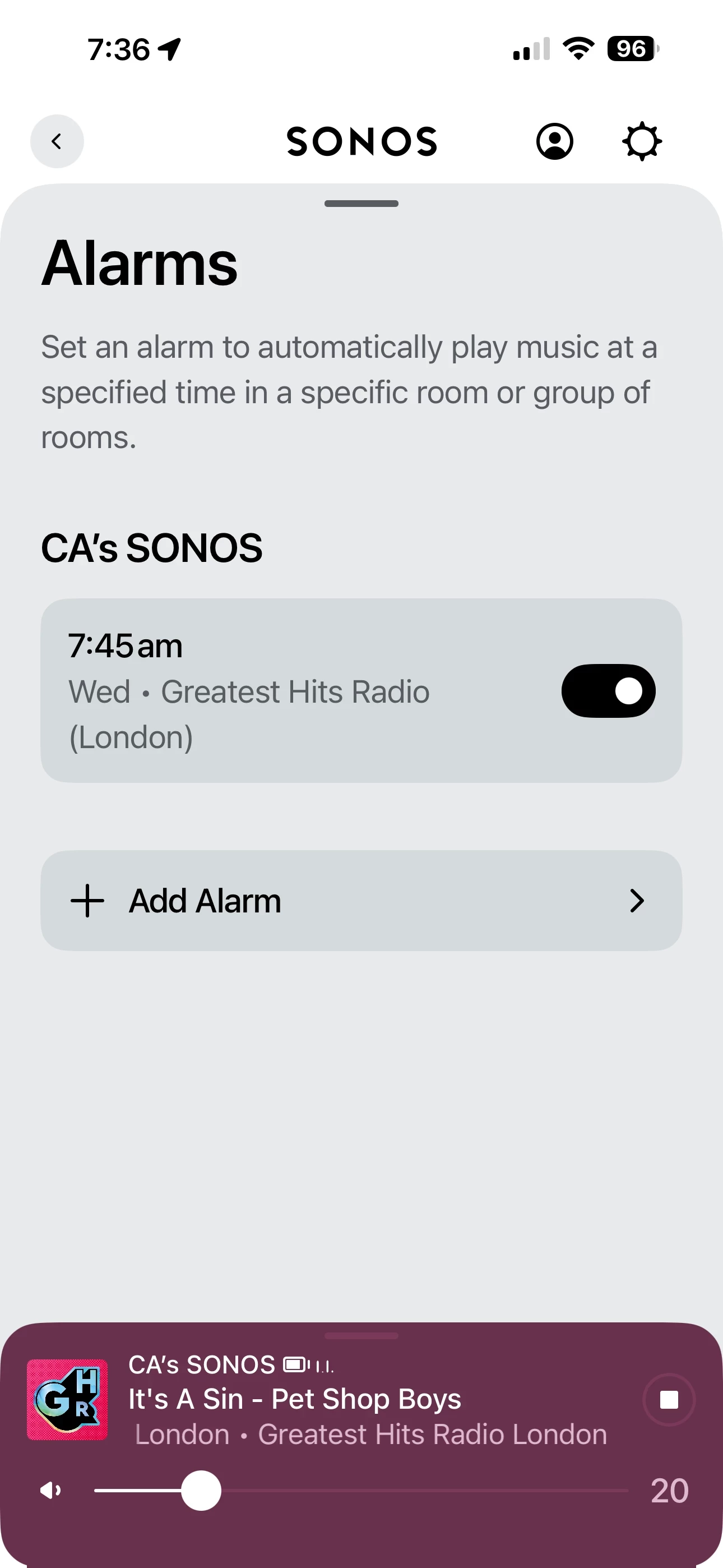
However, the one issue I have is the alarm. I have it set every morning to go off with Greatest Hits Radio. Some mornings, it goes off with Greatest Hits Radio. Some mornings it goes off with the alarm tone and no matter what I say to Sonos, the reply is something like “I cannot do this as there are no timers set.” Please tell me what I have to do to (a) Ensure it goes off with the Radio every morning and (b) tell it to switch the chime off when it gets it wrong?
 

Thank you

Moderator edit: combined posts

1 reply

Corry P
Forum|alt.badge.img+19
  • Sonos Staff
  • June 24, 2026

Hi ​@TractorGirl1981 

Welcome to the Sonos Community!

I’m sorry to hear about this issue you are having with the alarm on your Move 2 sometimes playing a chime instead of the radio station you have set to play.

Commonly, it can often help in such situations to set your alarm to sound at a minute or two before or after a round number - 8:01am instead of 8:00am, for example. This can avoid the situation whereby too many requests to play hit the server at once, resulting in some not getting a response. Well, avoid it for you at least, not for the server.

If this does not help, the speaker may be having trouble reaching the server. A regular reboot (every month or two, by turning it off for at least 30 seconds) of your router may help with this.

The chime will always sound when the set music is unable to play so that the alarm still makes a noise and therefore wakes the owner up, for example. There is no way to turn this off, as it is a fallback.

I hope this helps.