
Sonos Arc - Help With Settings - Why do I have to choose between Dolby Atmos and Dolby Digital 5.1?
- TV - Sony A80J
- Streaming Device - Apple TV4K (2nd Gen)
- Speakers - Sonos Arc / Play Ones / Sub
A few weeks ago I asked about how I should set my TV to get the best Dolby Atmos sound from my Sonos Arc. Here are the settings that were recommended…
- Speakers - Audio System
- TV Center Speaker Mode - Off
- Audio System Prioritization - On
- Sound Mode Sync - On
- A/V Sync - Auto
- eARC Mode - Auto
- Digital Audio Out - Auto 1
- Digital Audio Out Volume - Max
- Dolby Digital Plus Output - Dolby Digital Plus
- Pass Through Mode - Auto
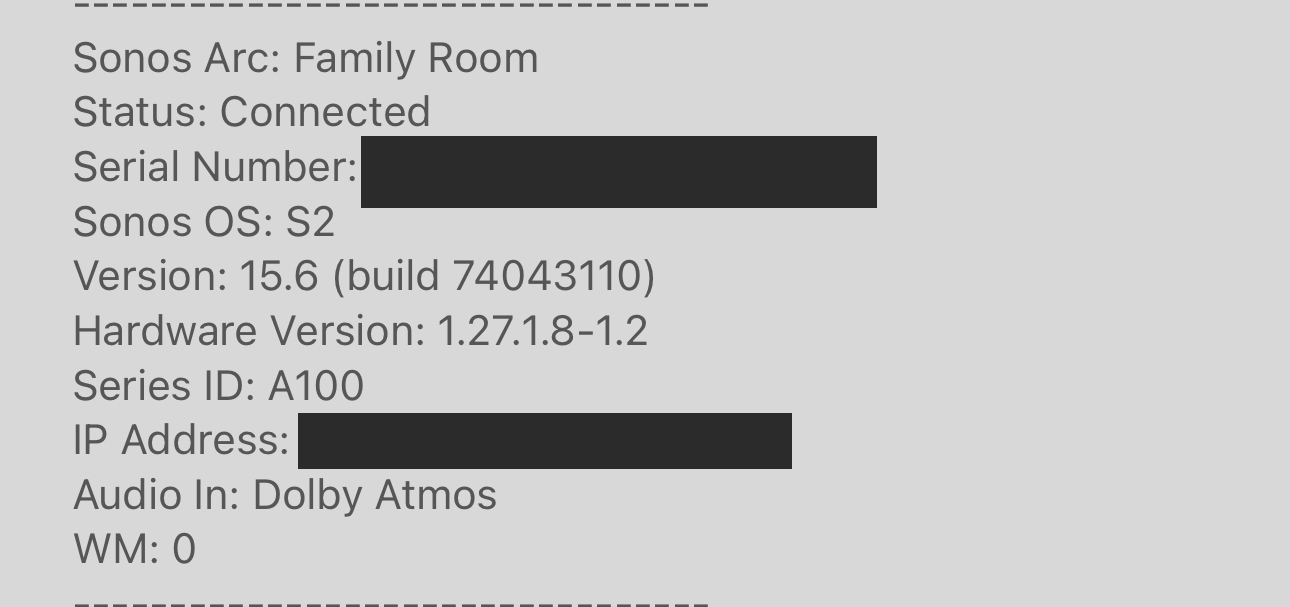
Atmos works perfectly with eARC Mode and Pass Through set to Auto (it says Dolby Atmos). But, 5.1 content does not play in Dolby Digital 5.1. It plays in Multichannel PCM 5.1.
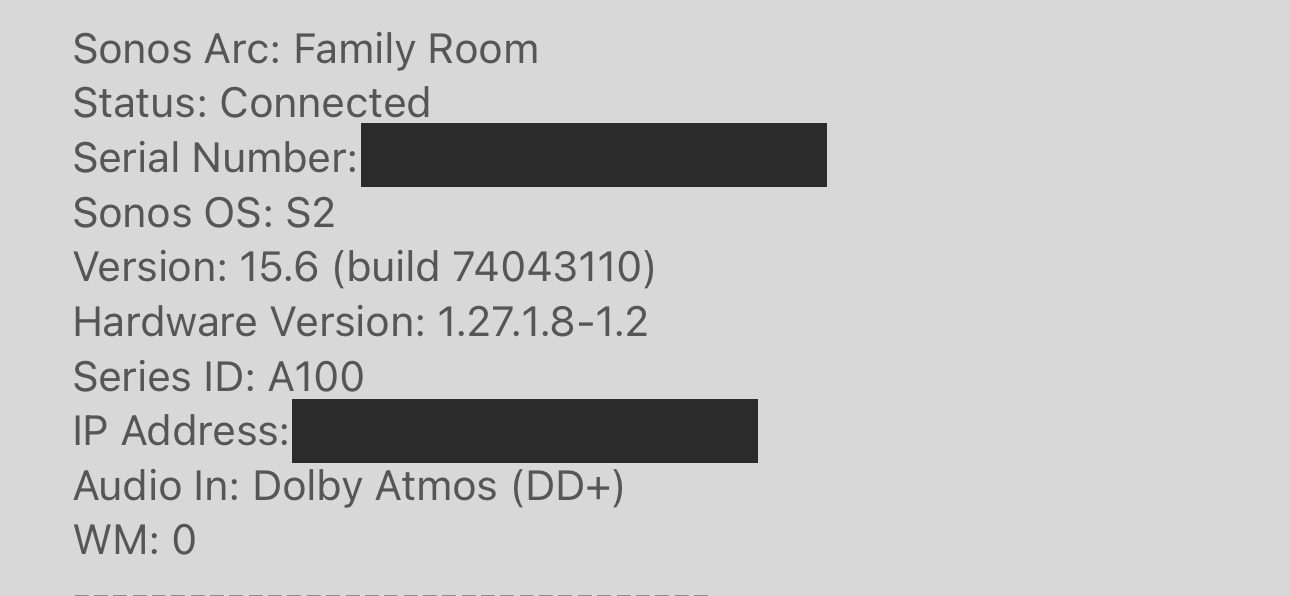
So, I turned eARC and Pass Through to “Off” and it says Dolby Atmos (DD+) which is a “lesser” Atmos from what I was told? But, 5.1 content worked and played in Dolby Digital 5.1.
For example, here’s a Netflix show when the eARC and Passthrough settings are Auto.
- Stereo PCM

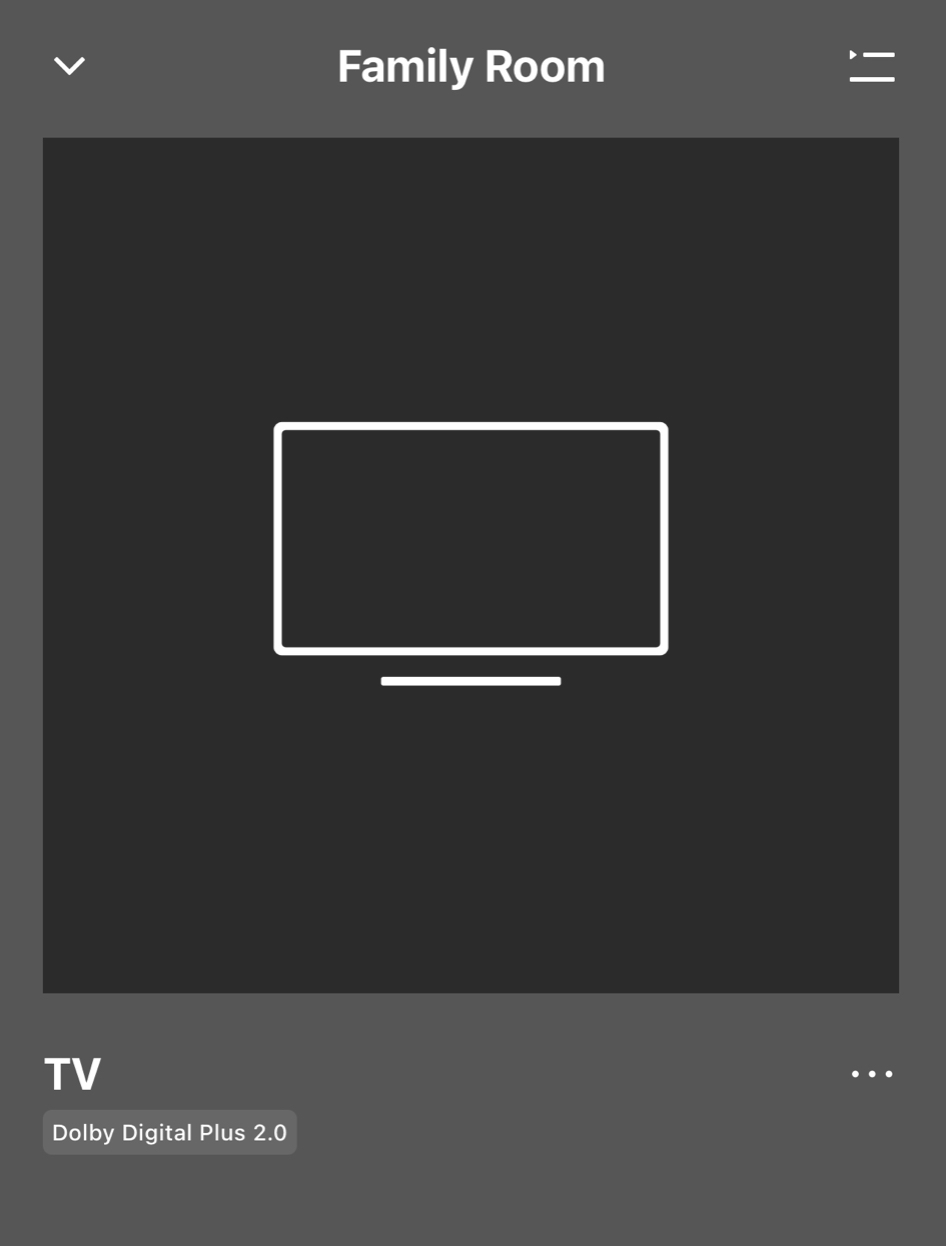
Here’s the same Netflix show when the eARC and Passthrough settings are Off.
- Dolby Digital Plus 2.0
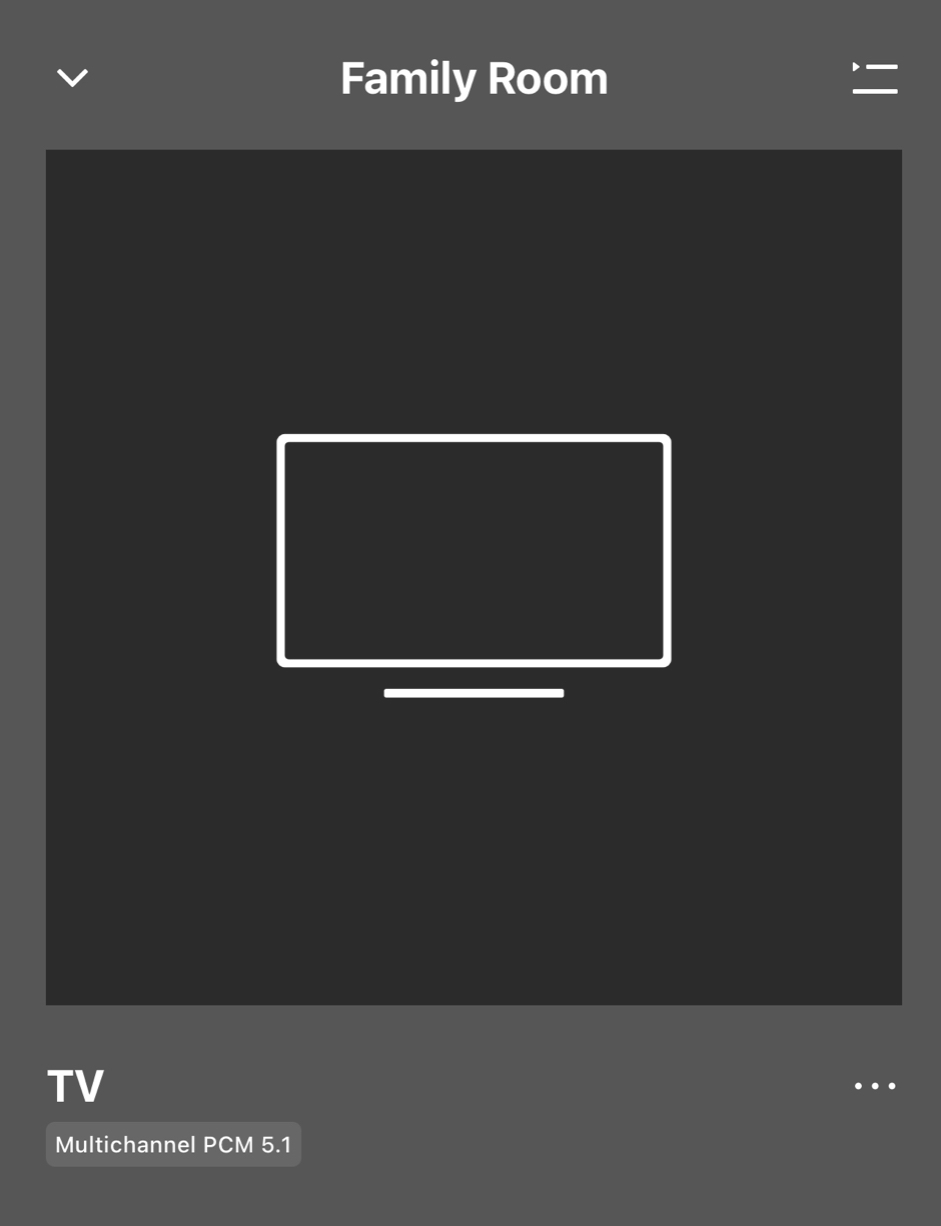
Here’s a Disney show when the eARC and Passthrough settings are Auto.
- Multichannel PCM 5.1
Here’s the same Disney show when the settings eARC and Passthrough are Off.
- Dolby Digital Plus 5.1
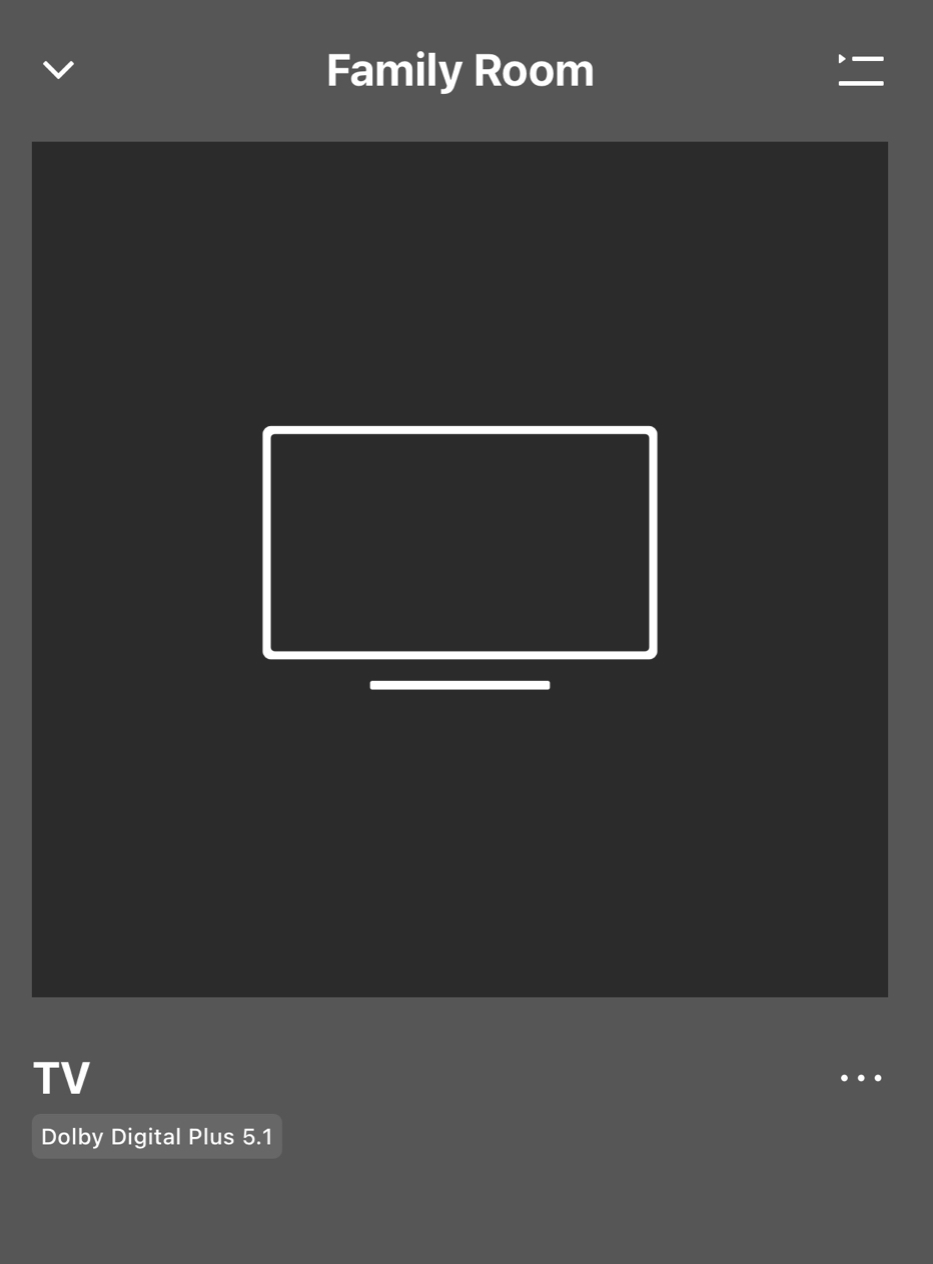
It seems like the Apple TV4K sends uncompressed Audio in LPCM when Atmos is enabled…but when you go to edit the Audio to output Dolby Digital, it turns off Atmos.
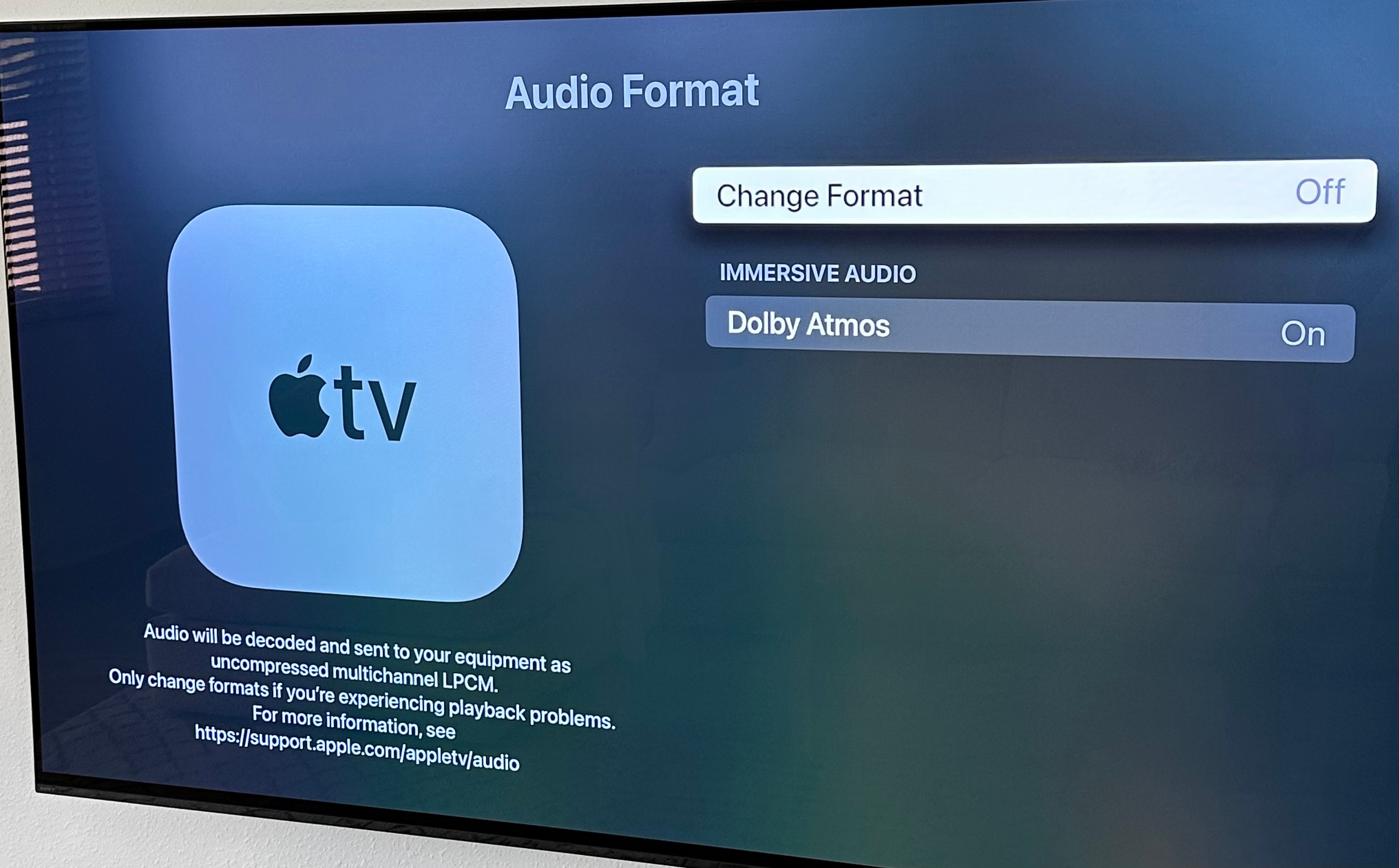
Is there any way to get the best Dolby Atmos sound (with eARC set to Auto) and Dolby Digital 5.1? Or do I have to turn it off and get a “lesser” version of Dolby Atmos but the benefit of Dolby Digital 5.1?