addriano
Avid Contributor I
April 15, 2025
Answered

Missing arrow to expand SUB details in SONOS app

Hey guys,

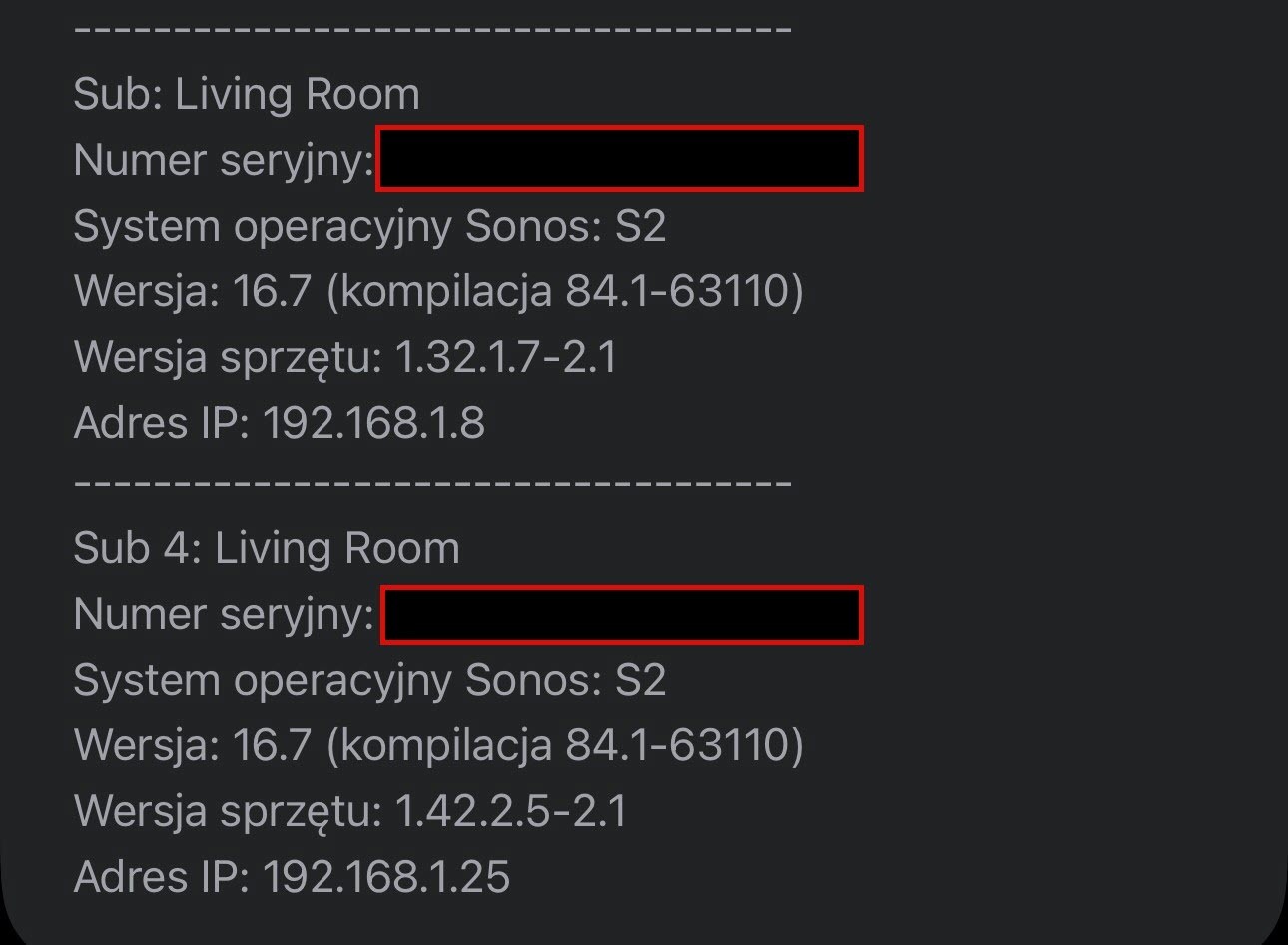
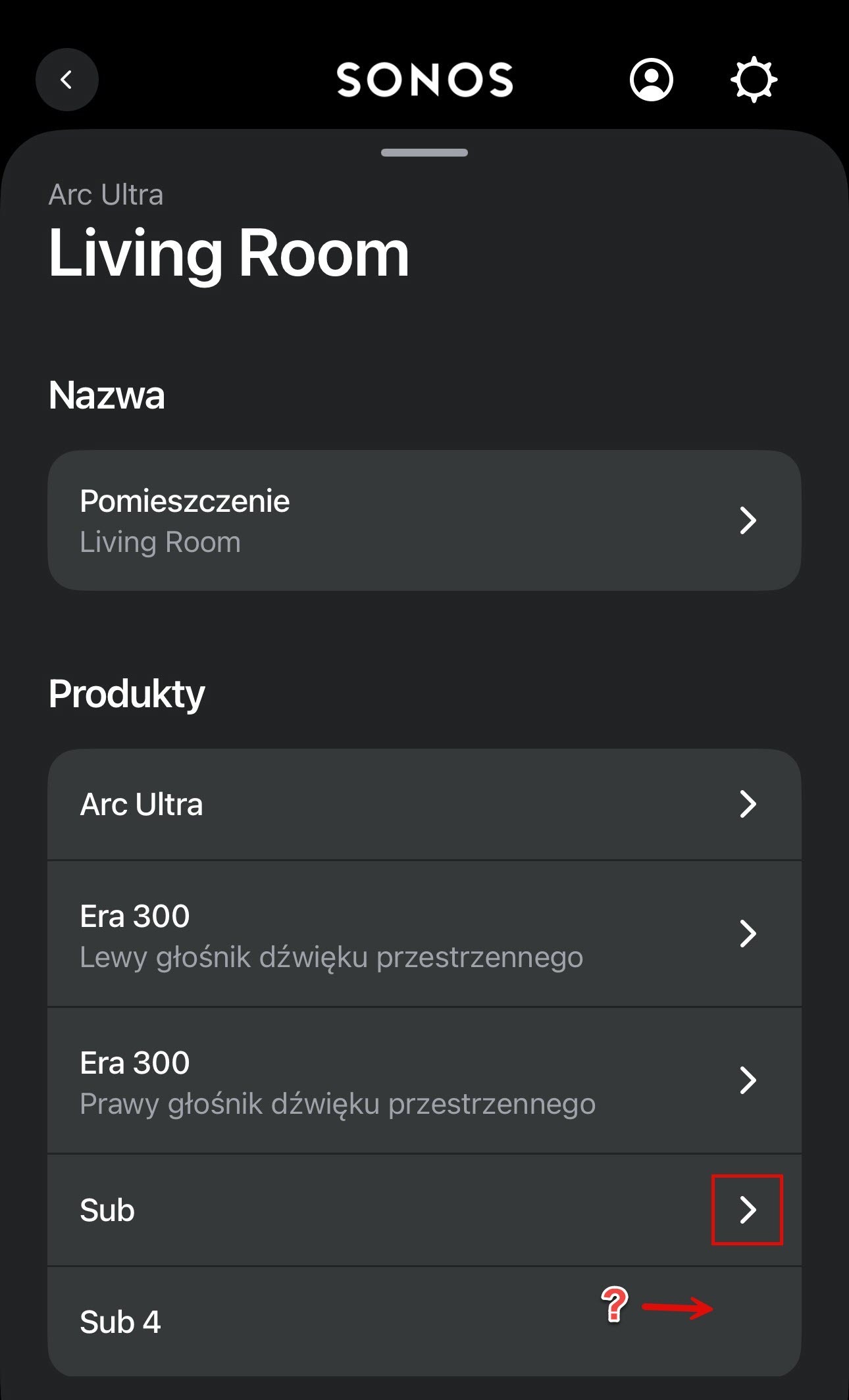
I've got a question about the Sonos app. Yesterday I added a second SUB to my system, but I can't find the info about mySUB. I'm not seeing an arrow like in the attached picture (SUB 3). The SUBs are on the same network and everything works. Do you know why this is happening?

Thanks in advance
 

This topic has been closed for further comments. You can use the search bar to find a similar topic, or create a new one by clicking Create Topic at the top of the page.
Corry P
Corry PAnswer
Sonos Staff
April 21, 2025

Hi ​@Mr. T 

Thanks for pointing out my error! It appears that I jumped to a conclusion there!

While the Sub 4 does not have the option to disable WiFi, it is not because the speaker does not have an ethernet port. The Sub 4 does have an ethernet post, but this is not the reason why it cannot have WiFi disabled, and the inability to have WiFi disabled remains the reason why there is no arrow to expand the options for Sub 4.

I hope this helps.

"Common sense is the collection of prejudices acquired by age eighteen." - Albert Einstein

15 replies

Prodigy III
April 17, 2025

I've also heard that I can't control the EQ of two SUBs separately. But the data that we can see by expanding the arrow doesn't change anything anyway. It's just informational data. That's why I don't think it has any significance. But maybe it does, let someone from SONOS comment.

Does the arrow next to the existing Sub bring up details (e.g. serial numbers) of both subs on the next screen, or just the single sub...?

addriano
addrianoAuthor
Avid Contributor I
April 17, 2025

I've also heard that I can't control the EQ of two SUBs separately. But the data that we can see by expanding the arrow doesn't change anything anyway. It's just informational data. That's why I don't think it has any significance. But maybe it does, let someone from SONOS comment.

Does the arrow next to the existing Sub bring up details (e.g. serial numbers) of both subs on the next screen, or just the single sub...?

only the single sub

Corry P
Sonos Staff
April 21, 2025

Hi ​@addriano 

Thanks for your post!

The only setting that would be available under that section would be the controls for disabling WiFi on the Sub. As Sub 4 does not have an ethernet socket, and therefore cannot disable it’s WiFi, that settings section is not present for that particular speaker model.

Therefore, the arrow is missing by design.

I hope this helps.

edit: greyed-out text incorrect - see below

"Common sense is the collection of prejudices acquired by age eighteen." - Albert Einstein
Mr. T
April 21, 2025

Hi ​@addriano 

Thanks for your post!

The only setting that would be available under that section would be the controls for disabling WiFi on the Sub. As Sub 4 does not have an ethernet socket, and therefore cannot disable it’s WiFi, that settings section is not present for that particular speaker model.

Therefore, the arrow is missing by design.

I hope this helps.

Are you sure about that? The Sub 4 product page and Product Guide both state an Ethernet port is a feature.

Corry P
Corry PAnswer
Sonos Staff
April 21, 2025

Hi ​@Mr. T 

Thanks for pointing out my error! It appears that I jumped to a conclusion there!

While the Sub 4 does not have the option to disable WiFi, it is not because the speaker does not have an ethernet port. The Sub 4 does have an ethernet post, but this is not the reason why it cannot have WiFi disabled, and the inability to have WiFi disabled remains the reason why there is no arrow to expand the options for Sub 4.

I hope this helps.

"Common sense is the collection of prejudices acquired by age eighteen." - Albert Einstein