Avid Contributor III
Sep 4, 2023 5:48 PM UTC
Answered

How Do I Power Up on Arc?

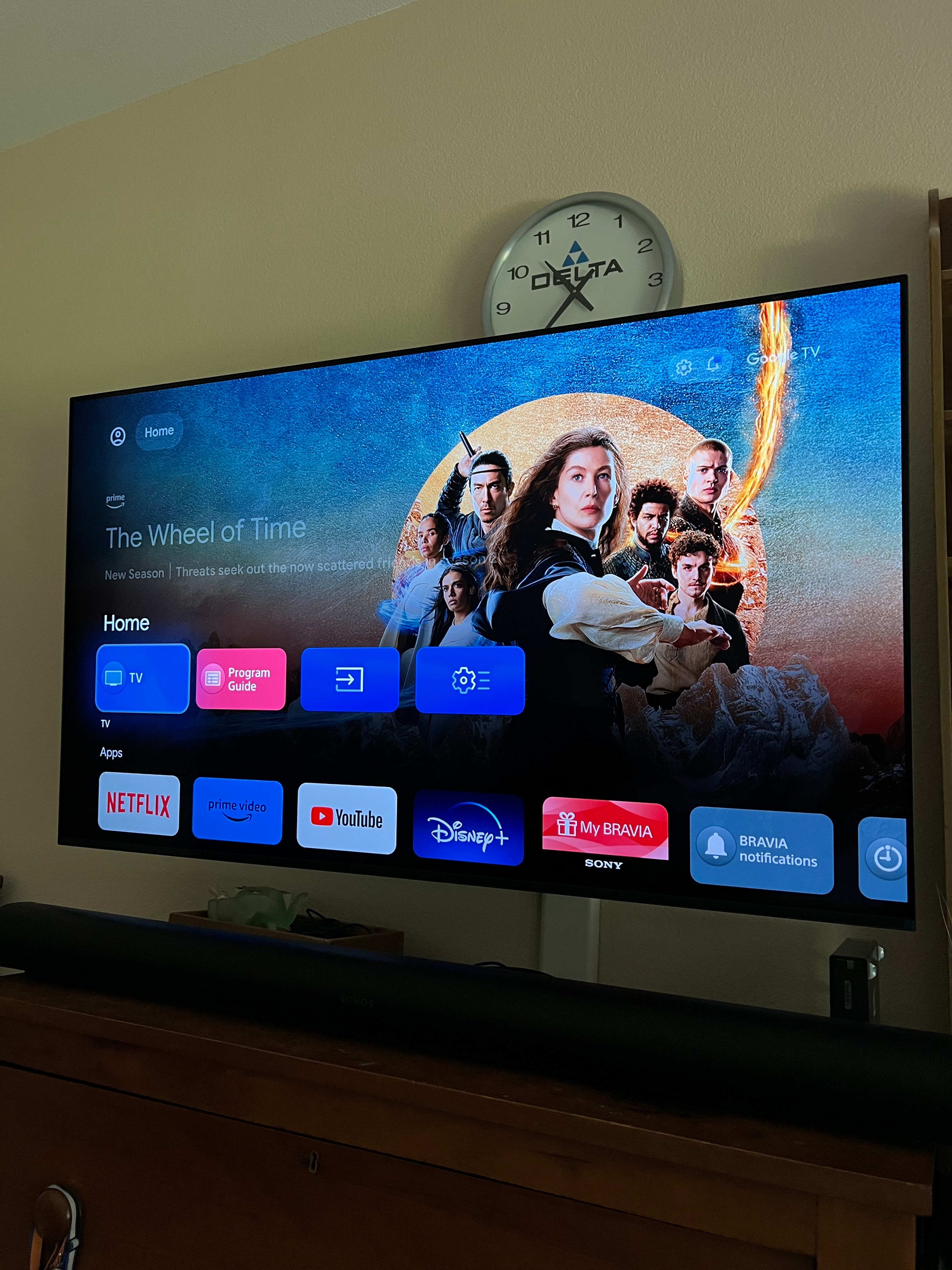
I have a Sony A80k. When I power up the tv and sat box it never comes up on HDMI 1, where the Arc is. I have a pic where it does come up. How do I get the tv to come up on sat box with Arc?

 

This topic has been closed for further comments. You can use the search bar to find a similar topic, or create a new one by clicking Create Topic at the top of the page.
Avid Contributor III
Sep 5, 2023 6:59 PM UTC

Well, solved my problem.  I found “Power On Behavior” in settings and set it to last input.  That was it.  Now the tv boots up on HDMI 1.

11 replies

ratty
Sep 4, 2023 6:27 PM UTC

Not sure I understand, and the picture doesn’t help. Your Arc needs to be in the HDMI-eARC port. The sat box can go into any other one.

Translate
Lead Maestro
Sep 4, 2023 7:45 PM UTC

The HDMI ARC/eARC port is HDMI 3 on the A80K, not HDMI 1.

Translate
"Receive with simplicity everything that happens to you." - Rashi
Avid Contributor III
Sep 5, 2023 12:53 PM UTC

Not sure I understand, and the picture doesn’t help. Your Arc needs to be in the HDMI-eARC port. The sat box can go into any other one.

I’ve got the Arc going into eArc port HDMI 3 on the A80K and output of the Directv box going into HDMI 1 on the A80K.  To watch tv, should I be looking at HDMI 1 or HDMI 3?  Right now, when I turn on the set, the page shown comes up onscreen, rather than coming up on Directv’s picture.  How do I get the TV to come up on picture first thing?

Translate
ratty
Sep 5, 2023 12:59 PM UTC

You’d obviously watch DirecTV by selecting the HDMI port it’s connected to, i.e. HDMI 1.

As for what appears when you boot the TV that’ll be down to the TV settings. FWIW my Sony A90K boots to the home screen.

Translate
Avid Contributor III
Sep 5, 2023 1:05 PM UTC

You’d obviously watch DirecTV by selecting the HDMI port it’s connected to, i.e. HDMI 1.

As for what appears when you boot the TV that’ll be down to the TV settings. FWIW my Sony A90K boots to the home screen.

Thanks.  Can you change settings to boot on HDMI 1?

Translate
ratty
Sep 5, 2023 1:14 PM UTC

You’d obviously watch DirecTV by selecting the HDMI port it’s connected to, i.e. HDMI 1.

As for what appears when you boot the TV that’ll be down to the TV settings. FWIW my Sony A90K boots to the home screen.

Thanks.  Can you change settings to boot on HDMI 1?

No idea. Check the user documentation for your TV. 

Translate
DerekCharlesAuthorAnswer
Avid Contributor III
Sep 5, 2023 6:59 PM UTC

Well, solved my problem.  I found “Power On Behavior” in settings and set it to last input.  That was it.  Now the tv boots up on HDMI 1.

Translate
melvimbe
Sep 5, 2023 7:45 PM UTC

So your issue didn’t really have anything to do with the Arc.  However, there is a similar settting for the Arc, in that you can tell it to automatically set to play TV audio when it senses audio coming through the HDMI-ARC input.

Translate
Danny
Stanley_4
Grand Maestro
Sep 5, 2023 10:24 PM UTC

Just for fun look at the Arc port, world’s most boring screen saver from the Arc.

Translate
Avid Contributor III
Sep 6, 2023 1:46 AM UTC

Ya, I’ve seen that. I agree. 

Translate