
Confusion with Atmos, LGC2 OLED, and Fire TV Cube Gen 3
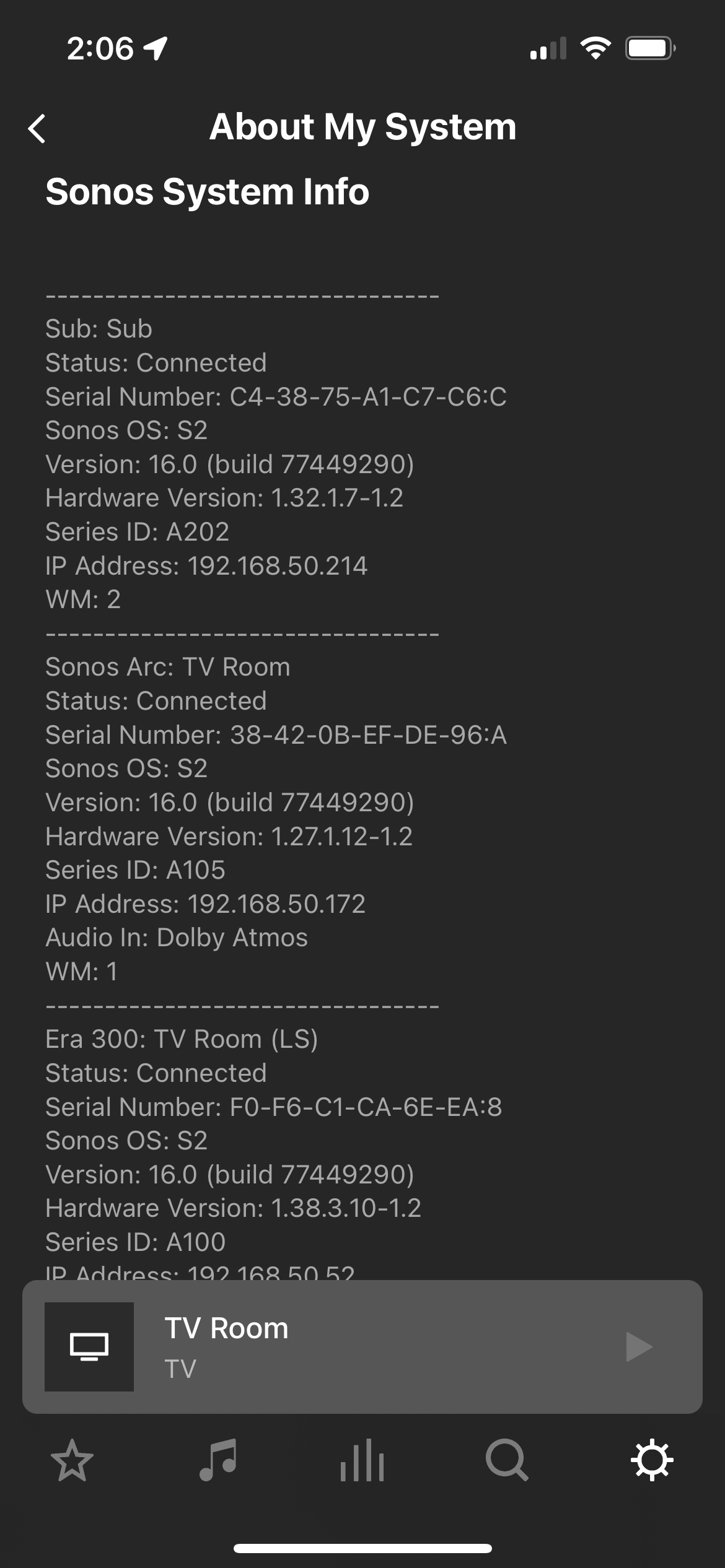
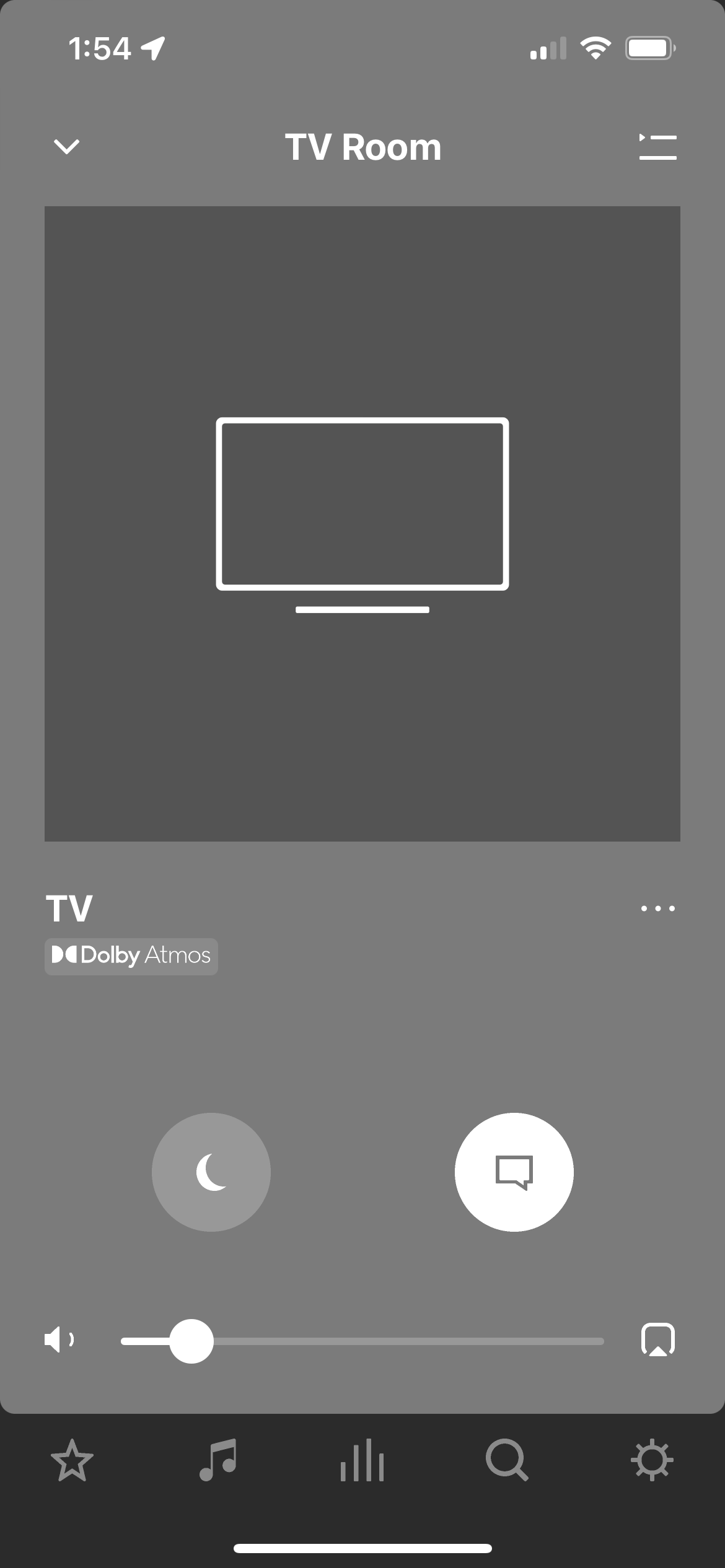

I have an LG C2 OLED TV, capable of both Dolby Vision and Dolby Atmos. I have a Sonos system connected through eARC composed of an Arc Soundbar, current gen Sub, and 2 Era 300s set up as surrounds. What I believe to be the relevant settings for my TV regarding sound are Digital Sound Output set to Pass Through, HDMI Input Audio Format set to Bitstream, and eARC Support enabled. My HDMI eARC port is HDMI 2, I have a Fire Cube Gen 3 in HDMI 3 and a PS5 in HDMI 1, but I believe the functionality of the different ports is the same, except for the eARC port, of course. I have also tested the Fire Cube in HDMI 1, and the same behavior described below occurs. On the Fire Cube, when performing the Audio and Video Diagnostic function, which displays information about the TV’s capabilities, Audio Capabilities show a “Yes” for MAT, Atmos, DD+, DD, and PCM Audio. Display Capabilities show “Yes” for Dolby Vision as well. My audio setting on the Fire Cube for Surround Sound is “Best Available,” with the other options being PCM, DD+, and DD. “Best Available” states that it will play the best audio format based on the connected HDMI device and content being played, with support for Atmos, DD+, DD, and PCM.
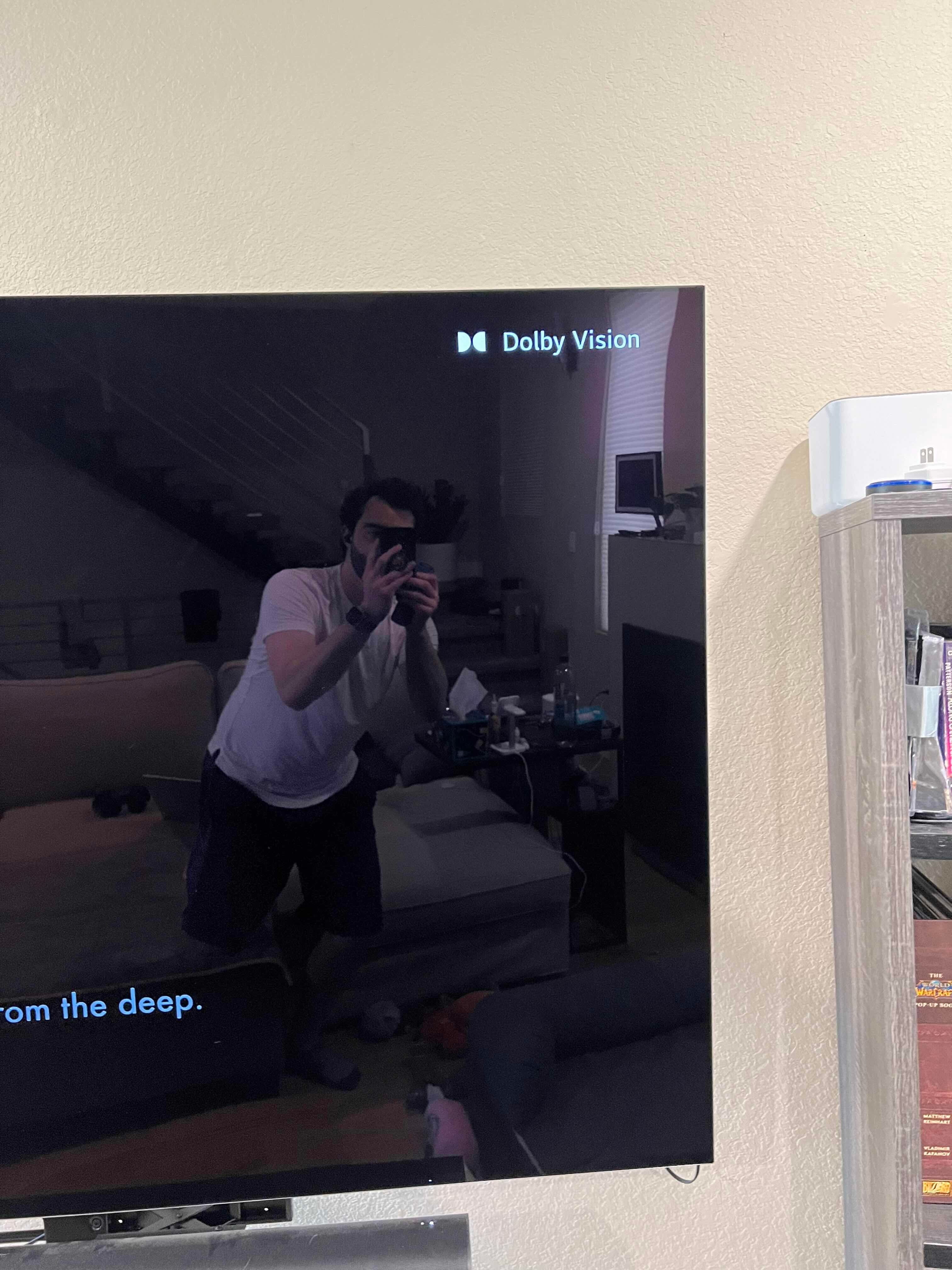
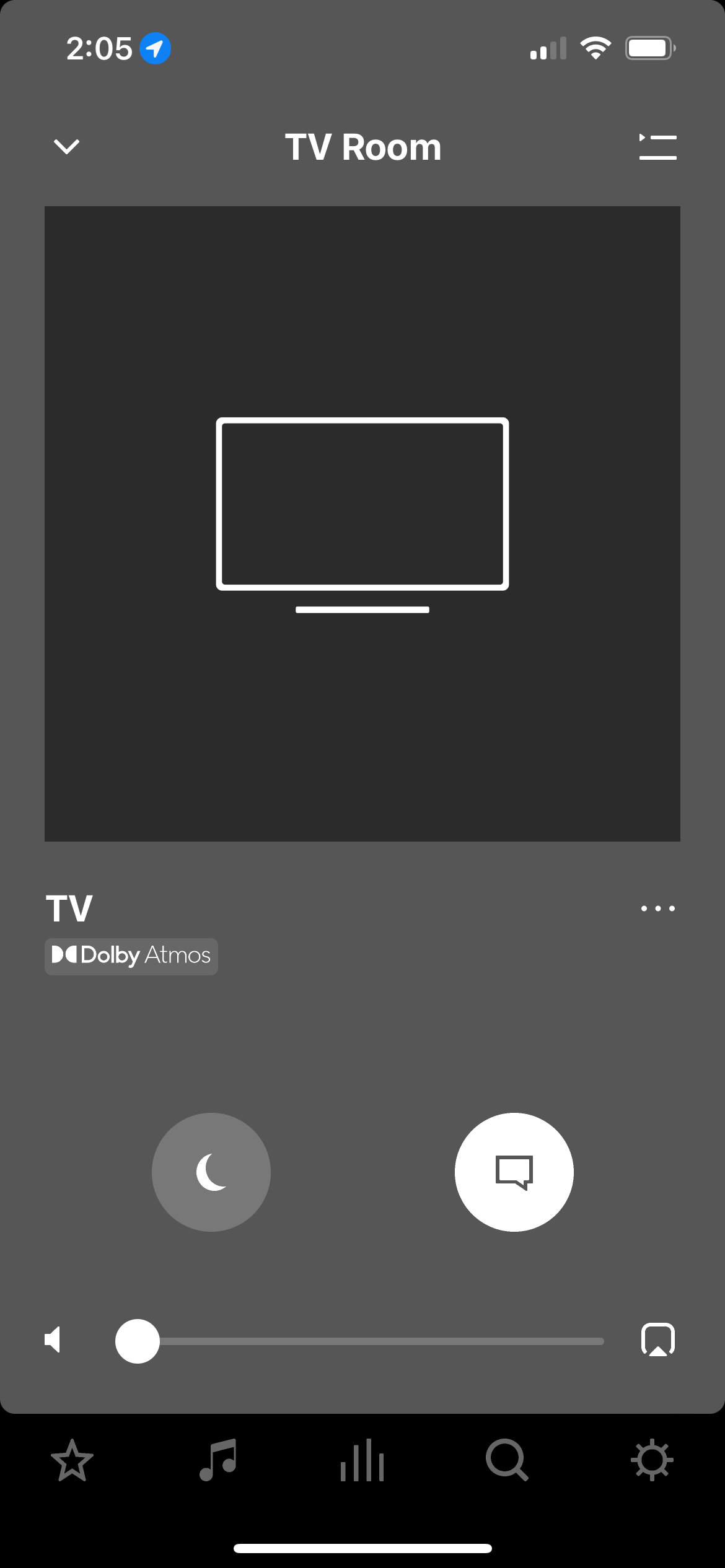
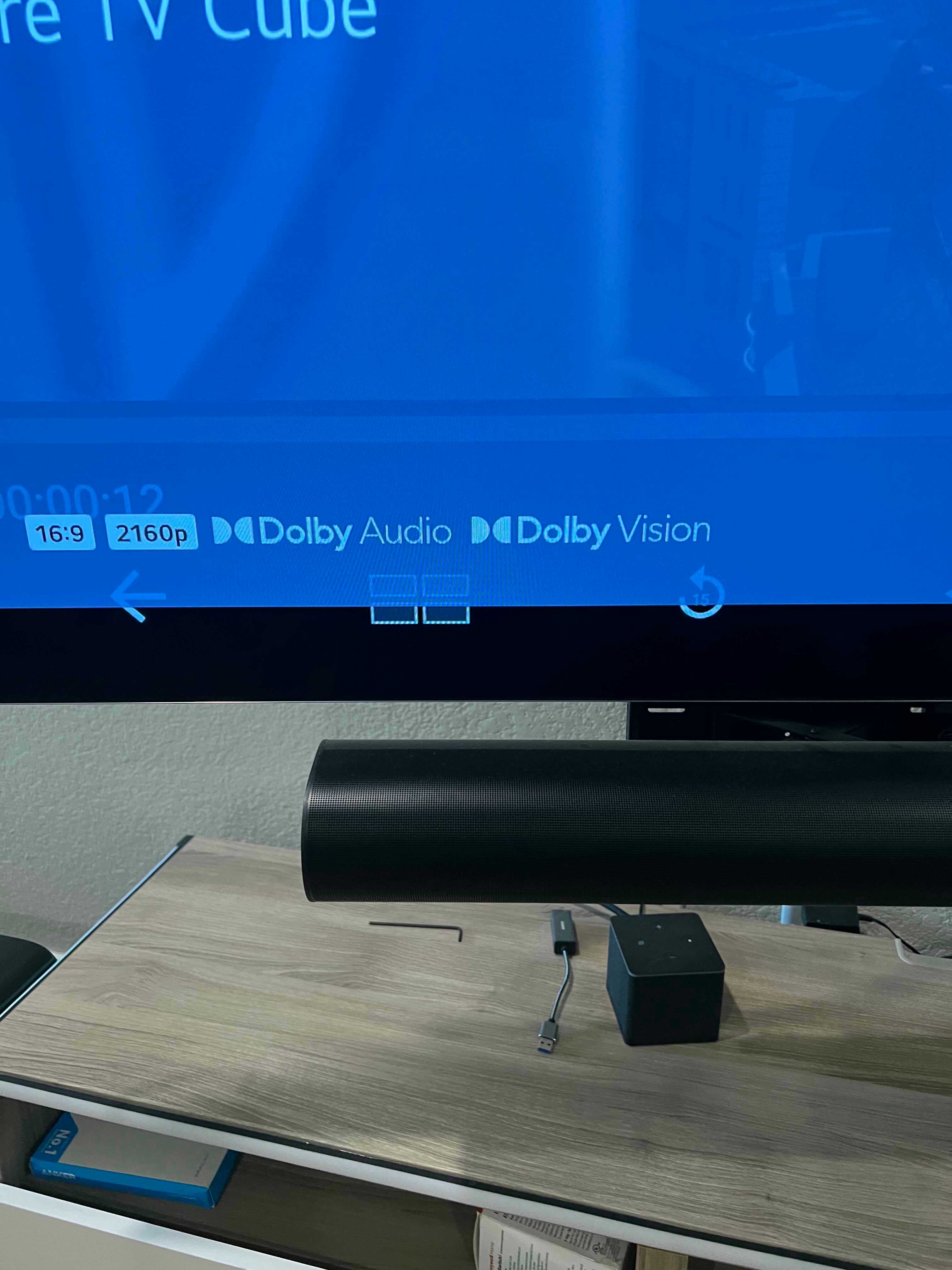
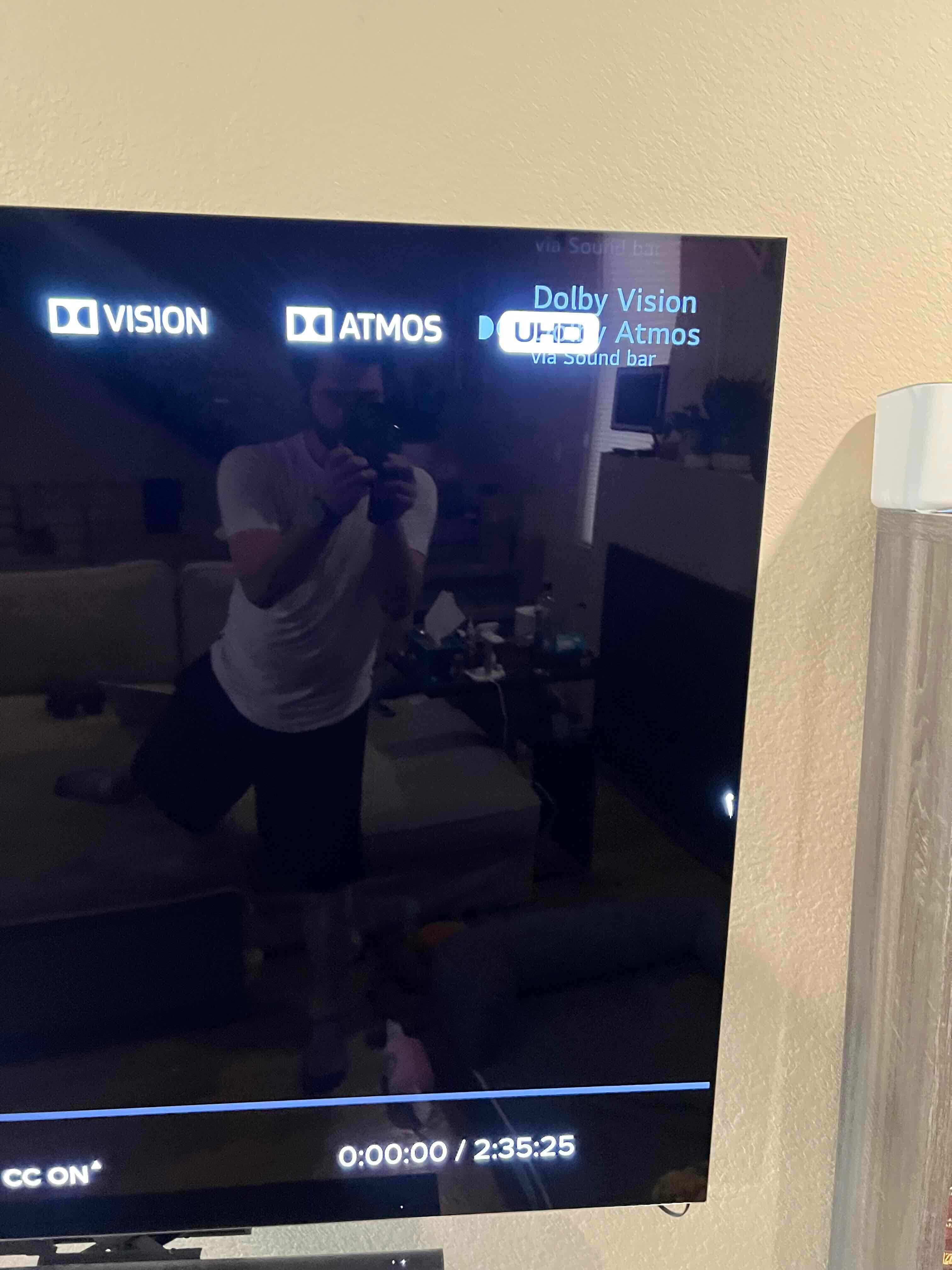
With those details out of the way, my question concerns whether Atmos content is being played when using apps through my Fire Cube Gen 3. My TV will display a popup in the top right when Dolby Vision or Atmos content is being played. However, when using apps/media through my Fire Cube that should be able to output Atmos, I never see that popup, but Dolby Vision will still popup (when relevant). When I use the information function on my TV while playing what should be Atmos media, it will say Dolby Audio. On the Sonos app, though, it will display Dolby Atmos. This occurs even with the Dolby Vision/Atmos test video that can be run in the Fire Cube’s Audio and Video Diagnostic function.
When I play Dolby Vision/Atmos content using the apps built into my TV through LG WebOS, that popup will show both Vision and Atmos. For whatever reason, I cannot access that same information function through the TV to display what is being output by the TV. On the Sonos App, though, it will say Dolby Atmos, the same as is displayed when the same content is played through the Fire Cube.
What information am I meant to believe given the discrepancies when Atmos content is played through the Fire TV Cube? My TV does not have the Atmos popup, the information simply states, “Dolby Audio,” yet the Sonos App displays Dolby Atmos. Using the built-in apps, everything seems to be in agreement. I will see the Atmos popup and the Sonos app will also display Dolby Atmos.
I have attached screenshots of this behavior when watching Dune (2021) through the VUDU app when played through both the Fire Cube and the built-in LG App. The VUDU app shows the content as Dolby Vision and Dolby Atmos, as seen in the picture, yet the popup on my TV will only show Atmos when using the built-in app.
Is the Fire Cube actually using the Atmos format when the TV lacks the relevant popup, and the TV information simply says, “Dolby Audio?” As a reminder, the Sonos app will display Dolby Atmos, nothing as vague as “Dolby Audio” that the TV information supplies. It is hard for me to make sense of all of this given the conflicting information displayed by the LG TV and the Sonos App.
Info regarding pictures:
1 through 4 were taken when playing media through the Fire Cube.
1- About my System info on Sonos app (shows Atmos)
2- LG TV popup only showing Dolby Vision and not Atmos
3- LG TV information shows Dolby Vision and Dolby Audio
4- Sonos app shows Dolby Atmos
5 through 7 were taken when playing media through the built-in LG app.
5- Sonos app shows Dolby Atmos
6- About my System info shows “Silence,” though sound is clearly produced
7- VUDU displaying Dolby Vision and Atmos for said media and LG TV popup showing both Dolby Vision and Dolby Atmos
Any insight into this would be greatly appreciated!
Thank you!
