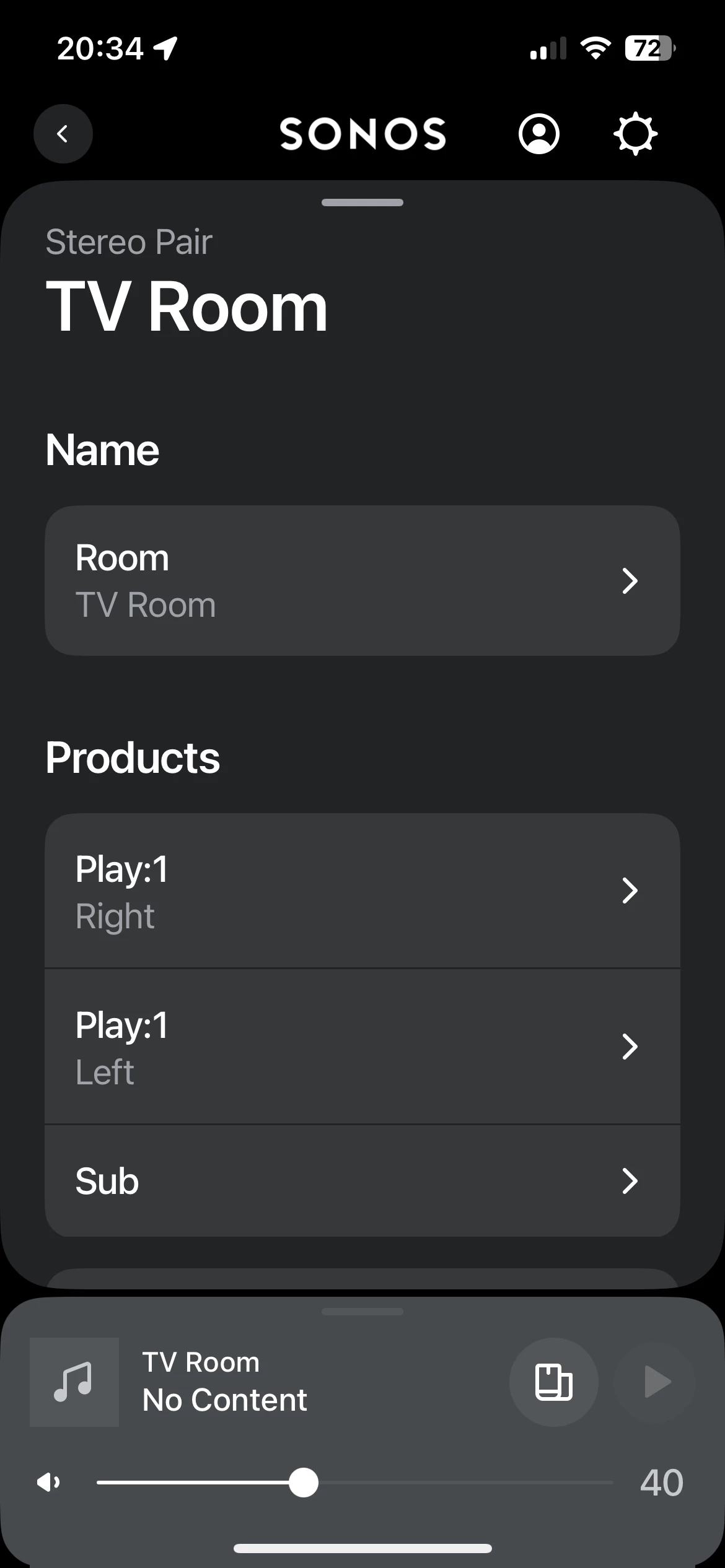
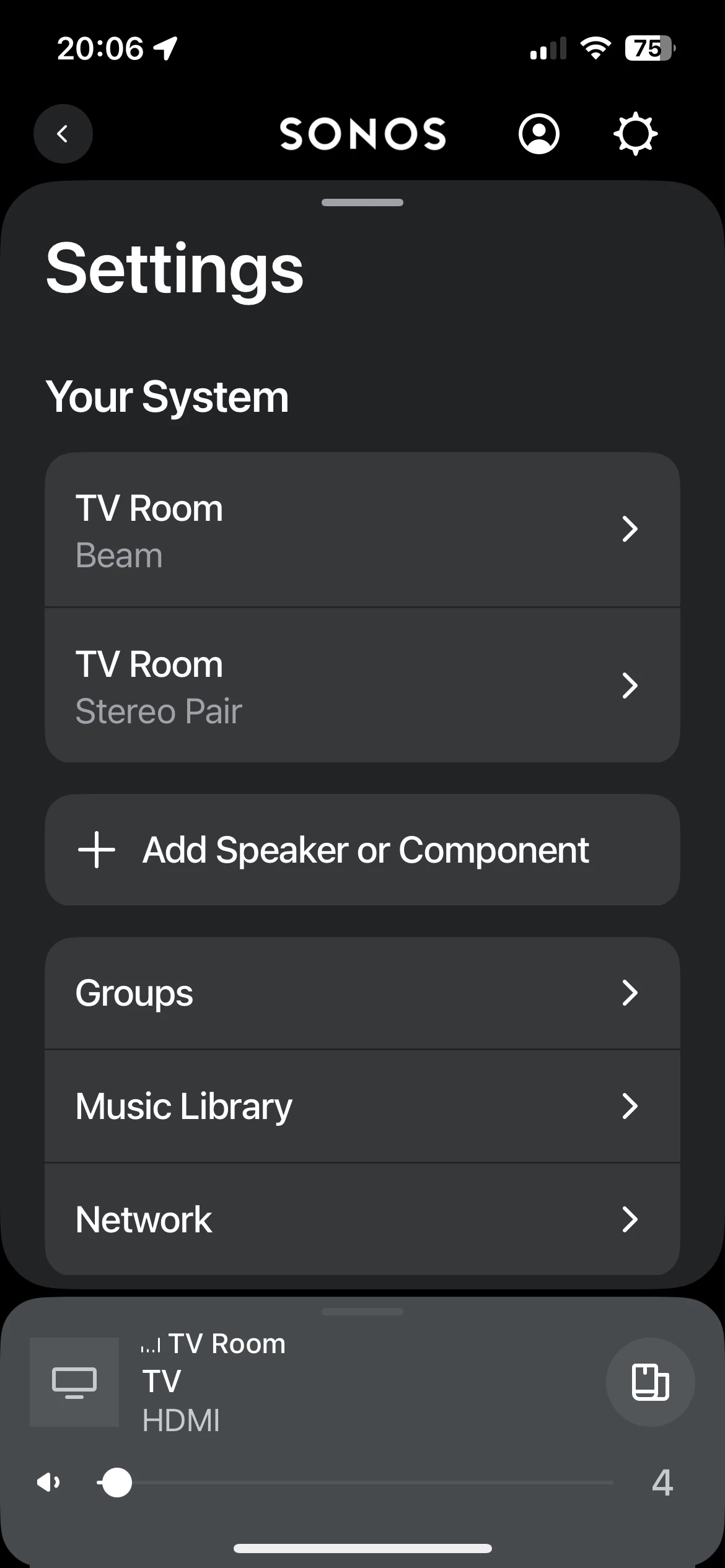
Just changed from Sky Hub to Vodafone ultra hub. System worked great previously, have two paired Play1 rears (2016) a beam and a gen3 Sub. I’m also on the latest app, but when I try to connect everything back up, the best I can get is the following…
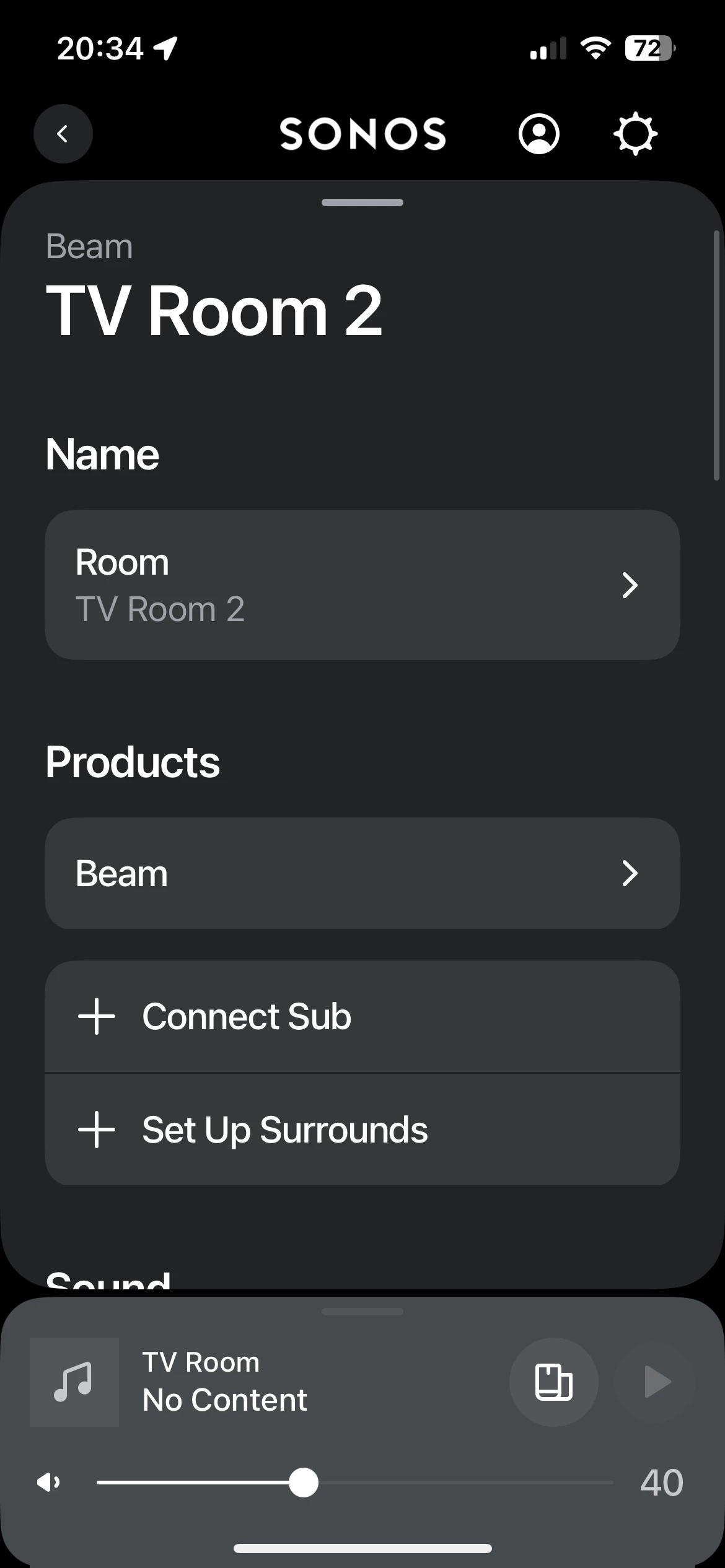
I can’t get everything to connect in the same room to set up a 5:1 system, when I add the rear surrounds to the beam it disconnects from the sub. Tries resetting everything and starting from scratch adding one by one but failing miserably. Like I said, all connected fine until I changed bb provider, any tips appreciated

Best answer by AjTrek1
Excellent advice by @UKMedia as interference may be the cause.
Probably too late...however for future reference...did you unplug all your Sonos prior to changing your router as well as using the same SSID and Password with the new router? It’s a good idea to do so.
After setting up your new router and verifying that your device connects as before you should do the following:
Delete the Sonos app
Plug in your Sonos 1 x 1 and let each come back
Reinstall the Sonos app
When prompted select “Join an existing system”
Allow the App to verify connection
Sign in with your credentials
This topic has been closed for further comments. You can use the search bar to find a similar topic, or create a new one by clicking Create Topic at the top of the page.
The surrounds and sub connect to a dedicated 5ghz WiFi signal from the Beam. I suspect that your new hub is causing some interference to this dedicated signal. Are you able to amend the settings on your router to change the channel for the 5ghz signal?
Excellent advice by @UKMedia as interference may be the cause.
Probably too late...however for future reference...did you unplug all your Sonos prior to changing your router as well as using the same SSID and Password with the new router? It’s a good idea to do so.
After setting up your new router and verifying that your device connects as before you should do the following:
If this does not help, I recommend you get in touch with our technical support team who have tools at their disposal that will allow them to give you advice specific to your Sonos system and what it reports.