
cant use era 100 as surround
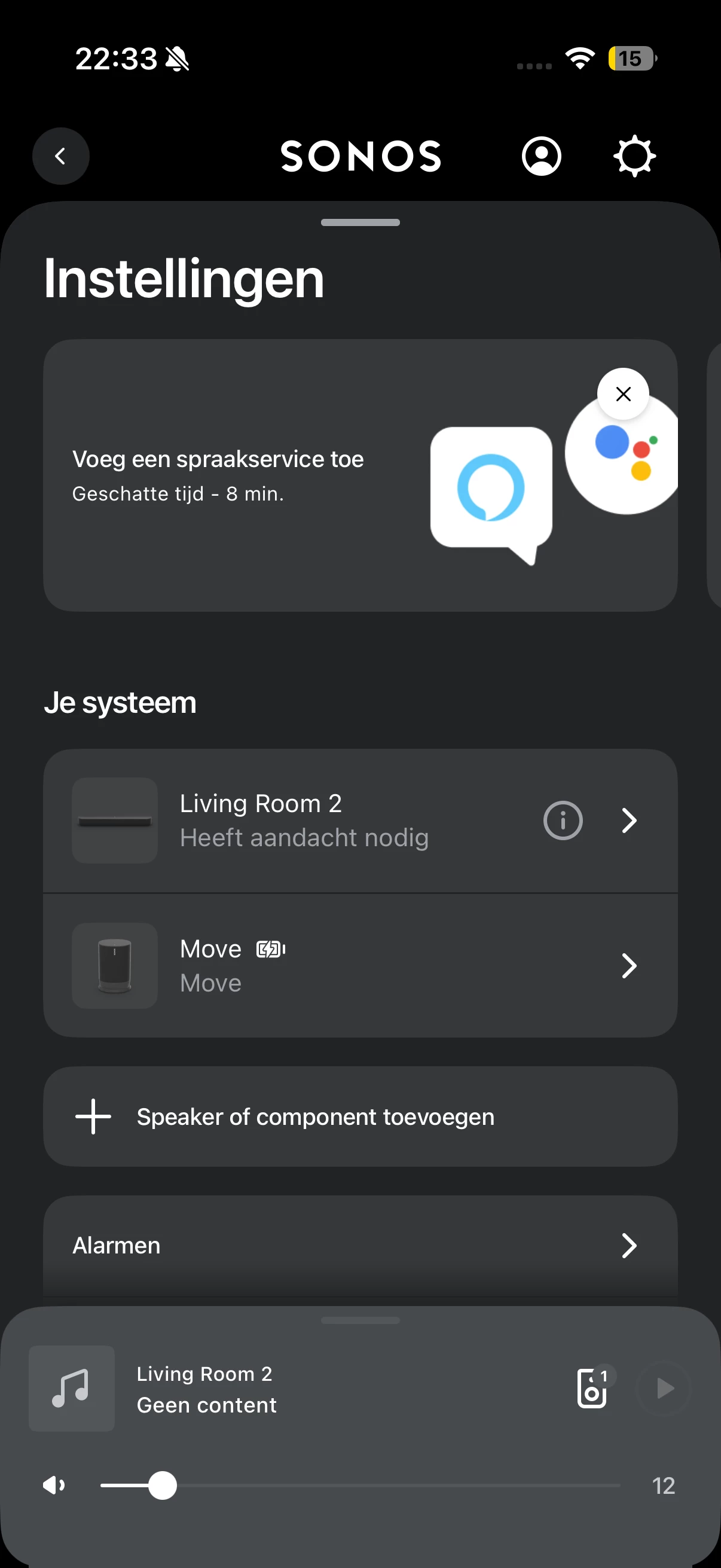
I have had a Sonos Beam Gen 1 in my living room for quite some time. It is connected to my Samsung TV via HDMI ARC and connected to my network through Wi‑Fi. I am using a 2.4 GHz Wi‑Fi network. The Beam works fine on its own.
Recently, I purchased two Sonos Era 100 speakers with the goal of using them as surround speakers with the Beam.
When installing the Era 100 speakers through the Sonos app, I initially receive a message stating that the Era 100 has been added but may not be visible in the system. The app then advises me to unplug the speaker and reconnect it. This is indeed the case: after the first installation, the Era 100 does not appear in my list of devices.
When I set up the Era 100 again, I am asked to confirm that the speaker is working by pressing two touch controls. After that, the Era 100 speakers do become visible and function normally either as standalone speakers or as a stereo pair.
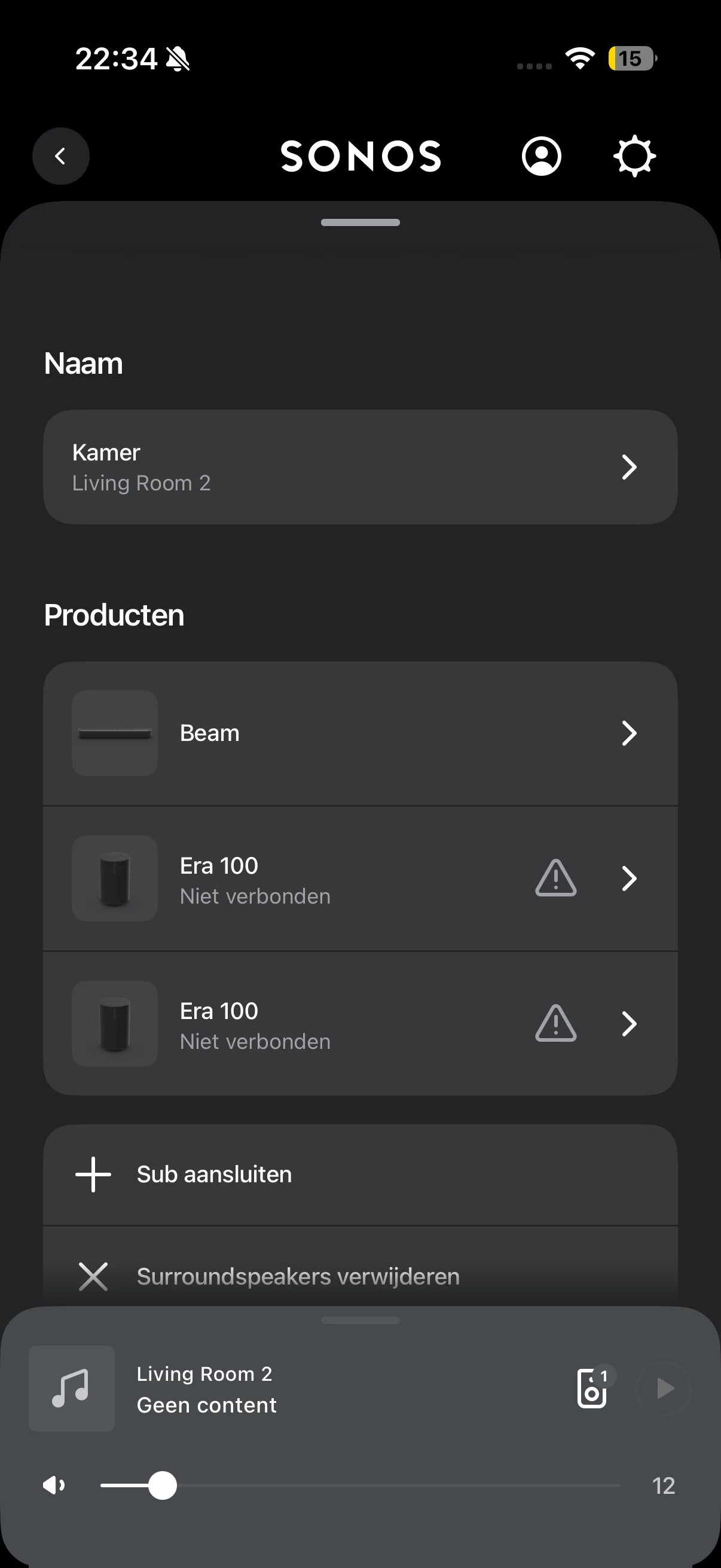
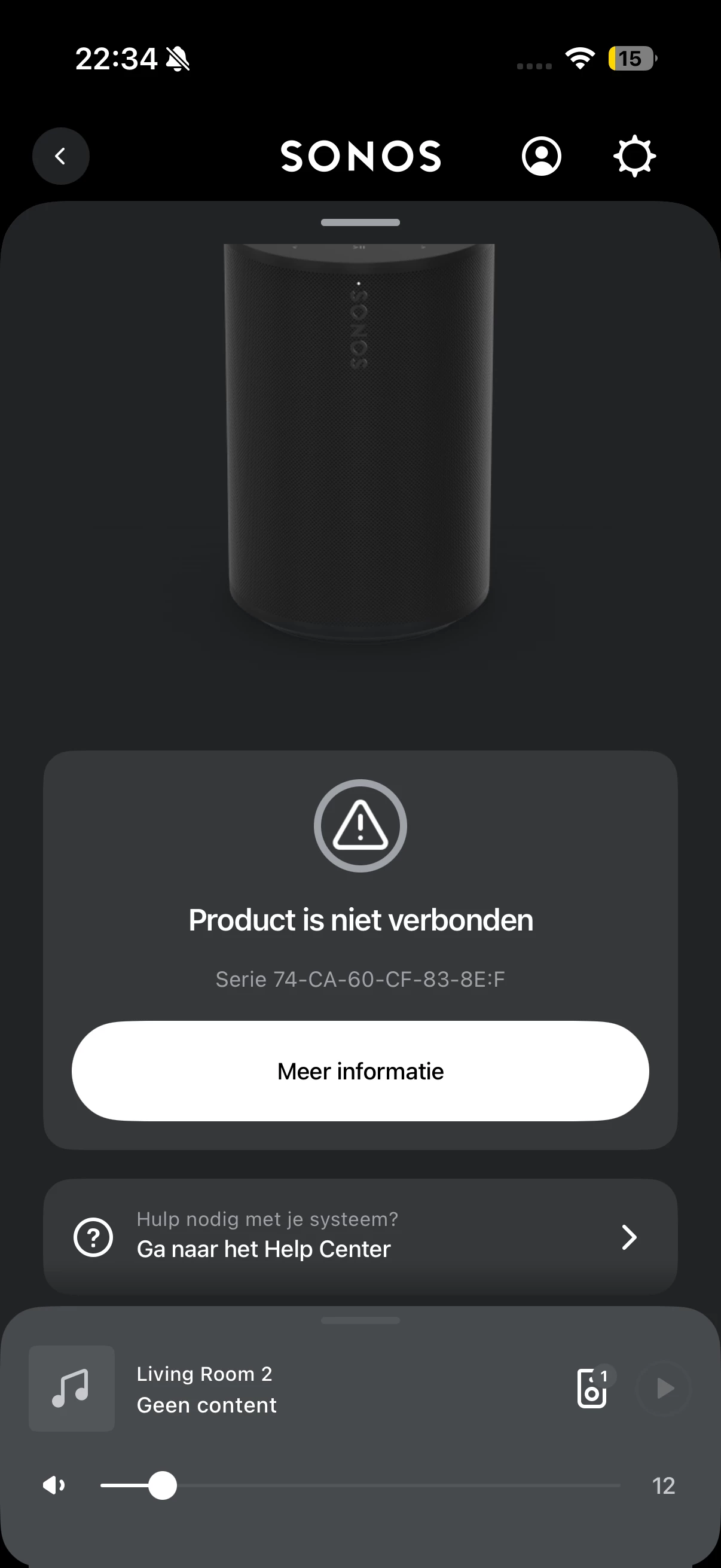
The problem occurs as soon as I add the two Era 100 speakers as surround speakers to the Sonos Beam. After adding them as surrounds, the Era 100 speakers suddenly stop working. In the Sonos app, I can see that there is an issue with the Beam. When I click on it, it indicates that the Era 100 speakers are no longer connected. At that point, they also cannot be played individually anymore.
I have already tried several steps to resolve this issue. I have fully reset the Era 100 speakers multiple times using a hard reset: unplugging the power cable, holding the button on the back while reconnecting power, waiting for the LED to flash, and then releasing the button before setting them up again. I also connected the Beam via an Ethernet cable and then attempted the surround setup again.
This did not solve the problem. In addition, the Beam itself has been reset multiple times, but that also did not help.
In summary:
● Beam Gen 1 works correctly via HDMI ARC with a Samsung TV.
● The system runs on a 2.4 GHz Wi‑Fi network.
● Era 100 speakers work properly as standalone speakers or as a stereo pair.
● During installation, I initially receive a message that the speaker may not be visible.
● After setting them up again, the Era 100 speakers function normally.
● As soon as I add them as surrounds to the Beam, they lose connection.
● After that, they cannot be used either as surrounds or as standalone speakers.
● The Era 100 speakers have been hard reset multiple times.
● The Beam has been reset multiple times.
● The Beam has also been tested with an Ethernet connection, but this did not resolve the issue.
My question is why the Era 100 speakers lose their connection after being paired as surrounds, while they work correctly on their own or as a stereo pair. I would like to know which network or Sonos settings could cause this behavior and what additional troubleshooting steps I can try to get the Era 100 speakers working reliably as surround speakers with the Beam Gen 1.
