Contributor I
November 28, 2022
Answered

ARC & Amp surround sound connected, but not working

Hi All

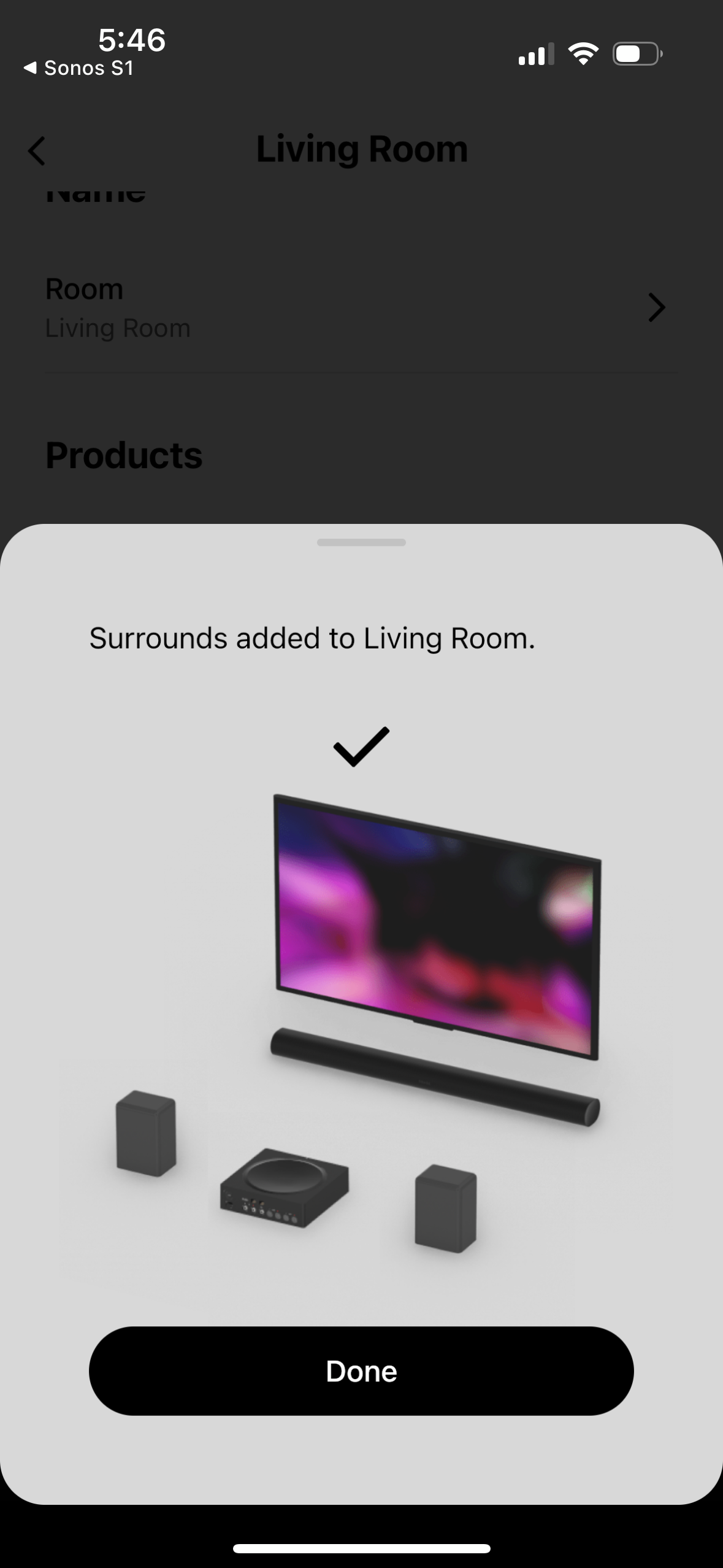
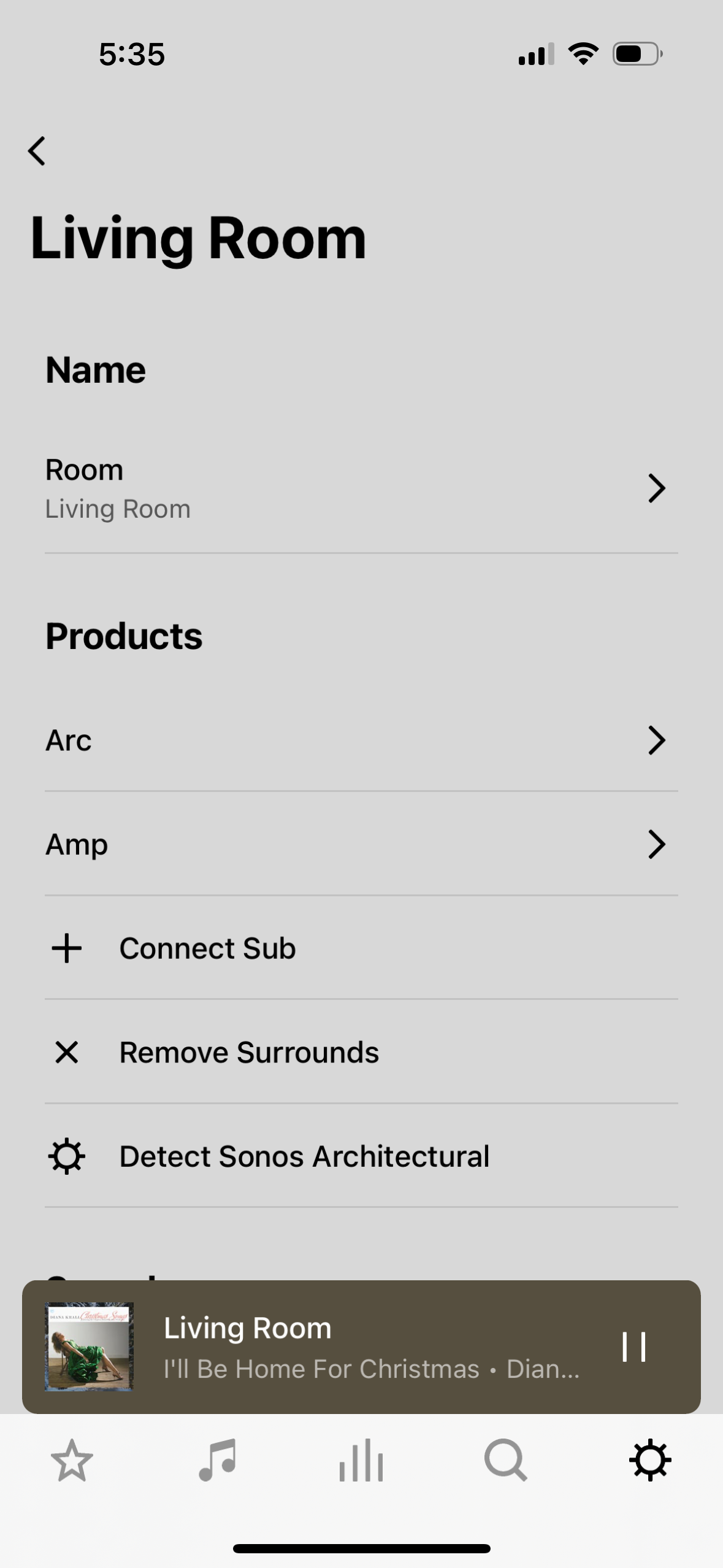
I got a recently bought a ARC and hoping to connect with AMP to for the surround sound. I got an issue. The ceiling speakers that connect to the AMP simply don’t have sound. The sound only comes from the ARC, 

On the App, everything seems to be connected, as you can see on the screenshots. I can even play and pause the ACR through the touch button on the AMP. To me on paper everything seems to be connected, expect for the sound. 

I’ve tried the reset the AMP. and Yes, when is not grouped by surround sound, the AMP and ceiling speakers work just fine on their own.

By any chance, someone knows how to solve this problem?  Thanks a lot!! 


This topic has been closed for further comments. You can use the search bar to find a similar topic, or create a new one by clicking Create Topic at the top of the page.
John BAnswer
November 28, 2022

Could it be a weak WIFI connection? But AMP work just fine on itself. 

When connected as surrounds, the Amp doesn’t get its data over WiFi.  It gets it via direct routing from the Arc using their 5GHz radios.


13 replies

jgatie
November 29, 2022

Is the Arc connected via Ethernet?  If so, make sure WiFi is turned on.  Regardless of the Ethernet connection, it still needs WiFi for connection to the surrounds.  Same with the Amp.

November 29, 2022

Could it be a weak WIFI connection? But AMP work just fine on itself. 

When connected as surrounds, the Amp doesn’t get its data over WiFi.  It gets it via direct routing from the Arc using their 5GHz radios.


Oh really?? Okay okay, that might be why,. So the amp is at a corner of the living room about like 8 steps from ARC. Not far, but the thing is it does not have a clear  “line of sight” It is blocked by  wooden closet door and a pc monitor on the door. I will try reposition it.

Yes - if nothing else it will be a useful diagnostic exercise.  Please let us know how it goes.  The phrase ‘line of sight’ is a bit inaccurate.  As you clearly understand it’s sort of ‘wireless line of sight’,  However, I did lift that expression from Sonos:

https://support.sonos.com/en-gb/article/add-surround-speakers-to-a-sonos-home-theater

I expect the monitor would be more likely to be an issue than the door, but let’s see.

Hao LAuthor
Contributor I
November 29, 2022

Thank you all for the help!!! 

I am really happy it is now fixed. 

It seems to be the radio connection issue between ARC and AMP. I took the AMP out of the closet. I also re positioned my WIFI router. It was positioned next to ARC and must have been interfering the connection. After repositioning, I also rebooted everything, ARC, AMP and router. Then it worked!! The surround sound is fantastic. Setting surround sound to Full and maxing everything in the App also made it much clearer that they are working. 

Thanks you all again for replying this thread!!!