Answered

TV remote can’t control volume from Playbar anymore

  • June 7, 2022
  • 4 replies
  • 677 views

Since a couple of days my TV remote can’t control the Playbar volume anymore. Nothing changed in the setup, it just stopped working.

when trying to “setup remote” I’m getting the error that the remote isn’t recognised.

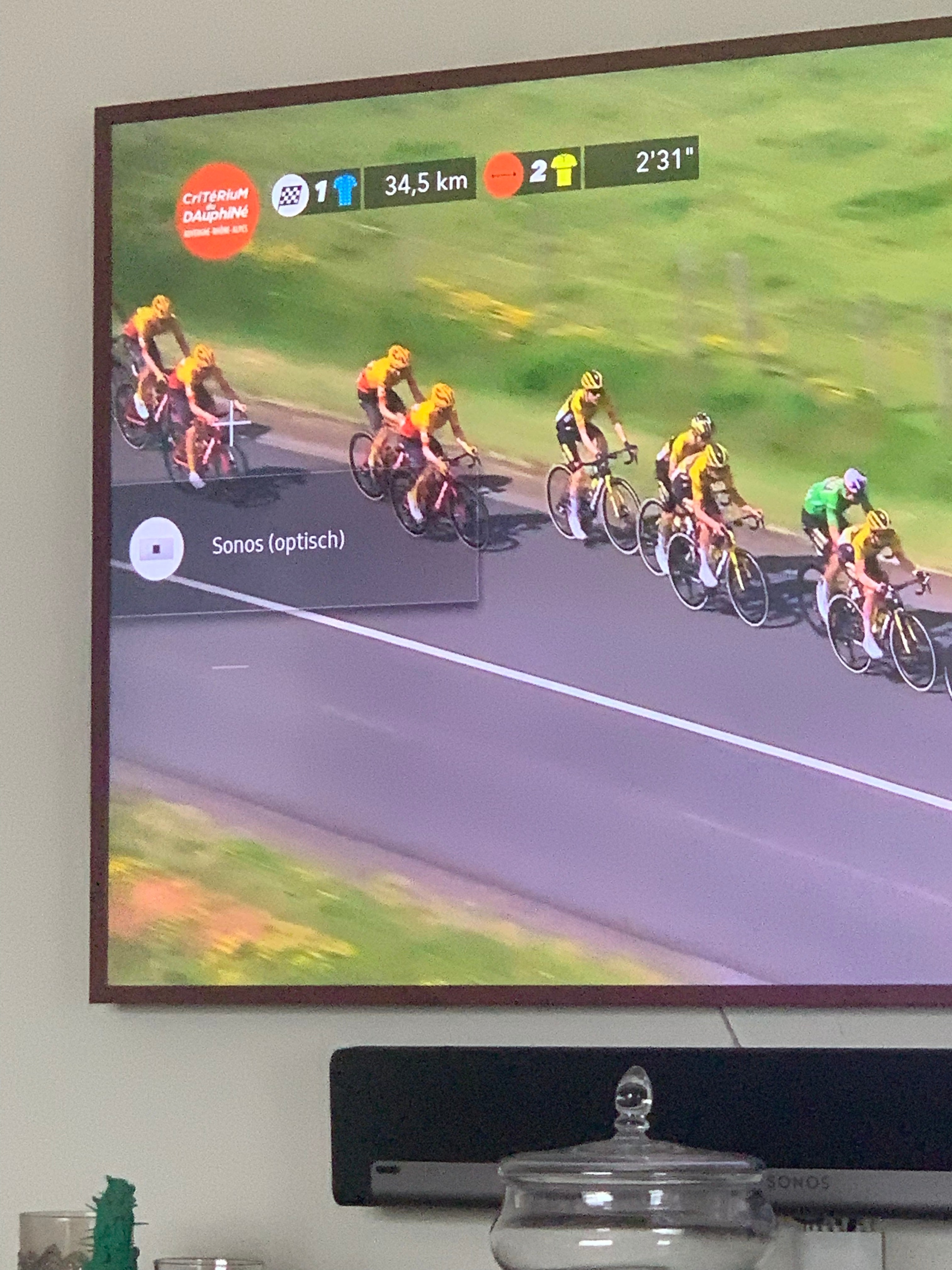
On the TV I’m getting a Sonos + and - icon, but the volume doesn’t change (see picture).

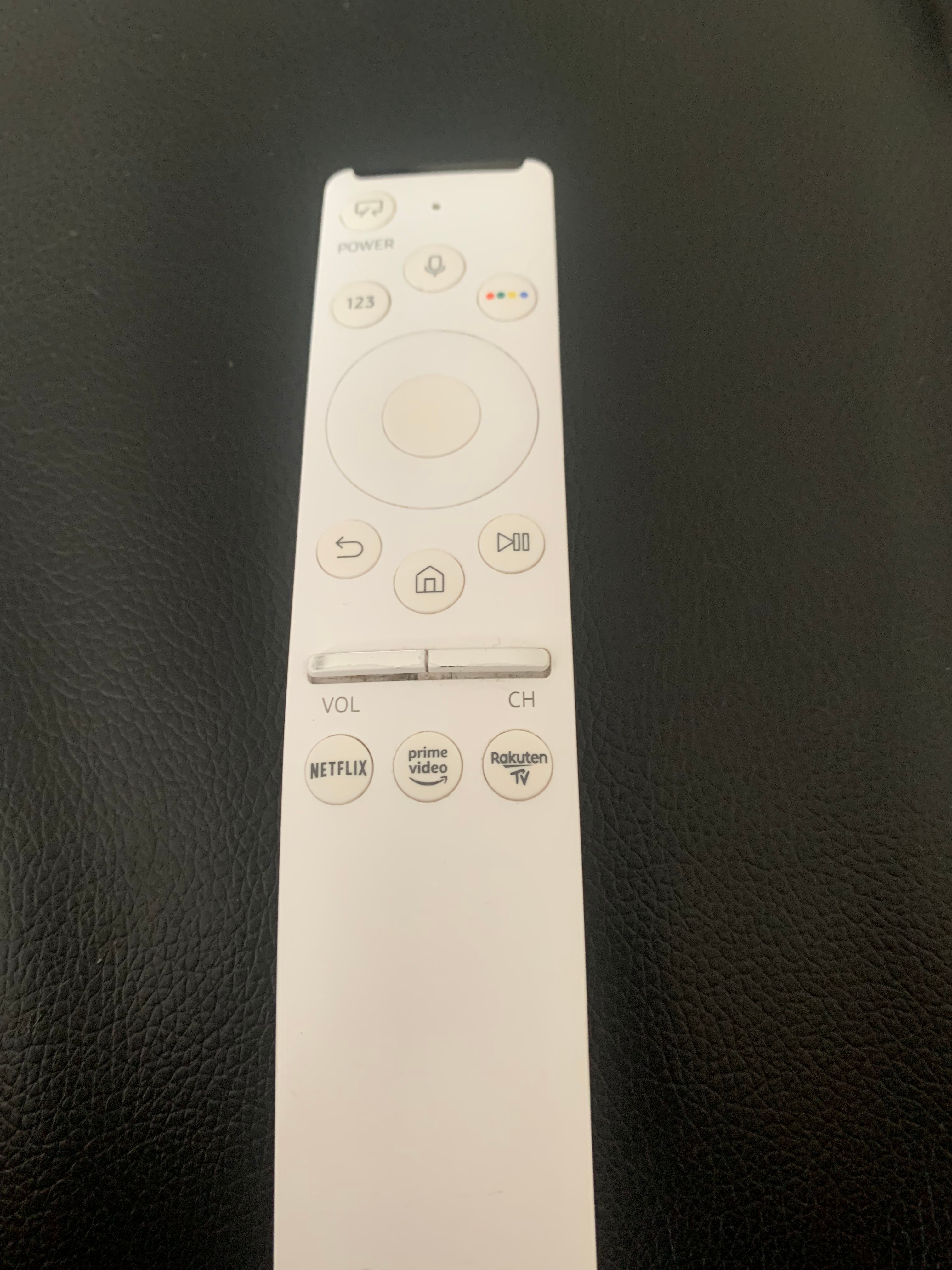
The remote is a Samsung remote (see picture).

Any help would be great. No clue what has happened.

thanks in advance 

Marijn

p
 

Best answer by Airgetlam

There have been other times where an update to the TV’s OS has switched the remote from IR back to ‘smart’ functionality. I’d recommend going through the FAQ process again to ensure the remote has been switched back to IR, and if need be, resetting the remote recognition in the Sonos software to recognize the IR….although in the grand scheme of things, that second part shouldn’t be necessary. 

This topic has been closed for further comments. You can use the search bar to find a similar topic, or create a new one by clicking Create Topic at the top of the page.

4 replies

Airgetlam
  • Answer
  • June 7, 2022

There have been other times where an update to the TV’s OS has switched the remote from IR back to ‘smart’ functionality. I’d recommend going through the FAQ process again to ensure the remote has been switched back to IR, and if need be, resetting the remote recognition in the Sonos software to recognize the IR….although in the grand scheme of things, that second part shouldn’t be necessary. 


  • Lyricist I
  • June 13, 2022

I had the same problem. Did nothing. Just waited for an update that fixed this problem.


  • Author
  • Contributor II
  • June 13, 2022

@Airgetlam @damny thanks for replying. I found this workaround and it works fine now https://eu.community.samsung.com/t5/televisie/one-remote-werkt-niet-meer-met-sonos-playbar-incl-workaround/td-p/2239620


  • Lyricist I
  • June 14, 2022

Great solution. I’ll keep it in mind.