
Answered
Sonos Arc + Sonos One SL surrounds Disconnect (multiple APs)
Issue
The Sonos Arc with Sonos One SL as surrounds disconnected after firmware update to 12.2. Unable to add Sonos One SL as surrounds to Sonos Arc after firmware update.
Support Diagnostics: 60525411
Observations
- Sonos One SL flash white after firmware update, and Sonos Arc show question marks (?) for surrounds
- Sonos One SL can be added to the S2 app after factory reset.
- Sonos One SL fail to be added as surrounds after being setup in the S2 app as regular speakers.
- Sonos One SL fail to setup as surrounds after factory reset.
- Removing Surrounds from Sonos Arc requires Sonos SL to be factory reset to discover
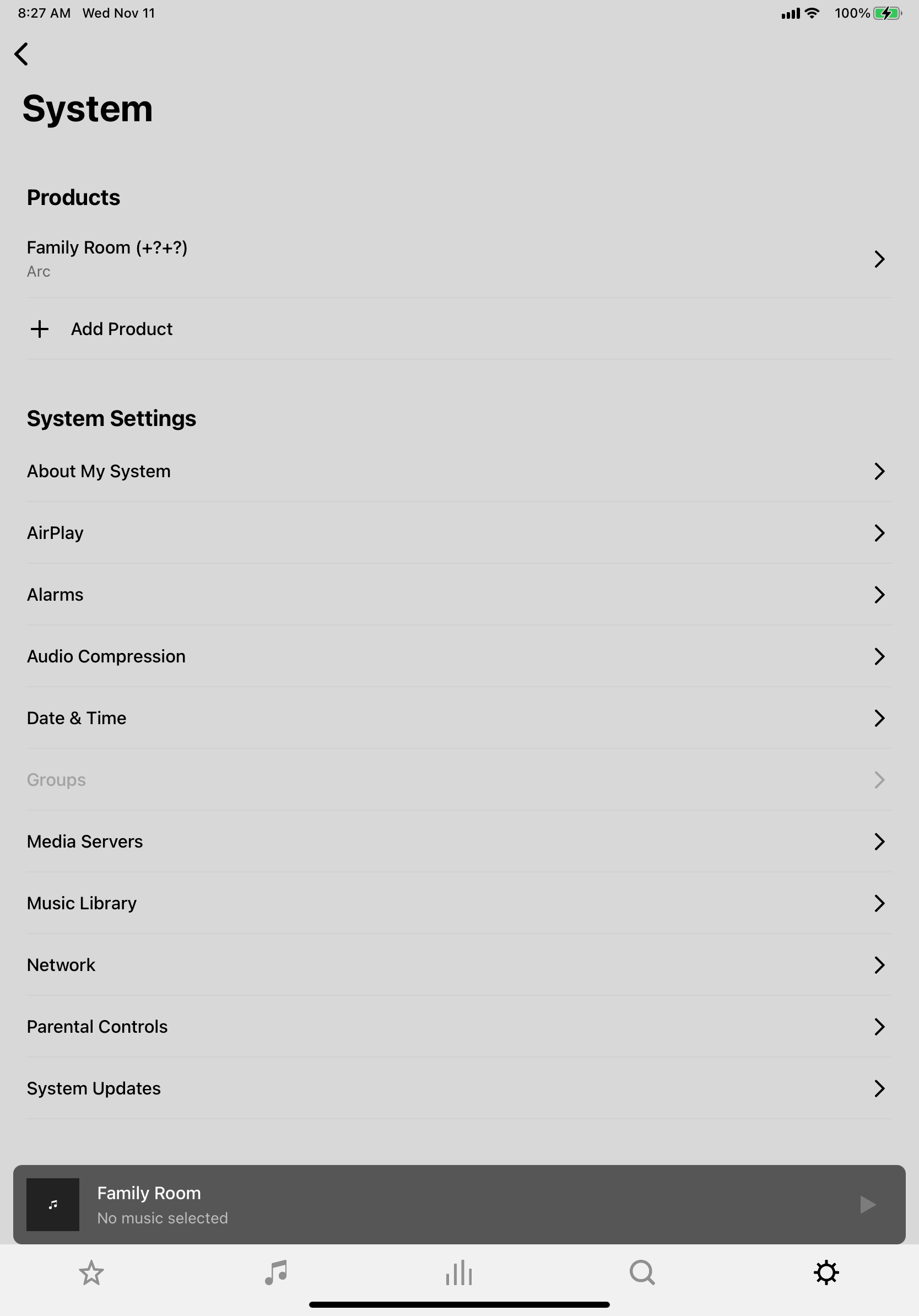
Steps taken to troubleshoot
- Rebooted Sonos System
- Rebooted wireless access points
- Remove surrounds from Sonos Arc
- Add surrounds to Sonos Arc failed
- Reset Sonos One SL to factory reset
- Add Sonos One SL as individual speaker first, then add as surrounds failed
- Change room for entire setup
- Disabled Protected Management Frames on wireless
- Disabled BSS Transition on wireless
Sonos Configuration
- Sonos Arc 12.2
- 2 x Sonos One SL 12.2
- Wireless 2.4Ghz and 5Ghz a/n/ac/ax (WiFi 6)
Network Configuration
- Netgear CM2000 connected at 2.5GbE via Mikrotik S+RJ10 SFP+
- UniFi UXG Pro 0.4.0
- UnFi USW Pro 24 5.43.6 uplink via SFP+ Cisco TwinAx DAC 10G
- UniFi USW-8-60 5.43.6 2G LAG LACP to USW Pro 24
- 3 x UniFi U6-LR5.43.6
- UniFi Cloud Key Gen 2 2.0.18
- UniFi Network Controller 6.1.25
- Advanced Settings: Disabled
- WI AI: Disabled
- Tx Power: 2.4Ghz Low (9dBm) , 5Ghz Medium (20dBm)
- Channels: 1/6/11 HT20, 36/149/44 VHT80
- Protected Management Frames (PMF): Disabled
- BSS Transition: Disabled
- Fast Roaming: Disabled
45 Wireless Clients (AppleTV 4Ks, iPad Pros, iPhone 11 Pros, MacBook Pros (2011 - 2018), HomePods, Nest (Security, Protects, Cams, Thermostat), Pelotons, MyQs, Sonos, etc.)