

ovy
Contributor I
June 14, 2025

I might bought defective refusrbished arc from sonos

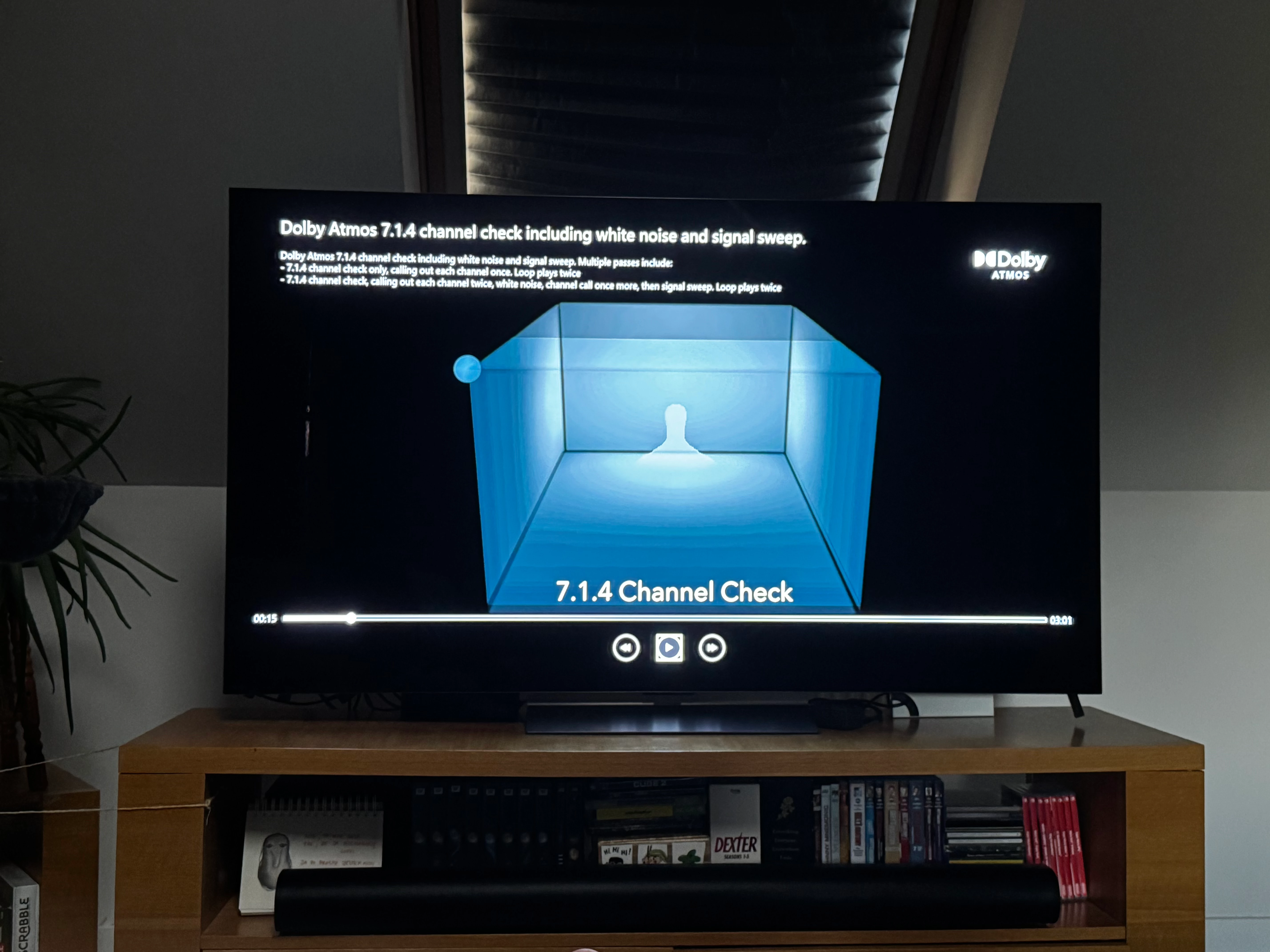
I suppose my refurbished arc bought on sonos shop might be defective as I completely can’t hear the atmos power. I performed the Dolby Atmos 7.1.4 check via Dolby app on xbox and there is no difference between channels e.g. top rear surround and top front surround . Every channel produces sound from front. nothing on top/behind…


and of course I performed Trueplay optimization 
 

This topic has been closed for further comments. You can use the search bar to find a similar topic, or create a new one by clicking Create Topic at the top of the page.

14 replies

Prodigy III
June 18, 2025

Did you check using the files in the folder someone linked to earlier?

Failing that, you should call Sonos and they should be able to determine if there’s anything wrong with the Arc. Officially refurbished Sonos speakers are usually checked for functionality.

Mr. T
June 18, 2025

no, spotify only. 

height settings is set to 8/10. and actually a difference is subtle and doesn’t affect atmos effect 

I’m slightly confused by your statement here. You say difference is “subtle” but doesn’t affect atmos effect. Any adjustment to the height channels reflect only affects atmos content.

In addition, from your original picture, it looks like you may have a slanted wall/ceiling. If that is true, how sound from the height channels reflects of the ceiling can impact on the effectiveness of what you are hearing from your seating position.

Local Superstar
June 18, 2025

I could be totally wrong here but I'm not sure Sonos does a 1:1 mapping of each discrete channel (like how the sound engineer intended) and (re)mixes the sound to how they think it should sound(!) and have, in the past, said not to use such test files as they won't necessarily sound how they should. i.e. sound intended and mixed for a certain channel may come out of different ones on a Sonos Atmos setup because they know better.

Lyricist I
June 26, 2025

First, double-check that your Xbox is set to “Bitstream out” with “Dolby Atmos for Home Theater” enabled. Also, make sure you’re using an eARC-enabled HDMI port on your TV, and that your TV actually supports Dolby Atmos passthrough. Sometimes the issue isn't with the Arc itself, but with how the signal is being sent. It’s also worth testing with actual Atmos content from apps like Disney+ or Netflix instead of just the Dolby app.