
Sonos Ace windows 11 bluetooth - removing network driver

  • December 10, 2025
  • 3 replies
  • 42 views

Hello,

I am using Sonos Ace in my business PC for business calls through teams.
I am experiencing issues when I am in a teams meeting, I lose WIFI connectivity and Bluetooth connectivity.

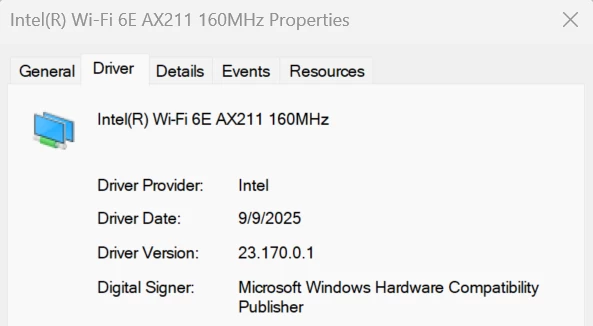
The network card in device manager has a caution triangle indicator and I need to re-install the driver every time. This happens 2-3 times every day.

Could you please advice for troubleshooting this issue?

I do not know if it is a driver issue from Intel but I do not have any problems when I connect my previous Bluetooth headphones 


3 replies

buzz
  • December 10, 2025

Could this be correlated with an incoming call? 

I’m not the world’s greatest Bluetooth fan. I find that Bluetooth devices can manage two sources OK, perhaps a phone and pad, but if a 3rd device, such as a computer becomes involved, one device might be dropped as #3 begins to transmit. This requires manual intervention on my part, but I haven’t needed to reinstall any drivers.


  • Author
  • Contributor I
  • December 10, 2025

Hello buzz,
Thanks for replying.
I use the headphones with my phone and on my pc. no 3rd device.
No calls on my phone. On PC I am having the issue that I mentioned.


buzz
  • December 10, 2025

I’m just guessing, but it could be another App on the phone or computer that is attempting to notify you of something. If it’s not too disruptive for you, try powering down the phone during a business conference.