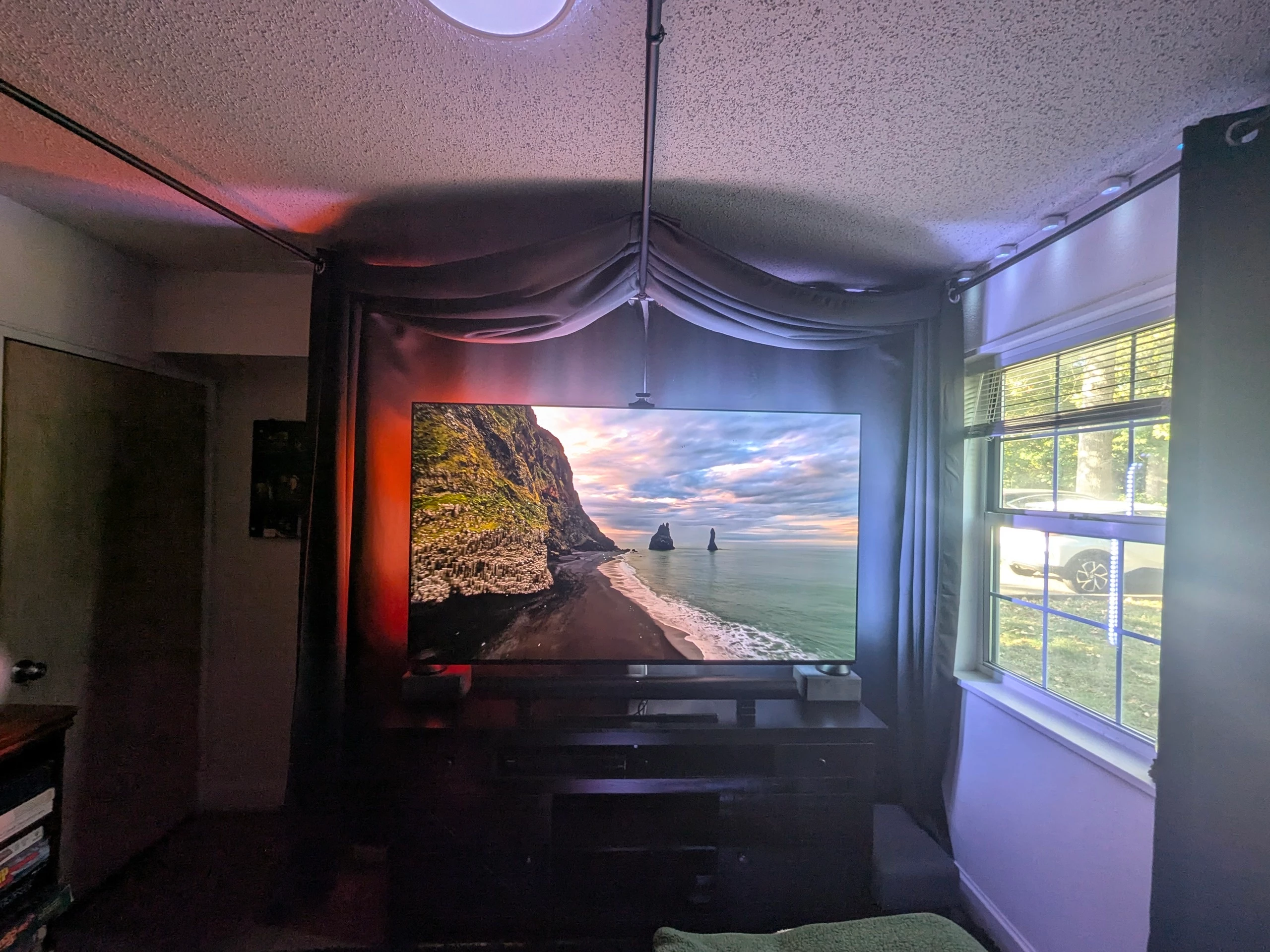
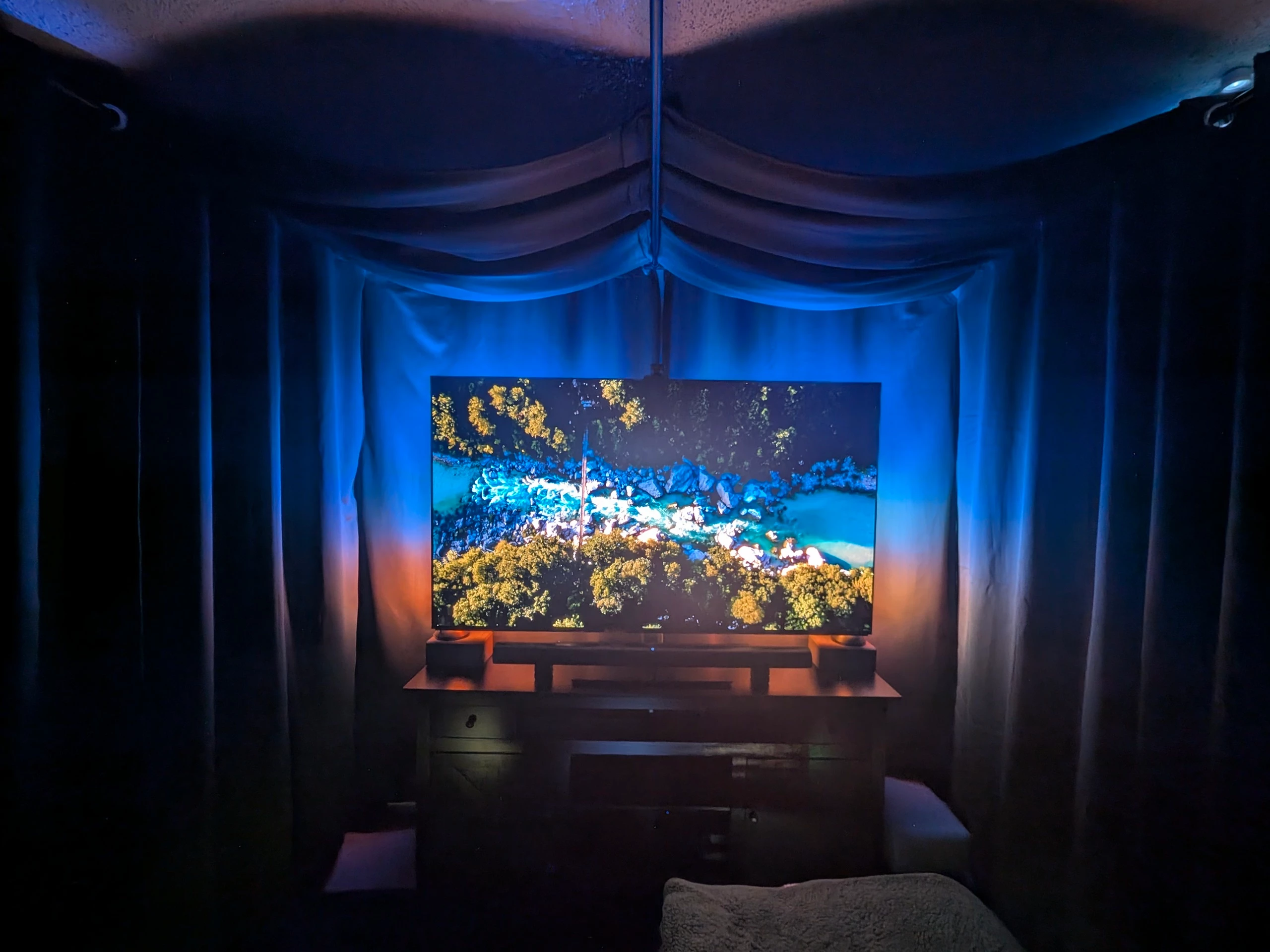
Found issue with unable to tune True Cinema w/ Sonos Ace Ultra Headphones
I found if I close my blackout curtains on either side of the soundbar TrueCinema says it is unable to tune after playing the sweep tones and trying for calibrate for about 10 seconds. If I open the curtains on either side of the Arc Ultra soundbar True Cinema tuning succeeds. The curtains are approximately 2ft away from each end of the Sonos Arc Ultra soundbar which is sitting under the TV. The room is ~11x11ft with a few extra feet for the door. The two images were shot wide angle to get both side walls/window into each image. Technical support was unable to find any information on the size of the room affecting TrueCinema. Note - I can TruePlay the room fine with the curtains closed using an iPhone and walking back and forth in front of the TV waving the phone up and down. I am using Era300’s as surrounds with a Sub Gen 3 not shown in the images. Sonos told me a while back that the blackout curtains would not affect TruePlay, but obviously they affect True Cinema. For now I am fine running TrueCinema with the front curtains open, but wanted to pass this along to Sonos. It took me quite a while to isolate the issue. Note too - I had this same problem with the original Sonos Ace headphones, but never solved it until now.