tdesaules
Contributor II
October 12, 2021
Answered

Google Assistant and Voice Match for users on a same house

  • October 12, 2021
  • 11 replies
  • 2312 views


Hi community, (and sonos dev team I hope :grin: )

I find two post regarding this issue but I can’t get any solution about it…

Google Assistant come with a great feature named “Voice Match” that permit multiple users from a same house to retrieve custom data from their own data account (Google Home can share device to different Google account invited in a “house” and retrieve custom information from calendar and other)

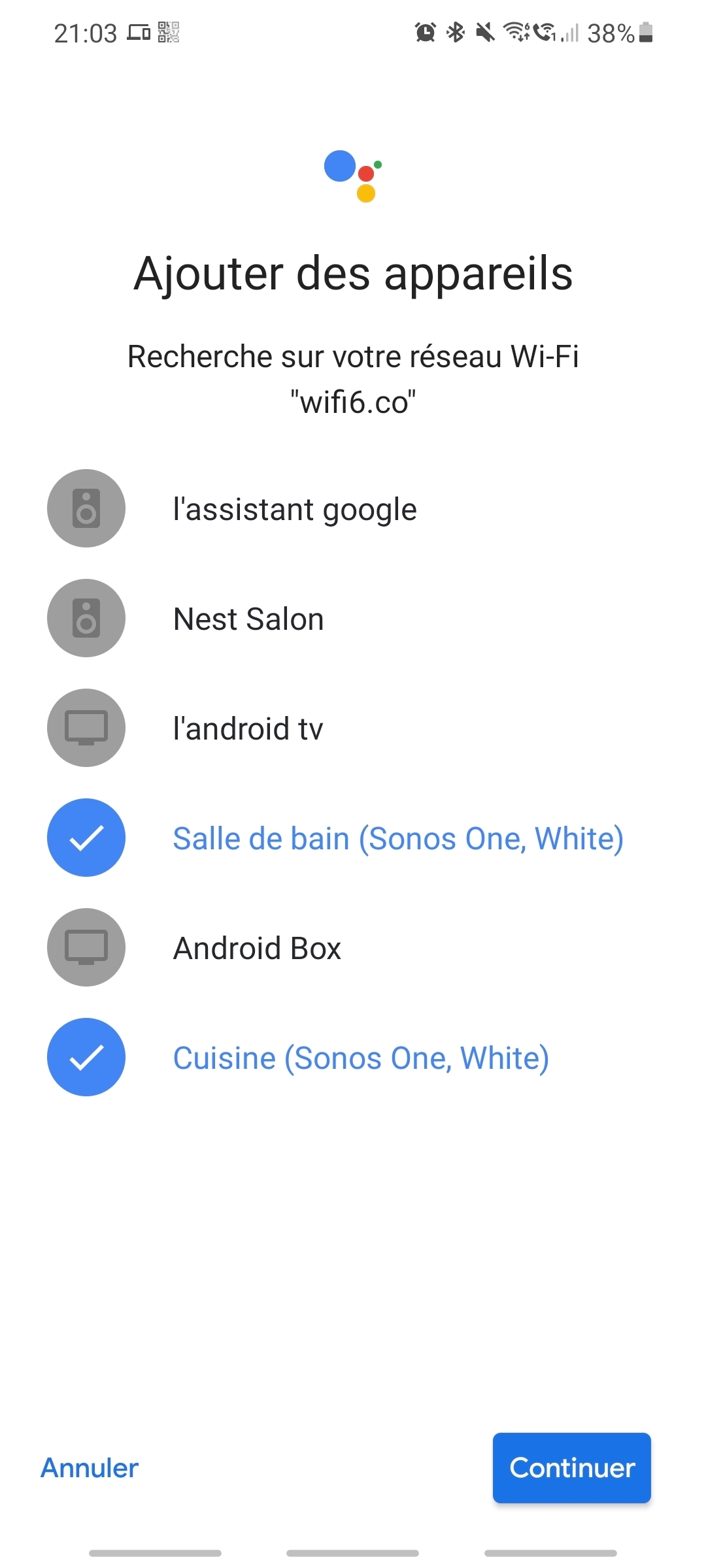
When I enable the Google Assistant on my Sonos One, I’m able to add the “Voice Match” feature on the Google Home app from the Google account that owned the Sonos One device.

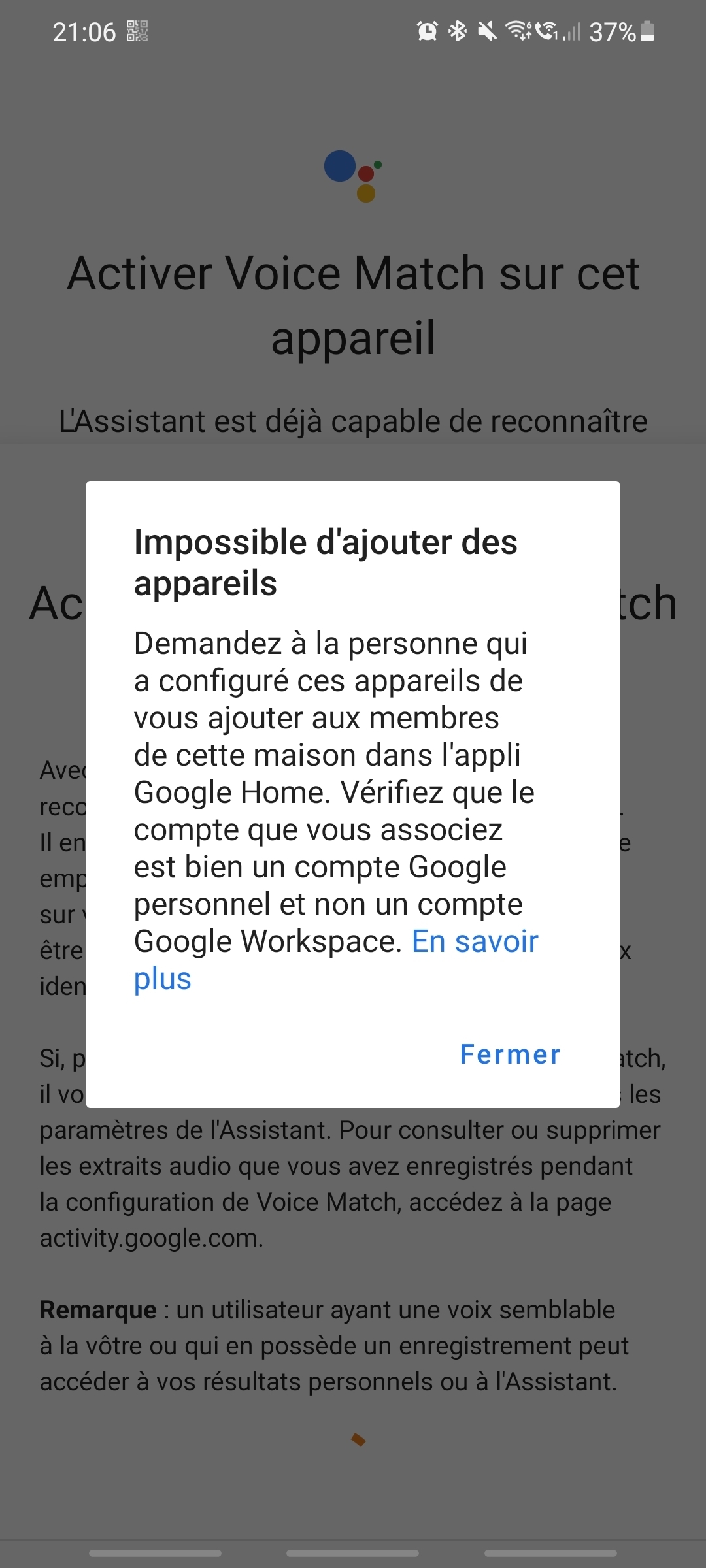
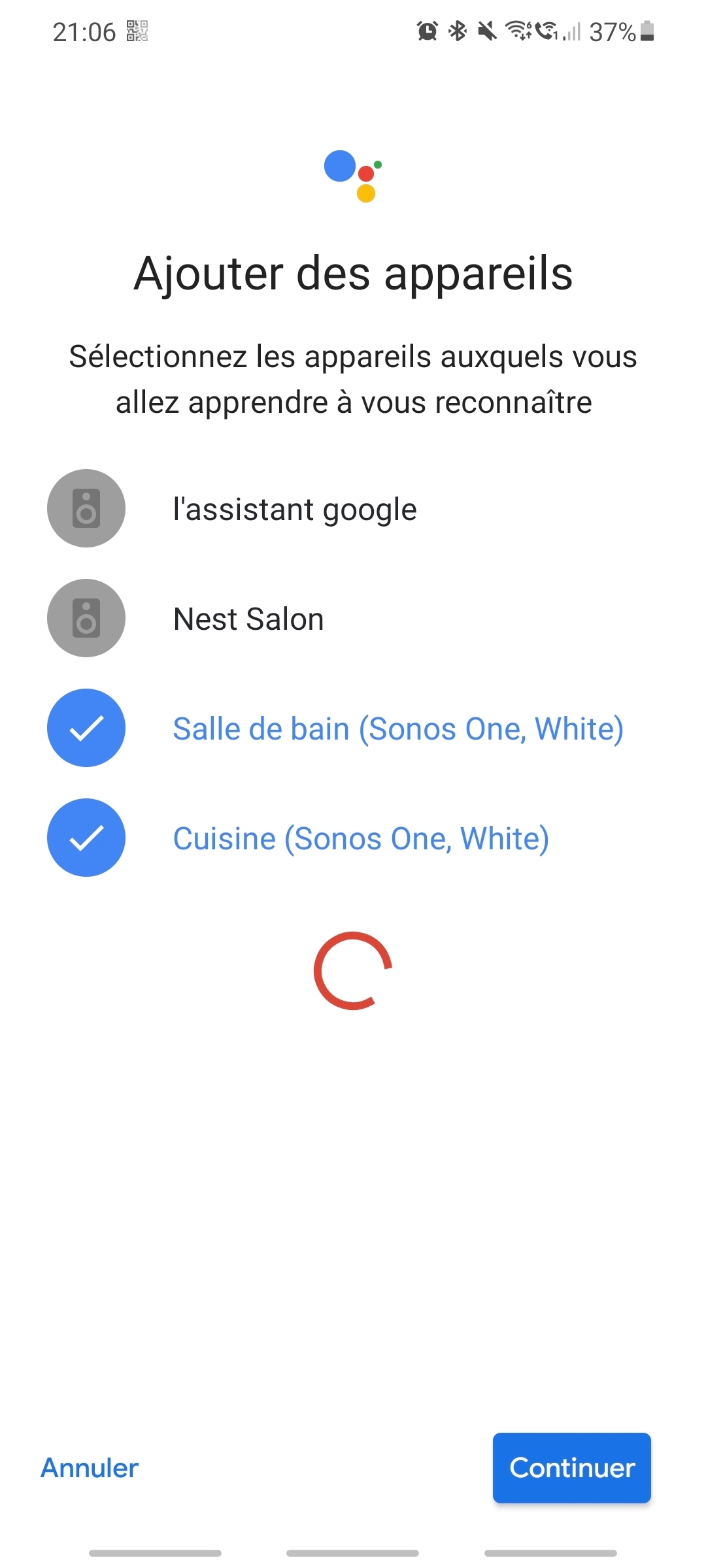
When another Google member from my house try to enable the “Voice Match” feature, they are able to list the Sonos One but the get an auth error about an auth check failure.

The same test work on Google Nest device.

Any idea on that ?

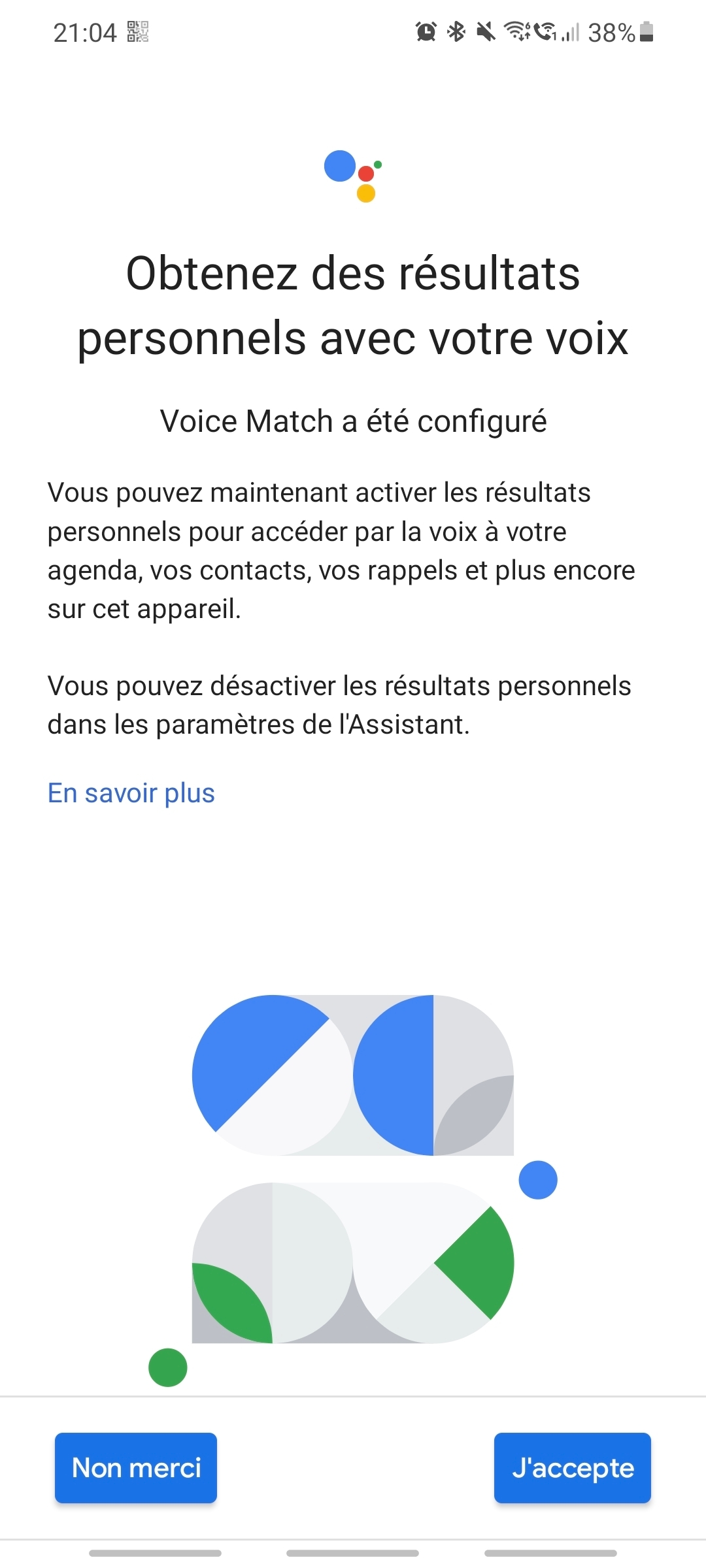
there is some picture about that issue :

Working (account that own the Sonos device)
Not Working (another member from the house)
 

Moderator Edit: Removed images with personally identifiable information.

This topic has been closed for further comments. You can use the search bar to find a similar topic, or create a new one by clicking Create Topic at the top of the page.
Best answer by tdesaules

Yes :) but I solved it

The Sonos part work like a charm.

All the problem come from the family integration with Google.

In fact I add the other famillies member directly using the Google Home app (from my dedicated home account) and I notice that in https://families.google.com/ the famillies member get a strange status “limited access” on the account added.

  1. I remove the member from the family (https://families.google.com/) and I remove the account from the house (Google Home part).
  2. I invite the account from the https://families.google.com/ website this time no “limited access” on the result 
  3. I add the same account to the house in Google Home
  4. I enable Voice Match on the Google Home app for all the account

Now this is working perfectly.

I think that when you add member to an house using the Google Home app it add it to the google famillies website (https://families.google.com/) but without all the feature.

Good job guys !


11 replies

jwastrel
Trending Lyricist I
January 5, 2022

OK - here’s update on this issue. Finally solved the problem, after 2 days of troubleshooting.

  • My partner left the google home we setup, then I re-invited her. She accepted the new invite and was added to the google home with full permissions (NOT limited access). She is also a part of our google family group.
  • We updated the Google App on her tablet (Galaxy Tab A - the device she runs Google Assistant on). I suspect this step was the one that fixed it.
  • We then tried adding voice match to the Sonos Roam again, via Google Assistant on the Galaxy Tab A, and this time - success!
  • We tested the Roam with the phrase - “Hey Google - do you know who I am?” It recognised each of us as separate users.

So it looks like the Sonos Roam can have multiple Google Assistant Voice match profiles loaded onto it. 

Glad it works now, at least till the next software update breaks everything again... :joy:

"No matter where you go, there you are"