Question

Wish for improvement: Only turn off alarm physical on device

  • July 17, 2026
  • 6 replies
  • 46 views

Forum|alt.badge.img

Hi

I'm one of those who is tired at the morning. Like verry, verry tired and a large bit more tired 😅

One of few things that help is to be forced to go out of bed to stop the alarm. So for those like me it would be verry nice with a setting that the alarm only can be stopped by pushing button on the physical device (speaker).


I guess it would be good if it's possible to stop the alarm  somehow in the app in case forget to turn it off before go to bathroom etc. But then somewhere "hard to find" in the app, not something doable in half sleep.


Thank you again in advance

Amund

6 replies

Smilja
  • July 17, 2026

Already doable. Try it, set an alarm, and when it goes off push the hardware button on the speaker.


Forum|alt.badge.img
  • Author
  • Contributor II
  • July 17, 2026

But today it will also be an alarm on the phone where can turn off the alarm? My wish is a setting to not have an alarm on the phone.


Stanley_4
  • Grand Maestro
  • July 17, 2026

They want the in App stop option to be disabled.

I've had frinds with this sleep problem, they had multiple spring powered alarms around the room.

Might be easier to just delete the app at bedtime and reinstall once awake.


Smilja
  • July 17, 2026

Keeping the mobile phone out of reach, or even better, leave it in the living room or in the kitchen overnight? 🙂


AjTrek1
  • July 18, 2026

​@amundsf 

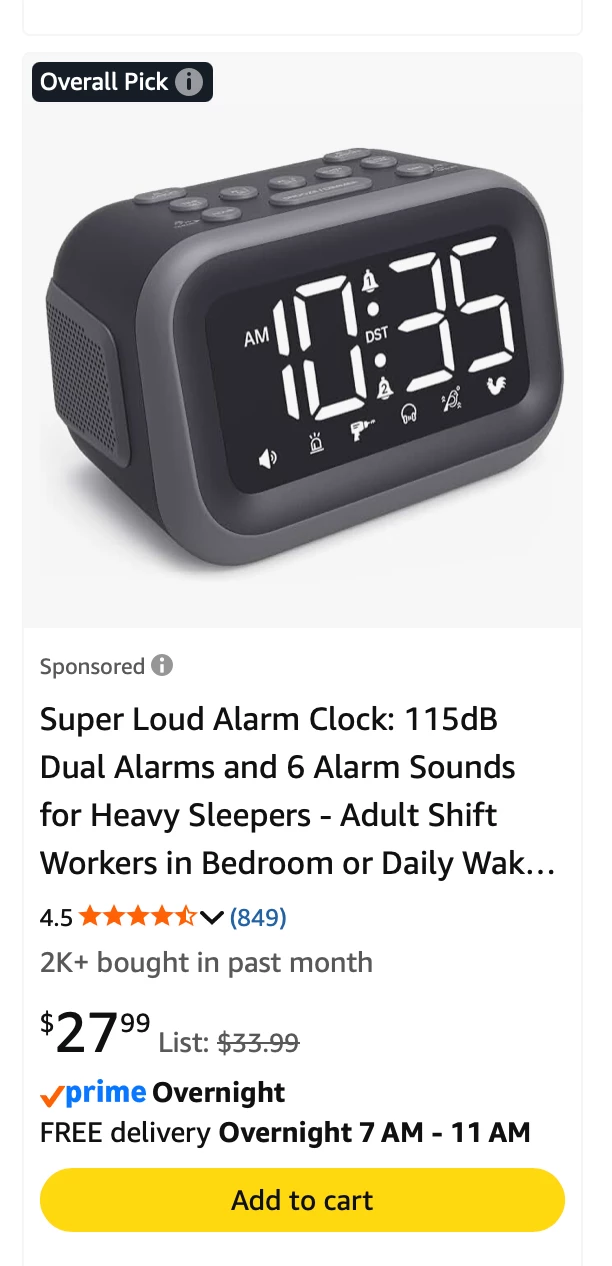
Here’s an option. Stop using Sonos as an alarm. Go back to the old fashion type and place it across the room where you can’t reach it. The one below is made just for you 😂


MoPac
Forum|alt.badge.img+19
  • Headliner III
  • July 18, 2026

Thank goodness I’m retired!