
Avid Contributor I
September 24, 2025
Answered

Unable to toggle trueplay

  • September 24, 2025
  • 11 replies
  • 405 views

I've been experiencing issues for the past few days—possibly since the update that rolled out yesterday. On my iOS device (iOS 18.7), I’m currently unable to enable or disable Trueplay. My setup includes a Beam Gen2, two Era 100s, and a Sub Mini (firmware 80.29.4).

When I reboot the Beam Gen2, the Trueplay toggle briefly reappears in the app.
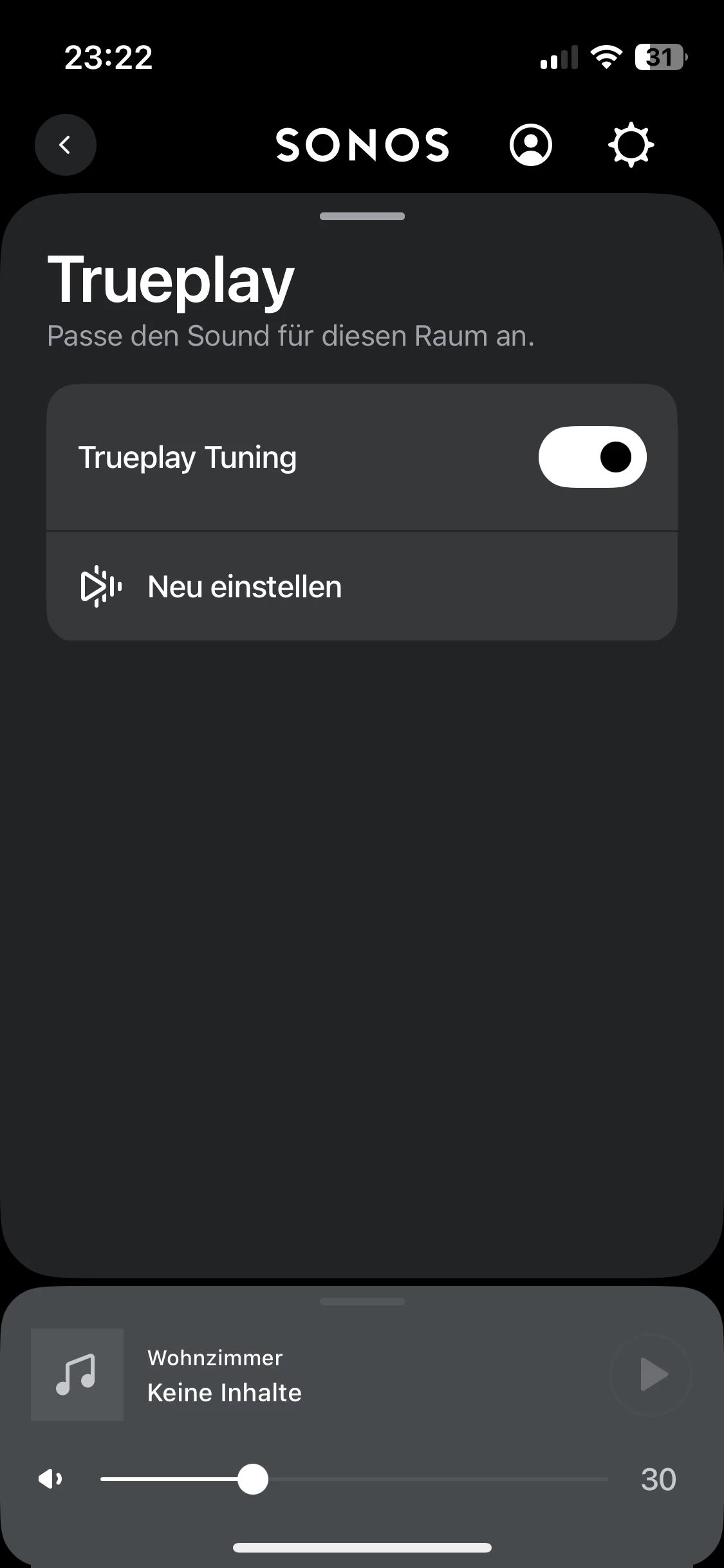
However, as soon as I interact with it, the toggle vanishes again.
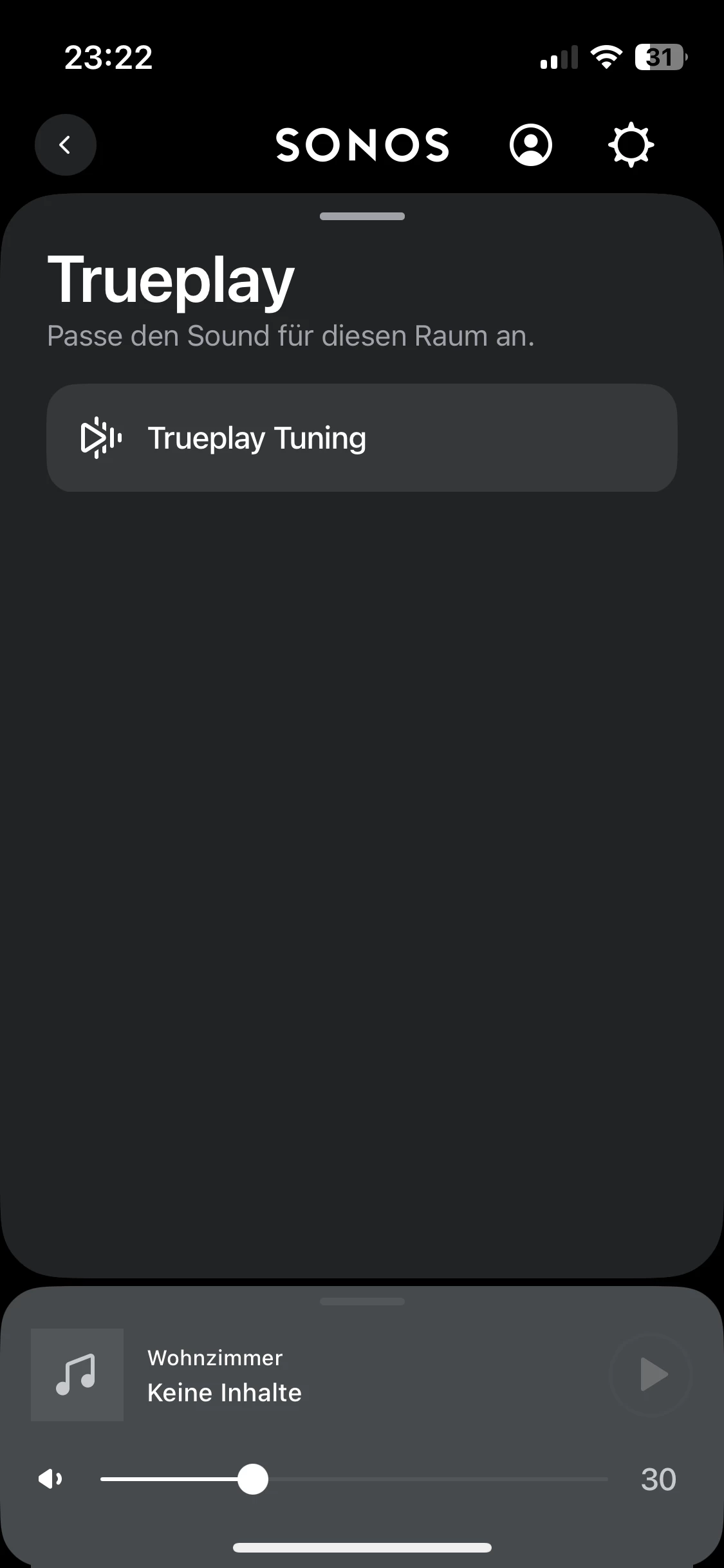
It’s quite odd. Do I need to reset my entire system, or is something else going on?

This topic has been closed for further comments. You can use the search bar to find a similar topic, or create a new one by clicking Create Topic at the top of the page.
Best answer by Airgetlam

Interesting. As a guess, your controller (and device) is having trouble maintaining a good connection with your Beam, which is causing the ‘I’m here, I’m not here’ behavior.

Have you tried a network refresh? Or have you submitted a system diagnostic within 10 minutes of experiencing this problem, and called Sonos Support to discuss it? Don’t post the resulting diagnostic number here, they get sensitive about GDPR.

There may be information included in the diagnostic that will help Sonos pinpoint the issue and help you find a solution.

When you speak directly to the Support staff, they have tools at their disposal that will allow them to give you advice specific to your network and Sonos system.

11 replies

Airgetlam
September 25, 2025

Not sure I understand how that’s possible, all of my TruePlay settings have stayed through many, many firmware updates, it’s only factory resets (which I try to avoid at all costs) that cause TruePlay to go away. But either way, I’m pleased yours is working again. 

Bruce