Contributor I
July 26, 2026
Answered

Unable to Save anything in Favorites

  • July 26, 2026
  • 12 replies
  • 126 views

Hello,

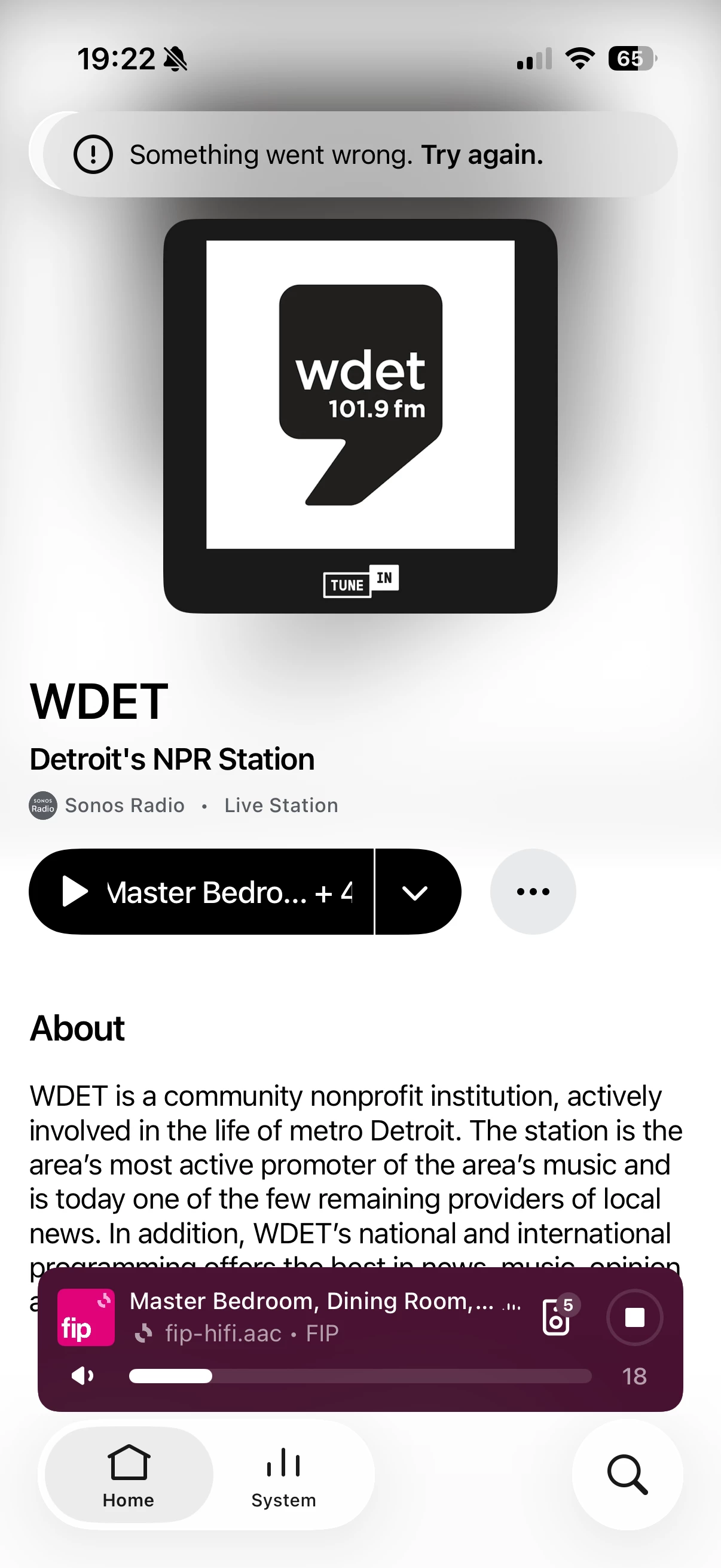
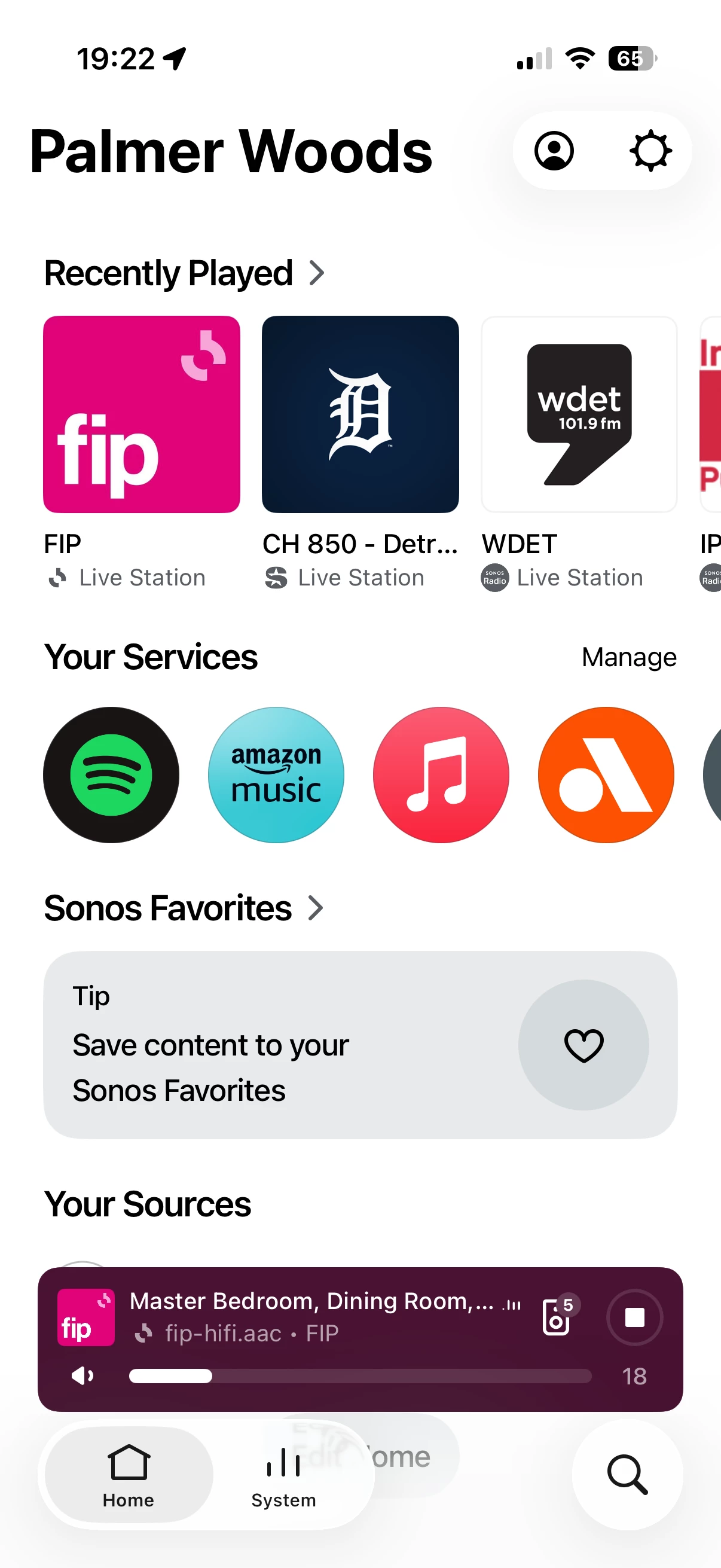
this has been an ongoing issue for sometime and I’ve tried numerous things to rectify it but I’m still unable to save any thing to my favorites list. Any Sonos radio stations, XM radio stations, TuneIn Radio stations, playlists from Spotify or any other music service etc.


My favorites list appears empty and nothing is on it and every time I try to save something to it it says “something went wrong, try again”. You can see the screen shots attached as well. 

I have tried uninstalling and reinstalling the app on numerous devices. I’ve tried a step-by-step ownership refresh by transferring the system to different email and resetting things. I have tried a web only account sync flush and that has not worked either.

I am beyond frustrated and at this point cannot seem to figure out a solution. Any advice would be appreciated. 
 

Best answer by Stanley_4

I couldn't tell from the screenshots and the "appears" left me unsure. Should have reread that first paragraph.

I was hoping to find a maximum number and if it applied to all Favorites types, Playlists, Songs, Albums and Stations.

If all types are empty then the limit isn't an issue. 

If you haven't done a network refresh (likely you have) power down all Sonos, reboot router and controller, wait for it to fully boot up and power up the Sonos.

A second thought is something (firewall or filter) blocking access to one of the several sites Sonos needs access to.

Search: https://en.community.sonos.com/search?q=pi+hole

Blocking topic: https://en.community.sonos.com/advanced-setups-229000/sonos-pi-hole-6870549 (with lists)


12 replies

Airgetlam
August 3, 2026

Might be worth calling call Sonos Support to let them know.

Bruce
controlav
Lead Maestro
August 3, 2026

I have almost exactly issue over years,  I think this issue was first introduced by the iOS redesign version.

I can’t view my favorite on my Sonos App, it shows “Unable to load content”, and also I can’t add/remove favorites on it , alway shows “Something went wrong, try again”


Only iOS App has this issue, macOS app works fine,  same network.

The mobile app, since May 2024, has never displayed my Favorites either. This is because its xml parser isn’t robust to the many kinds of Favorites. (I learnt this when testing my own apps with Faves).

You can deleting the problematic Fave using the Desktop app.

Author of the leading independent Sonos apps for Android, MacOS, iOS, Windows and Xbox.