
Contributor I
Jan 8, 2024 11:31 PM UTC
Answered

unable to link youtube music account to Era 100

Just got my Era 100 yesterday, unboxed it today.

Loaded up my (Android) phone w/the Sonos app

Got my Era 100 configured

When I go to try to link my Youtube Music account, I get an error “There was a problem loading the page”
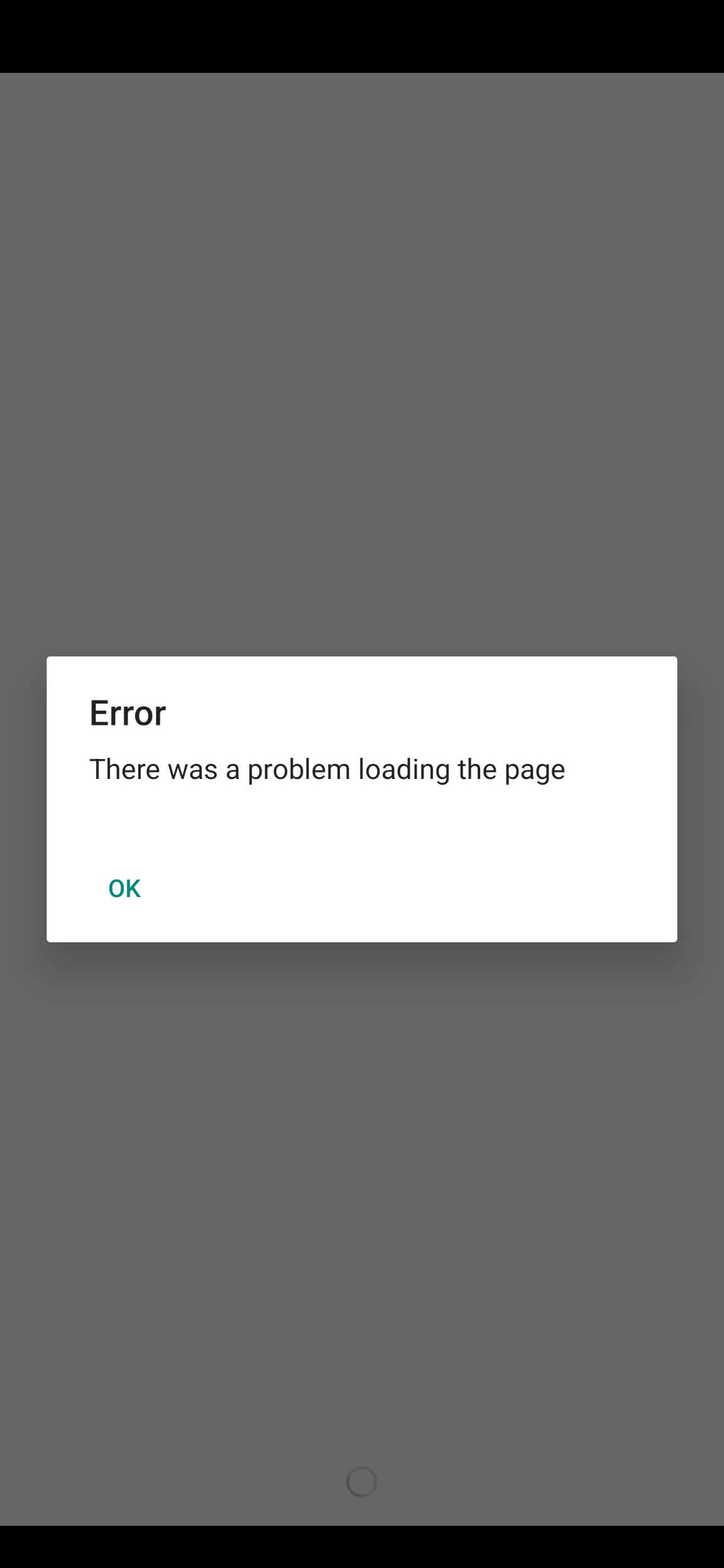
I have tried rebooting the Era, reinstalling the app, everything but lighting sage and waving it at the machine. 


HALP! thanks.

This topic has been closed for further comments. You can use the search bar to find a similar topic, or create a new one by clicking Create Topic at the top of the page.
JosiebeeAnswer
Contributor I
Jan 9, 2024 7:00 PM UTC

I believe I solved it.

First off -- you need to save the 8- or 9-letter code you get. Then when you click on “authorize” after you get the code, it takes you to that blank page.

It’s not really blank - it’s actually a browser page that’s not working. Pull down on the white page and you should see a link pop up. 

Go to that link in Chrome, copy in the authentication code, and follow from there. 


THAT worked!

4 replies

Ken_Griffiths
Jan 8, 2024 11:40 PM UTC

Maybe see this support link below and check the availability location matches your Sonos online account profile country setting…

Translate
JosiebeeAuthor
Contributor I
Jan 8, 2024 11:51 PM UTC

I’m in the US, youtube thinks I’m in the US, and Sonos thinks I’m in the US. I’m not sure what else I can do.

Translate
Ken_Griffiths
Jan 8, 2024 11:54 PM UTC

I’m in the US, youtube thinks I’m in the US, and Sonos thinks I’m in the US. I’m not sure what else I can do.

In that case it maybe best to reproduce the issue and then immediately submit a Sonos system diagnostic report from within the Sonos App, note it’s reference and then contact/chat with Sonos Support Staff via this LINK and see what the Staff can perhaps suggest to resolve the matter.

Translate
JosiebeeAuthorAnswer
Contributor I
Jan 9, 2024 7:00 PM UTC

I believe I solved it.

First off -- you need to save the 8- or 9-letter code you get. Then when you click on “authorize” after you get the code, it takes you to that blank page.

It’s not really blank - it’s actually a browser page that’s not working. Pull down on the white page and you should see a link pop up. 

Go to that link in Chrome, copy in the authentication code, and follow from there. 


THAT worked!

Translate