Contributor I
May 30, 2023

Unable to Add Music Service to App

  • May 30, 2023
  • 7 replies
  • 232 views

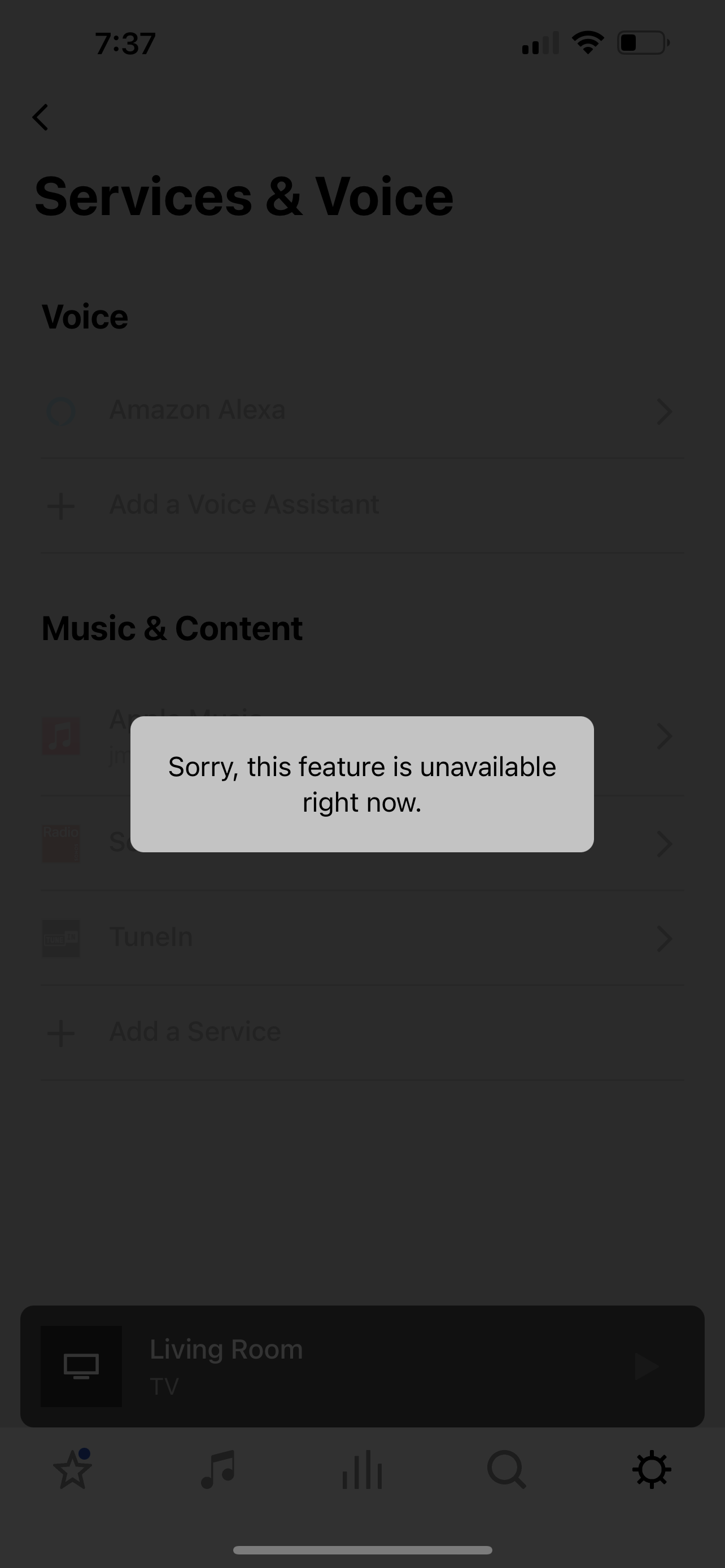
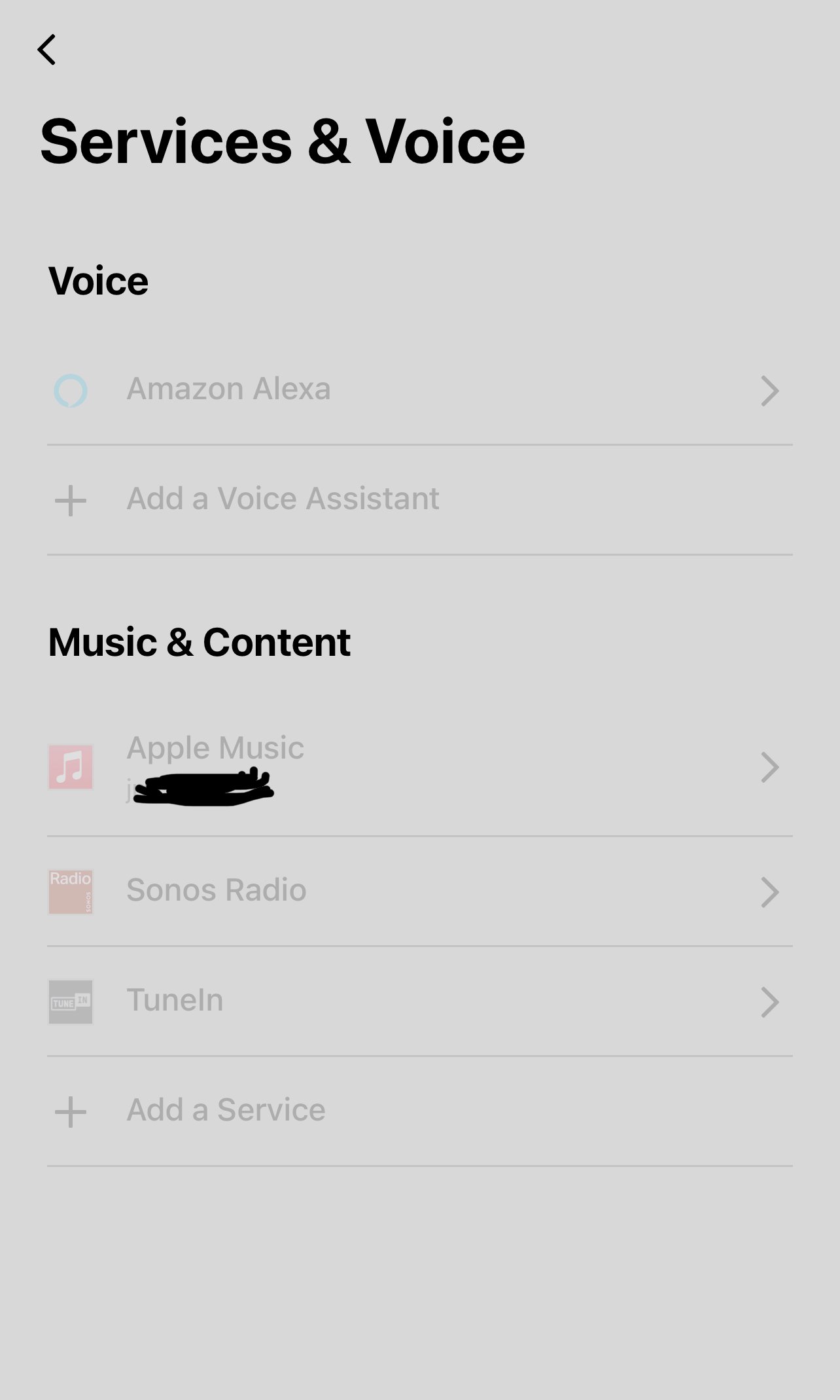
I am trying to add a music service to my Sonos App.  However, when I go to the Services and Voice tab none of the already added services allow me to click on them.  See the attached image as everything has the text in a light color.  Also, if I click on anything I get the error shown in the attached image as well.  Anyone know what to do to fix this?


This topic has been closed for further comments. You can use the search bar to find a similar topic, or create a new one by clicking Create Topic at the top of the page.

7 replies

controlav
Lead Maestro
May 30, 2023

This normally indicates the app itself is “old” ie needs an update.

Author of the leading independent Sonos apps for Android, MacOS, iOS, Windows and Xbox.
Jmm9p8Author
Contributor I
May 31, 2023

This normally indicates the app itself is “old” ie needs an update.

One of the first things I did was try and update.  It says I’m up to date.  Then I tried uninstalling and reinstalling.  Still no luck.  See image of the version I am using.


Jmm9p8Author
Contributor I
May 31, 2023

Any other ideas on what to do to fix this issue?

Lead Maestro
May 31, 2023

Try rebooting your router and phone.

"Receive with simplicity everything that happens to you." - Rashi
Jmm9p8Author
Contributor I
May 31, 2023

Try rebooting your router and phone.

Just did.  Still didn’t work.  Ugh…

Lead Maestro
May 31, 2023

Try rebooting your router and phone.

Just did.  Still didn’t work.  Ugh…

Have you updated the speaker(s) under System Updates in the Sonos app? Have you tried unplugging the speaker(s) from power for a couple of minutes?

"Receive with simplicity everything that happens to you." - Rashi
Airgetlam
May 31, 2023

Any chance your phone is running Defender? 

Bruce