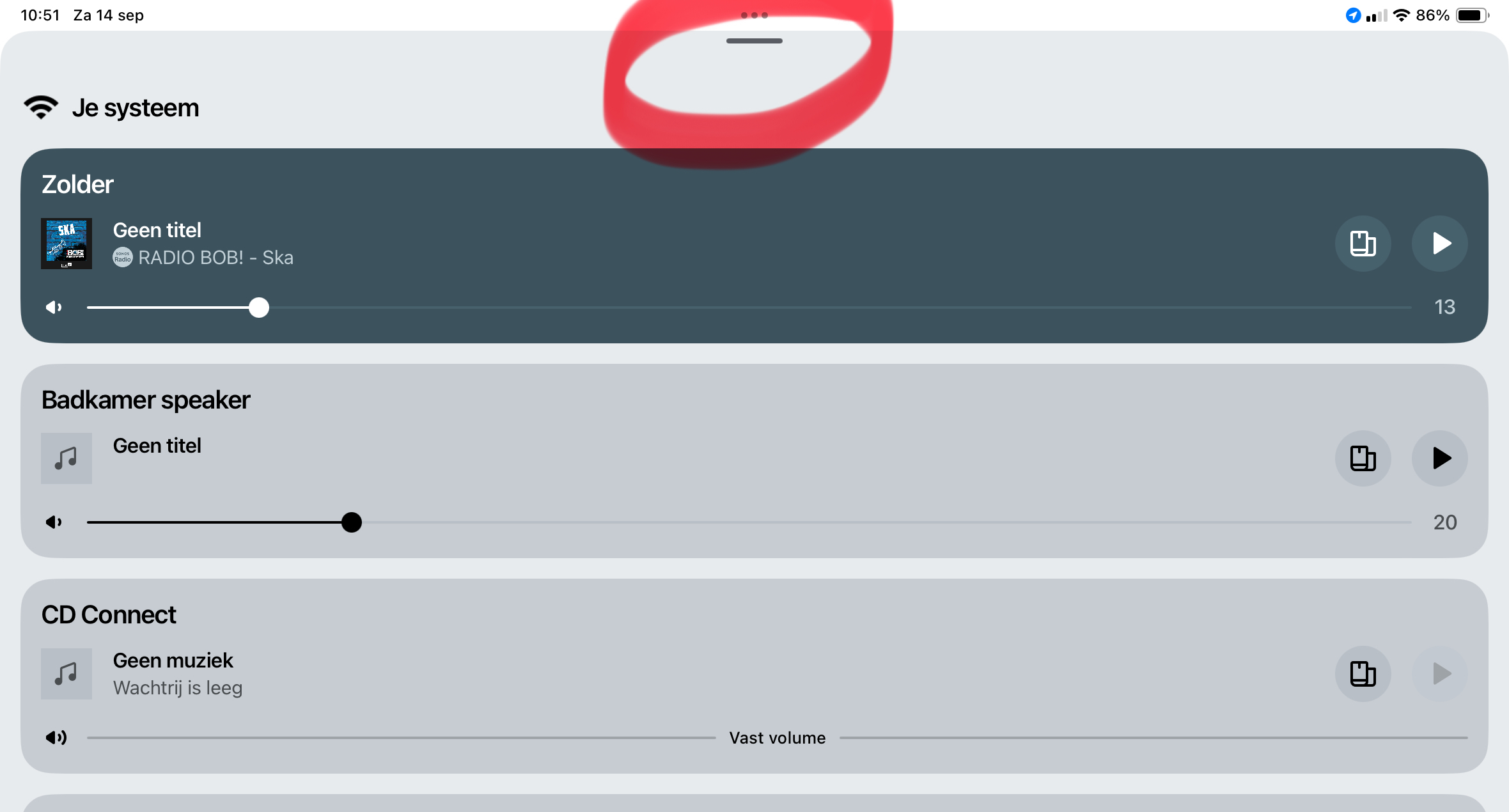
Not sure I understand what “whole app will swipe down” means but that looks to be the System controls UI. You can swipe down pretty much anywhere on that UI to collapse it to the bottom, so no need to swipe at the top.
If it was the iPad’s Split View feature getting triggered with the swipe in top middle, you can set it to Off if you don’t use that. Go to Settings > Multitasking & Geatures > Off.
https://www.sonos.com/en-us/guides/sonosapp
System controls
Your system view shows all available outputs in your Sonos system and any active content streams.
To view and control products in your Sonos system:
- Swipe up on the Now Playing bar.
- Select your system name on the Home screen.