
AjTrek1
September 19, 2026

Sonos27's ...Slick Volume Control for iOS & iPadOS

  • September 19, 2026
  • 4 replies
  • 175 views

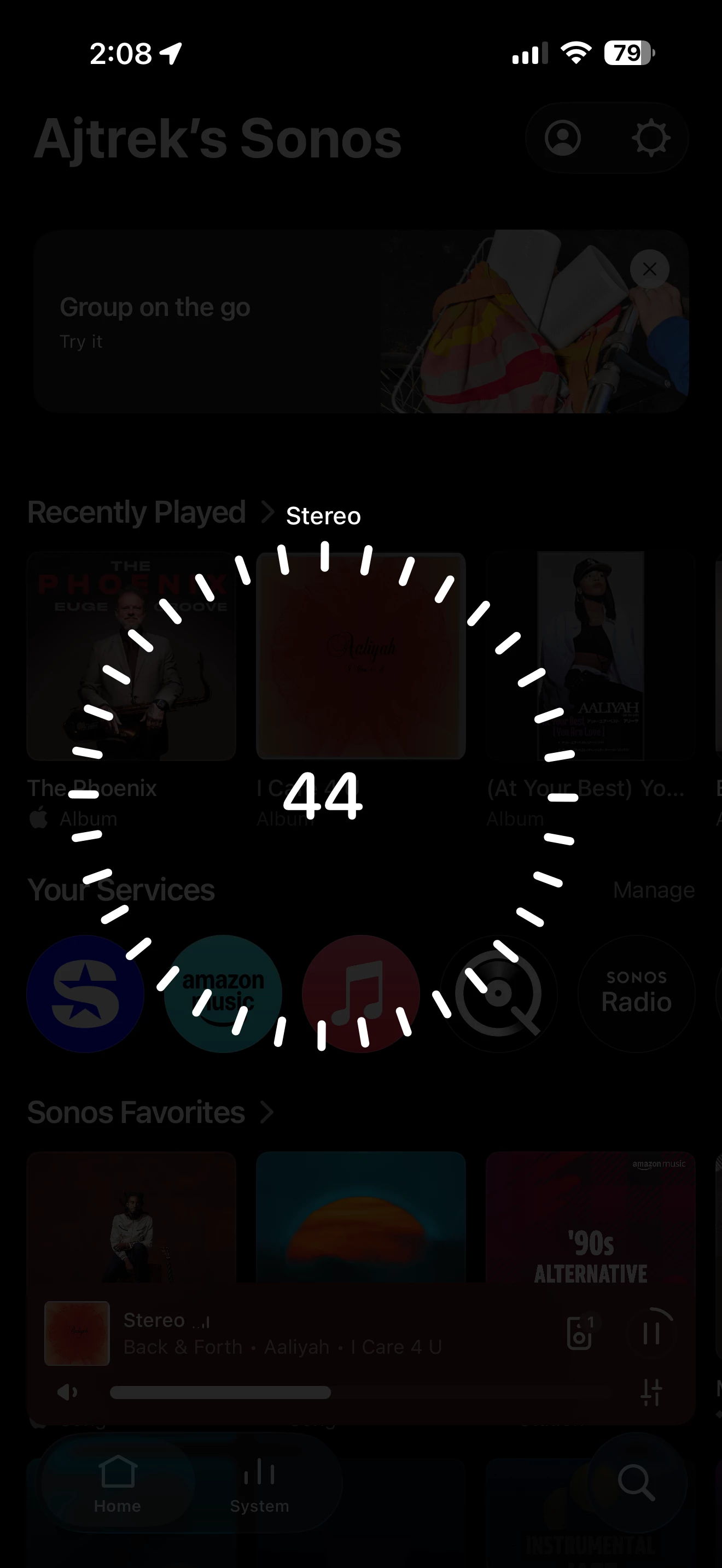
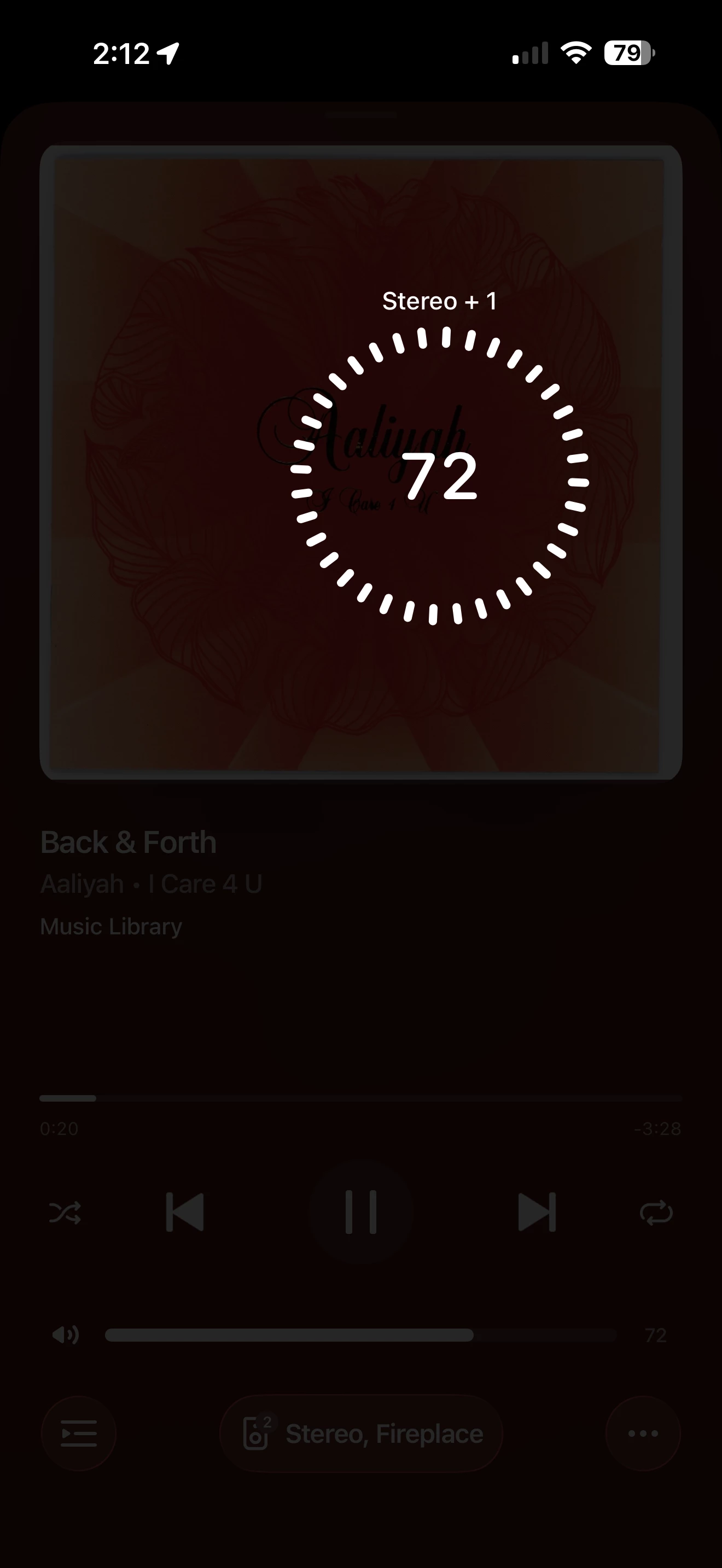
If you haven’t discovered this….Touching the screen with two fingers and rotating them reveals a “Slick” volume control as shown in the pics below. The second pic shows it working in “Group” mode!


4 replies

Dogdad
Headliner III
September 19, 2026

Been using it for a week. Let’s you fine tune the low volume like you couldn’t before. 

buzz
September 20, 2026

An advantage for me is that this arrangement works on any controller screen. You don’t need to track down a screen that includes a Volume control.

bockersjv
Local Superstar
September 21, 2026

This new function was so unexpected and works so well that I am still amazed at it.  It’s also fun to see how big and small you can make the Volume circle on a large iPad screen.  

Also like has been mentioned above, the ability to use this control on ANY screen in the app is a real plus, and again unexpected.  You can be browsing for music to play and make ad hoc volume changes without needing to change screens.

The whole attitude seems to have shifted at Sonos from that of 3 years ago and they are embracing new ideas and enhancing features across all products.  Am I the only one, for example, that assumed the ability to use portables as surrounds was never going to happen!

Contributor I
October 1, 2026

Wow! This alone is worth the price of admission to this community. That was my very first post, but your response with this little trick is off the charts! Thanks very much!
