Enthusiast I
Jan 10, 2025 9:51 PM UTC
Answered

sonos you ruined it again
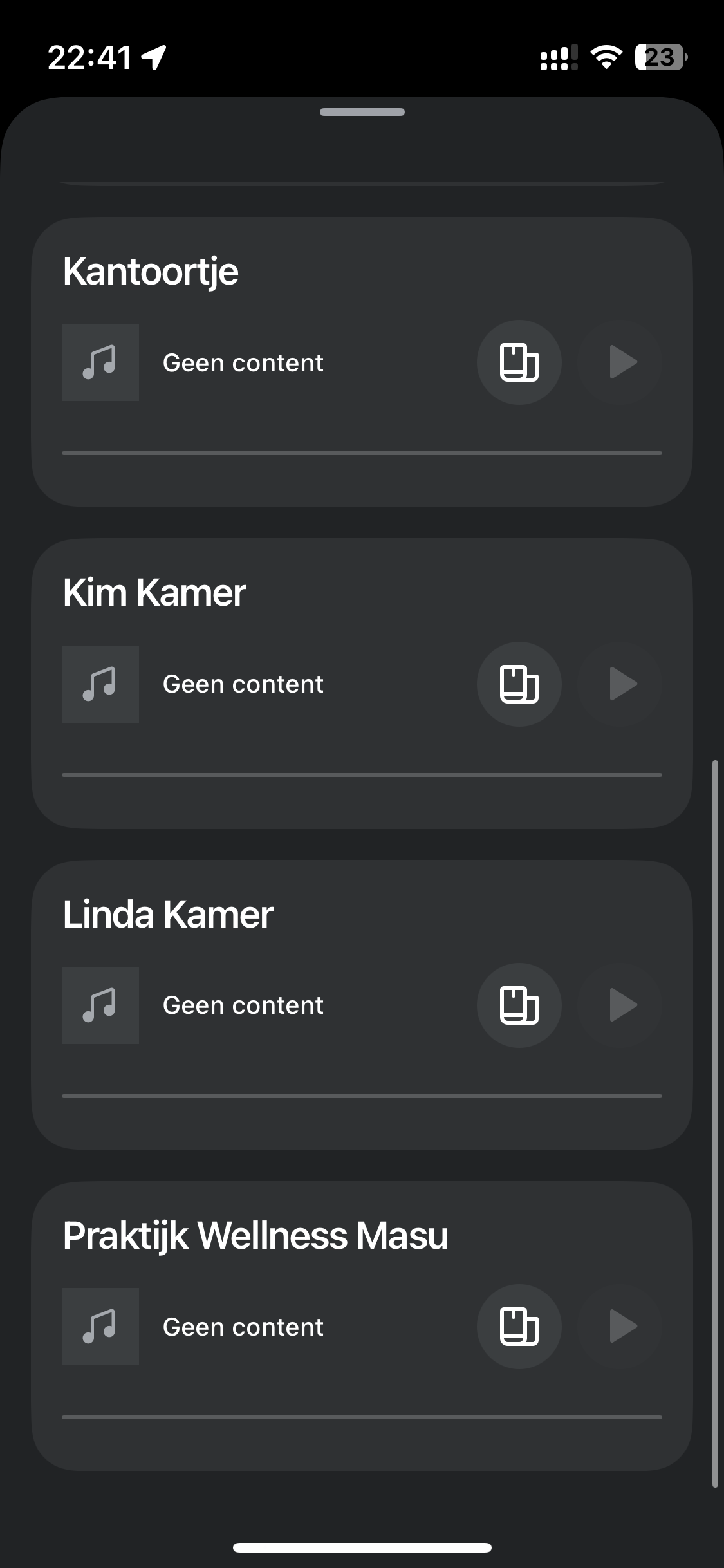
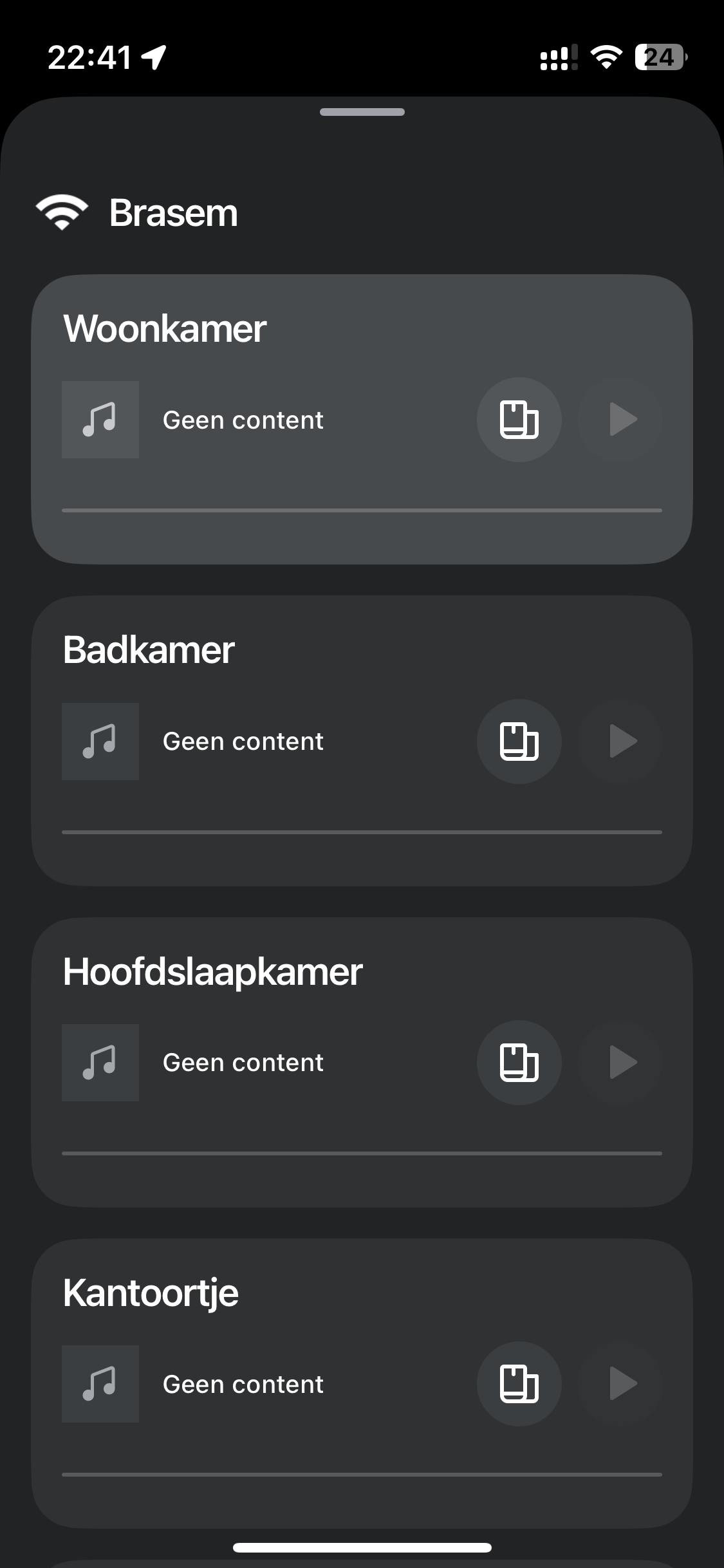
There we go again…

after some weeks of being kinda able to use the system.. ( something went wrong still did frequently appear ) last week update ruined to volume completely. 
 

Sonos you really used all my patience. 
 

after seven months you are still not able to deliver an reliable user friendly app. 


This topic has been closed for further comments. You can use the search bar to find a similar topic, or create a new one by clicking Create Topic at the top of the page.
UKMedia
UKMediaAnswer
Jan 11, 2025 10:35 AM UTC

If power cycling your devices worked, you may want to check out my post:


Remember: Sometimes Red Wine helps :)

14 replies

Stanley_4
Grand Maestro
Jan 10, 2025 11:03 PM UTC

Reboot the Controller of force-kill the App as a first step.

Remove and reinstall as a second.


You might also want to check and insure all Sonos are on the same software versions, under System - About.

Translate
Ken_Griffiths
Jan 11, 2025 12:02 AM UTC

​@Talkien,

It does look quite like the Sonos App was updated, but that the firmware on the speakers/products perhaps needs updating too (or vice versa) as ​@Stanley_4 mentions above.

Translate
Lyricist II
Jan 11, 2025 12:20 AM UTC

Couldn’t agree more talkien. Sonos you’ve done it again!!!

how can you get it so wrong….

Translate
TalkienAuthor
Enthusiast I
Jan 11, 2025 10:05 AM UTC

Reboot the Controller of force-kill the App as a first step.

Remove and reinstall as a second.


You might also want to check and insure all Sonos are on the same software versions, under System - About.

Stanley, 


thanks for your reply,

checked the sonos devices and they are all on the same version :16.5.1 ( build 82.3-60160)

App was the latest in they app store, removed it, and reinstalled.


Unfortunately this didn’t work.


gave all sonos a power cycle, what did have an positive effect.


I look forward to an system that doesn’t need monthly/weekly action to keep it functional

Translate
UKMedia
UKMediaAnswer
Jan 11, 2025 10:35 AM UTC

If power cycling your devices worked, you may want to check out my post:


Translate
Remember: Sometimes Red Wine helps :)
Stanley_4
Grand Maestro
Jan 11, 2025 9:42 PM UTC

The static/reserved IP addresses trick solved my severe stability issues.

See your router’s DHCP settings page to do that.

Translate
Lyricist II
Jan 11, 2025 10:03 PM UTC

More info please…

Translate
Stanley_4
Grand Maestro
Jan 11, 2025 10:25 PM UTC

barton: Your router should have a help screen on the DHCP settings page to guide you through the process. If you can’t find it post the router’s brand and version and someone here could try to find the user manual for you.

Usually you just open the DHCP page and see a list of your devices, select a Sonos one and give it an address. The router usually tells you which ones are available for use.

Translate
Lyricist II
Jan 12, 2025 12:33 AM UTC

Thanks for your help Stanley. I’m all good with setting up the static ip’s. Did you do this for each Sonos product you have?  I’ve got 20+….would that be 20+ ip’s to set up?

Translate
Stanley_4
Grand Maestro
Jan 12, 2025 1:08 AM UTC

I feel your pain, I have 21, but not doing all of them probably won’t hit all the instances of the IP issue.

I took the time to give them pretty (to me) names too.

  172.16.1.110 Sonos-DR-R-P3    
  172.16.1.111 Sonos-DR-L-P3      
  172.16.1.112 Sonos-KT-SL      
  172.16.1.113 Sonos-MR-T-P5      
  172.16.1.114 Sonos-PTB-SL
Translate