
Avid Contributor I
October 3, 2026
Answered

sonos app cant find system
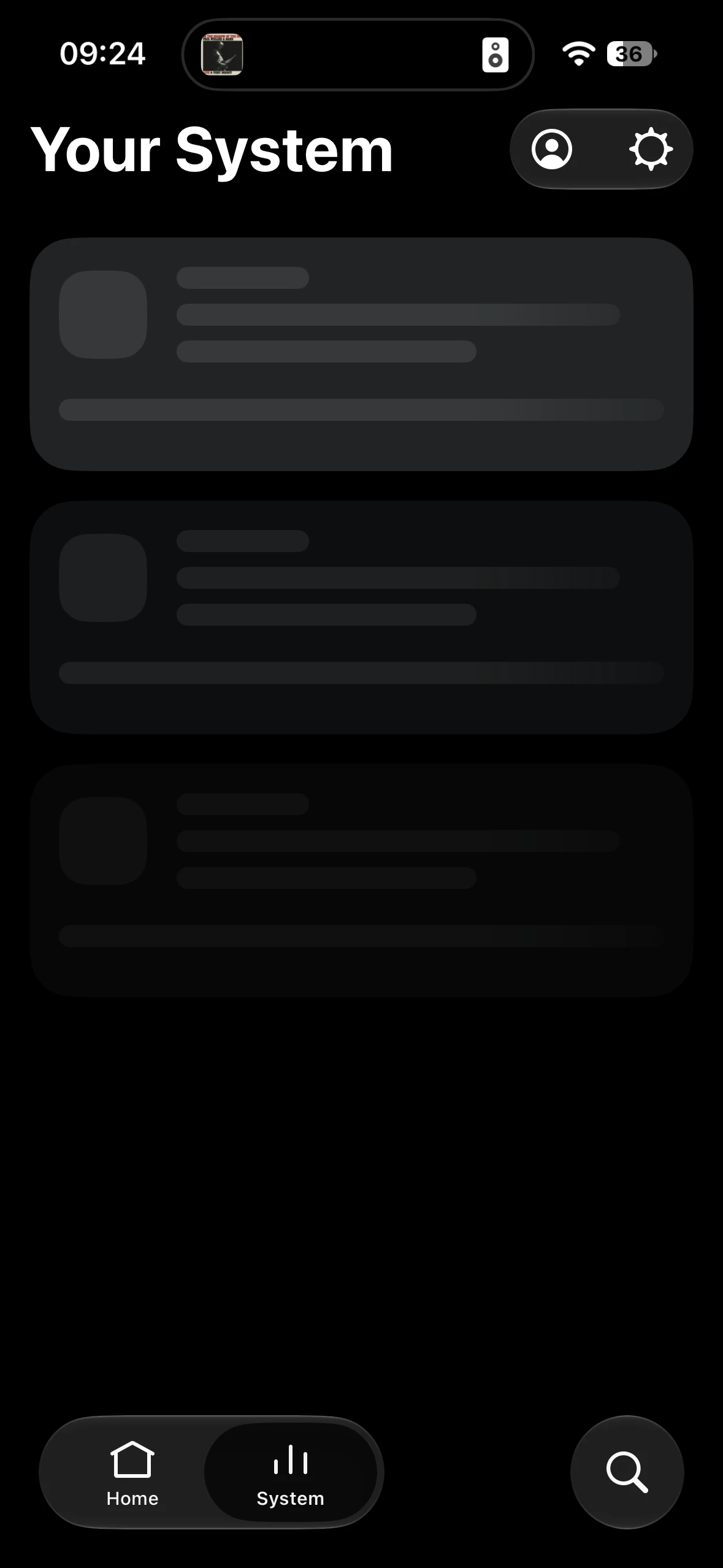


my patience is quickly running out. This happens almost daily.  What’s the solution?

I am so frustrated with it. I’m close to sacking it off and replacing my entire system - and I have a lot of speakers across the house, which is pointless if the app doesn’t work!!!



kdowling
kdowlingAnswer
October 3, 2026

Standard UK WiFi ISP.  Nothing hardwired.  No mesh. Standard ISP router. Sonos 2 app. Running one beam gen 1, 7 Ones, one Sub Mini. 
 

often use VPN, but problem persists if VPN is on or not. 

You can try turning your phone airplane mode on/off to reset the phone network connections. That might help reset things after using the VPN or your cell network.

6 replies

Smilja
October 3, 2026

​@hrdwck, Please describe your network:

Router model, is there a Wi-Fi mesh system (model), access points (model), repeaters / powerline adapters, network switches (model), etc. Are you running Sonos on S2 or S1? Are you operating Sonos over Wi-Fi, or is at least one component hardwired to the router or a network switch?

»And the world is like an apple whirling silently in space, Like the circles that you find in the windmills of your mind.« (›Windmills Of Your Mind‹ [1967]. Music by Michel Legrand ; English lyrics written by Alan & Marilyn Bergman)
hrdwckAuthor
Avid Contributor I
October 3, 2026

Standard UK WiFi ISP.  Nothing hardwired.  No mesh. Standard ISP router. Sonos 2 app. Running one beam gen 1, 7 Ones, one Sub Mini. 
 

often use VPN, but problem persists if VPN is on or not. 

Schlumpf
Virtuoso
October 3, 2026

​@hrdwck 

Obviously the app can‘t see your system/devices on the network. So there seems to be an issue in network communication. I recommend you contact Sonos support, send a diagnostic and let them do some analyses. 
What else you can check on your side…

  • have you set fixed wifi channels for 2,4 and 5 GHz? If so, try other channels… for 2,4 GHz channel 1,6 or 11 would be best choices 
  • is band steering activated?
  • are there any firewall rules set on your router?
  • is there an active add blocker like pi-hole running?
Ralf
Smilja
October 3, 2026
  • Try disabling band steering as a test. On ISP routers, it is often poorly implemented
  • Is the router set to "auto channel"? Please set a fixed channel on the 2.4 GHz band by testing wireless channels 1, 6, and 11. Also, set the channel width to 20 MHz if 40 MHz is currently active
  • VPNs and Sonos don't get along

https://support.sonos.com/article/reduce-wireless-interference

https://support.sonos.com/article/improve-your-sonos-products-wifi-connection

»And the world is like an apple whirling silently in space, Like the circles that you find in the windmills of your mind.« (›Windmills Of Your Mind‹ [1967]. Music by Michel Legrand ; English lyrics written by Alan & Marilyn Bergman)
kdowling
kdowlingAnswer
October 3, 2026

Standard UK WiFi ISP.  Nothing hardwired.  No mesh. Standard ISP router. Sonos 2 app. Running one beam gen 1, 7 Ones, one Sub Mini. 
 

often use VPN, but problem persists if VPN is on or not. 

You can try turning your phone airplane mode on/off to reset the phone network connections. That might help reset things after using the VPN or your cell network.

Schlumpf
Virtuoso
October 3, 2026

​@hrdwck 

To be sure that everything regarding to network does a reset, I recommend a restart of your router, your Sonos devices and also of your smartphone running the Sonos app. 

Ralf