
Stanley_4
Grand Maestro
November 16, 2025

Recently Played entries fail to play

  • November 16, 2025
  • 22 replies
  • 249 views

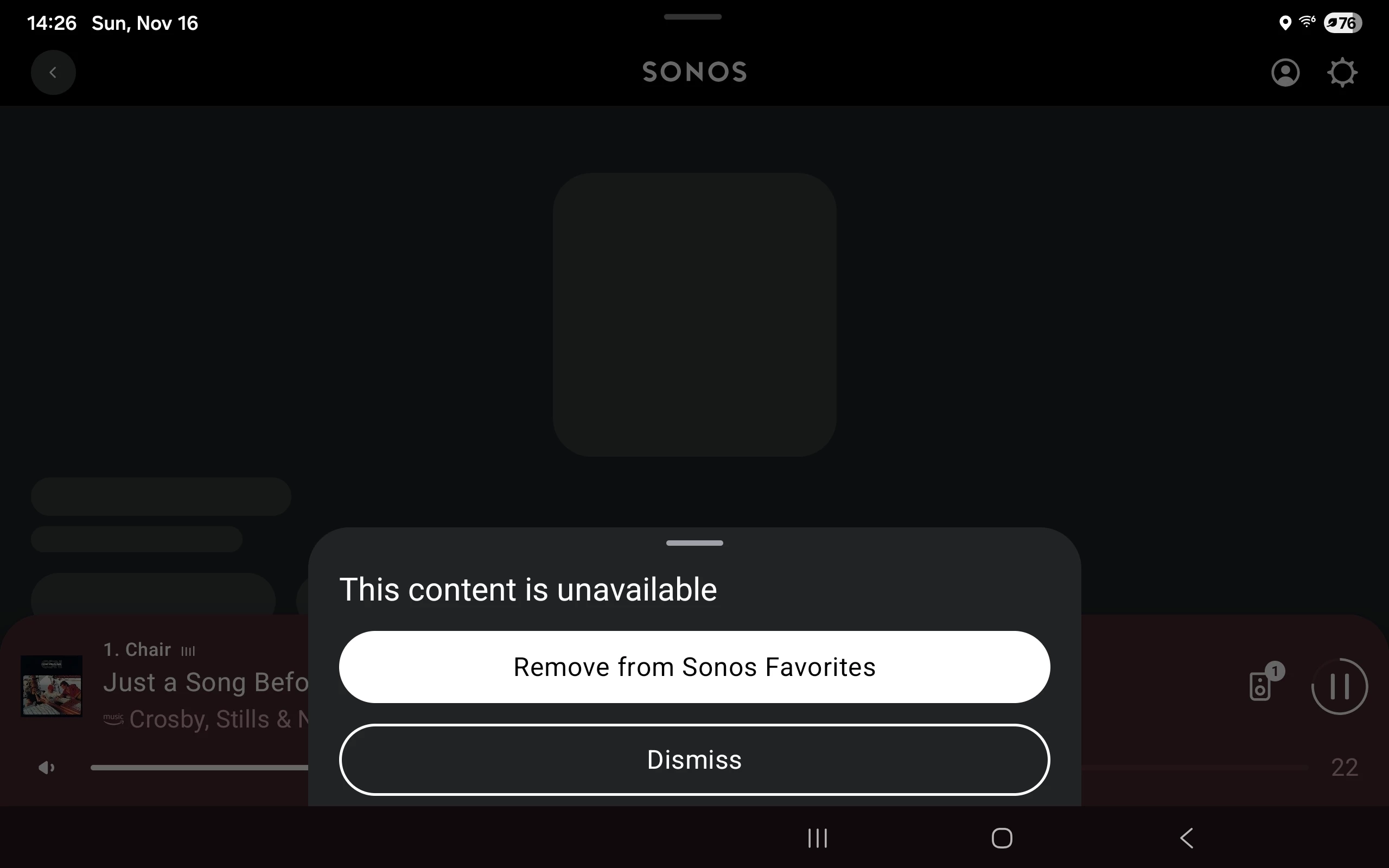
If I clear my Recently Played entries (to avoid issues with old data) and play something from my Favorites, an Amazon Station, it plays with no problem. If I then try to play it from the Recently Played list it fails.

Add this to my earlier topic on Recently Played issues / desires.
https://en.community.sonos.com/controllers-and-music-services-228995/feature-request-remove-recently-played-entries-6930500


This topic has been closed for further comments. You can use the search bar to find a similar topic, or create a new one by clicking Create Topic at the top of the page.
Pinned Reply By Corry P

Hi ​@Stanley_4 

It seems we’ve already been aware of this issue for a while now. We are investigating but have no estimate for when a fix might be put in place.

22 replies

Contributor I
November 17, 2025

This has been an issue on local library for quite some time now.

Yes, this is my problem.

I use Apple Much and a Music Library on a NAS.

Recently Played works with Apple Music but NOT with Music Library.

Since I use my Music Library the most, it is quite frustrating!

controlav
Lead Maestro
November 18, 2025

According to my notes, Recently Played has never worked with the local music library, so it is probably By Design.

Author of the leading independent Sonos apps for Android, MacOS, iOS, Windows and Xbox.
Liam_Carter
Lyricist I
November 18, 2025

It looks like the Recently Played list may be retaining broken or outdated references. Clearing it temporarily fixes playback from Favorites, but entries in Recently Played still fail. This seems like a bug with how the list resolves tracks—hopefully Sonos can address it in a future update.

Mr. T
November 18, 2025

Such a song and dance was made about the Home Screen when the new app was launched.

For Sonos to be “aware of this issue for a while now” without a fix being implemented is quite frankly embarrassing.

Stanley_4
Stanley_4Author
Grand Maestro
November 18, 2025

Wish I could hide it like other unwanted options, but sticking it at the bottom of the screen usually avoids hitting anything there and then having it delete your favorite entry when you tap the wrong button to get rid of it.

Odd that it can find the favorite to delete it but not the actual destination.

Mr. T
November 18, 2025

Wish I could hide it like other unwanted options, but sticking it at the bottom of the screen usually avoids hitting anything there and then having it delete your favorite entry when you tap the wrong button to get rid of it.

Odd that it can find the favorite to delete it but not the actual destination.

You can disable Recently Played under Personalization Services in the app.

Stanley_4
Stanley_4Author
Grand Maestro
November 18, 2025

I'm not seeing the option to disable it on Android, where should I be looking?

Mr. T
November 18, 2025

I'm not seeing the option to disable it on Android, where should I be looking?

Should be under Account > Privacy & Security > Personalization Services

Stanley_4
Stanley_4Author
Grand Maestro
November 18, 2025

That removes the entries but doesn't hide the section.

But after you disable it the hide option is shown which then works.

It should not be a snipe hunt to use this app!


Contributor I
December 12, 2025

I have this problem too, using Music Library on a NAS.  It seems that when my wife last played something (queued up using her phone) then my phone refuses to play that track (even though it can show album art)


VERY annoying - since the two phones are using the same sonos account, but the recently played list is like playing russian roulette