dave77
Headliner I
June 17, 2024
Answered

Random favourites added and can't be removed

  • June 17, 2024
  • 18 replies
  • 442 views

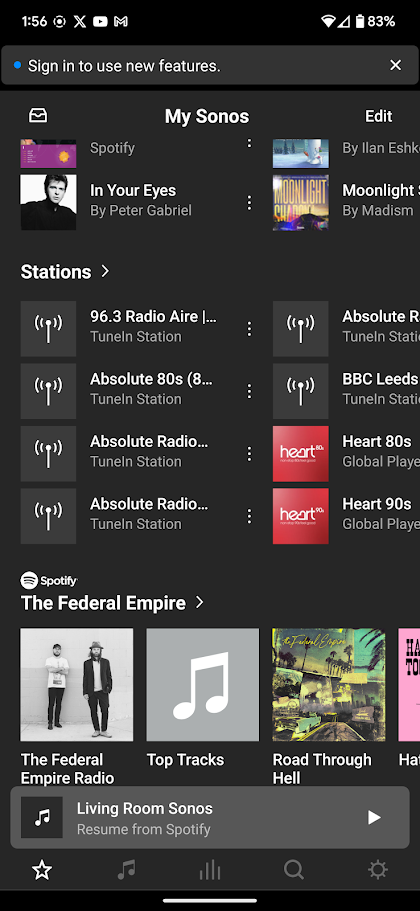
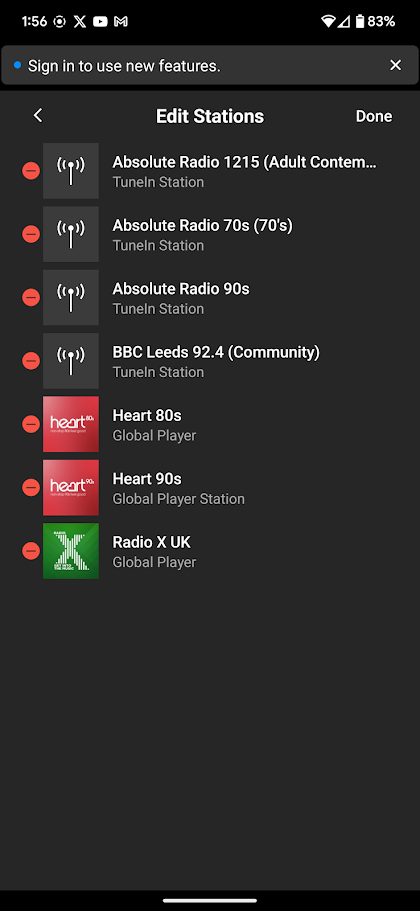
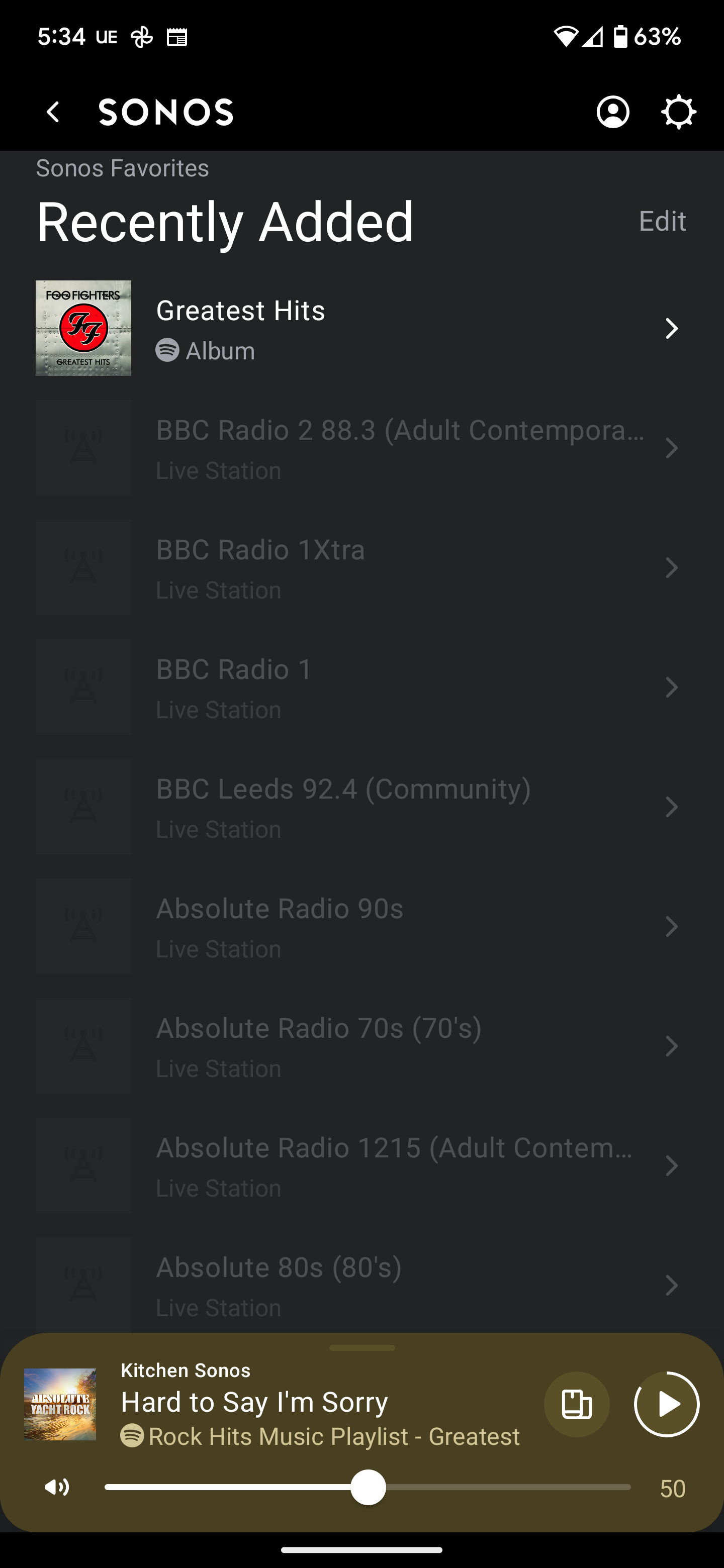
I've just noticed loads of radio stations have been added to my homepage. I can't delete them as they're greyed out 


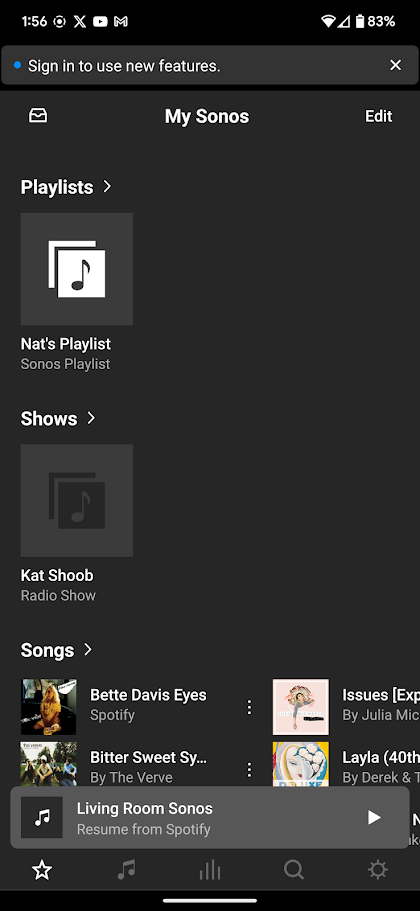
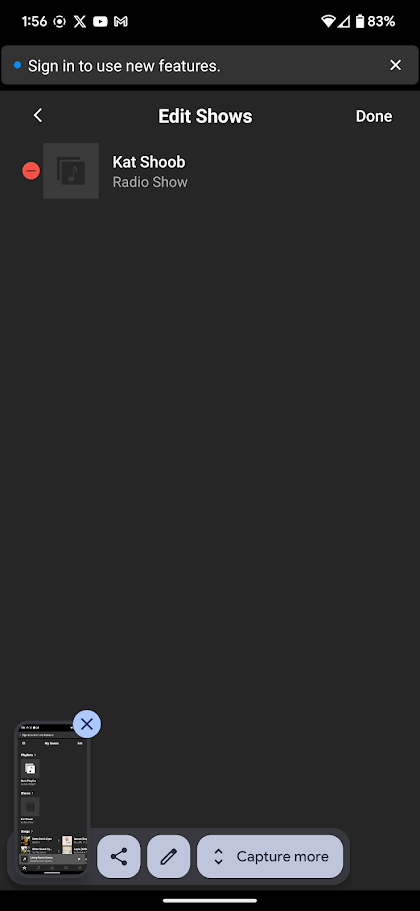
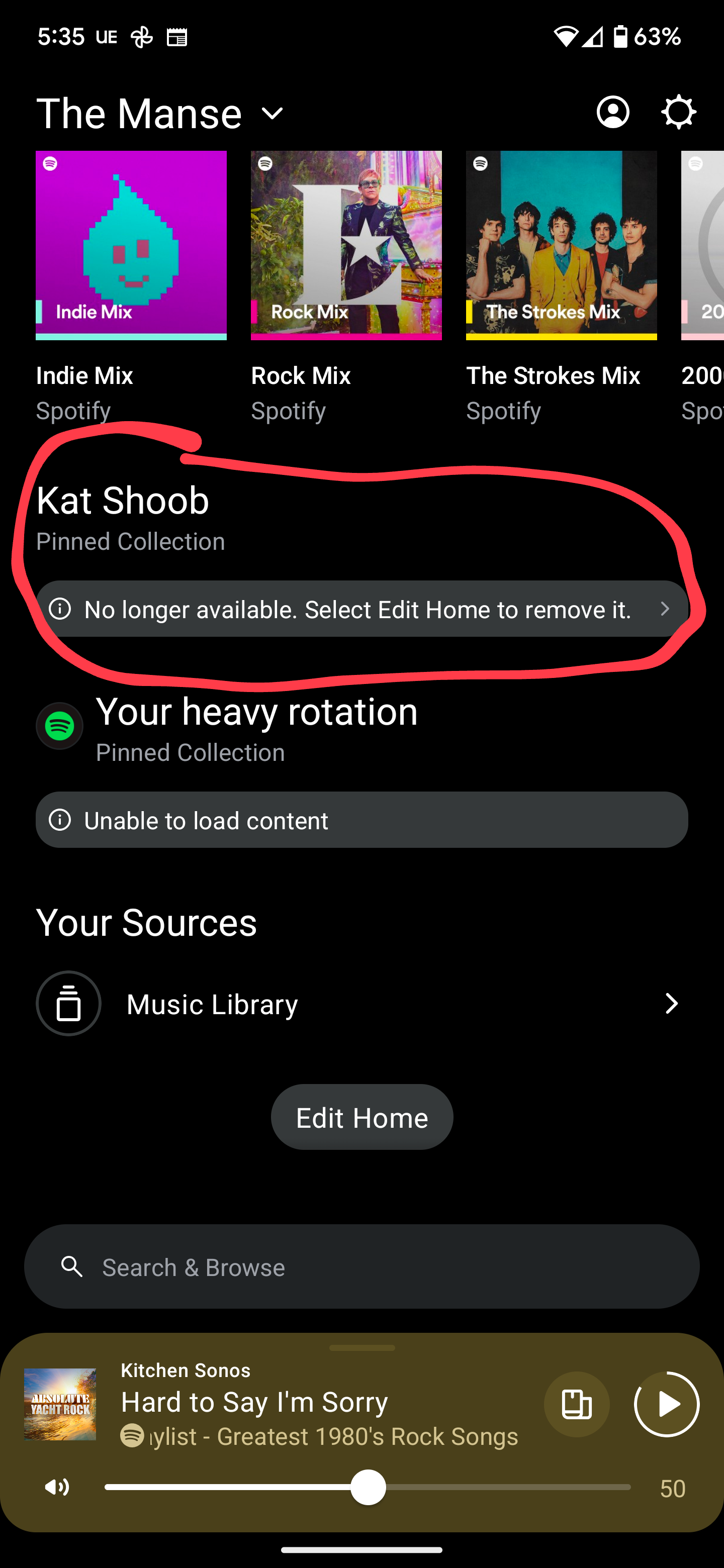
I also have a new section on my homepage called 'Kat Shoob'. No idea who/what that is. If I delete it it just keeps coming back.


What's going on?
This topic has been closed for further comments. You can use the search bar to find a similar topic, or create a new one by clicking Create Topic at the top of the page.
Best answer by dave77

Fixed it! 😁

I uninstalled the app then installed the old app via an apk. The old app allowed me to delete everything. ‘Kat Shoob’ was there as a Show, still no idea where that came from!

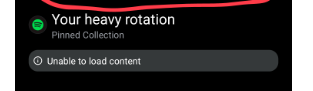
It also let me delete ‘Your heavy rotation’ from the homepage, the new app doesn’t let me delete it, it just keeps coming back and is always empty


Can delete with old app


old app
old app
old app
old app


18 replies

dave77
dave77Author
Headliner I
June 20, 2024

I have used TuneIn in the past but it was the old version which isn’t available anymore. I’ve tried the new TuneIn app but that wouldn’t allow me to remove them.

These favourites have only started appearing recently though, I stopped using TuneIn many months ago. And the ‘Kat Shoob’ “Pinned Collection” is a new feature as far as i’m aware.

Corry P
Sonos Staff
June 20, 2024

Hi @dave77 

Well, thanks for trying those steps anyway. I have no explanation for the Kat Shoob nonsense, but pinned collections are new, yes.

"Common sense is the collection of prejudices acquired by age eighteen." - Albert Einstein
dave77
dave77AuthorAnswer
Headliner I
June 20, 2024

Fixed it! 😁

I uninstalled the app then installed the old app via an apk. The old app allowed me to delete everything. ‘Kat Shoob’ was there as a Show, still no idea where that came from!

It also let me delete ‘Your heavy rotation’ from the homepage, the new app doesn’t let me delete it, it just keeps coming back and is always empty


Can delete with old app


old app
old app
old app
old app


Corry P
Sonos Staff
June 20, 2024

Hi @dave77 

Fantastic! Thanks for updating the thread.

The question now is, are they deleted from the new app as well? I hope so!

"Common sense is the collection of prejudices acquired by age eighteen." - Albert Einstein
dave77
dave77Author
Headliner I
June 20, 2024

Yeah they’re all gone now on the new app.

One thing I did notice when going back to the old app was that I had this on ‘My Sonos’

‘My Sonos’ on the old app


I don’t get that on the new app as a ‘Pinned Collection’ and I don’t seem to have the ability to add a ‘Pinned Collection’ from anywhere. Is that feature not available yet?

Corry P
Sonos Staff
June 20, 2024

Hi @dave77 

You can add a pinned collection by tapping the 3 dot menu button in the top-right of a page that can be pinned:

I don’t have Spotify installed, but I’ve verified with a colleague that Pinned Collections work with Spotify too.

Pinned Collections were not present in the old app, so I suspect what you see there is just a favourite marking an artist, maybe? I can’t go back to the old app to check.

I hope this helps.

"Common sense is the collection of prejudices acquired by age eighteen." - Albert Einstein
dave77
dave77Author
Headliner I
June 20, 2024

Thanks, I can see some things I can pin but I can’t pin an artist in Spotify to replicate the above. I’ll live with it!

Corry P
Sonos Staff
June 20, 2024

Hi @dave77 

My colleague is also unable to pin a single artist from Spotify on the Home Screen. I don’t know if this is intentional or not, but I am also unable to do so with YouTube Music, so my guess is that it is intentional. You can save an Artist to your favourites, still, using the 3-dot menu.

What you see in my screenshots above is not an Artist that’s been pinned - it’s the Home section of YouTube.

I hope this helps.

"Common sense is the collection of prejudices acquired by age eighteen." - Albert Einstein