Contributor I
November 9, 2024
Answered

iPhone16 Pro - Sonos App not connecting to my Sonos speakers

  • November 9, 2024
  • 16 replies
  • 2904 views

Help! My Iphone16 Pro can’t seem find and control our Sonos Play:1 speakers. Weirdly it did work for about 10 minutes before it then dropped out and disconnected.

Iphone 16 Pro

iOS 18.1

Router: BT Home Hub 5


Checks I’ve done:

  • I can access and control the system via the Web Browser app.
  • I have installed and reinstalled the iPhone Sonos app
  • I have checked that the iPhone Sonos app is up to date
  • I have instructed app to ‘forget current system’ and then reconnect to system
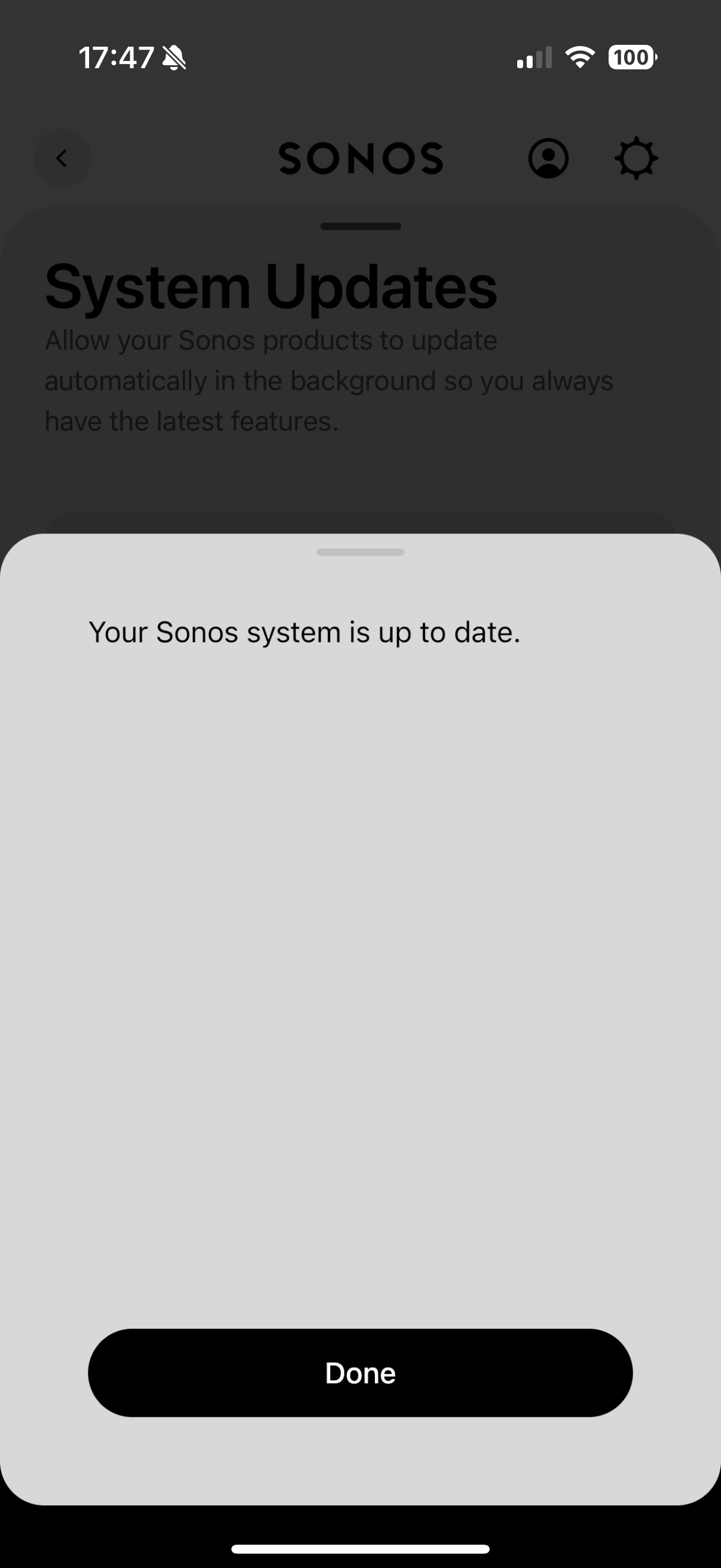
  • The Sonos software is up to date
  • I was sat right next to the wifi router and the sonos speaker whilst undertaking these checks and installations
  • My husband can still control the speakers

Issues

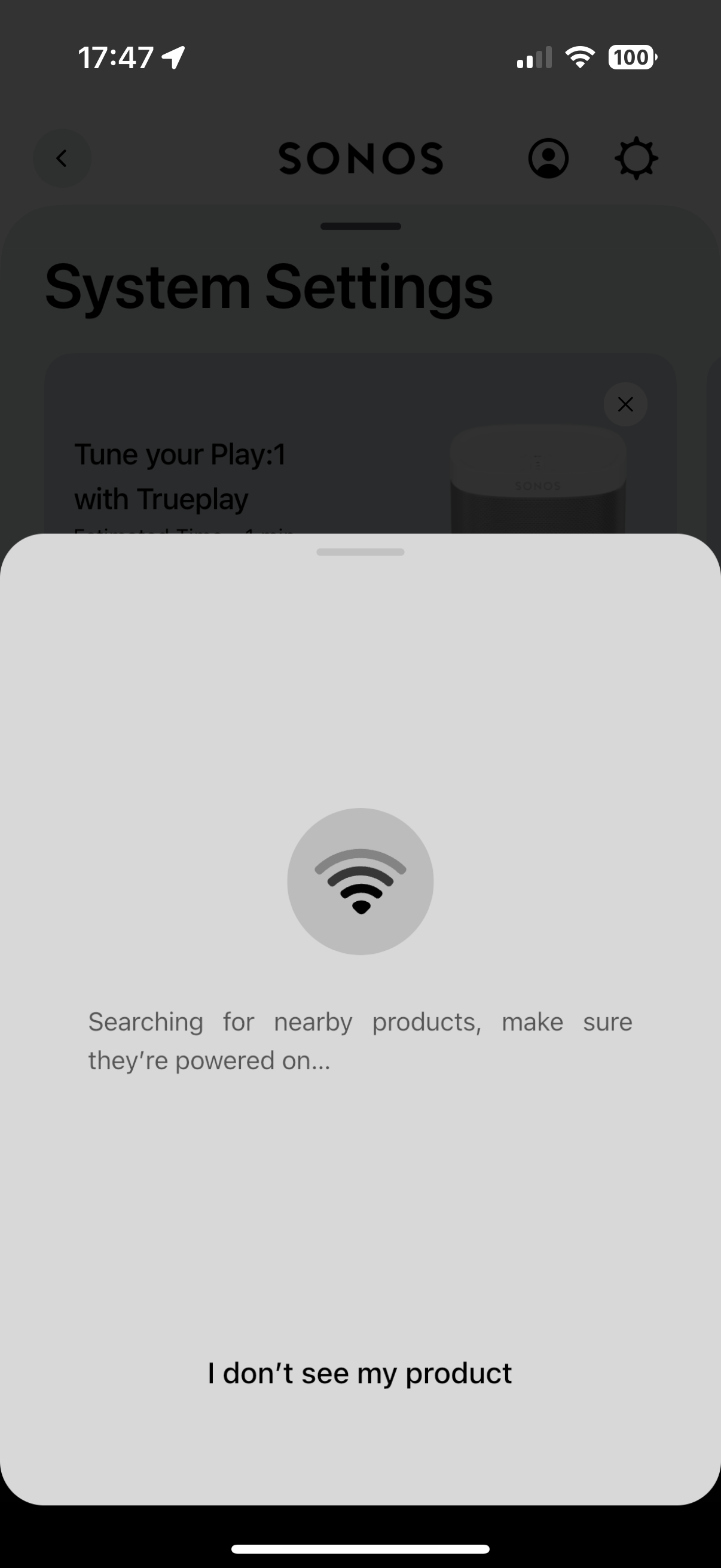
  • I can successfully connect to the system
  • App also has successfully reconnected to streaming services
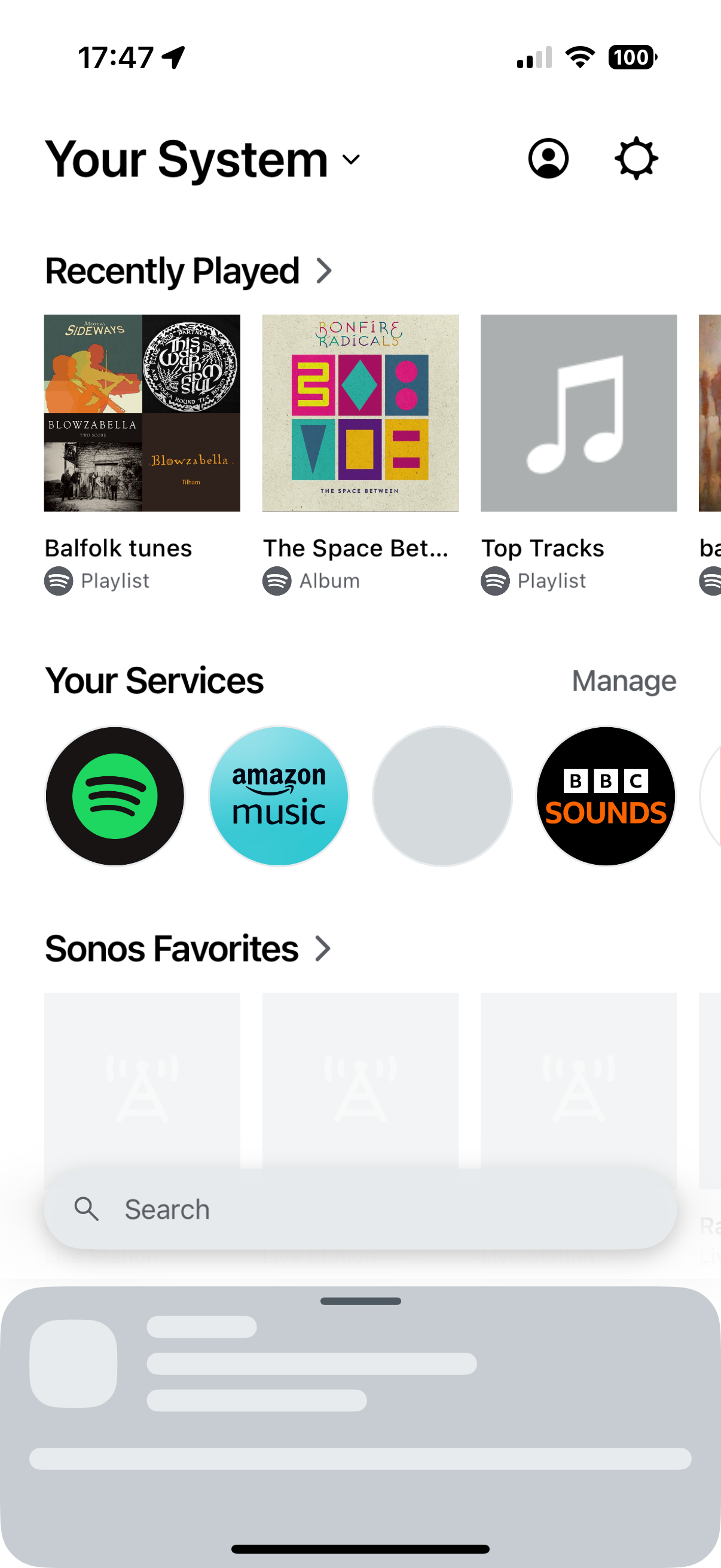
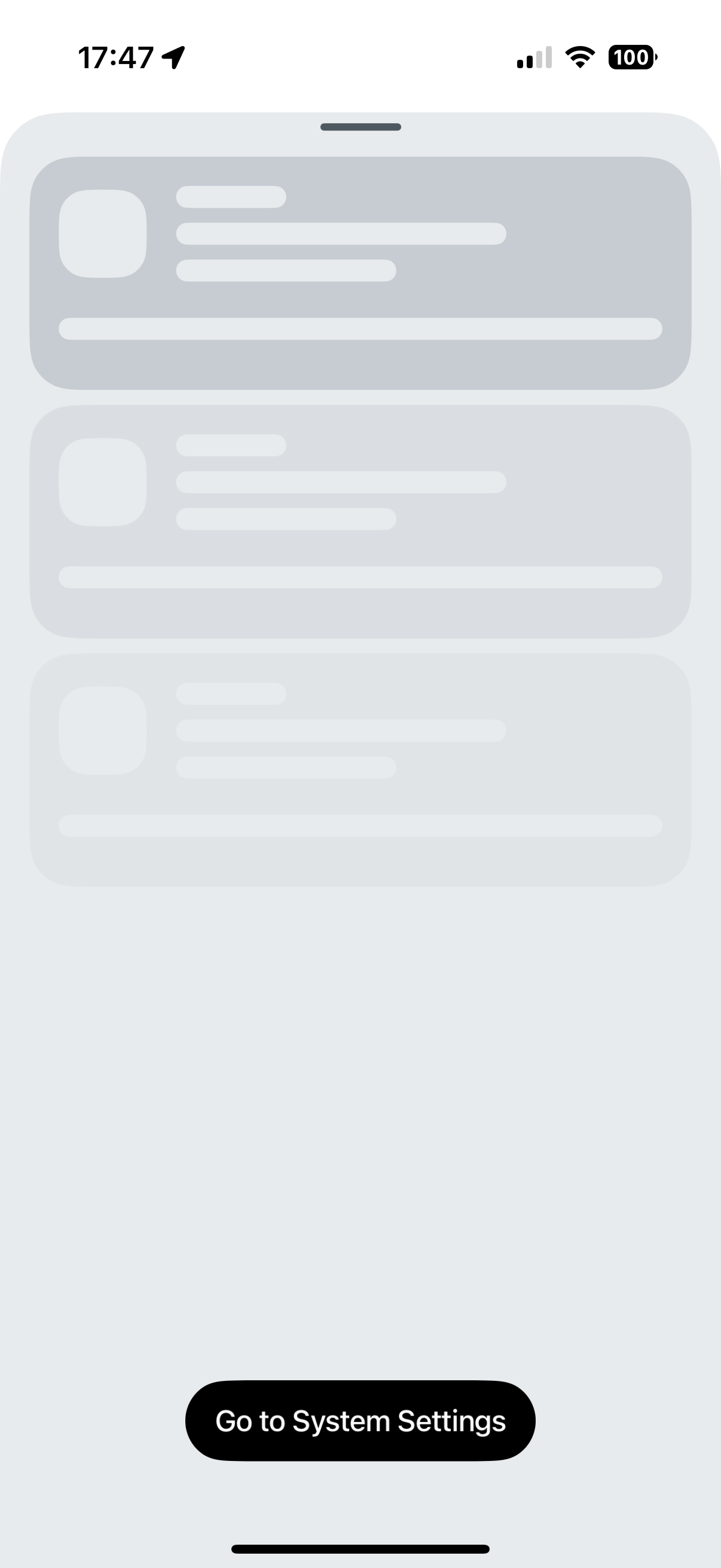
  • But the Sonos App won’t list and display speakers. Meaning I can connect to the system but not actually control it!


Moderator edit: removed picture with serial numbers

This topic has been closed for further comments. You can use the search bar to find a similar topic, or create a new one by clicking Create Topic at the top of the page.
Best answer by Corry P

Hi @Doows16 

Welcome to the Sonos Community! And, apologies for the delay.

Sorry to hear of this issue you are having with not being able to control your Sonos system from your iPhone.

Thank you for the details of what you have tried already - we can therefore skip the first few things I was going to suggest.

Please navigate in your iPhones settings: Settings » Privacy & Security » Network » Sonos and ensure the Sonos app still has permission to access the local network.

If you have any firewall software installed on your iPhone that your husband does not have, please try temporarily disabling it to see if that is the cause of the issue.

Finally, if your iPhone was supplied to you by your place of work, it is possible that it has restrictions placed upon it - you would need to talk to your IT department if this is the case.

I hope this helps.

16 replies

Lyricist I
December 10, 2024

I first reset the app then deleted it, turned off VPN, forgot wifi network, turned iPhone off for 1min, booted it up, reconnected wifi, reinstalled app from Sonos and then connected to Sonos devices in network and everything did it

Lyricist III
December 19, 2024

Similar issue here.  iPhone 16 pro.  App opens and can see my system but cannot control any of my speakers.  Not even the volume.  Have tried every trouble shooting step I’ve found here and other places online.


I’m so fed up with the new Sonos app, and all the issues since it was introduced, that I’m about to ditch Sonos all together.  Sad for what was once such a great product.

Lyricist III
December 20, 2024

I just tested the Sonos app on my iPad and my kids older iPhones and it still works fine, so it’s definitely an iPhone 16 issue or the new iPhone IOS.  

Lyricist I
January 10, 2025

I have the same issues and tried everything above.  The Sonos app is just clearly not compatible with the iPhone 16 

Lyricist III
January 10, 2025

The last update fixed it for me but it’s laggy and buggy.  Hard to use.  Using a 3rd party app right now that works great.

Lyricist I
February 3, 2025

Major problems for me as well on iPhone 16. The app works just fine on my wifes Android phone. So, I checked the IP addresses of the Sonos devices on her phone. Then checked my iPhone IP address(connected to my home mesh). My problem was the Private Wi-Fi address in the iPhone settings. If switched on, it connects at 192.168.68.xx. All other devices including the Sonos connect at 192.168.0.xx. The Private Wi-Fi setting stops the app from working correctly or seeing your connected system. If turned off the app works as it should.


Go to: Settings>Wi-Fi>Your network name>Private Wi-Fi Address>Toggle to off.


This gives your iPhone the correct 192.168.0.xx address on your router.


You can select “Rotating” but you will only sometimes get the correct address setting.


When out in the wild on other wi-fi you should select Fixed or Rotating for extra security.


Hope this helps