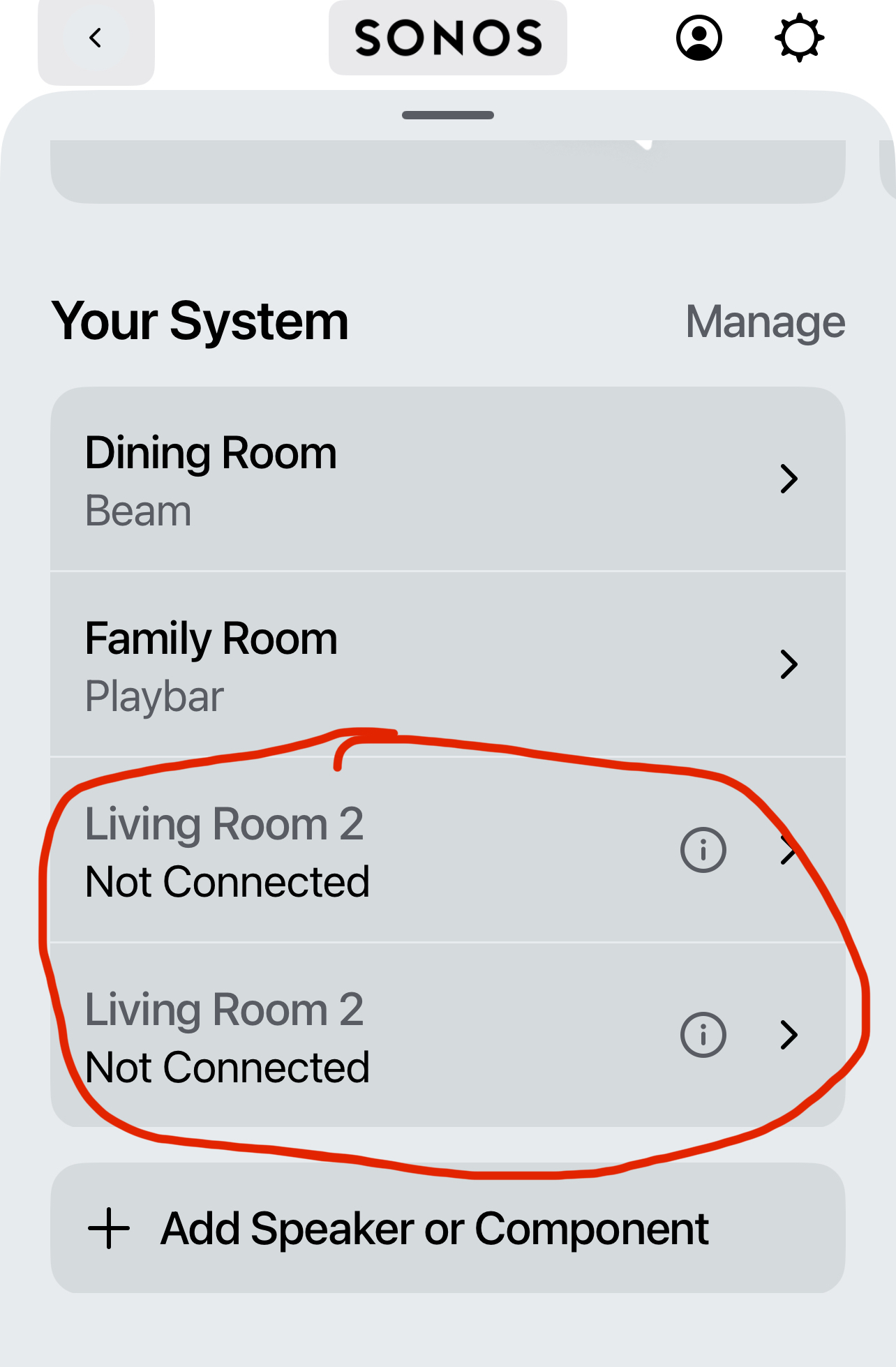
I shall assume provisionally that you want the Sonos Ones to act as surround speakers in each room. Correct me if that isn’t so.
If the Playbar is working, then I suggest you:
- Factory reset the Sonos Ones intended for that room. Do not reset the Playbar if it is working. https://support.sonos.com/en-us/article/reset-your-sonos-product
- Add each of the two Sonos Ones to your system. Call them FR Surround 1” and “FR Surround 2”. (you could call them Donald and Kamala if you wished, but let’s go with something more meaningful}
- In your settings for the Family Room (Playbar) you need to “Add Surrounds”. The Ones will be absorbed into the Family Room.
- In the Settings for Family Room, choose the FULL setting for music, not AMBIENT.
You may like to try to play some music in the Family Room and then post back on here. But if that works, you just need to repeat for your Dining Room Beam, calling the Surrounds “DR Surround 1” etc.
To play music on everything, you need to group the Family Room and Dining Room, but we can deal with that once everything is working.
I hope that helps.