

rosswells127
Prodigy I
October 19, 2023
Answered

Duplicate Imported Playlists when library on Synology NAS

  • October 19, 2023
  • 1 reply
  • 124 views

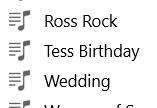
Hi. I have just purchased a Synology 224+ NAS and copied my approx 18,000 song Music library across from an old PC that is on it’s way out. All is running fine with Sonos accessing music from the NAS and the Sonos S2 index process completes in a timely manner. The only issue I have is that my approx 30 “Imported Playlists” list is duplicated within Sonos as per the photo “snippet” below.

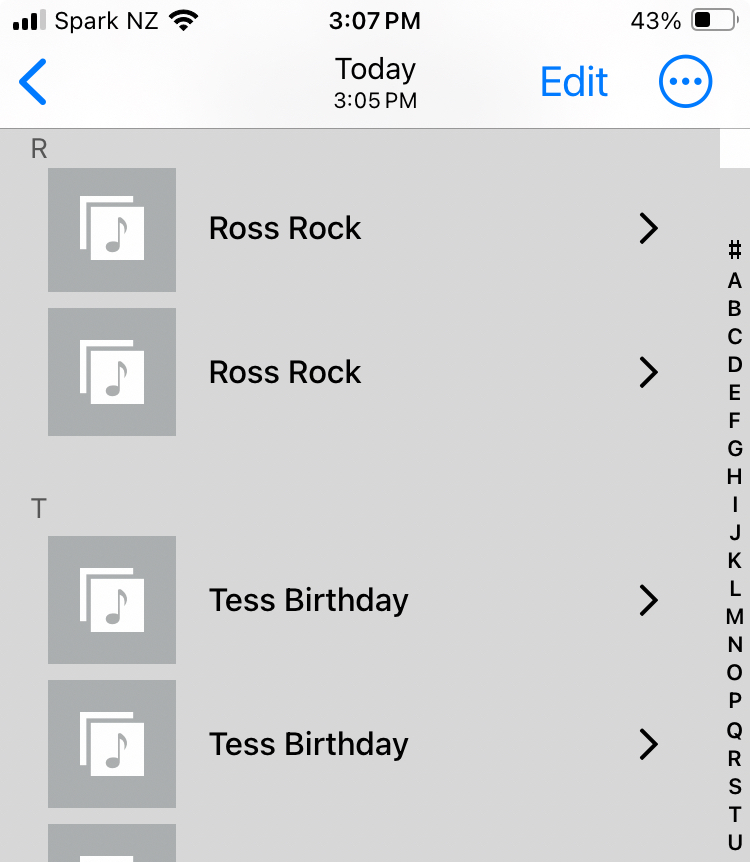
Not a major but does anyone have any clues where the “Imported Playlists” table is built from. iTunes now points at my NAS music share and the playlists only appear once within iTunes as shown below.
 

Ross.

This topic has been closed for further comments. You can use the search bar to find a similar topic, or create a new one by clicking Create Topic at the top of the page.
Best answer by rosswells127

Solved. I had a file called “ITunes Music Library.XML” and another called “ITunes Library.XML” in the ITUNES folder on the NAS. I deleted the first one above and reindexed Sonos and all was good.
Ross.

1 reply

rosswells127
rosswells127AuthorAnswer
Prodigy I
October 19, 2023

Solved. I had a file called “ITunes Music Library.XML” and another called “ITunes Library.XML” in the ITUNES folder on the NAS. I deleted the first one above and reindexed Sonos and all was good.
Ross.